Level up your
presentations into real conversations
Turn passive audiences into active participants with live polls, quizzes and Q&A seamlessly integrated into your slides. No downloads needed. Just click next!

Use it for presentations that come alive

Stage presentations
Present with confidence. Inspire your audience with live polls and quizzes, and take questions anytime through Q&A, all woven seamlessly within your slides.

Leadership AMAs
Share updates, strategy and growth plans with your slides, pulse-check employees with live polls, and keep Q&A open throughout your presentation.

Webinars
Present with slides, engage your attendees with live polls, and keep Q&A open throughout — all without disrupting your webinar flow.

Employee training
Bring training content to life with quizzes, pulse-check learner understanding with polls, and keep Q&A open throughout the session.

Workshops
Make workshops more collaborative with live polls, word clouds and Q&A that help participants share ideas and shape discussions together.

Classroom learning
Turn lessons into interactive learning with quizzes, live polls and always-on Q&A for questions without interrupting the class.
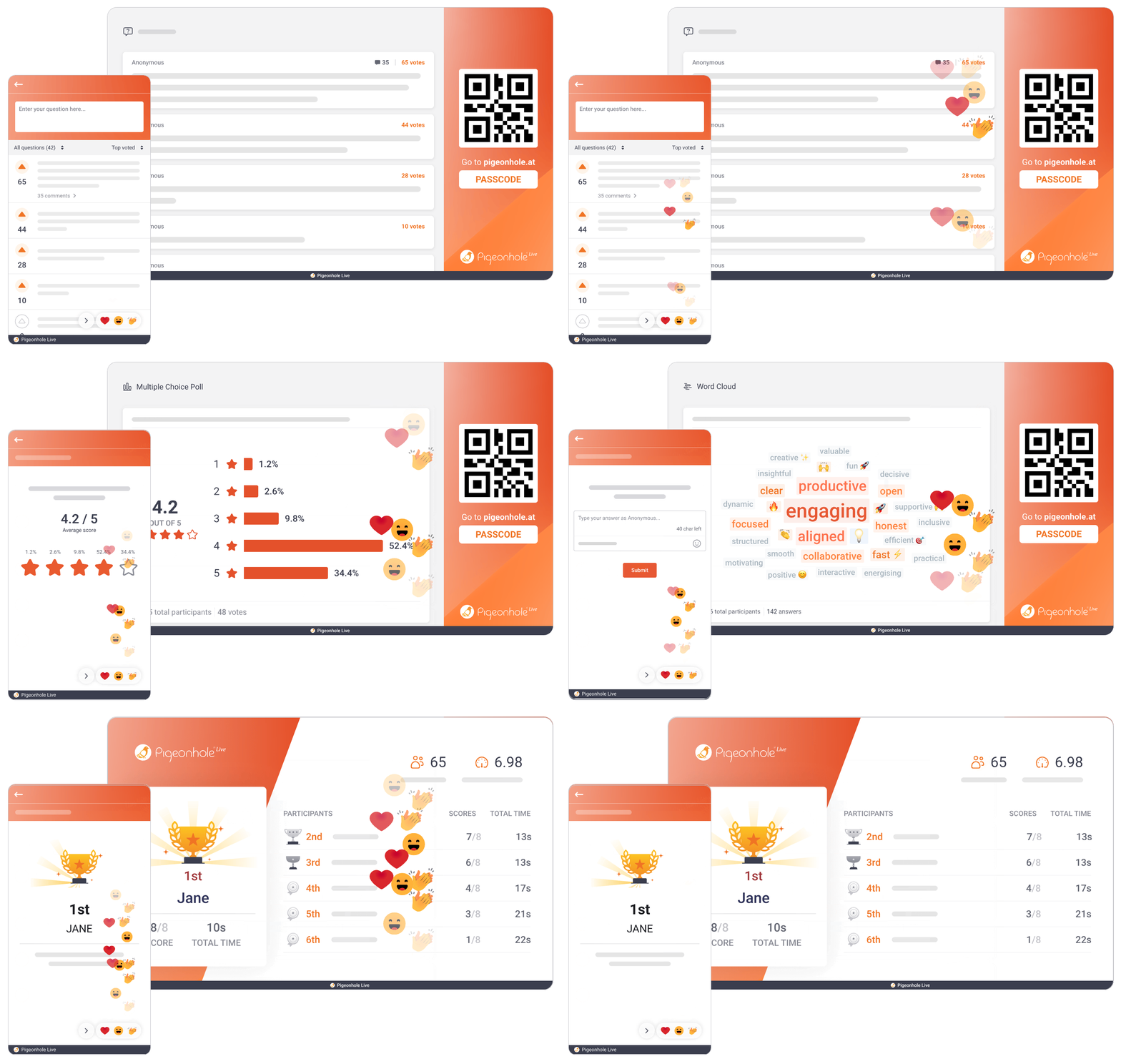
Keep audiences engaged from start to finish
Choose from live Polls, Quizzes, Word Clouds, Q&A and Reactions to match the moment. Whether you are checking understanding, gathering opinions, sparking discussion or simply keeping energy high, there is always a way to bring your audience into the conversation.
Present naturally, without breaking your flow
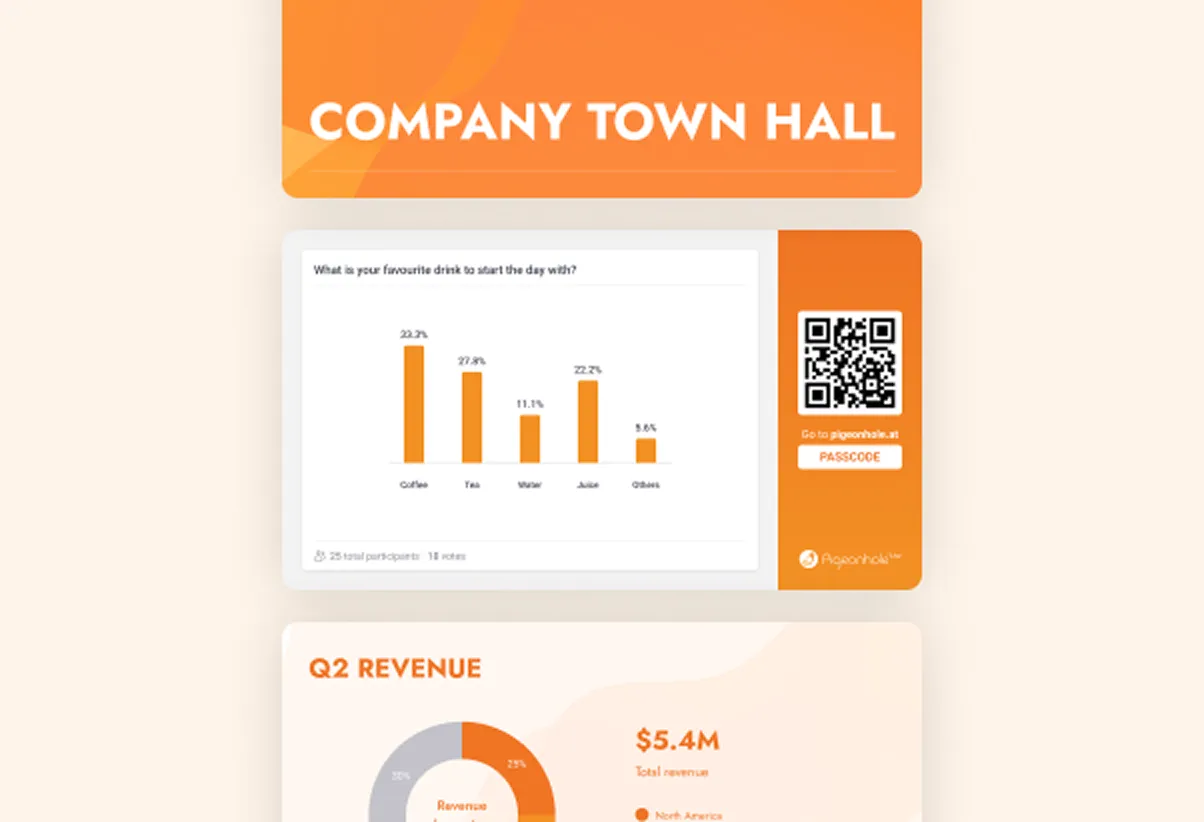
Add Polls, Quizzes and Q&A between content slides in Presentation Pigeonhole, or your favourite PowerPoint/Google Slides. No awkward switching between tabs or tools — just click next and keep presenting!
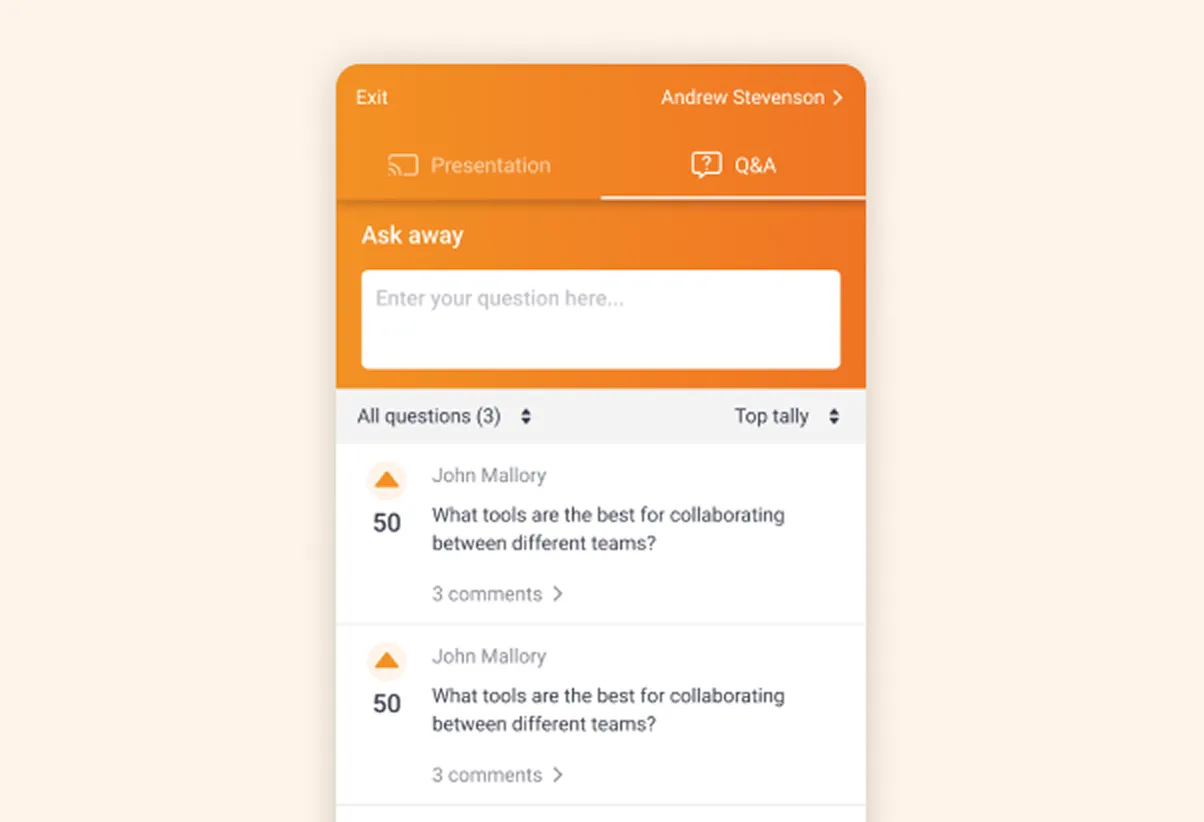
Keep Q&A open throughout your presentation
Let people ask questions whenever they have them, while you stay focused on presenting. Address questions for just-in-time clarifications during a quick Q&A break or at the end.
Start the conversation before you even present
Share your Pigeonhole link ahead of time so attendees can submit and upvote questions before the session begins, or respond to a few polls in advance. Walk into your presentation already knowing what your audience cares about.

Read the room as you present
Quick pulse-checks through live Polls, Q&A and Reactions help presenters understand how people are thinking and feeling in real time — whether to pause, explain further or keep moving.
How it works
You can set this up in minutes.
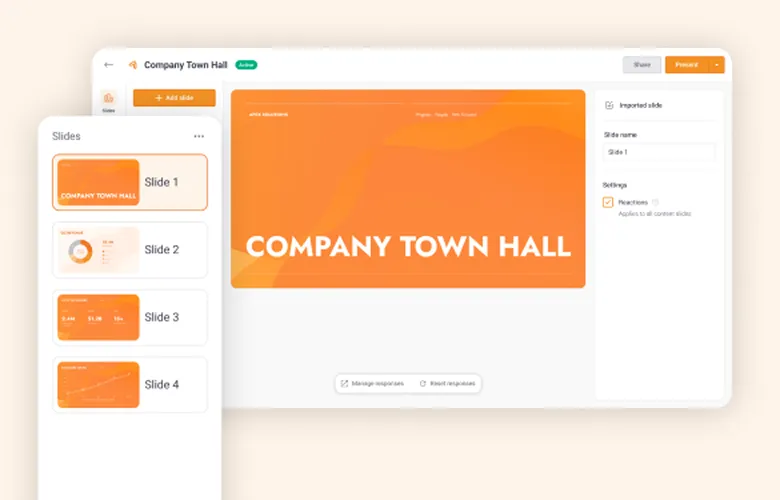
1. Import your slides
To get started, import your slides into Presentation Pigeonhole.
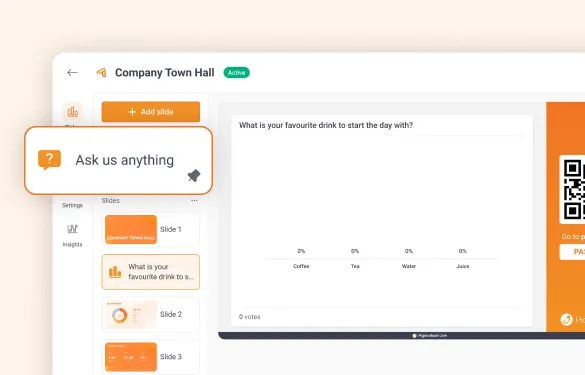
2. Add interactive moments
Enable Q&A and Reactions, then add live Poll slides wherever you want audience participation to happen.
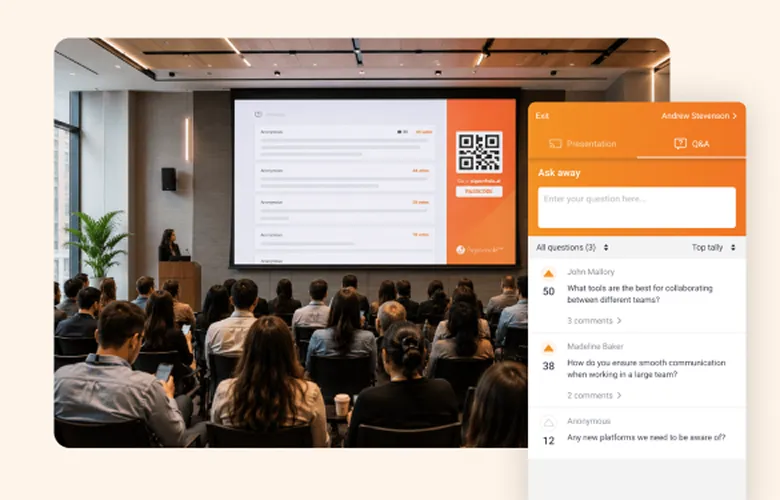
3. Present! Just click next
Hit Present and share the QR code or link with your audience. Breeze through your slides while polls and interactions appear automatically at the right moments. No switching between tools needed.
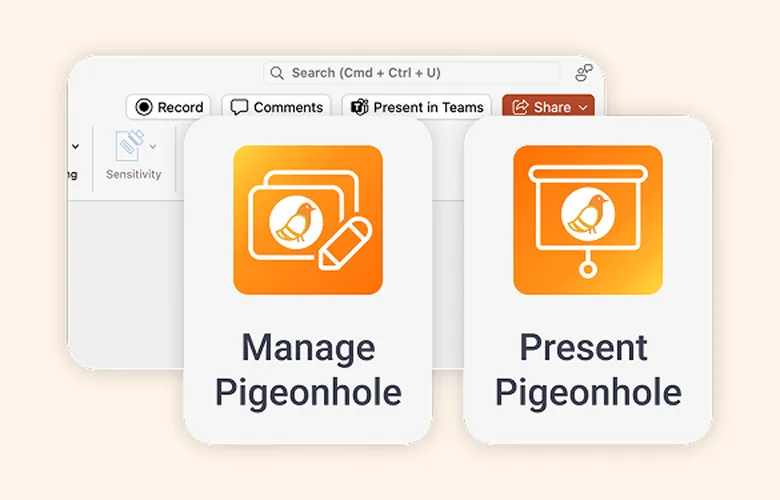
1. Install the add-ins
Install the Pigeonhole Live add-in directly in Microsoft PowerPoint or Google Slides and connect it to your account.
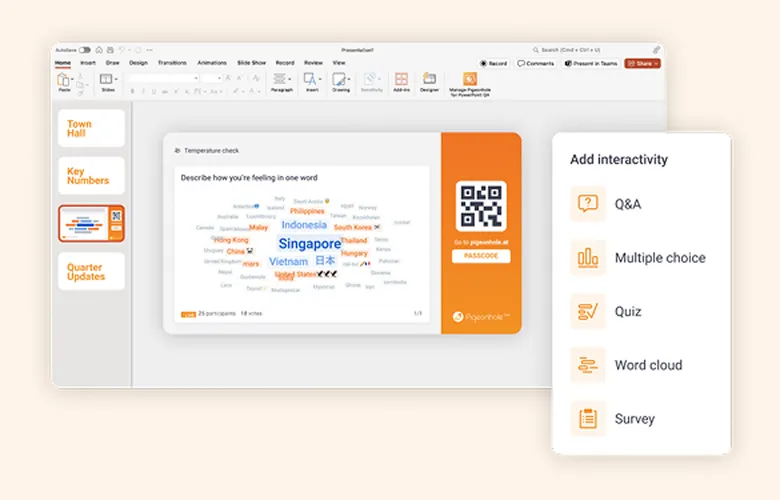
2. Add interactive moments
Enable Q&A and Reactions, then add live Poll slides wherever you want audience participation to happen.
3. Present! Just click next
Hit Present and share the QR code or link with your audience. Breeze through your slides while polls and interactions appear automatically at the right moments. No switching between tools needed.
Trusted by teams who want real engagement













Everything you need to keep your audience engaged






Frequently asked questions
No downloads needed. Attendees simply scan a QR code or open a link on their phone or laptop to join your presentation and participate in Q&A, live polls, quizzes, surveys and reactions.
Yes! You can either import your slides into Presentation Pigeonhole or use our add-ins for Microsoft PowerPoint and Google Slides to add Q&A, live polls, surveys and reactions directly into your presentation.
Yes. You can share your audience link before the session so attendees can submit and upvote questions in advance, or even respond to polls before the presentation begins. It is a great way to understand what matters most to your audience ahead of time.
You can enable Q&A and reactions, and choose from 9 different live poll types including quizzes, word clouds, rankings, ratings, multiple choice and more — depending on how you want your audience to participate.
Absolutely. Pigeonhole Live is commonly used for stage presentations, webinars, leadership AMAs, employee trainings, workshops and classroom learning — anywhere audience participation matters.
Just click next! We’ll handle the interaction
Create an interactive presentationStart with up to 100 participants. No credit card required.
Running a larger presentation?
Tell us what you’re planning and we’ll help you set it up so everything runs smoothly at scale.