 Reactions
See how your audience feels with live Reactions
Capture real-time Reactions without interrupting the flow. Spot energy shifts, gauge sentiment, and see engagement unfold as it happens.
More than words
Let your audience respond subtly in the background, so you know what’s landing, what’s missing, and when to adjust.
How Reactions work
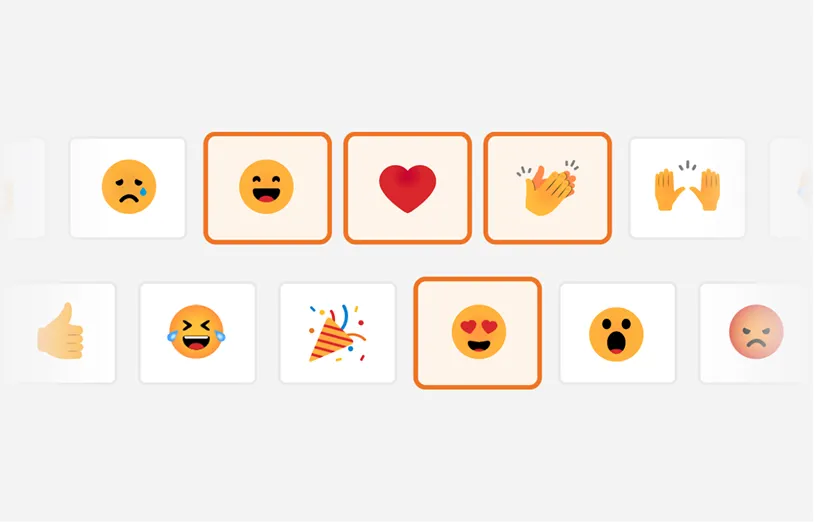
1. Choose your Reactions
Pick from a set of emojis or upload your own to match your brand and tone!
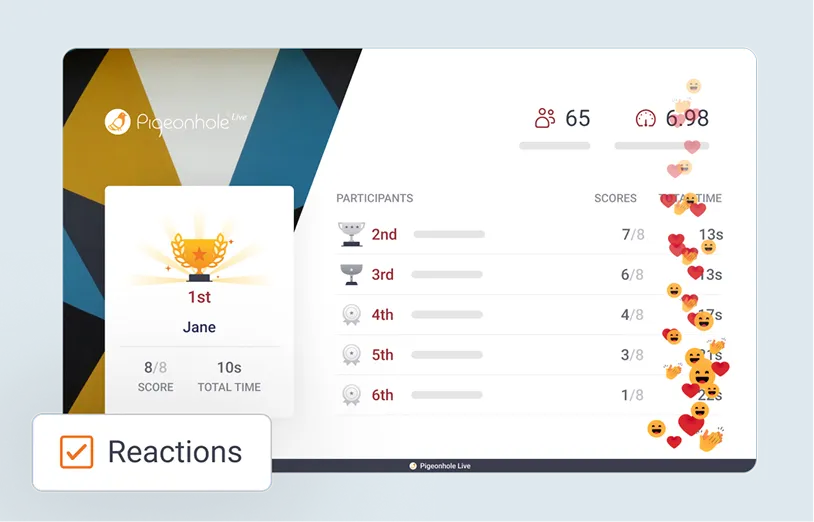
2. Turn them on where it matters
Enable Reactions for specific sessions or slides, and keep control over when your audience can respond.
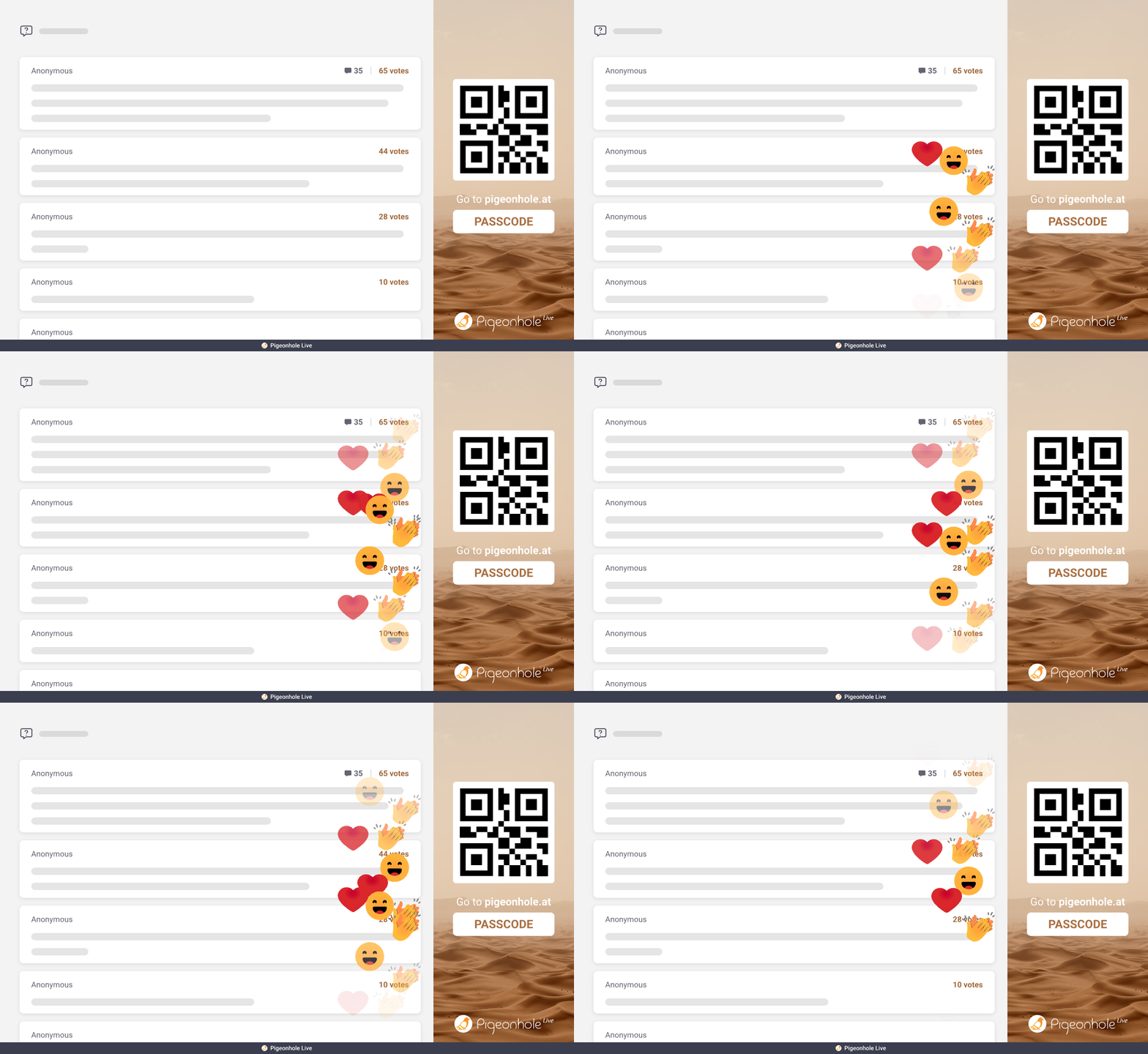
3. See and respond in the moment
Watch Reactions come in live, spot what’s landing (and what’s not), and adjust your pace or address questions as you go.
Works wherever your audience is
Reactions give you a constant sense of how your audience feels, whether they’re in the room, on screen, or both.

Bring Reactions into your event experience
Embed them into your event platform or live stream so attendees can react right where they are watching.
















Where Reactions make the difference
From presentations to large-scale events, Reactions give you a continuous sense of how your audience feels, so you can respond in the moment and learn from it after.

Presentations & Training
Know when to slow down, or move on
Reactions act as a quiet backchannel during presentations, trainings, and classes. See when your audience is following, when they’re not, and when it’s the right moment to pause for questions.

Town Halls & All Hands
See how your team feels, beyond Q&A or Polls
Not everyone speaks up in Q&A or polls. Reactions give every employee a simple way to respond, bringing together in-person and remote voices into one shared view of sentiment.
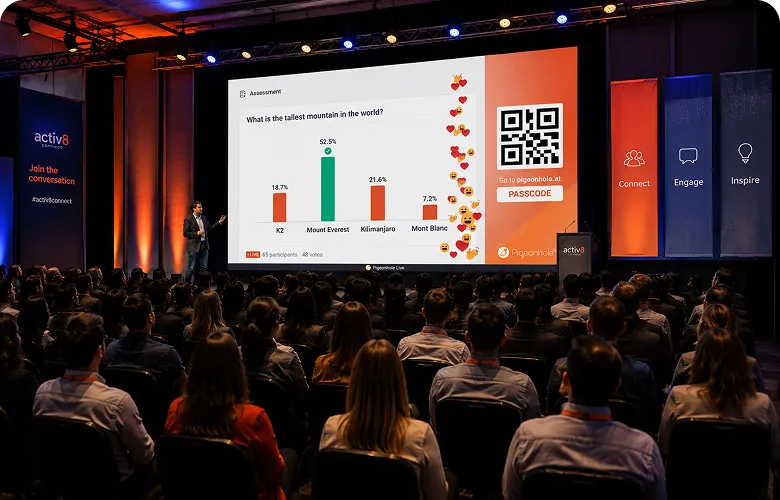
Conferences & Events
See what lands, session by session
Reactions add another layer of insight beyond Q&A and polls. See how audiences respond during each session, and use post-event data to understand what worked and what to improve next time.

Livestreams & Broadcast
Make audience sentiment visible on screen
Bring your virtual audience into the experience. Reactions can be displayed alongside or over your video, giving presenters a live sense of audience sentiment as they speak.
Go beyond Reactions
Reactions show you how your audience feels. Combine Reactions with other features to understand what they think, ask, and share.

Q&A
Surface the questions that matter. Let your audience ask, vote, and focus the conversation where it counts.

Polls
Move from instinct to input. Ask questions and gather structured responses you can act on.

Chat
Move from instinct to input. Ask questions and gather structured responses you can act on.

Surveys
Capture feedback while it’s fresh. Collect deeper insights when your audience is still engaged.
Frequently asked questions
Live Reactions let your audience respond instantly with emojis during your session. Reactions appear live on screen, helping you see engagement, energy, and audience sentiment in real time.
Audiences can join by scanning a QR code or clicking a link on their phone or laptop. They react instantly through the browser, with no downloads or setup required.
Yes. Reactions work for in-person, virtual, and hybrid sessions. You can use them directly in the Pigeonhole Live app or embed them into your event platform or live stream.
Yes. You can choose emojis that match your session, audience, or brand. Reactions can also be turned on or off for individual sessions.
Yes. Every reaction is recorded automatically, and you can export detailed reports to Excel to review audience engagement and response patterns after your session.
Feel the room, in real time
Start using Reactions to see how your audience responds, as it happens.
Try live ReactionsNo credit card required.