Trusted by the world's leading companies







One platform. Two ways to engage.
Slido offers a one-size-fits-all setup for every occasion.
Pigeonhole Live gives you two purpose-built experiences, so you can keep presentations simple and run complex events with confidence.
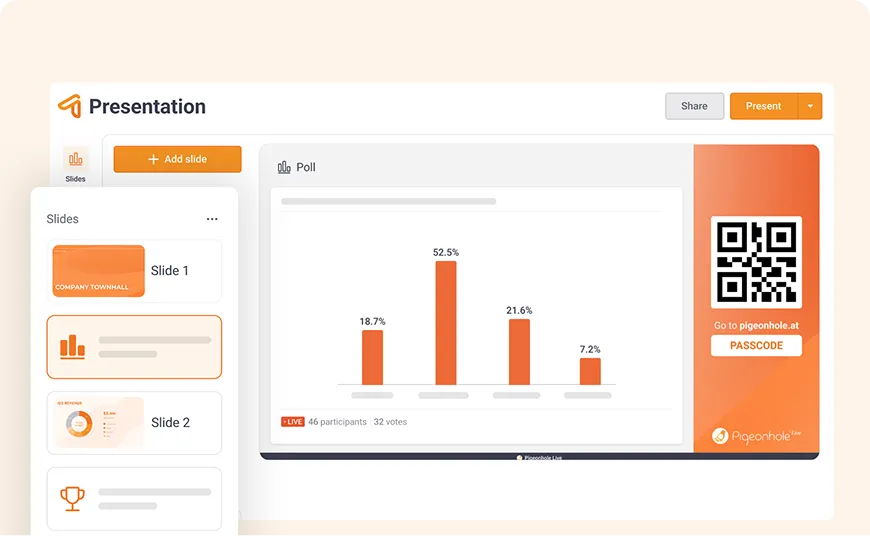
Presentation Pigeonhole
Create an interactive presentation in minutes. Import your slides, then add Q&A, Polls, Quizzes, and more in one seamless flow.
Click next to launch an interaction, then return to your slides without switching tools. Read the room with Reactions and bring in Q&A when needed.
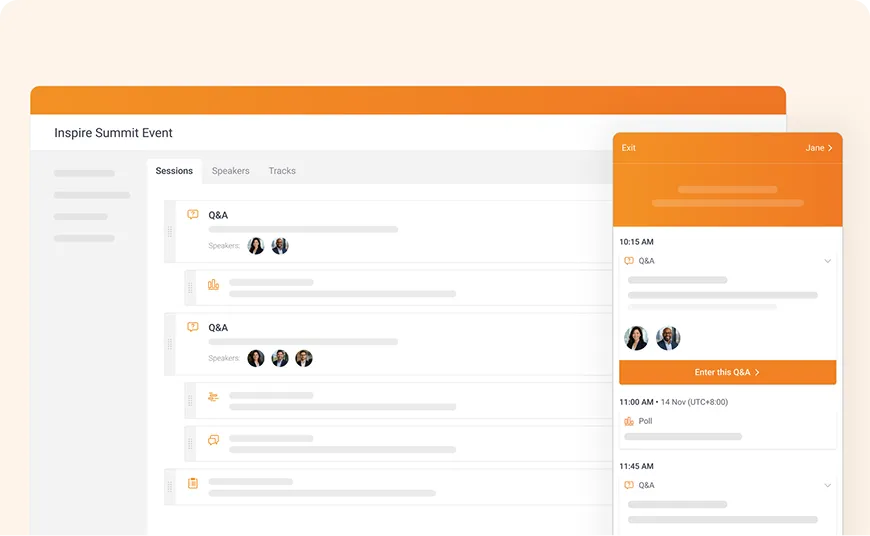
Event Pigeonhole
Organise high-stakes, multi-session, and multi-track events with structured engagement and session-specific interactions. Keep everything organised with clear session-level reporting afterwards.
Give admins, moderators, and speakers the tools to work together behind the scenes, with enterprise-ready integrations built to scale.
When Q&A matters, moderation matters
Pigeonhole Live lets admin review questions backstage, while moderators see the top, curated questions in a dedicated Moderator Panel and stay focused on the conversation.
Explore Q&A →Collecting questions is easy. Running a great Q&A takes more.
Everything you need to get your audience involved
From quick pulse checks to deeper conversations, choose the interaction that fits the moment.
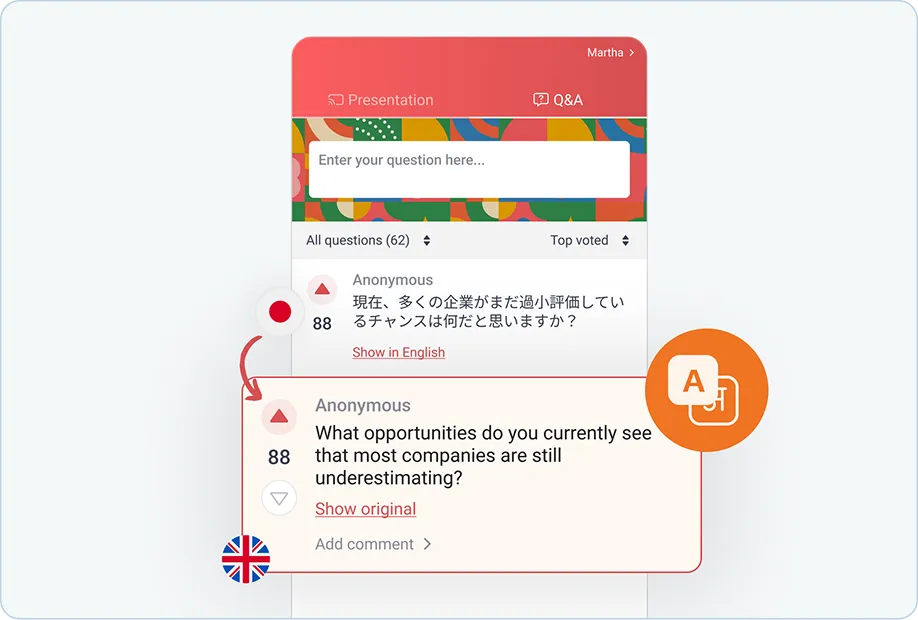
54 languages.
One Q&A conversation.
Slido can translate its interface, but audience questions and poll content stay in their original language.
With Pigeonhole Live AI Translation, attendees can read and respond to Q&A in real time across 54 languages, in the language they prefer.
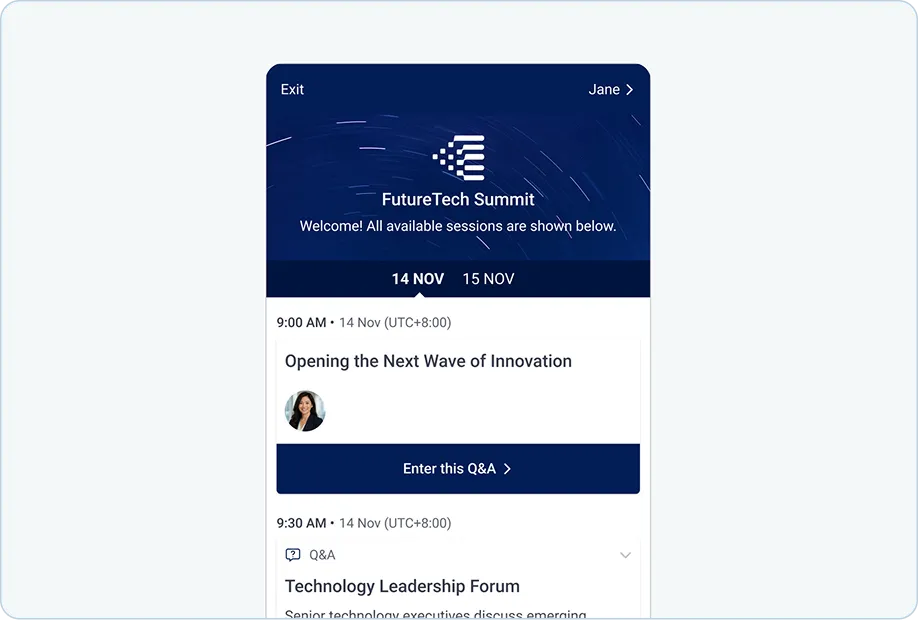
Build a structured, interactive Agenda
Slido retired its Agenda and Sessions features and now uses Multiple Rooms for parallel sessions.
With an Event Pigeonhole, you can run multi-session, multi-track, and multi-day programmes from one Agenda, with speaker profiles, real-time updates, and dedicated Q&A, Polls, Surveys, and Reactions for every session.
Pigeonhole Live vs Slido, at a glance
No wall of ticks. Just the differences that might actually change how you work.
View pricing →What matters


The right setup for every occasion
Two purpose-built experiences: Presentation Pigeonhole for seamless presenting, Event Pigeonhole for structured events.
One, same core setup for presentations, meetings and events.
Present and engage in the moment, confidently
Import slides into Pigeonhole, add interactions and present seamlessly with live Reactions and just-in-time Q&A.
PowerPoint and Google Slides integrations are available too.
PowerPoint and Google Slides integrations are available too.
Add Q&A and Polls through PowerPoint or Google Slides integrations only.
Running multi-session events
Interactive Agenda: organise sessions, speakers and engagement in one place, without needing a separate event app.
Agenda and Sessions retired by Slido in 2024. Multiple Rooms for parallel interactions.
Ways to engage your audience
More ways to interact: Live Q&A, 9 Poll types, Survey, Reactions, and Chat.
Q&A, 7 Poll types, and Survey.
Keeping Q&A under control for high-stakes conversations
Dedicated Admin and Moderator Panels: Offstage admins review questions while onstage moderators has a dedicated Moderator Panel to view all or list of questions curated by offstage admins.
Host and co-hosts use the same admin interface to review Q&A questions. No dedicated interface for on-stage moderators.
Breaking language barriers
AI-powered Q&A translation across 54 languages: attendees can follow questions and discussions in the Q&As in their preferred language
Translation is limited to the interface. Audience responses stay in the language they were submitted in.
Engaging audiences at scale
Up to 100,000 participants: built for everything from everyday presentations to high-stakes global events.
Up to 5,000 on standard Enterprise plans; larger events on request.
Fitting into your event tech stack
Event-level, room-level and session-level embeds: integrate engagement into individual sessions across event platforms.
Room-level embeds available, but no session-level embeds.
Public API
Public API is available for building custom enterprise integrations.
Slido does not offer its API for open integration.
Buying flexibility
Annual or monthly plans. The monthly plan allows unlimited Pigeonholes and ample time to cover preparation, live event and post-event follow up.
Annual or one-time plans. The one-time plan is for one event only, with 7-day duration.
Thinking of switching from Slido?
Tell us how you use Slido today, and we’ll show you how the same setup could work in Pigeonhole Live.
You may have used us without knowing it
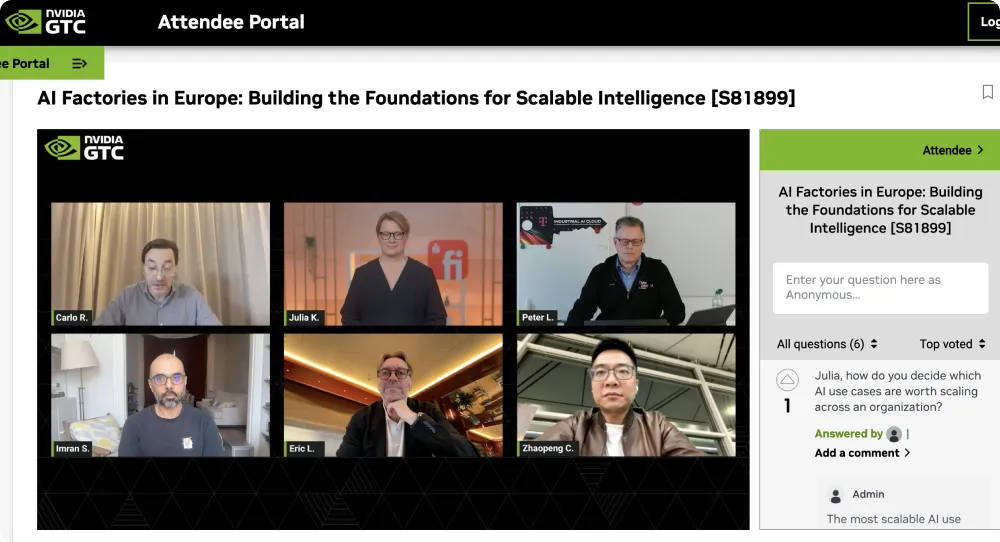
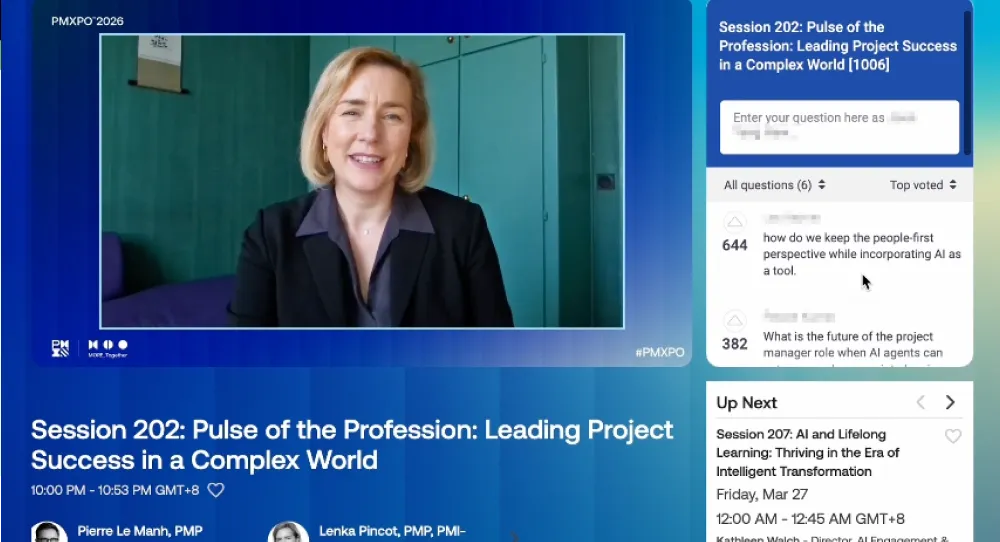
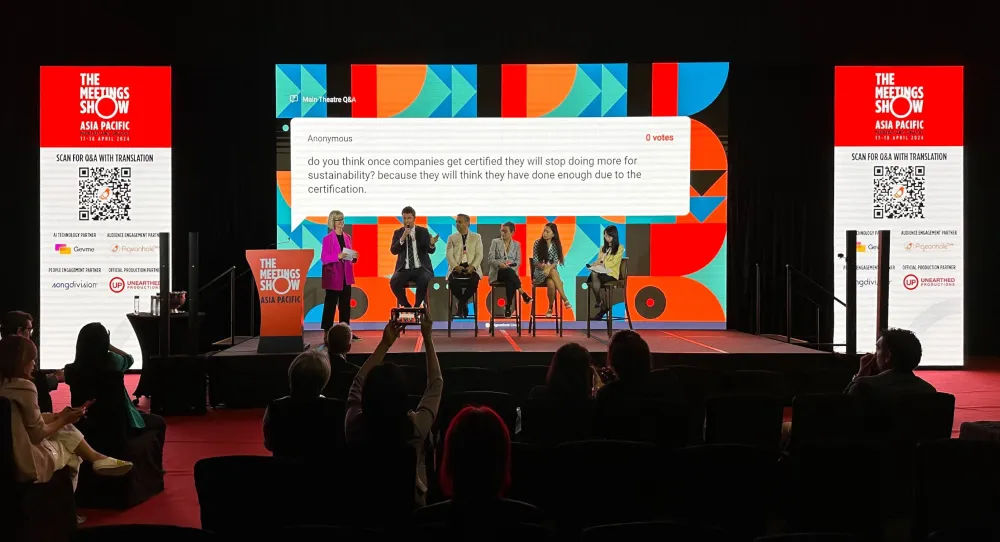
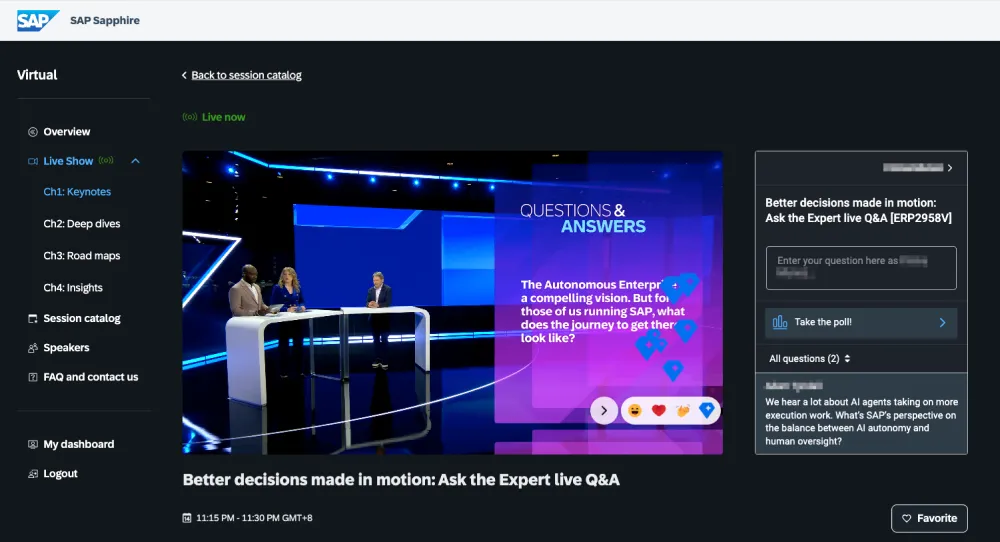
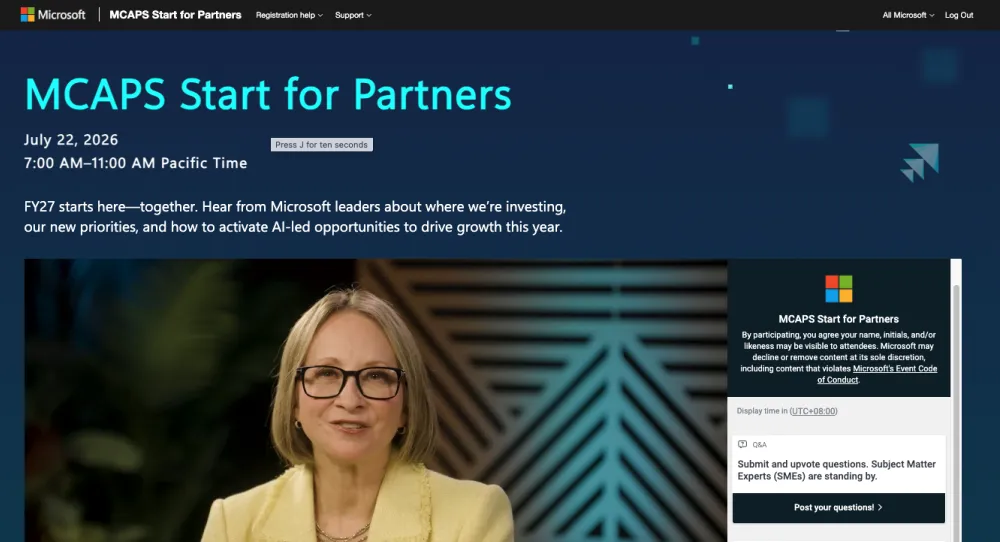
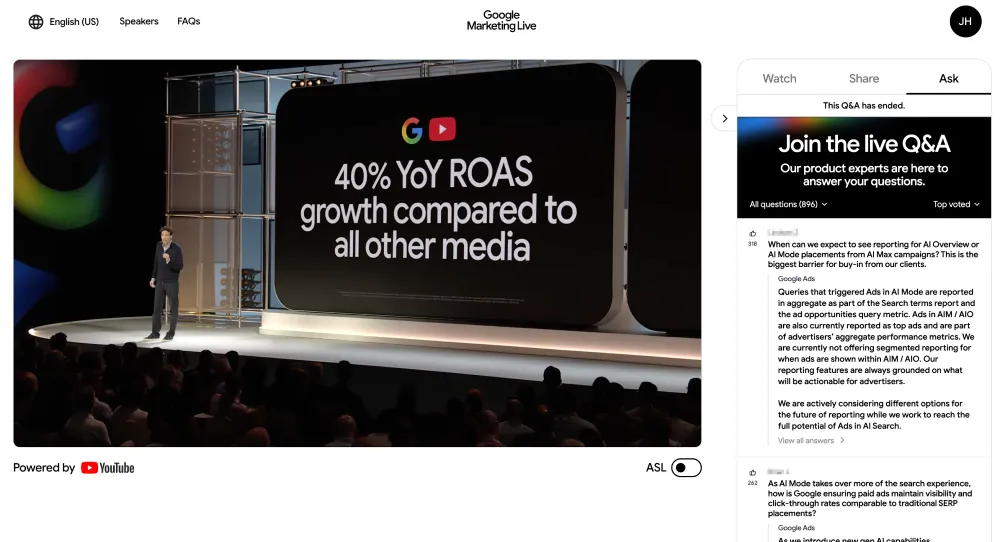
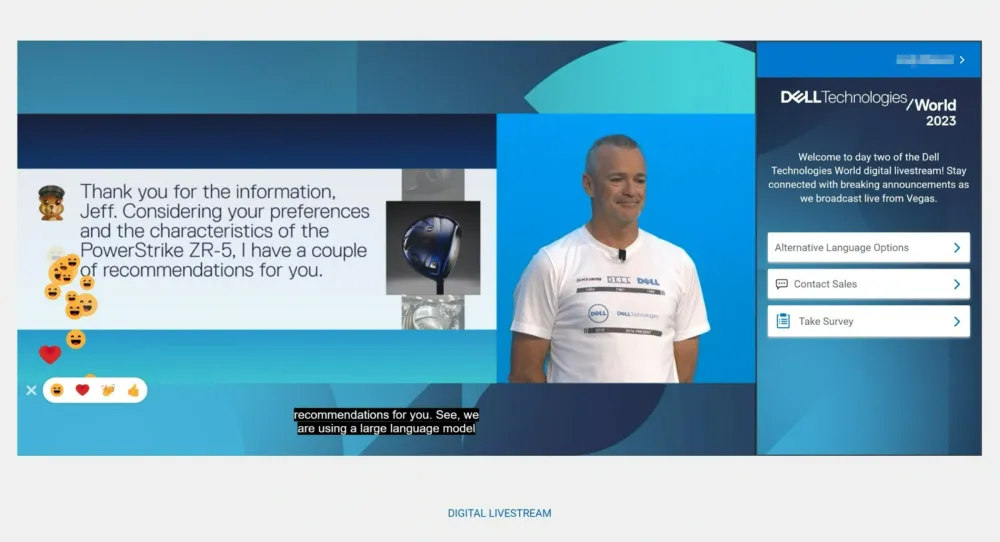
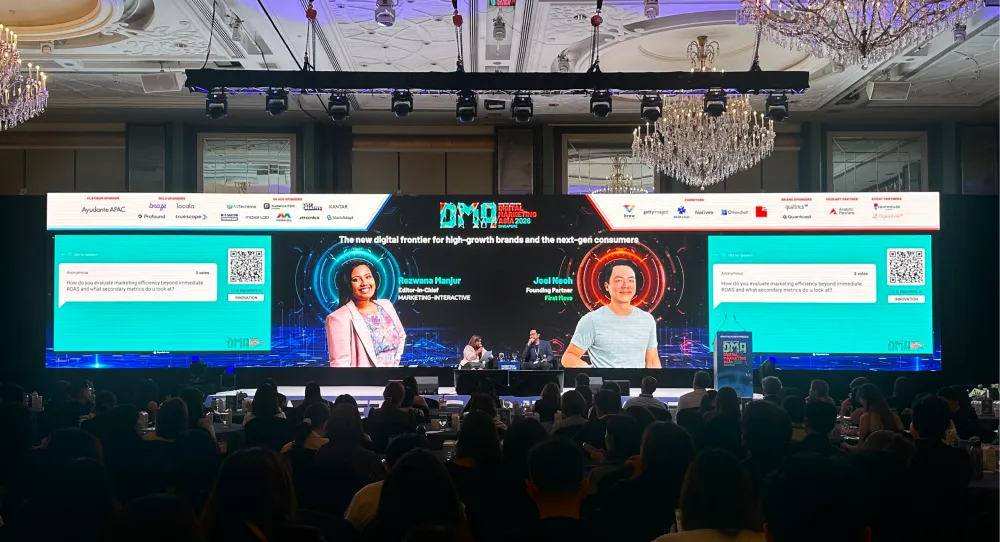
No, it’s not déjà vu. You could have used Pigeonhole Live at a global conference or major corporate event without realising it. That's because our Q&A, polls, and audience engagement tools blend seamlessly into each event's branded experience.
You may not recognise our name. But you'll recognise a great experience.













Pigeonhole Live may be a better fit if you want…
An experience built for presentations AND events
Keep everyday presentations simple with Presentation Pigeonhole, or get the structure and controls you need for conferences and corporate events with Event Pigeonhole. Two distinct experiences, one powerful platform.
More control over high-stakes Q&A conversations
Go beyond basic Q&A moderation. Give offstage admins and onstage moderators dedicated tools to manage questions together, surface what matters, and keep conversations on track.
An interactive Agenda that brings your event together
Give attendees one place to explore your event programme and participate in Q&A, Polls, and Surveys, all connected to individual sessions, even across multiple tracks and days.
The flexibility to grow with your needs
From everyday presentations to high-stakes events with up to 100,000 participants, Pigeonhole Live scales with you, with APIs and integrations to fit your existing event tech stack.
Frequently asked questions
Yes. Pigeonhole Live is a good Slido alternative for both interactive presentations and more complex, multi-session events.
For presentations, a Presentation Pigeonhole lets you bring slides, Q&A, Polls, Quizzes, Reactions, and other interactions into one presentation flow. For conferences and larger events, an Event Pigeonhole adds an Agenda , session-specific engagement, backstage roles, and session-level reporting.
Both Pigeonhole Live and Slido support moderated Q&A. The main difference is how Pigeonhole Live separates the work happening backstage from the conversation happening on stage.
Admins can review and curate incoming questions behind the scenes, while moderators use a dedicated Moderator Panel to follow top and selected questions without managing the entire Q&A workflow themselves.
That division of roles is particularly useful for executive town halls, panel discussions, conferences, and other high-stakes Q&A where one person needs to focus on the conversation while another team manages what is coming in.
Yes. An Event Pigeonhole is designed for multi-session, multi-track, and multi-day events.
You can build an interactive Agenda and give individual sessions their own Q&A, Polls, Surveys, Reactions, and other engagement. Everything stays connected to the relevant session, making it easier for attendees to follow the programme and for your team to review session-level insights afterwards.
This is useful for conferences, customer events, leadership meetings, and other programmes where engagement needs to stay organised across keynotes, panels, breakouts, and parallel tracks.
Yes. Pigeonhole Live’s AI Translation supports Q&A and comments across 54 languages in real time, with up to 10 languages enabled at once.
Attendees can choose their preferred language, then read and respond to questions, answers, and comments in that language.
That means multilingual support goes beyond translating the interface. The audience-generated conversation itself can be translated, helping people take part in global town halls, international conferences, training programmes, and other multilingual events without splitting the discussion into separate Q&A channels.
Yes. Pigeonhole Live is designed to work alongside the tools you already use rather than forcing you to replace your existing setup.
For presentations, you can add audience interactions to PowerPoint and Google Slides. For virtual and hybrid sessions, Pigeonhole Live also works inside Zoom, Microsoft Teams, and Webex.
For more customised event setups, you can use embeds, session-level URLs, and the public API to connect Pigeonhole Live with your event platforms and technology stack.
Switching from Slido starts with understanding how you use it today. A simple presentation or meeting may map naturally to Presentation Pigeonhole, while an event using multiple rooms, sessions, or stages may be better structured in Event Pigeonhole. Pigeonhole Live offers separate formats for these two types of engagement.
From there, you can recreate the Q&A, polls, and other interactions you need, organise engagement by session, define admin and moderator roles, and connect Pigeonhole Live to your existing technology through embeds or the public API.
See the difference yourself
From your next presentation to your biggest event, discover an audience engagement platform that's simple where you want it and powerful where you need it.