 Branding
Make every interaction feel like your brand
From subtle theming to fully custom brand experiences, tailor every Pigeonhole to reflect your event, your organisation, and your sponsors.
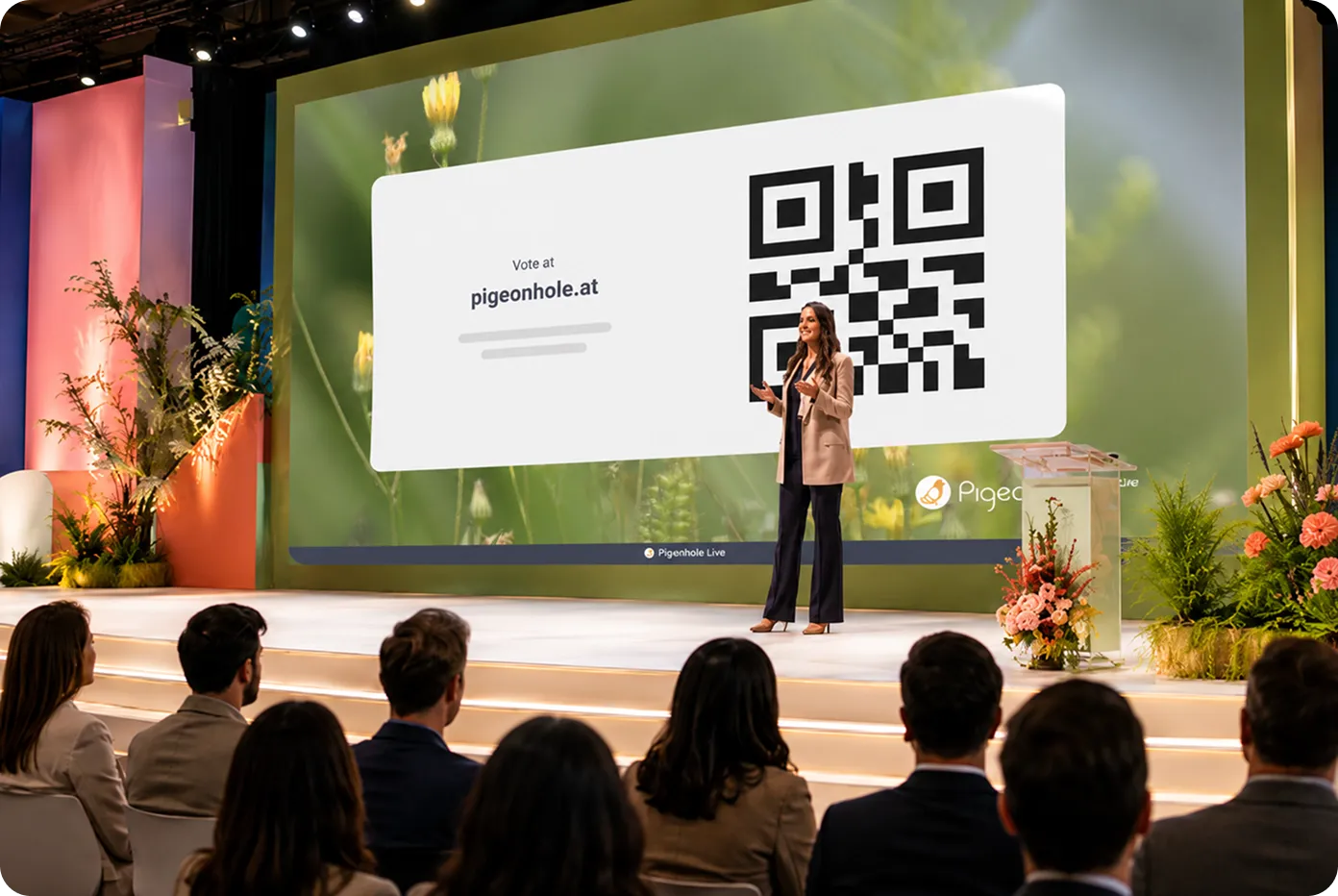
Your audience notices the details
Every Q&A, poll, or reaction is part of your event experience. When it looks and feels like your brand, it builds trust, reinforces identity, and creates a more cohesive experience for your audience — whether they’re in the room or joining remotely.
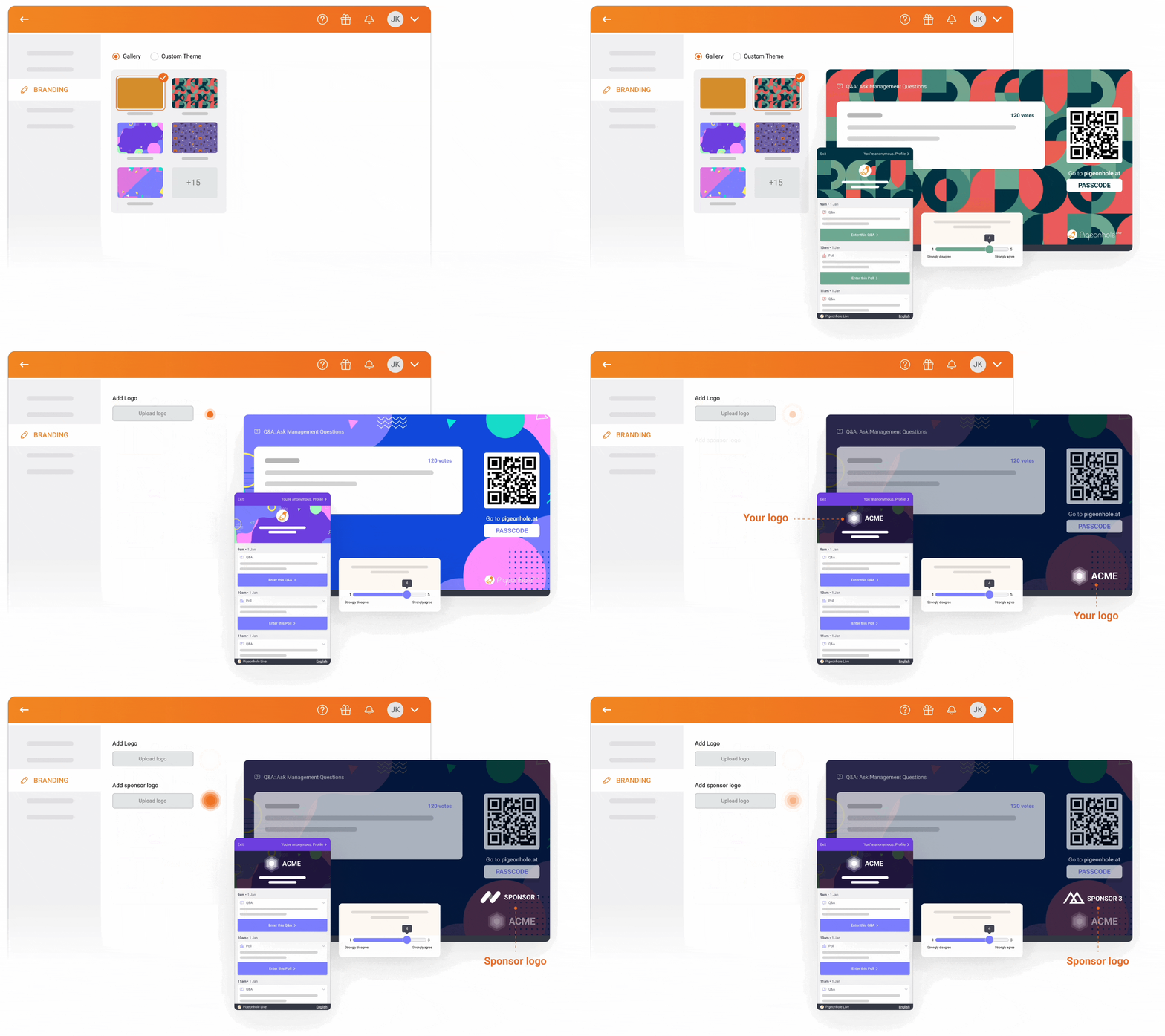
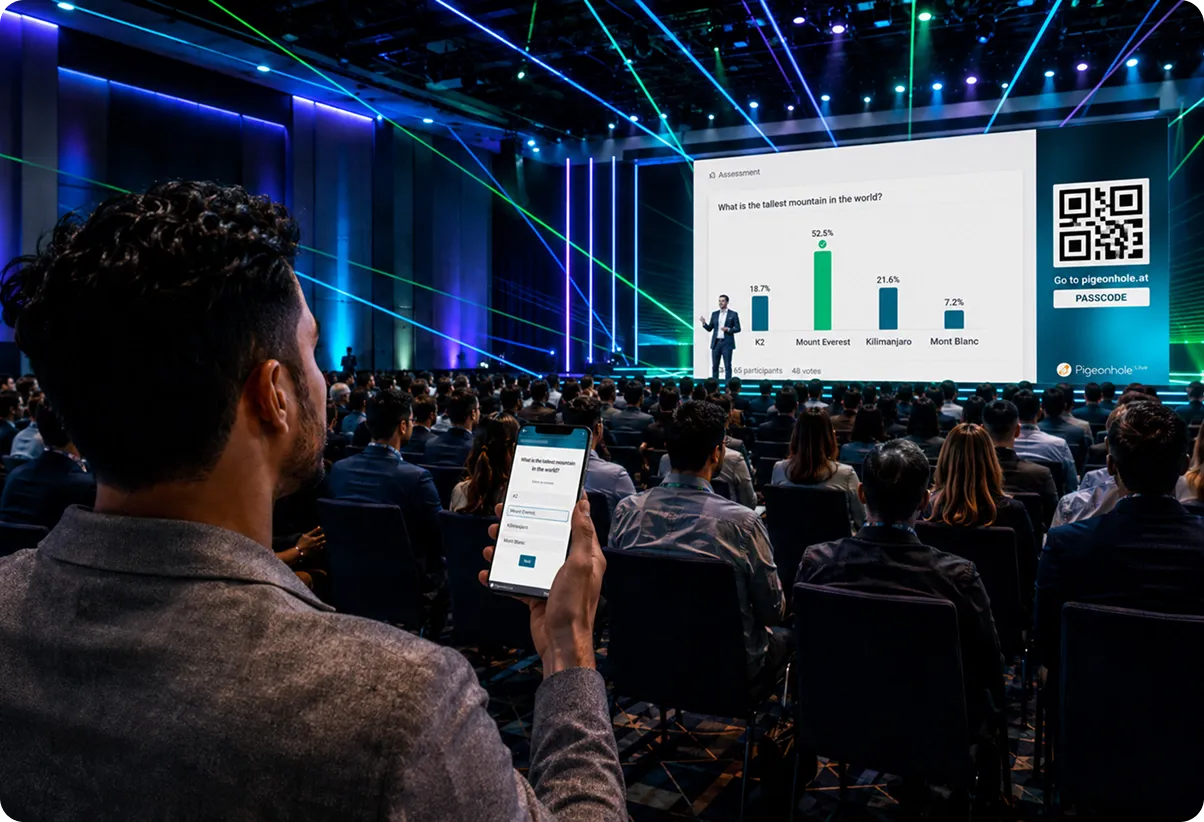
Consistent branding, everywhere it matters
Apply your branding seamlessly across all audience touchpoints — from the Projector Panel on stage to the Audience Web App on mobile, and even Moderator and Admin views.
No mismatched visuals. No disconnected experiences. Just one cohesive brand presence throughout your event.
Beautiful themes, ready in seconds
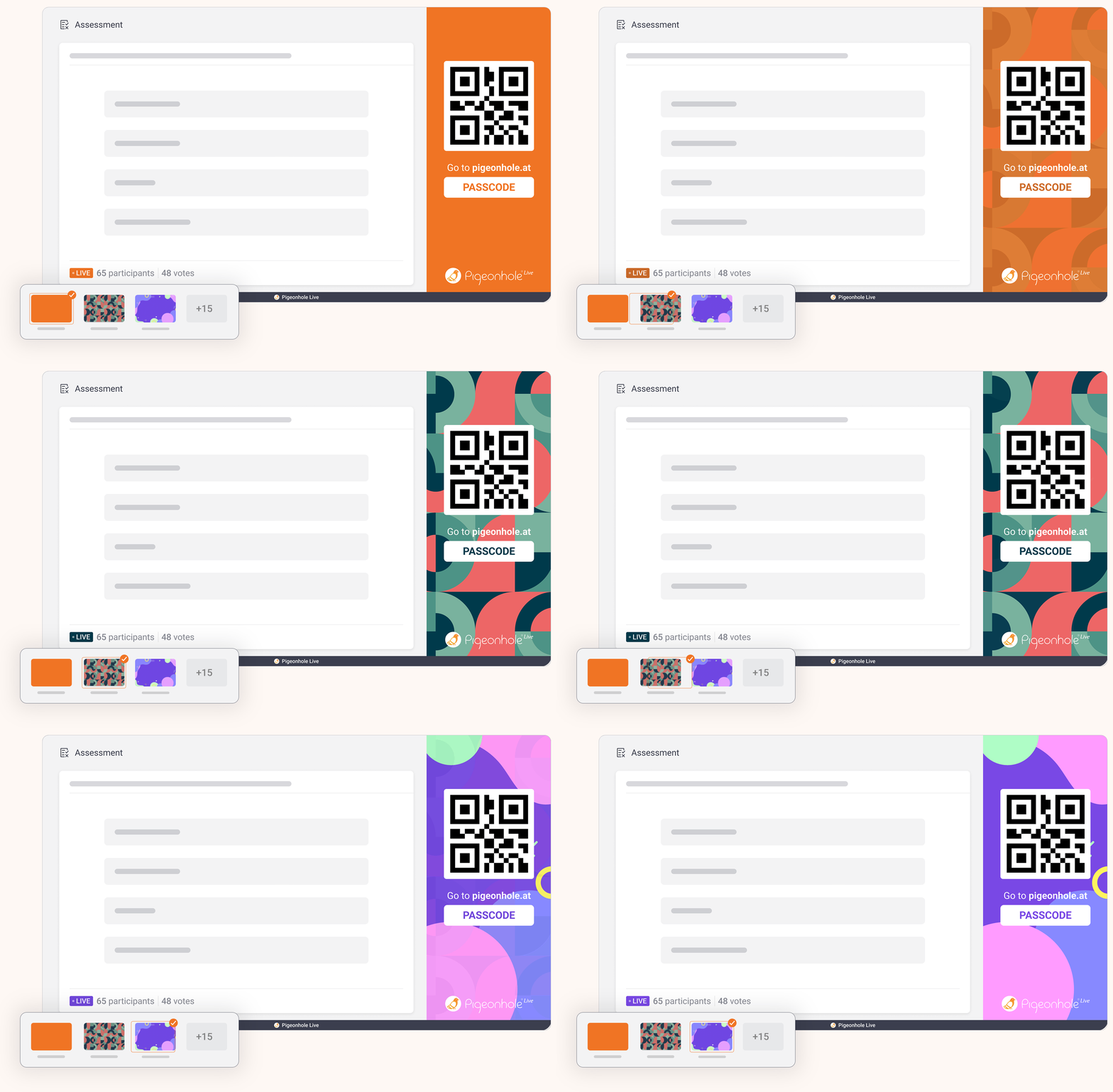
Get started instantly with professionally designed themes that fit any occasion. Perfect when you want something polished, without spending time designing.
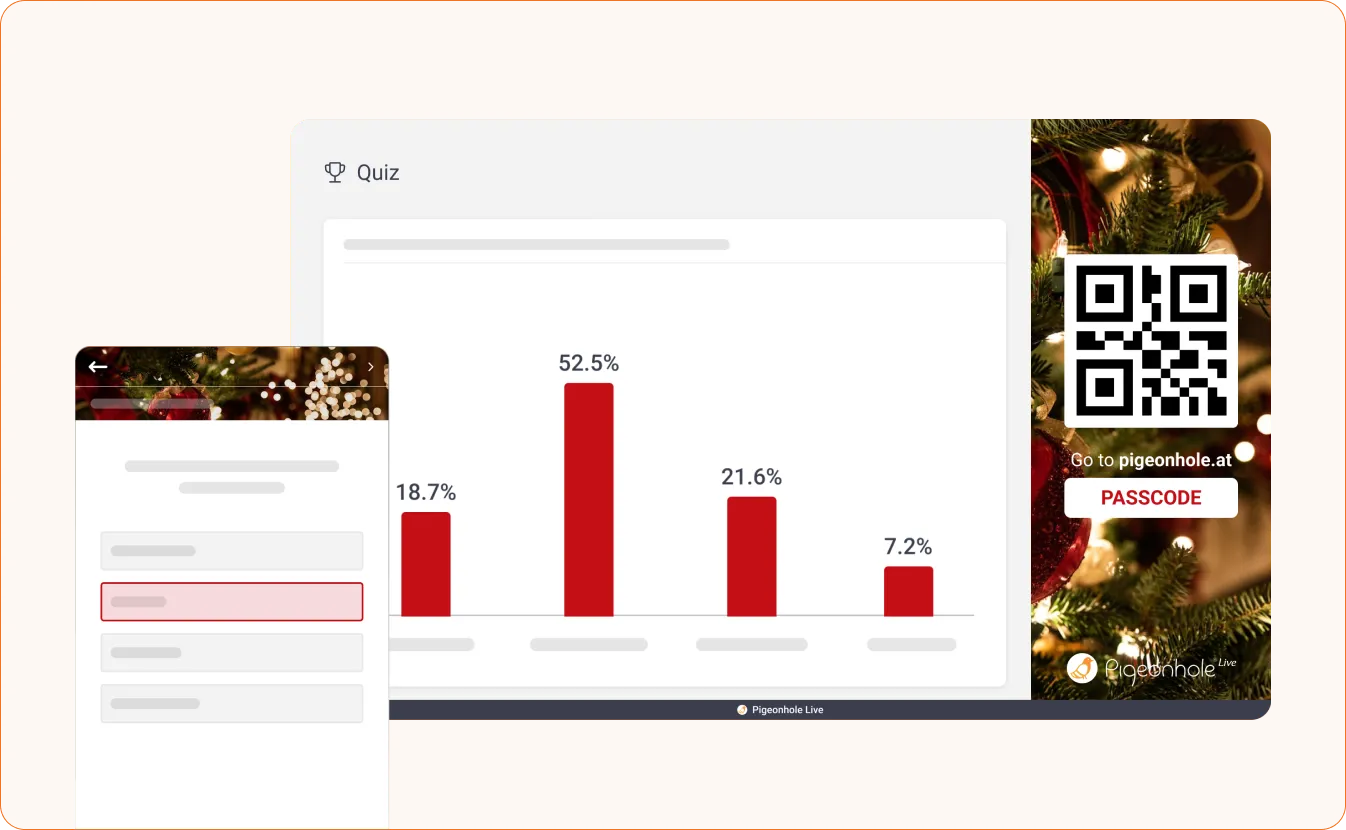
Customise it your way
Dial in your exact brand look with flexible customisation options.
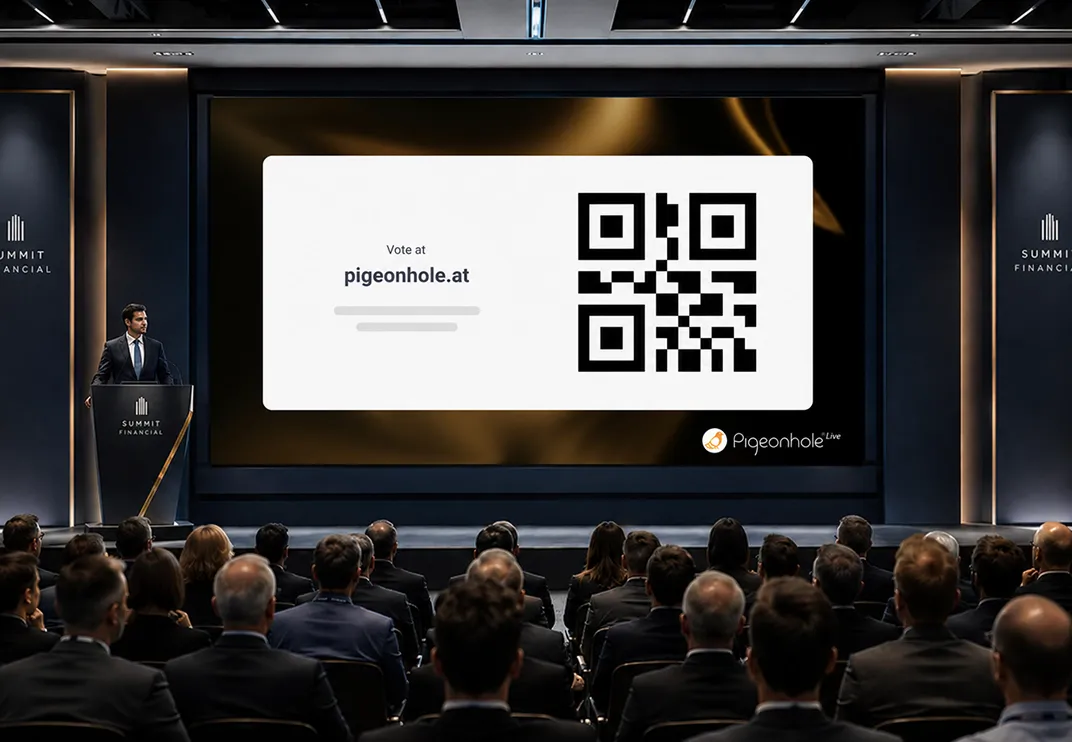
Custom themes
Use your brand colours and upload your own background images to create a look that’s uniquely yours.
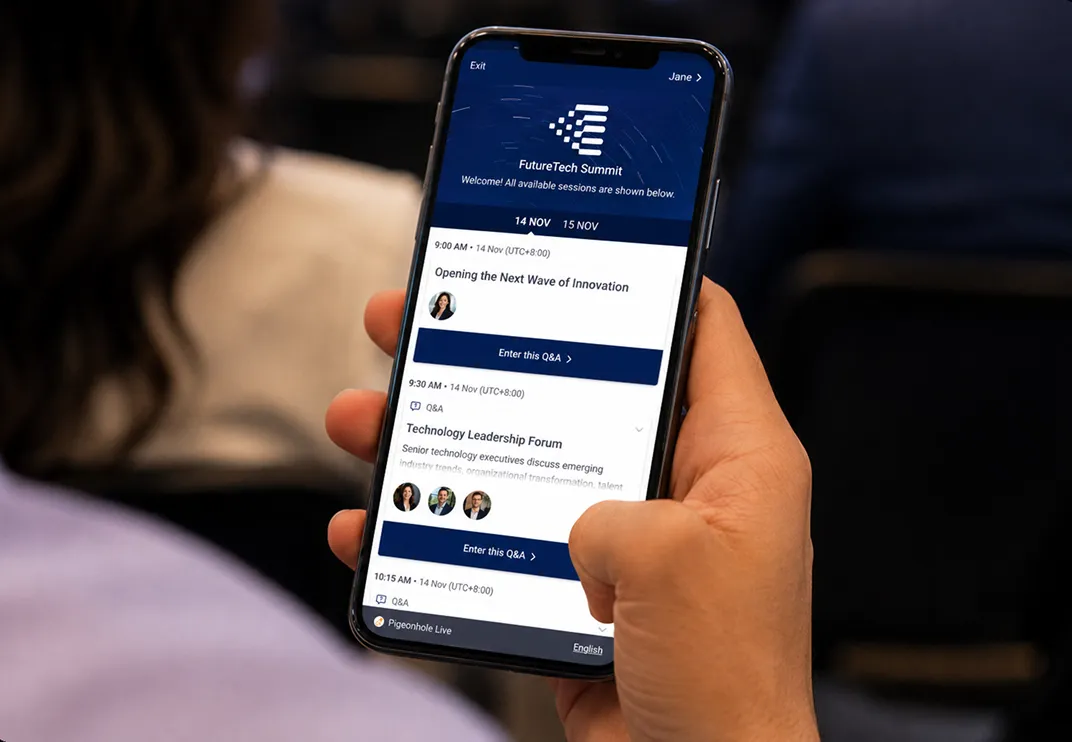
Logo branding
Add your organisation or event logo to audience-facing interfaces for instant brand recognition.
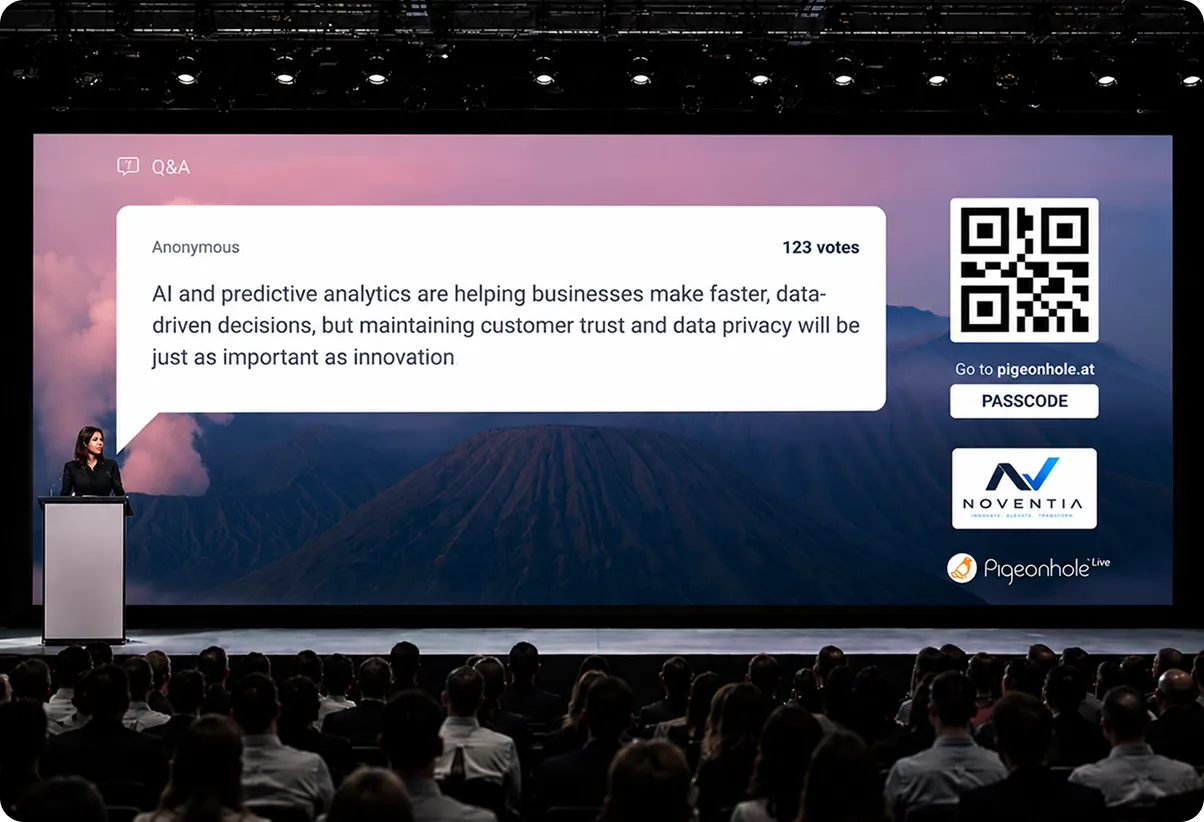
Give your sponsors the spotlight
Turn every interaction moment into a branding opportunity.
Showcase up to 10 key sponsors on the Projector Panel with a subtle rotating carousel, keeping them visible throughout your sessions.
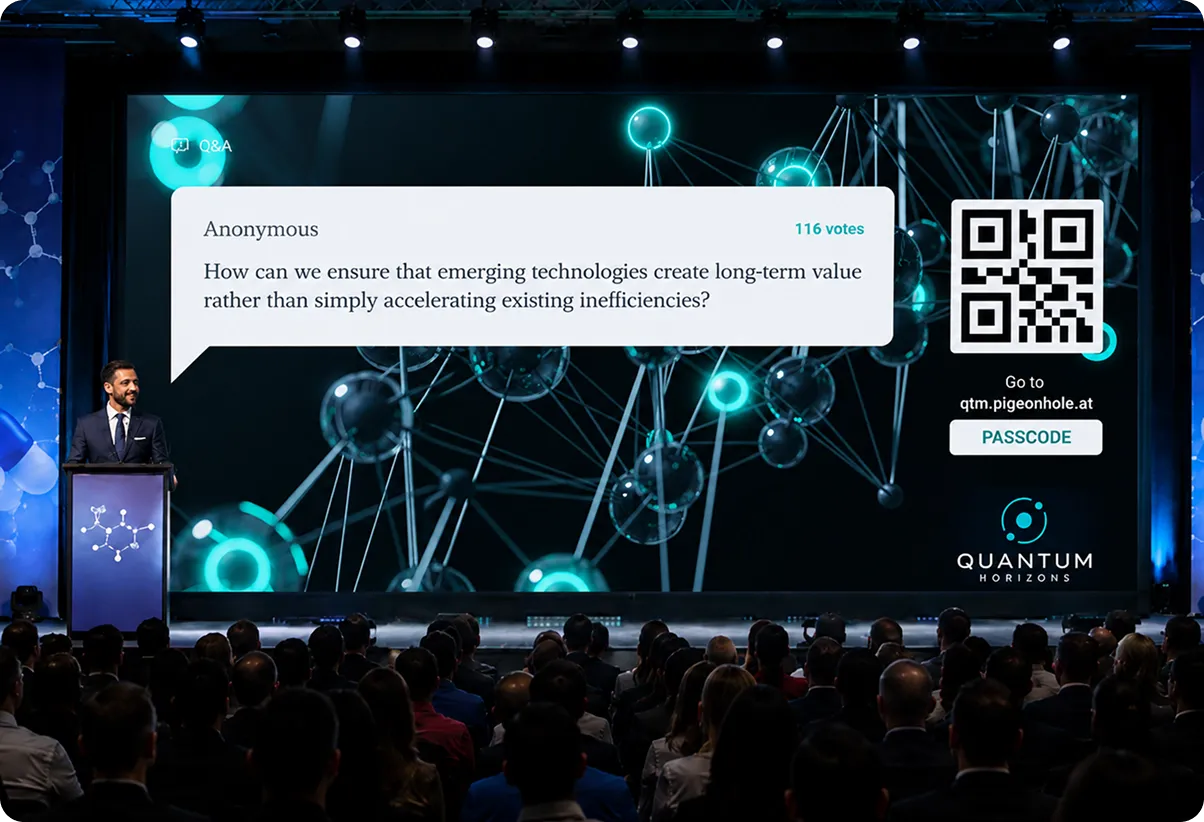
When your brand experience needs to go further
Custom Branding is designed for organisations and flagship events that require more than standard customisation:
 Fully designed brand skins across interfaces
- Custom fonts and advanced visual design
- Custom URLs aligned with your brand
- Flexible logo placements and layouts
- Dynamic, high-impact backgrounds
Scale your branding across the organisation
Enterprise organisations can create a single custom branding setup that can be applied across all Pigeonholes — whether for team presentations, town halls, or large-scale events.
Make it optional for flexibility, or enforce it to ensure every interaction aligns with your brand guidelines.
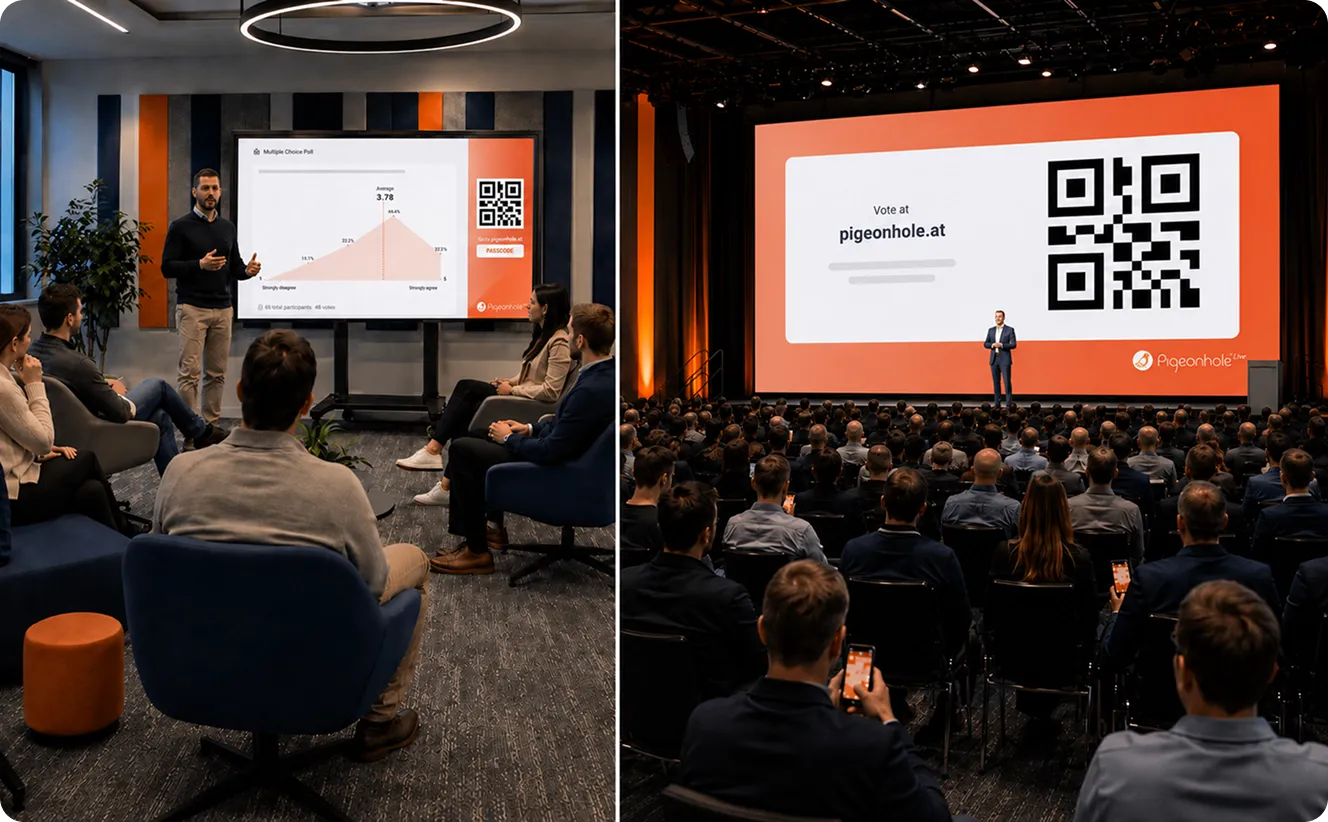
Bring your branded experience to life
Branding sets the stage, while our engagement features make it memorable.




Frequently asked questions
Pigeonhole Live gives you flexible branding options for events, meetings, webinars, and town halls. You can choose ready-made gallery or seasonal themes, apply your brand colours, upload background images, add your organisation or event logo, and create a consistent branded experience across audience, moderator, admin, and projector views.
Yes. You can customise your Pigeonhole with brand colours, logos, custom themes, and background images so every Q&A, poll, reaction, and survey feels connected to your event or organisation. For larger brand needs, Custom Branding allows advanced design changes such as custom fonts, branded URLs, flexible logo placements, and high impact visual backgrounds.
Branding helps every audience interaction feel polished, familiar, and connected to the main event experience. When the Audience Web App, Projector Panel, and session tools share the same visual identity, your audience gets a more cohesive experience whether they join in person, virtually, or through a hybrid event.
Yes. Pigeonhole Live lets you showcase up to 10 sponsors on the Projector Panel through a subtle rotating carousel. This keeps sponsor logos visible during key audience interaction moments, including Q&A, polls, reactions, and surveys, without interrupting the session experience
Yes. Enterprise organisations can create one custom branding setup and apply it across multiple Pigeonholes for team presentations, town halls, internal meetings, and large scale events. Branding can stay optional for flexibility or be enforced to help every interaction follow the organisation’s brand guidelines.