 Polls
PollsSee what your audience really thinks with live Polls
From quick votes and quizzes to real sentiment, live Polls help your audience respond instantly. Keep them curious as you present, discuss, and build on what they share.

Ask your question, your way
Each Poll type brings out a different kind of response, from opinions and ratings to ideas and understanding. Choose the one that fits and see what your audience really thinks.
 Multiple-choice
 Icon rating
 Numeric scale
 Draggable scale
 Ranking poll
 Open-ended
 Word cloud
 Quiz
Quiz Assessment
Multiple-choice question
The most popular way to understand opinions, preferences, and sentiment. Let your audience choose from set options and see which option most of them pick.
Icon rating
Gauge sentiment in the moment. Let your audience rate ideas, options, or experiences with icons and emojis, and see how the room feels instantly.
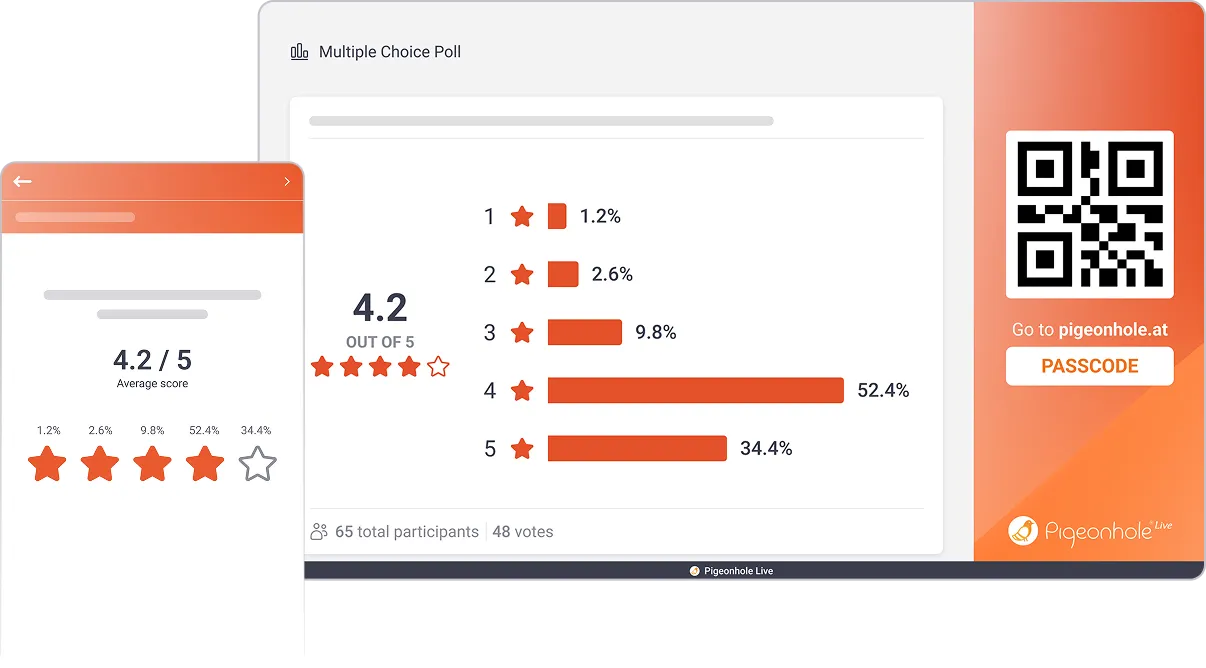
Numeric scale
Measure how strongly your audience feels. Use a simple scale to capture confidence, agreement, or preference, and see the average score shift in real time.
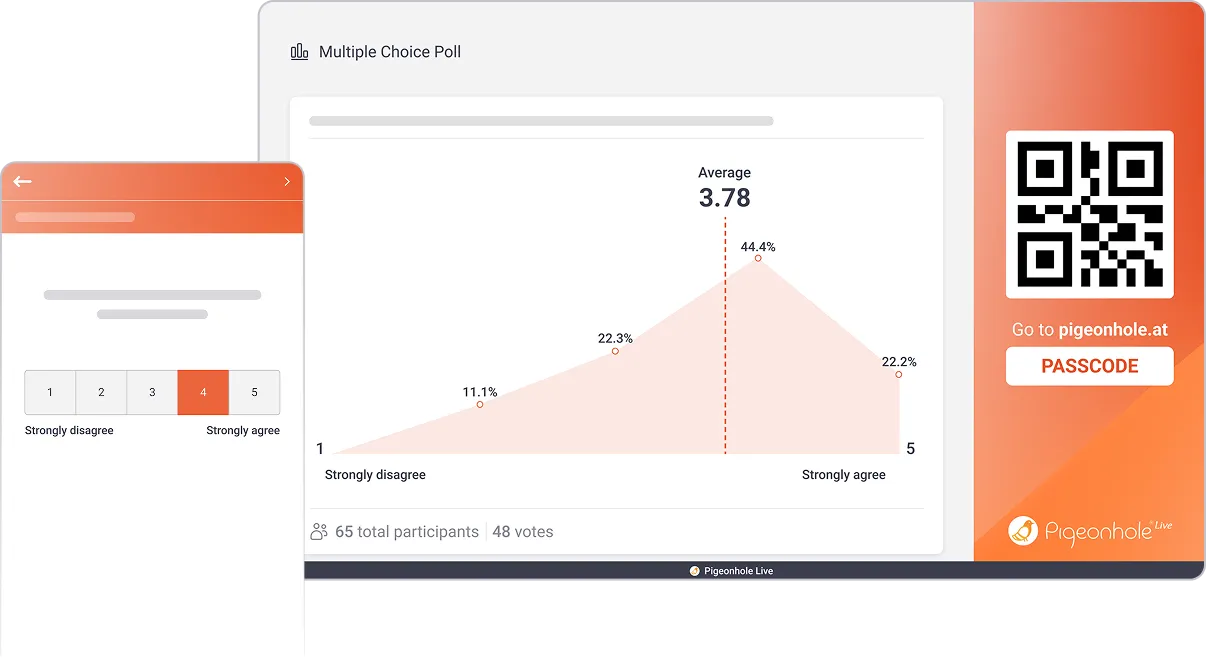
Draggable scale
Let your audience place themselves anywhere on the scale. Use an interactive slider to capture more detailed responses and see how opinions spread in real time.
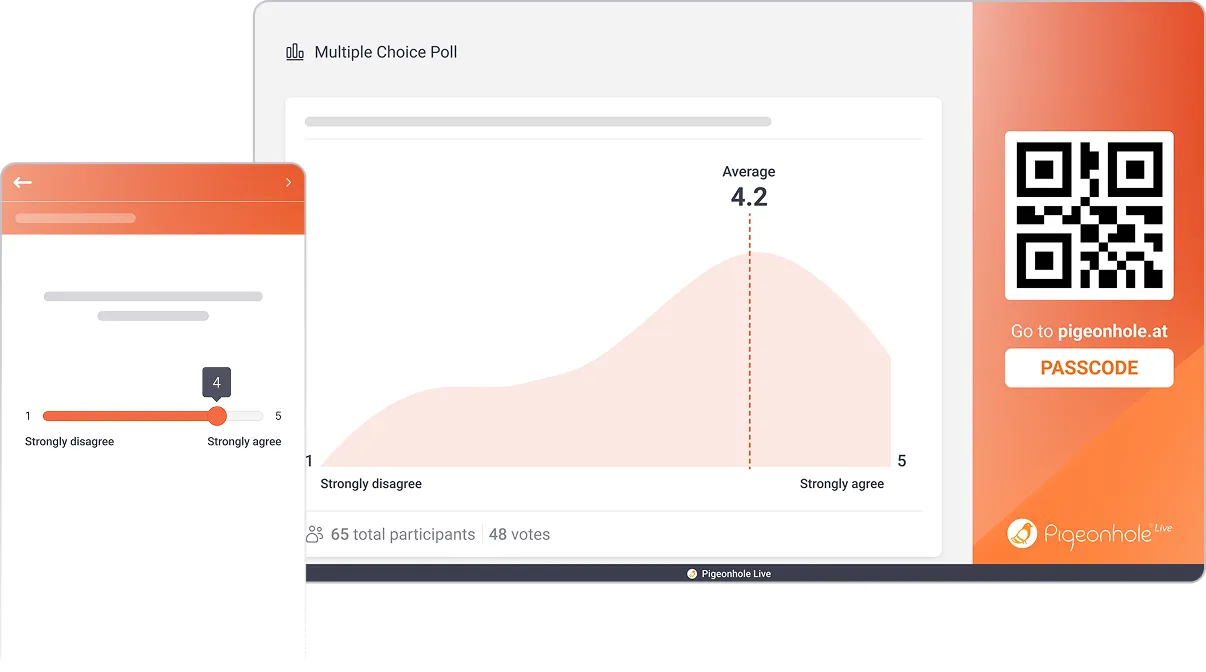
Ranking poll
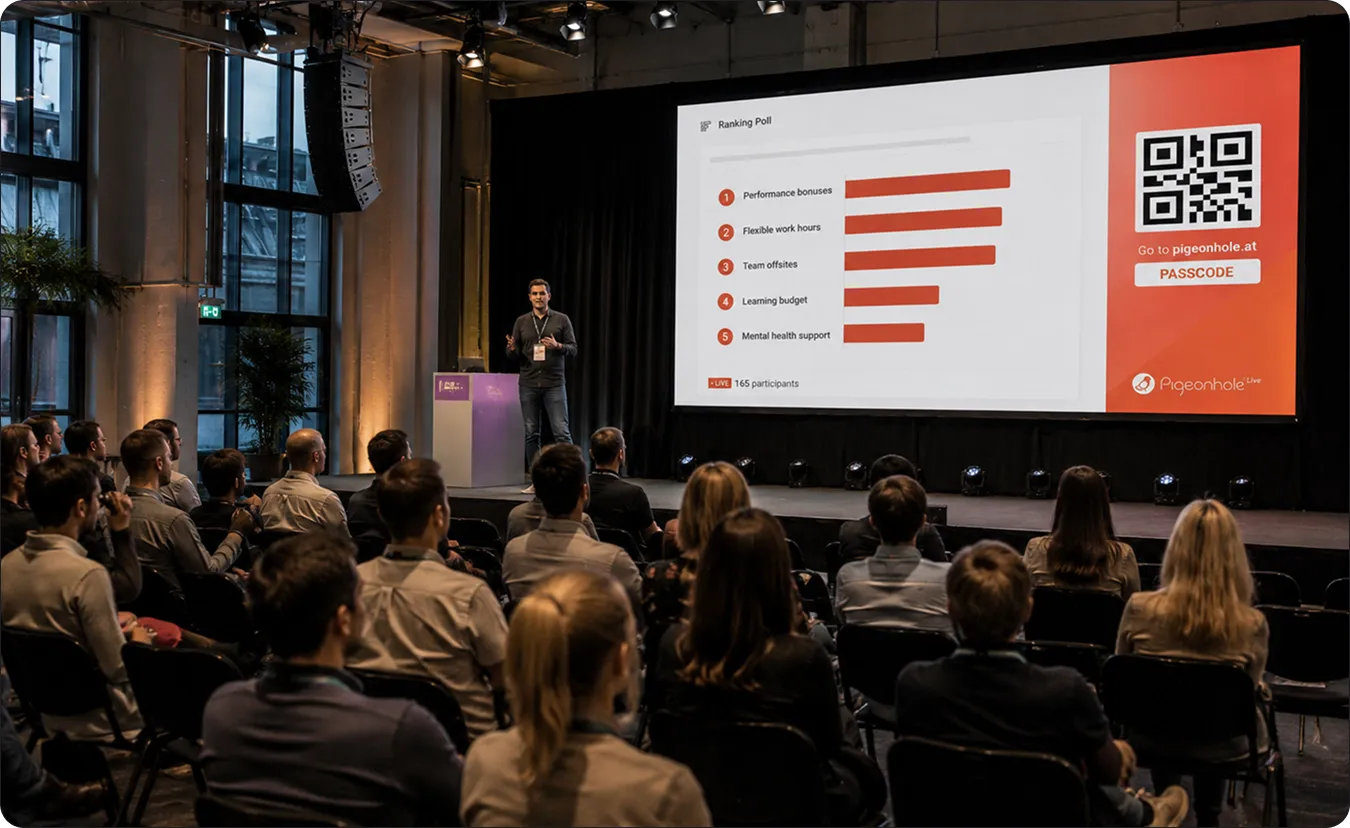
See what matters most, in order. Let your audience rank options by priority or preference, and reveal what truly rises to the top.
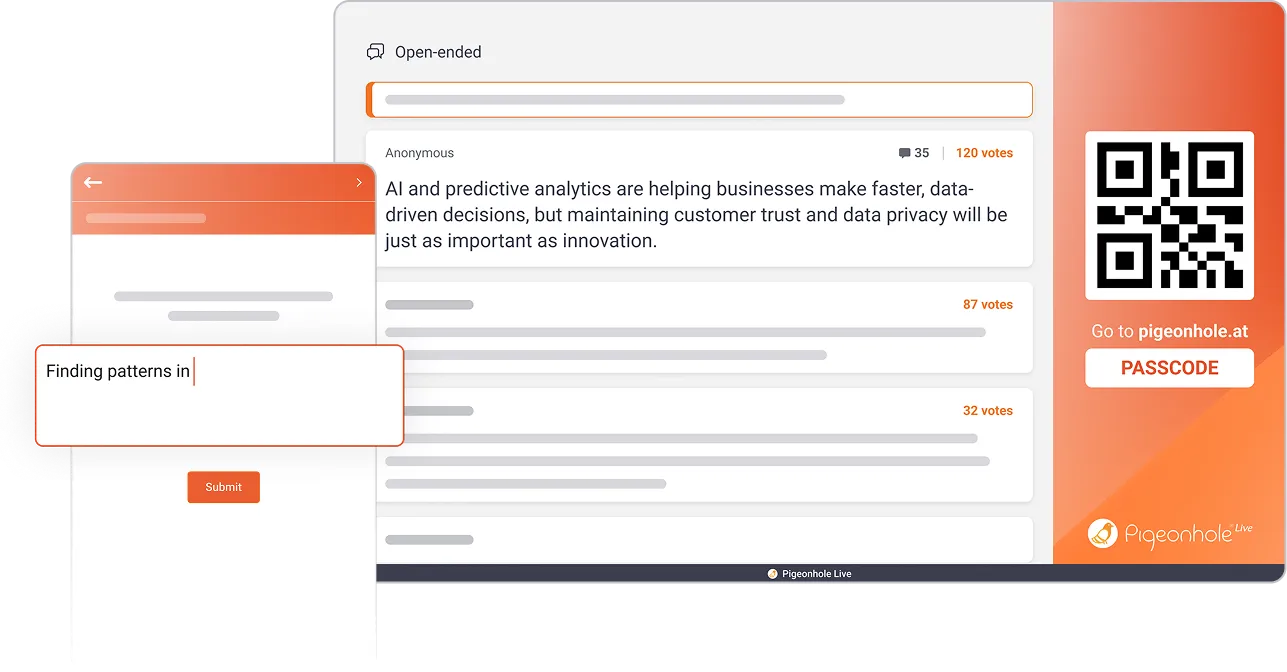
Open-ended
Collect ideas in your audience's own words. From brainstorming to idea pitching, gather responses as they come in and let the best ideas rise to the top through voting
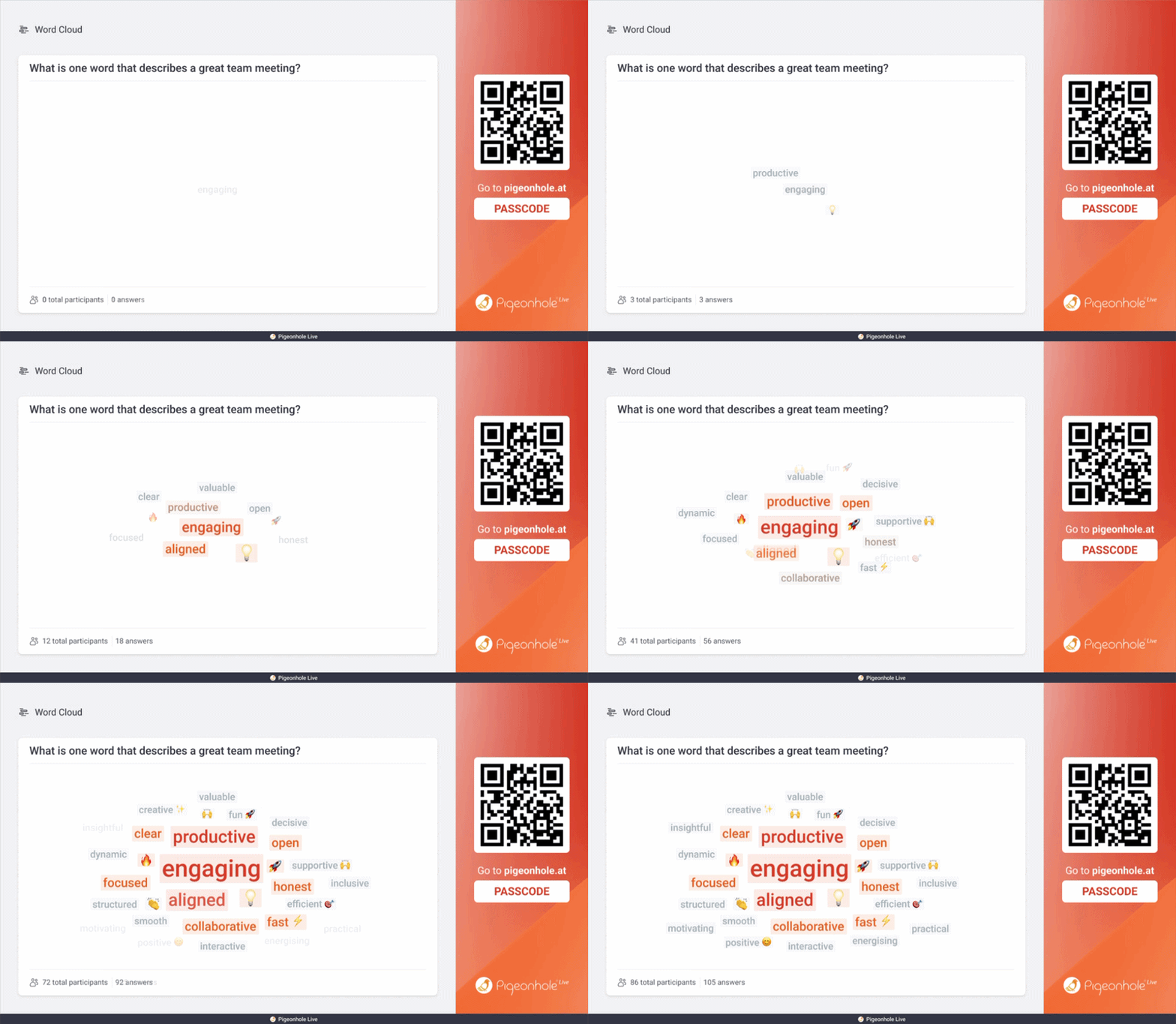
Word cloud
See what stands out instantly. Turn responses into a word cloud where the most mentioned ideas grow larger, revealing what matters most at a glance.
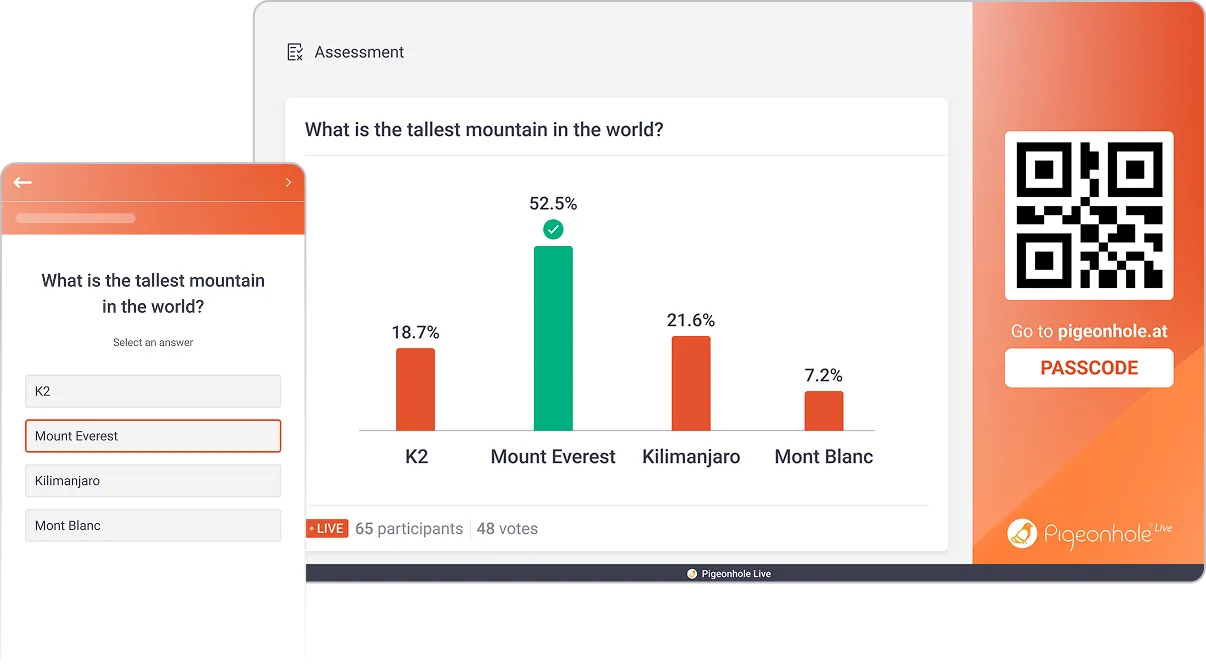
Quiz
Bring out your audience's competitive streak. Run live quizzes with a timer and leaderboard to spark energy, drive participation, and make learning fun!
Assessment
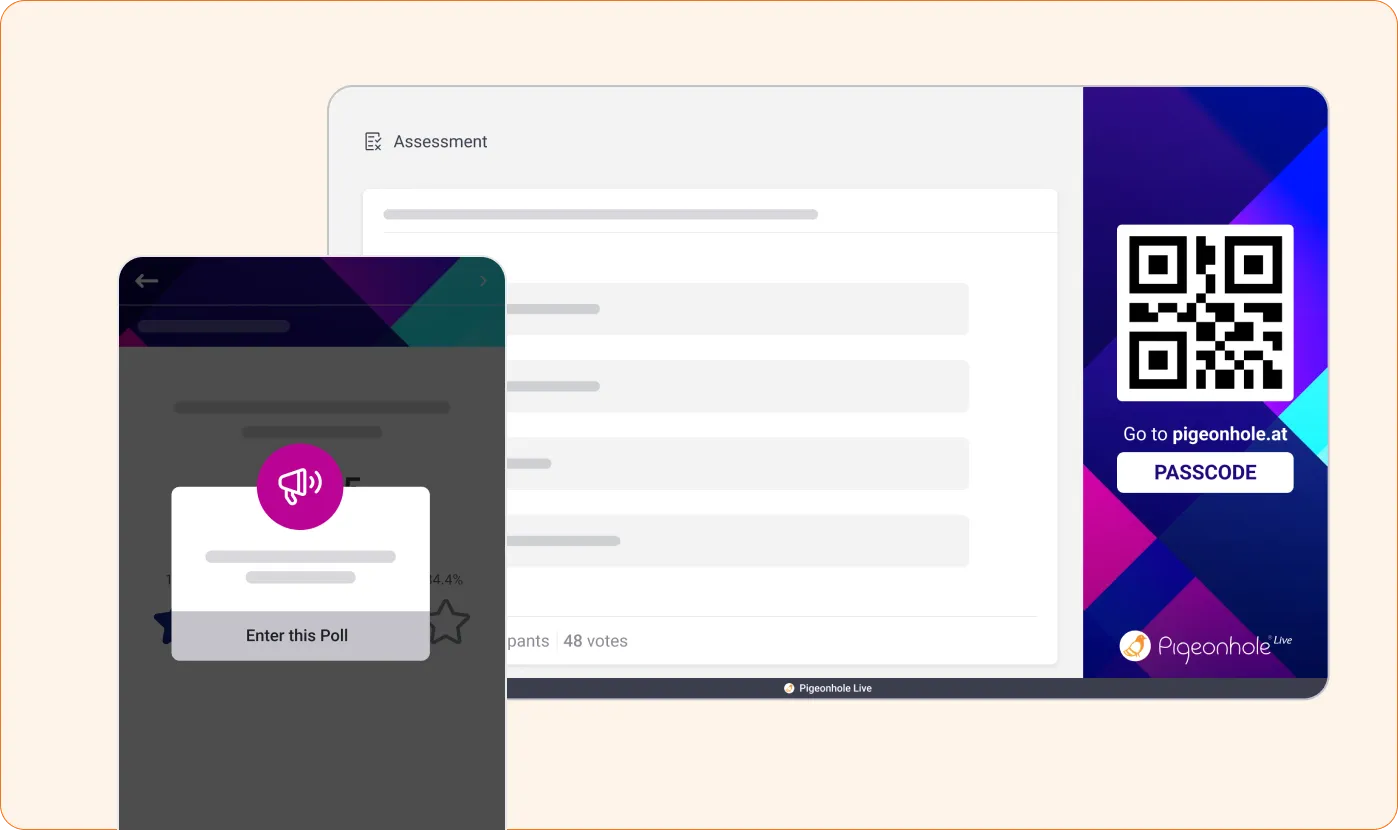
Understand how well your audience is learning. Let them complete questions at their own pace, and get a clear view of knowledge levels and areas to improve.
How live Polls work
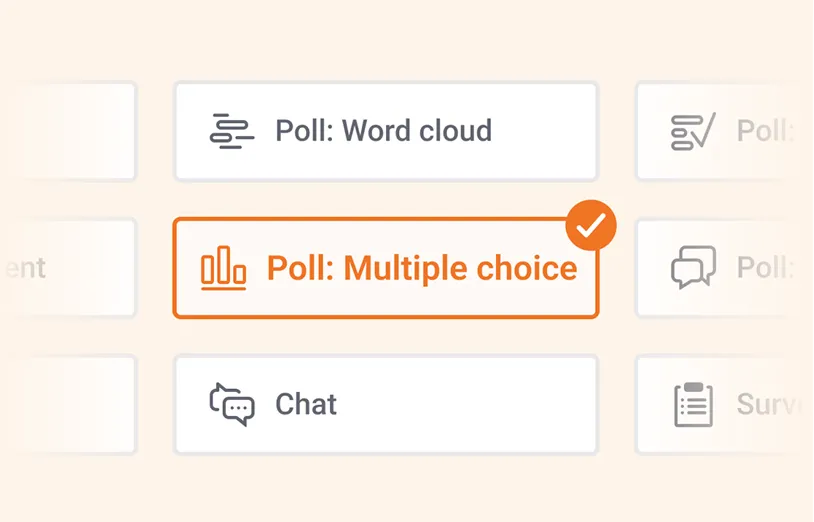
1. Create your Poll
Start with a question and pick a Poll type that fits what you want to find out.
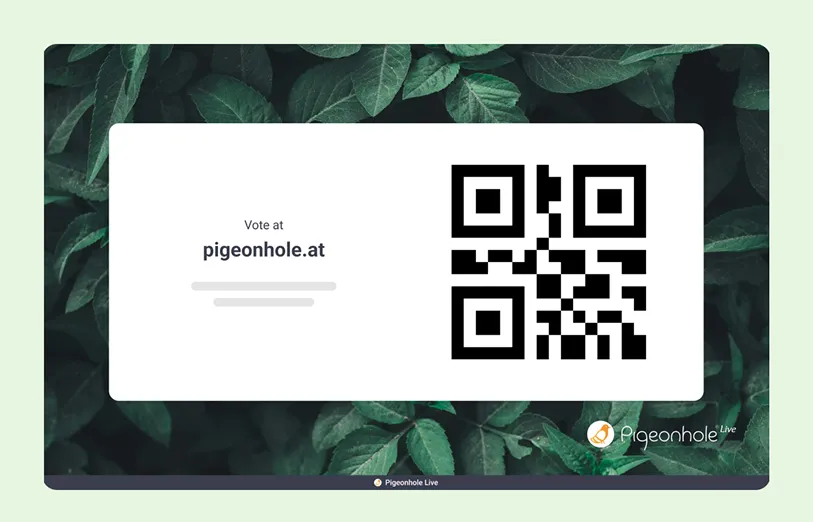
2. Invite your audience
Share a link or QR code. Your audience joins on phones or laptops and responds instantly, no app needed.
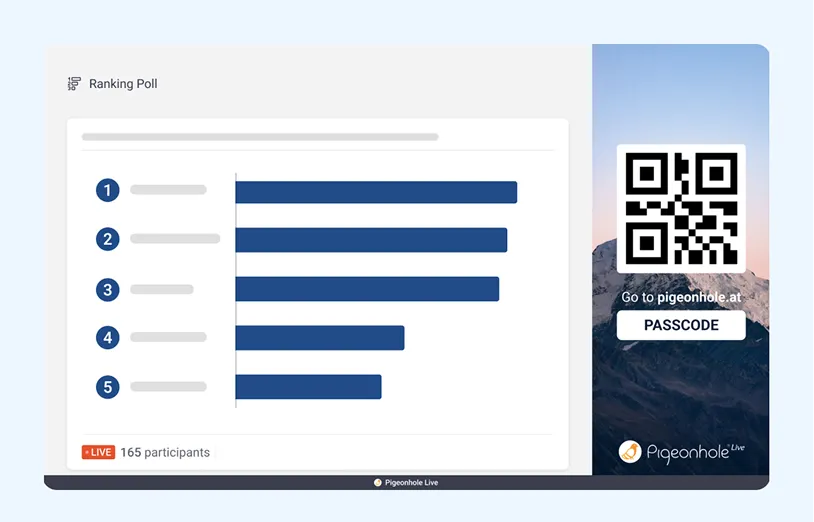
3. See results live
Watch responses come in and take shape in real time.
Run live Polls when it counts
What you can do with live Polls
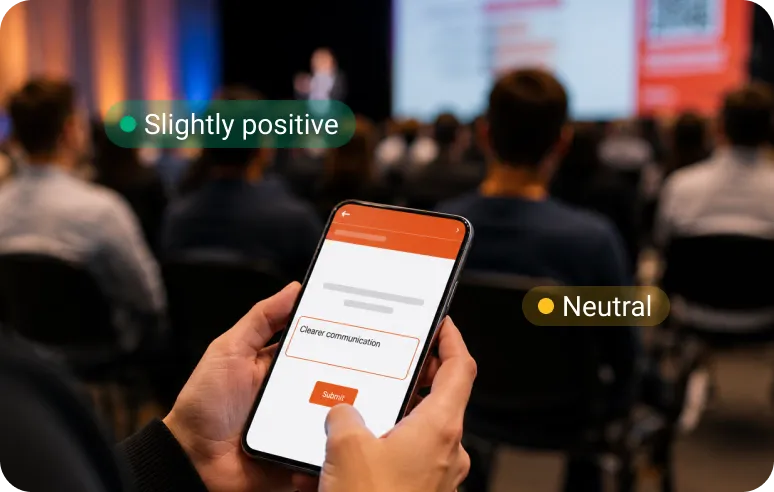
Company Town Halls & All-Hands
Engage every voice in the room
Run live Polls during leadership updates to capture sentiment and align on priorities. Keep employees involved and see how they feel, even at global scale.
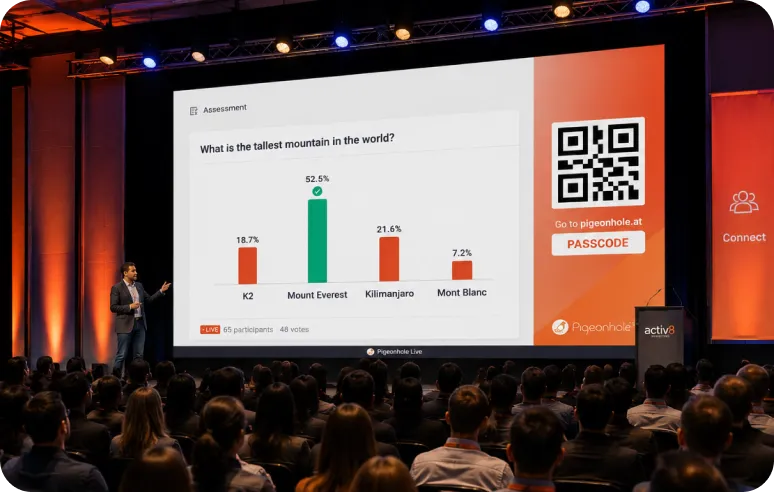
Conferences & Field Marketing Events
Make every session interactive
Bring presentations and panels to life with live Polls that spark participation, surface ideas, and keep audiences engaged from start to finish.
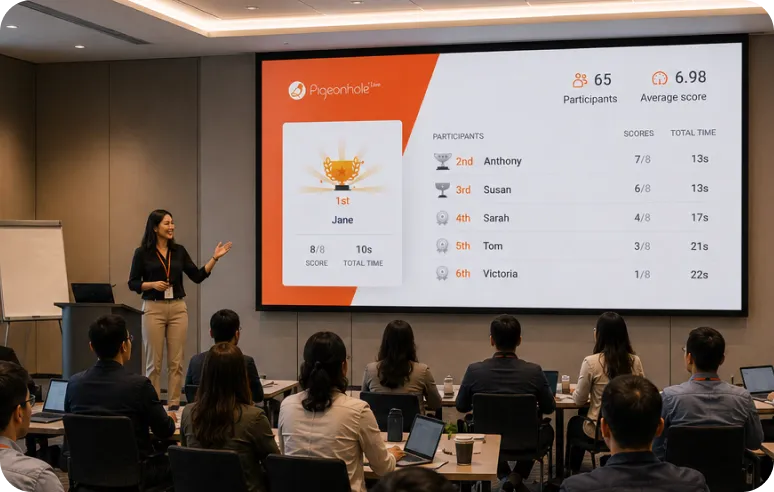
Training & Workshops
Turn learning into participation
Check understanding, run quizzes, and gather ideas in real time. Keep learners involved and make every session feel more active and easier to follow.
Run live Polls right inside your slides and meetings
Launch them right in the apps you already use and get better insights than built in tools.





Go beyond live Polls
Combine live Polls with Q&A, Reactions, Chat, and Surveys to create a complete, interactive experience, all in one place.

Q&A
Turn monologues into conversation. Let participants ask questions and upvote what matters most.

Reactions
See how your audience feels instantly. Watch emojis light up the mood in the room in real time.

Chat
Keep the conversation flowing. Give your audience a space to respond, comment, and connect in real time.

Surveys
Collect honest feedback privately, while your session is still fresh in your audience's mind.
Trusted by teams who run engaging sessions













Frequently asked questions
No. Participants can join instantly using a link or QR code on any device, no app download required.
Pigeonhole Live supports up to 50,000 concurrent participants, so you can run live polls confidently for everything from small meetings to large-scale events.
Yes. You can trigger Polls automatically or on cue, so your audience sees the right question at the right moment, without needing to search for it. Of course, you can always choose to show the list of Polls on audience view too, if you would like your audience to respond to these Polls at their own pace.
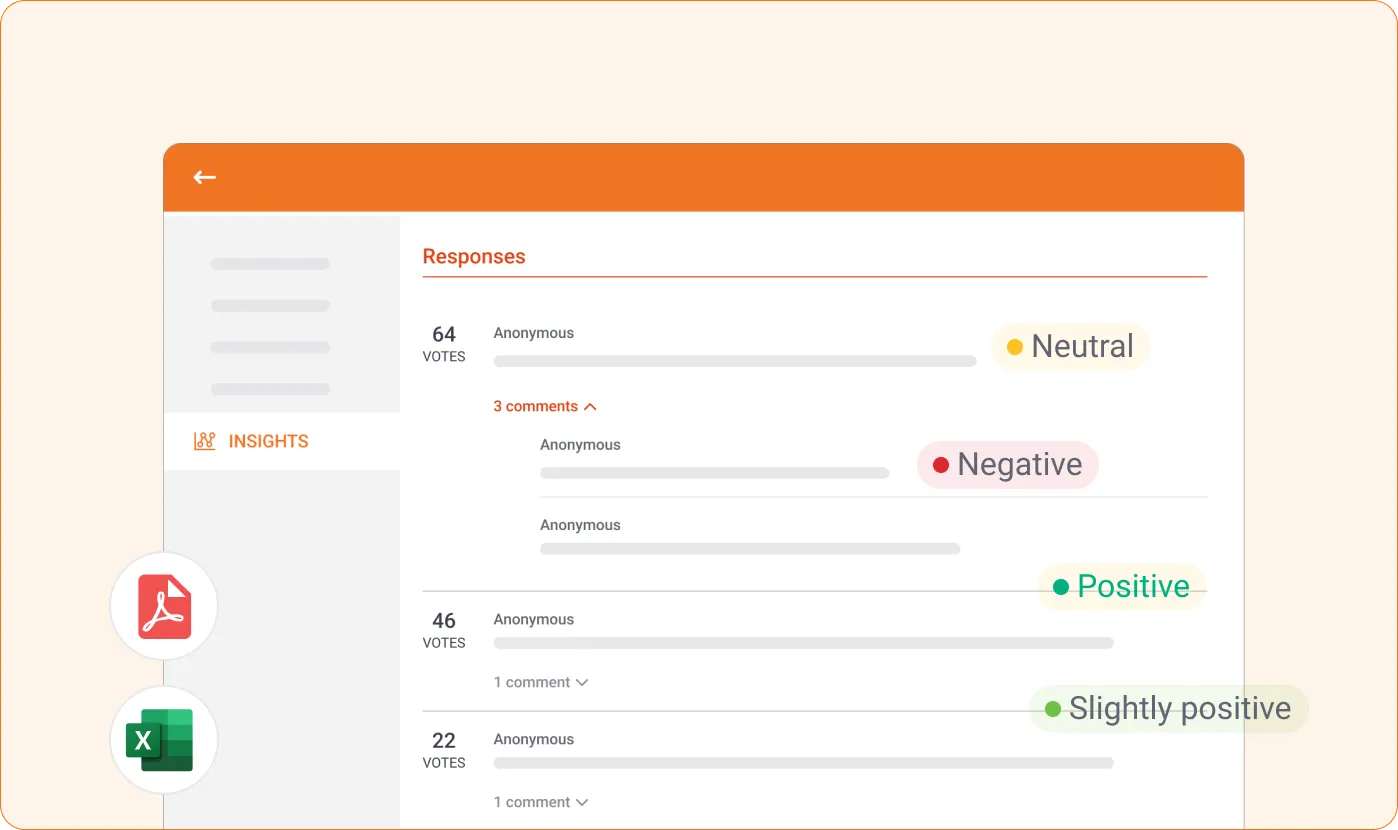
Yes. All responses are captured and can be exported anytime in formats like PDF or Excel for further analysis and reporting.
It depends on what you want to understand. Use multiple-choice for quick opinions, scales for measuring sentiment, ranking for priorities, and open-ended or word clouds for ideas and themes.
Yes. Participants can join from anywhere using their own device, making live Polls ideal for in-person, virtual, and hybrid sessions.
Yes. You can set up all your Polls ahead of time and launch them during your session when needed.
Create your first live Poll in minutes
Set up your Poll, share it instantly, and see responses come in live. No setup hassle.
Create a live PollNo credit card required.