 Word Clouds
Turn brilliant ideas into a beautiful Word Cloud
Capture ideas from your audience and instantly turn them into a live Word Cloud that highlights what matters most.

Watch your Word Cloud come to life
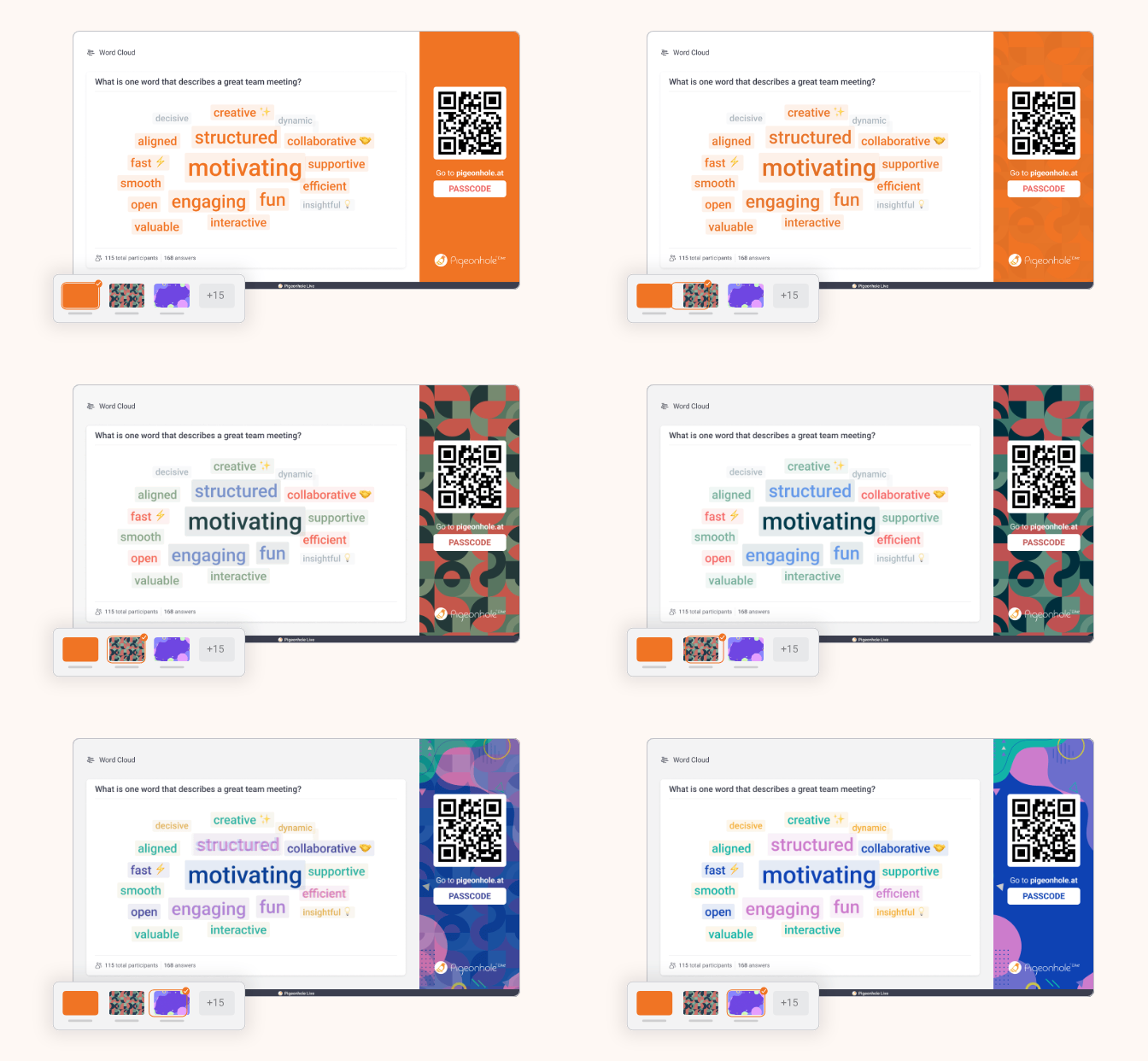
Ask a question and watch answers show up straight away. The more people say it, the bigger it grows, so you can spot what matters most at a glance.
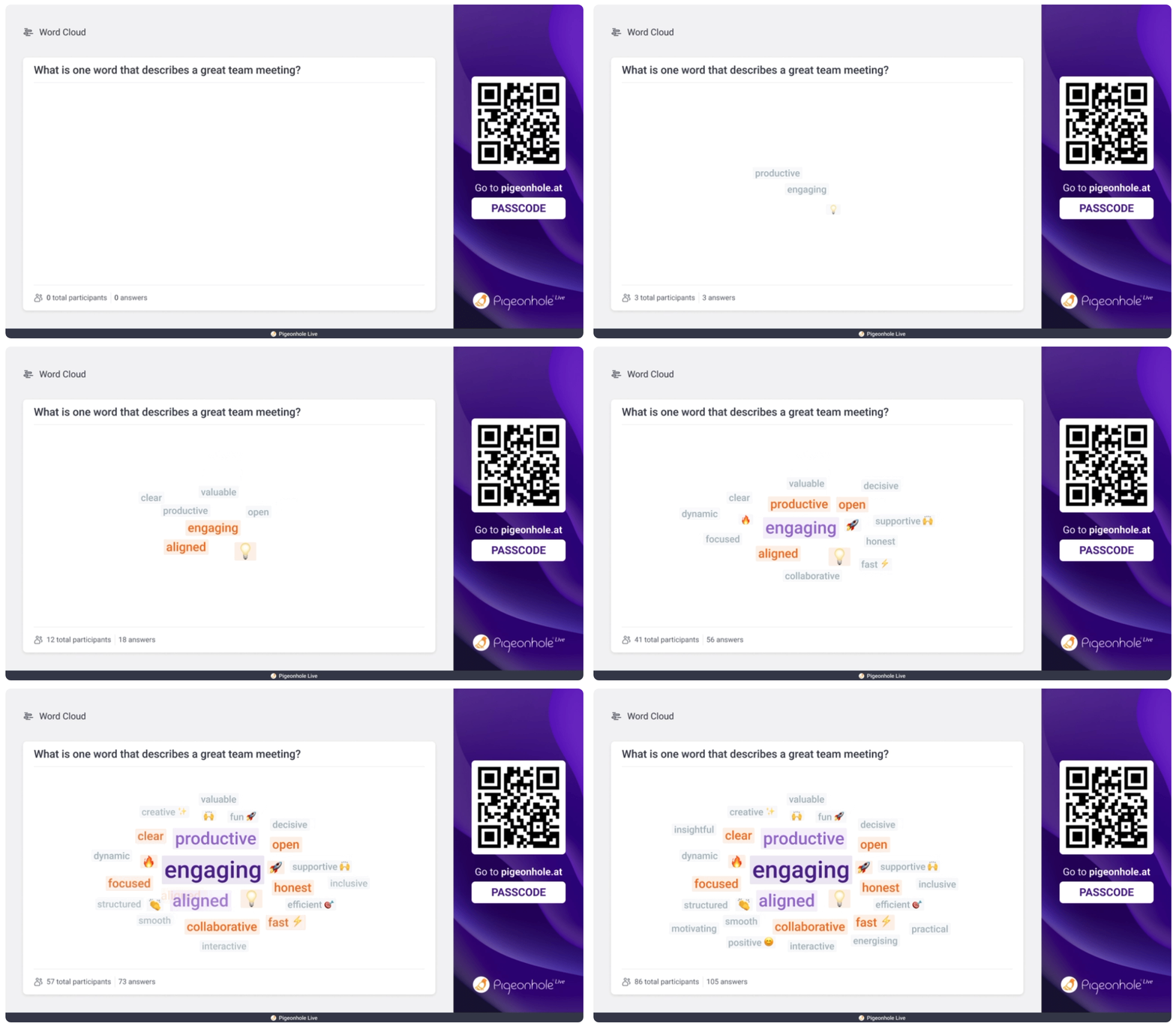
How Word Clouds work
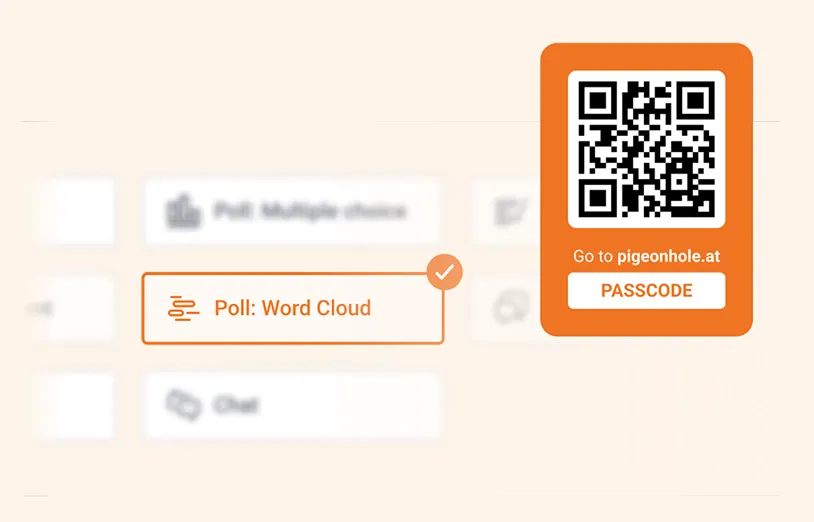
1. Create a Word Cloud Poll
Add the poll to your Pigeonhole and share the QR code or link with your participants. No app needed.
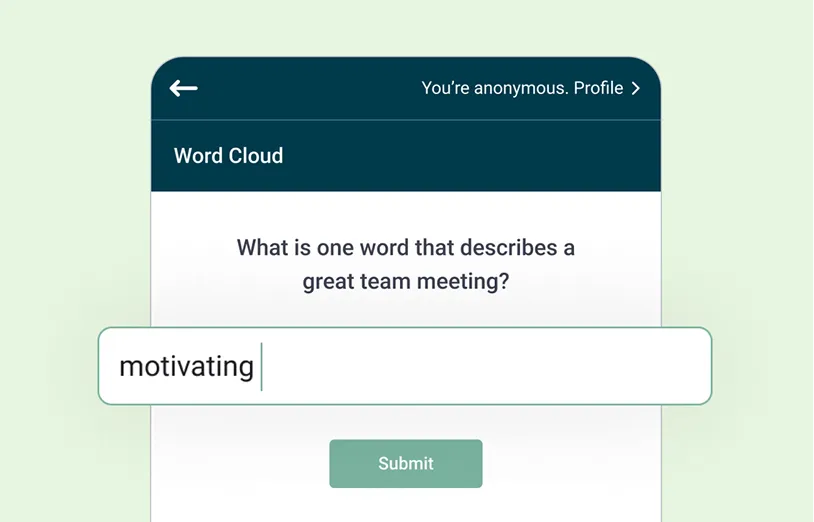
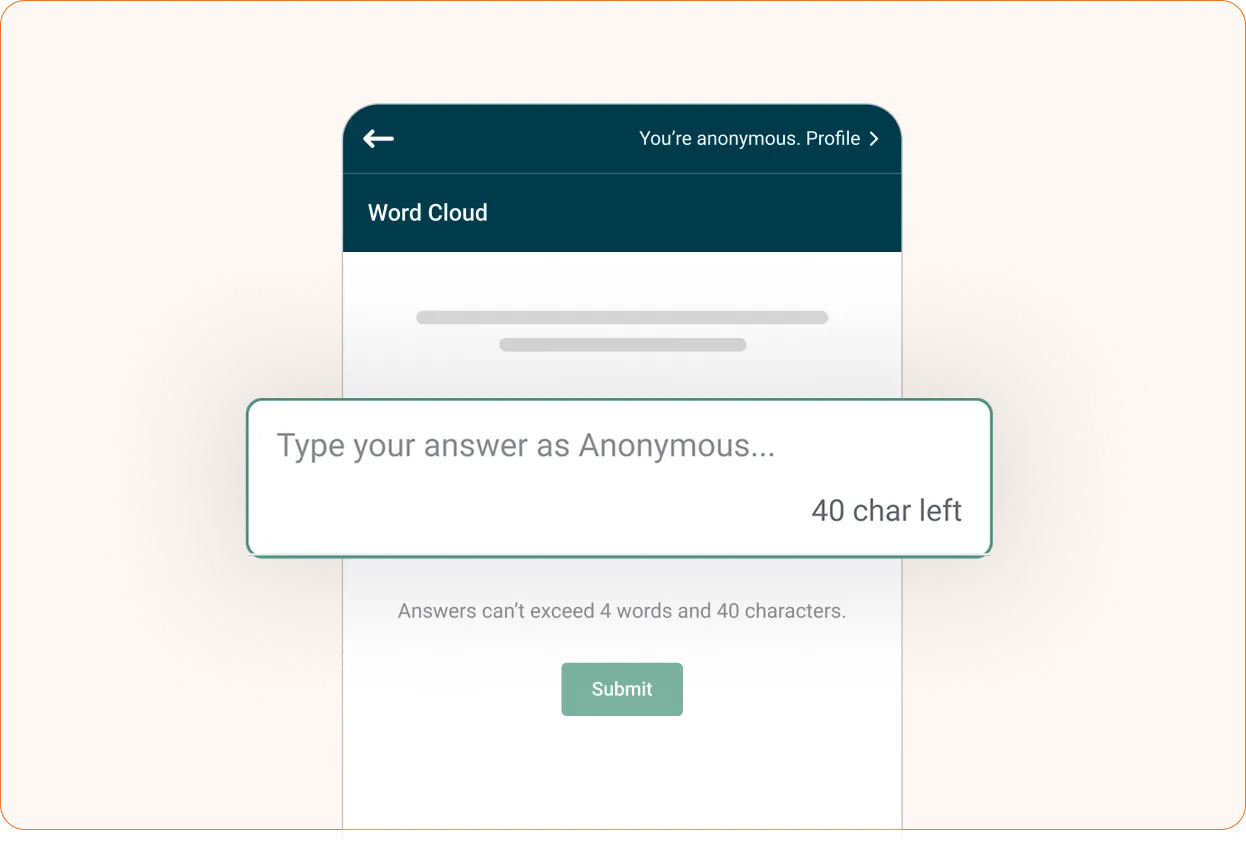
2. Let your participants shine
They share their brightest ideas and answers live from their phones or laptops.
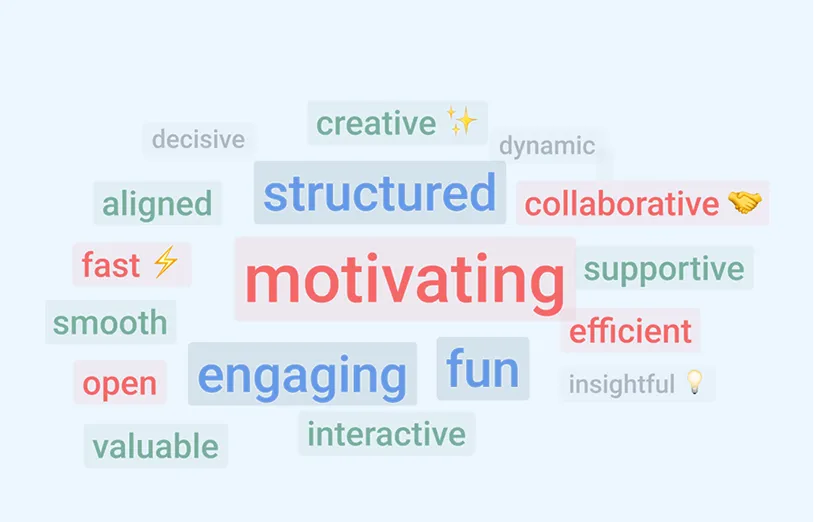
3. Show off your Word Cloud
Watch responses appear and grow in real time, so you can quickly see what matters and talk about it.
Make every Word Cloud your own
Best moments to use Word Clouds
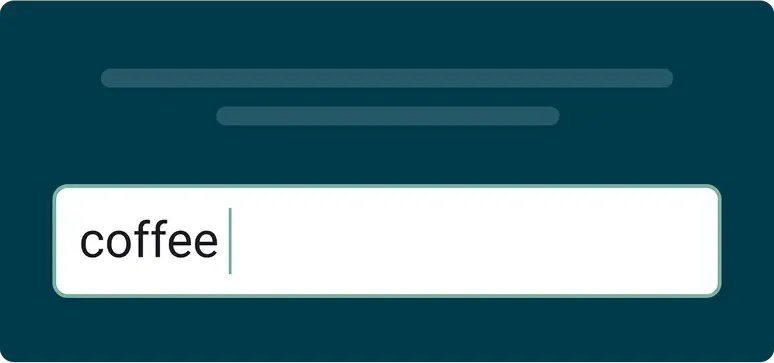
"First word you can think of?"
Ask it and see what people really think. What comes out first is often the most honest, and sometimes the most surprising!
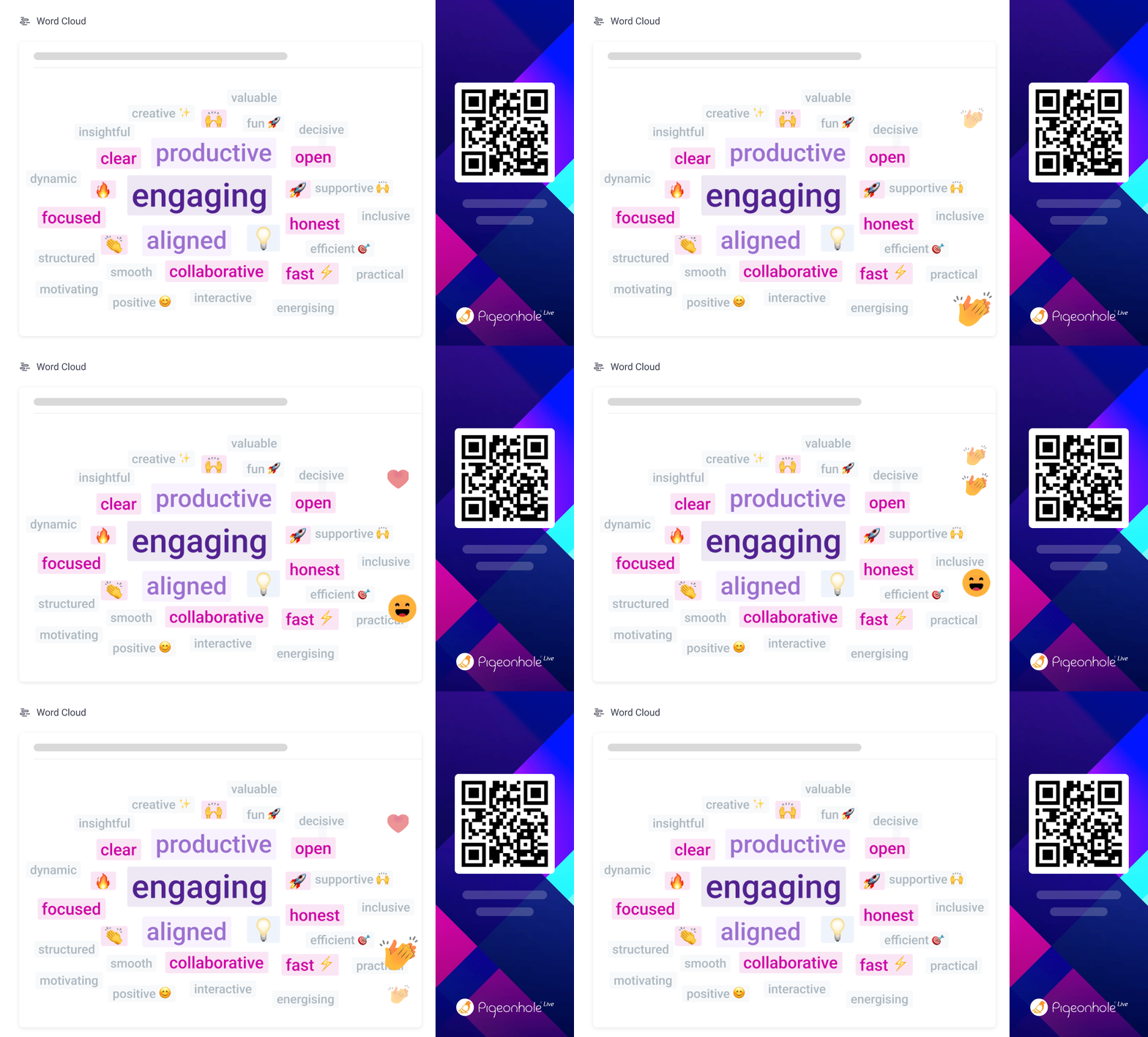
Feel the room with emojis
Why stop at words? Let people react with emojis when words feel like too much, and see how the room responds at a glance.
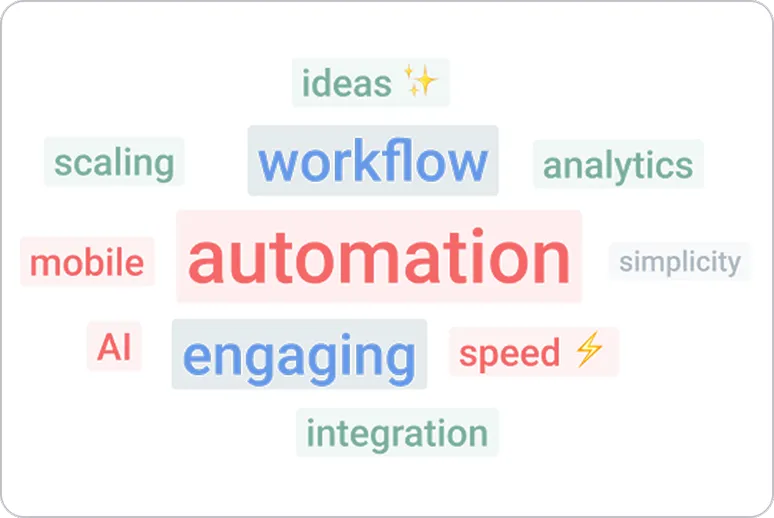
Brainstorm ideas fast
Sometimes the best ideas come from first instincts. Keep it short, just 2-3 words, and watch the strongest ones grow.
Run Word Clouds right inside your slides and meetings





Trusted by teams who want real engagement













More than just Word Clouds
Now that your Word Cloud shows what stands out, dive in and take action while it's still fresh!

Q&A
Turn the top ideas into Q&A topics and get the real questions people want to ask.

Ranking Poll
Pick the most popular ideas and run a ranking poll to see what comes out on top.

Open-ended Poll
Take the top ideas and use an open-ended poll to let people explain what they really meant.

Chat
Open a chat and see attendees start replying, responding, and building on each other’s ideas.
Frequently asked questions
A Word Cloud in Pigeonhole Live is a live poll that turns audience responses into a visual display of words. As people submit answers, repeated words or phrases grow bigger, making it easy to see what the group is thinking at a glance.
It is useful for meetings, workshops, training, webinars, town halls, and events where you want fast audience participation without asking people to speak one by one.
You create a Word Cloud poll in your Pigeonhole, then share a QR code or link with your audience. Participants join from their phones or laptops without downloading an app.
As responses come in live, the Word Cloud updates automatically. Words or short phrases that appear more often grow larger, helping you quickly spot the most popular ideas, themes, or responses.
Use a Word Cloud when you want quick, honest responses from a group. It works well when the room is quiet, when you want to collect ideas fast, or when you need to understand how people feel without putting anyone on the spot.
For example, you can ask “What is one word that describes our biggest opportunity?” or “What is the first word that comes to mind?” The responses appear live and help you see what stands out right away.
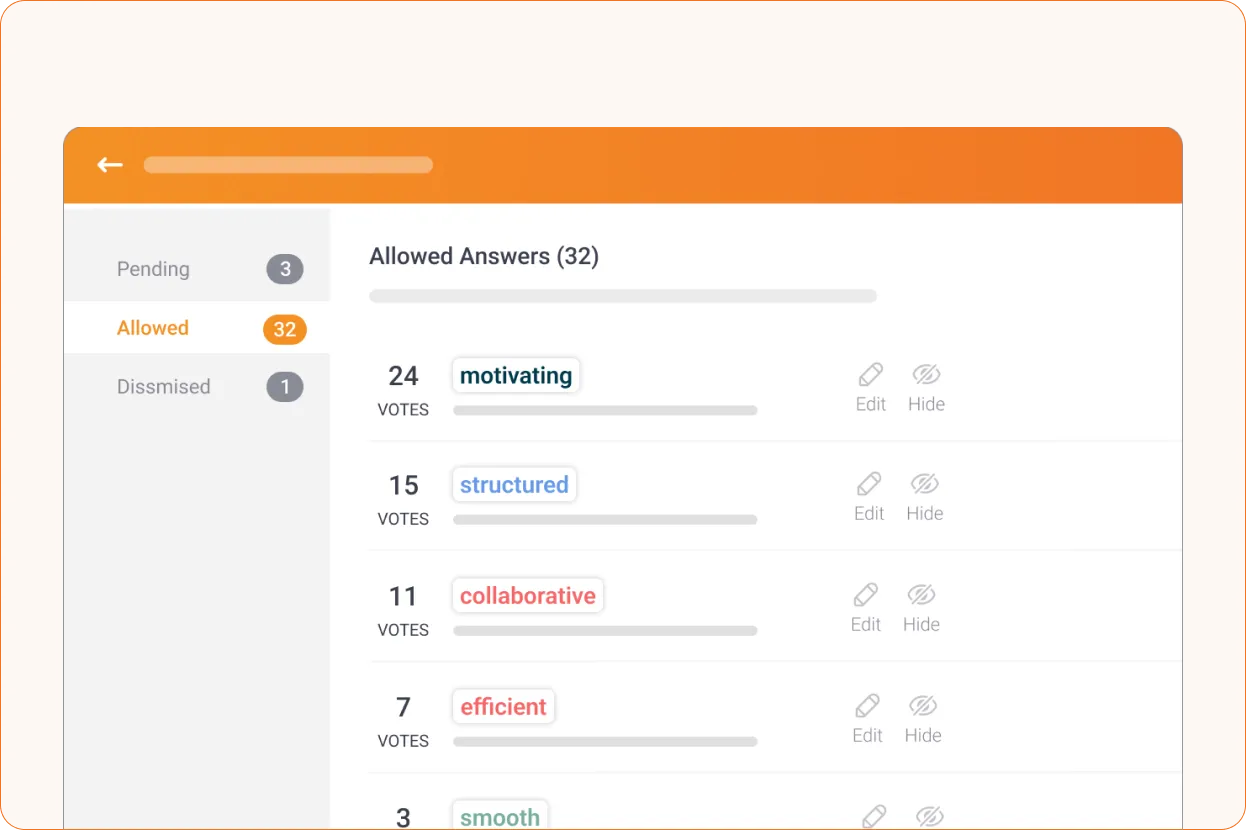
Yes. Pigeonhole Live lets you manage responses before they appear on screen. You can review or filter responses when needed, which helps keep the Word Cloud appropriate for business meetings, leadership sessions, classrooms, and public events.
This gives you the freedom to keep the session lively while still staying in control of what your audience sees.
A Word Cloud helps you see what stands out, but Pigeonhole Live also gives you built-in tools to take the next step. You can turn top ideas into Q&A topics, run a ranking poll to prioritise them, open a chat for discussion, or use an open ended poll or survey to collect more detailed feedback.
This helps you move from quick audience responses to clearer discussion, better decisions, and practical next steps.
Turn your ideas into a Word Cloud in seconds
Start your free Word Cloud and see what stands out.
Create your free Word CloudNo credit card required.