 Registration
Registration that fills your event with real people
Share one link, let people sign up, and know exactly who is in your event before it starts. No manual work, no guesswork, no messy data.

Watch sign-ups turn into ready attendees
People sign up once, and their details follow them into the event so they join ready, known, and not anonymous.
How Registration works
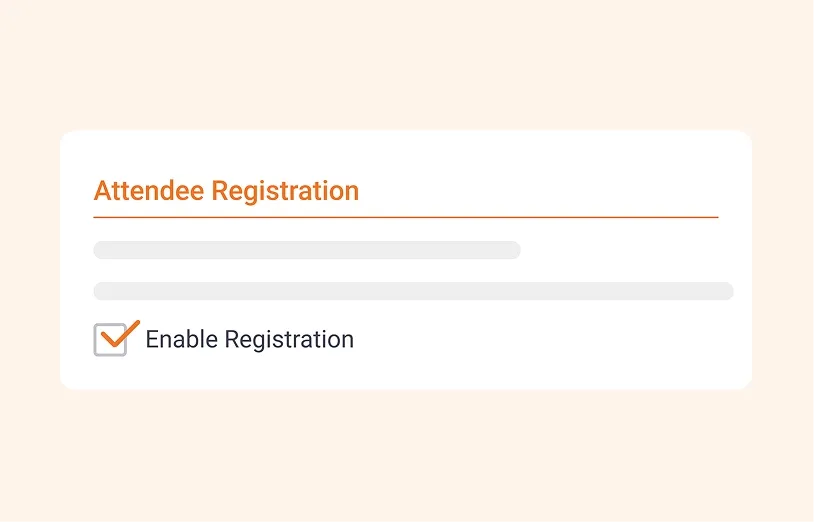
1. Turn it on
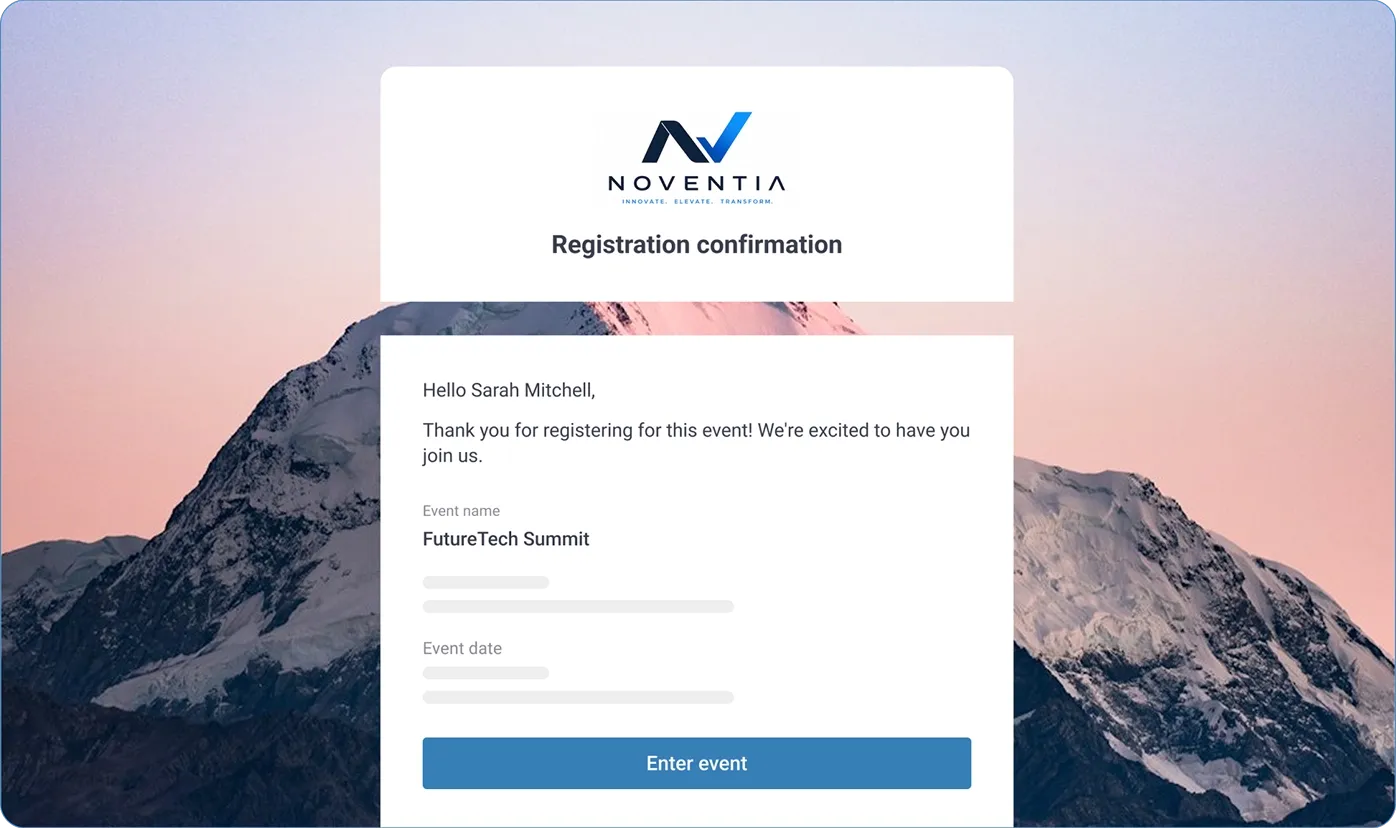
Enable it in your event settings and get a unique registration link to share.
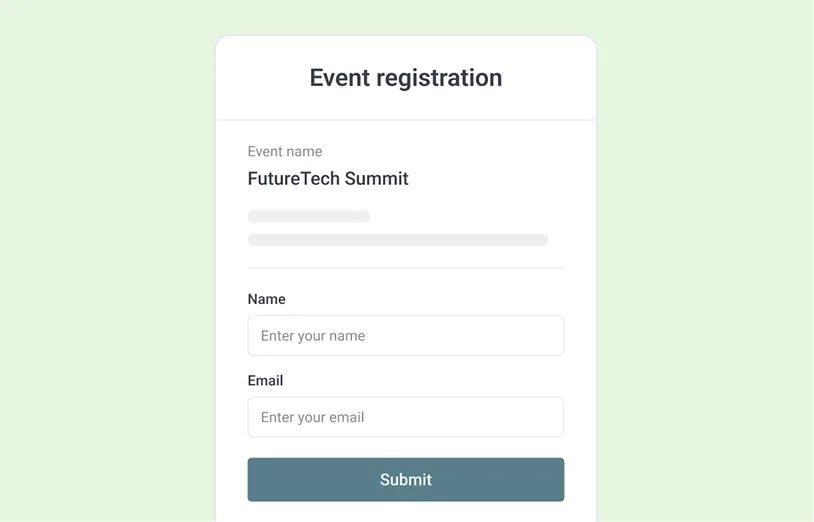
2. Collect attendee details
People open the link, fill in a form, save the date, and their details are captured as attendee profiles
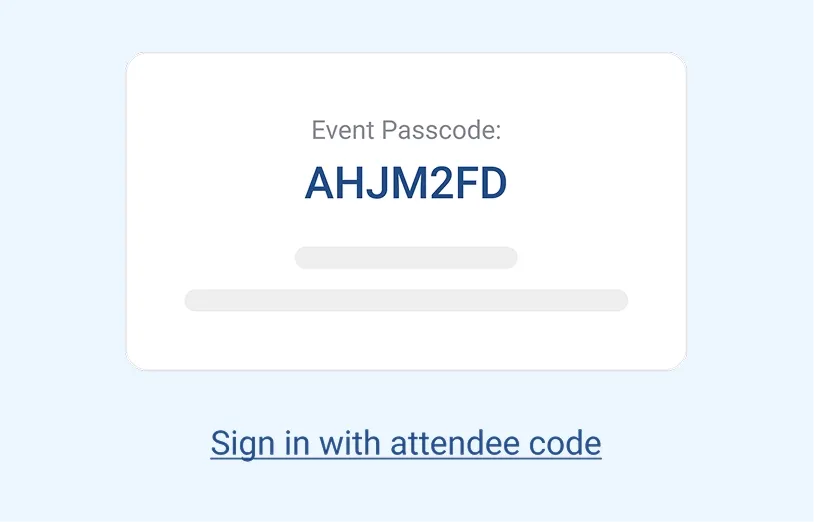
3. Admit the right people
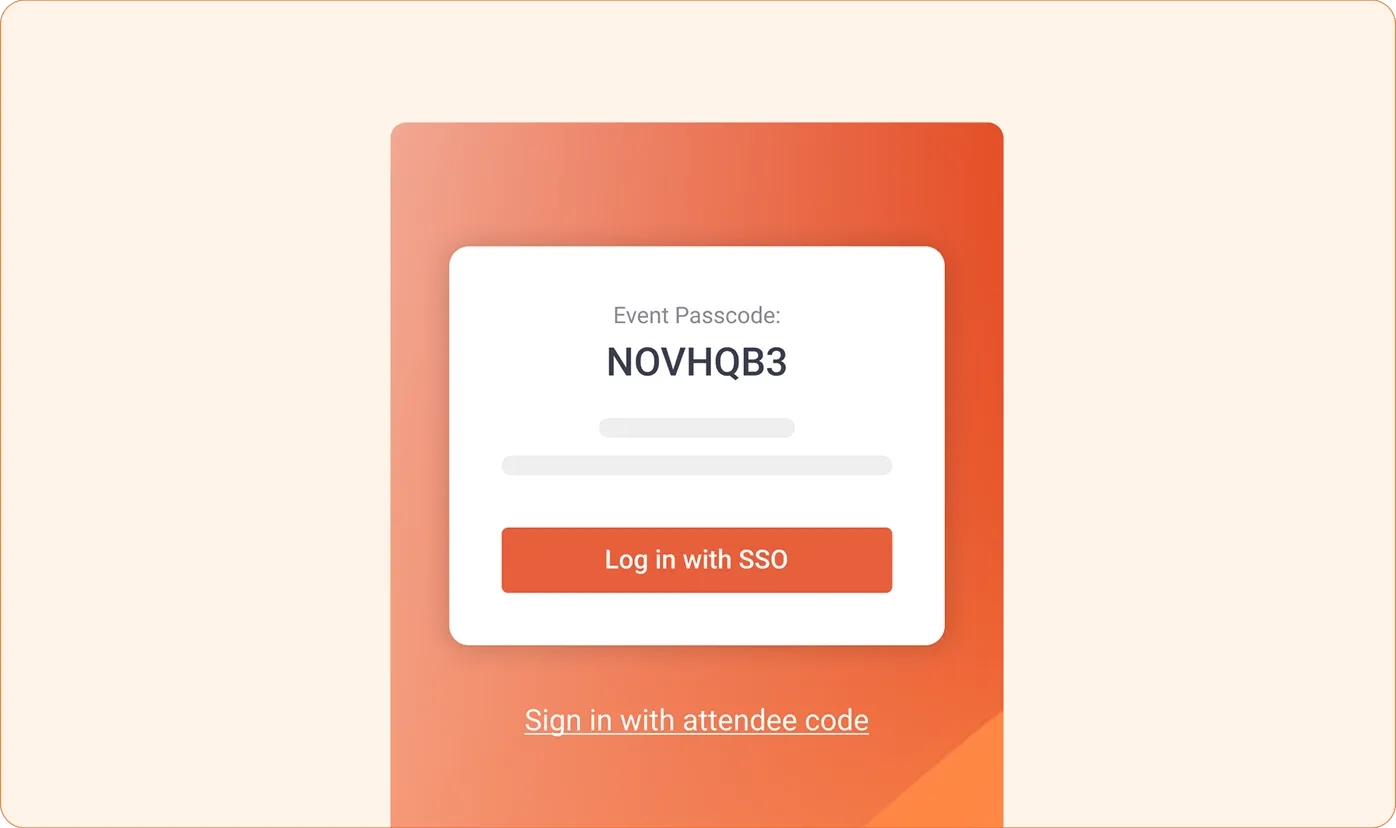
Only registered people enter with their details or attendee codes, bringing their identity with them.
Manage registration and access
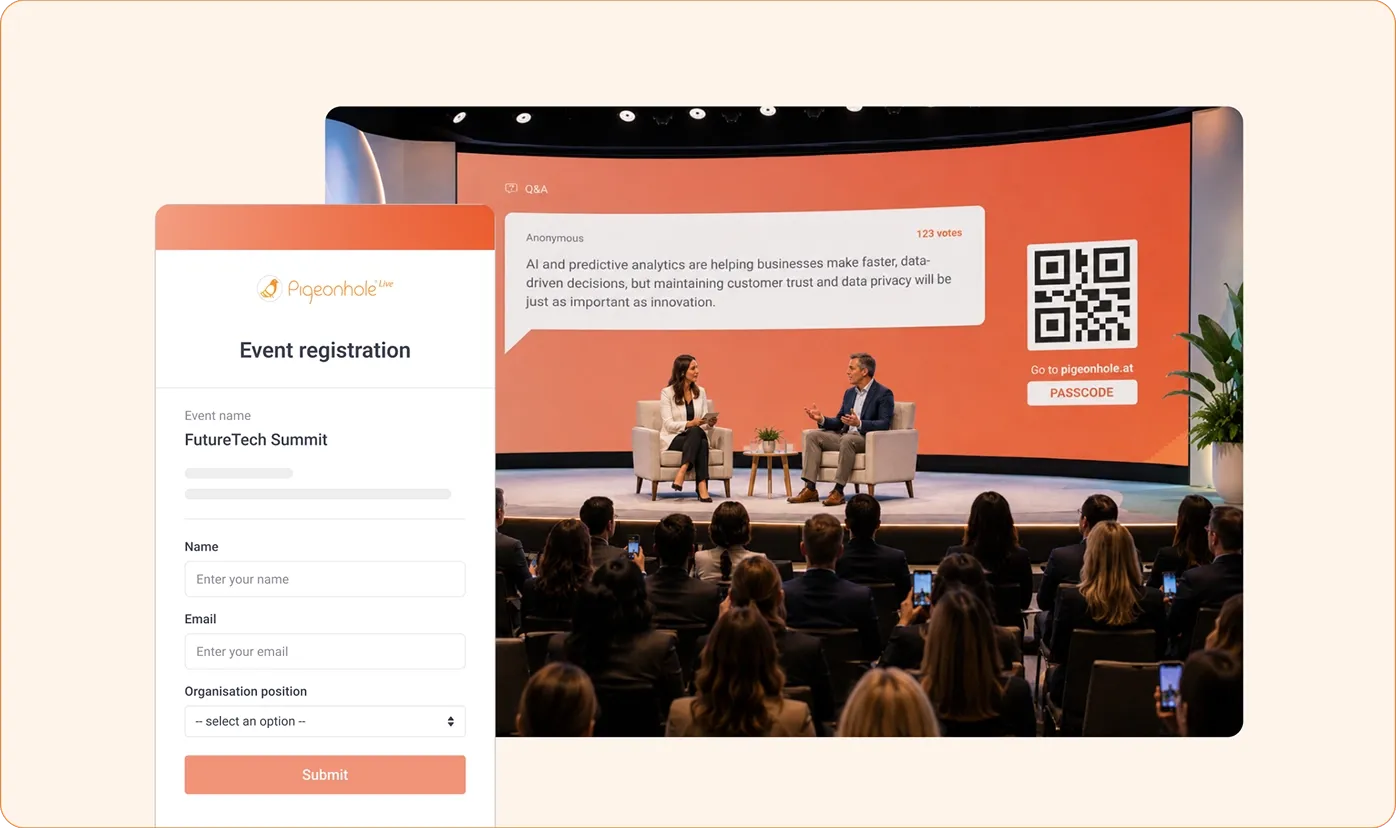
What you can do with Registration

Host webinars without RSVPs
Share one link and capture sign-ups before you go live. When people join, you know exactly who is in your session.

Manage town hall access
Limit sign-ups and entry to approved users, attendee codes, or SSO domains. No anonymous voices or outsiders in sensitive discussions.

Plan events with confidence
See who has registered before your event starts, so you can prepare with a clearer picture of who is attending.
Built to handle registration at scale
Automatic profile sync
Attendee details are captured as profiles, so every question, vote and reaction is tied to a real person.


Works with your existing setup
Sync attendee data from supported event platforms, so people join with their identity ready.
Registration shapes the whole experience
See who is behind every interaction across built-in tools so everything feels clear and connected.




Frequently asked questions
You turn it on, share a registration link, and let attendees sign up before your event. Their details are captured as attendee profiles, so they enter with their identity ready.
Yes. You can limit access to registered attendees, attendee codes, or SSO domains so only the right people can join.
Yes. You can set a registration window or keep registration open during your event, depending on how much control or flexibility you need.
Their details are saved as attendee profiles and used across the event. This helps tie questions, votes, chats, and reactions to real attendees.
Yes. You can sync attendee data from supported event platforms into Pigeonhole Live, so attendees join with their details already in place.
Start filling your event with real participants
Make it easy to sign up and know exactly who is in your event the moment it begins.
Sign up to use Registration