Engage every student before, during, and after class
Bring slides, Q&A, Polls, Word Clouds, and Quizzes into one seamless teaching flow. Turn lectures into active learning experiences that keep students participating, thinking, and asking questions.

Support learning in every classroom format
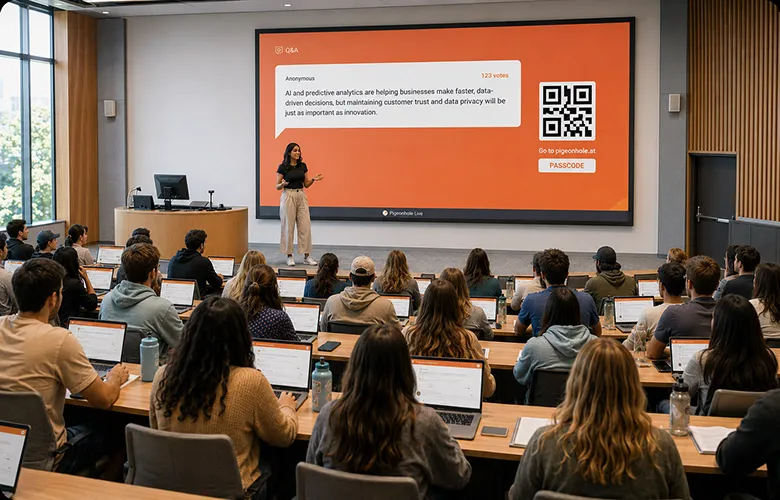
Lectures
Give every student a way to ask questions, respond to polls, and stay engaged — even in large classes.

Tutorials & seminars
Run discussions, quizzes, and collaborative activities that help students reflect, respond, and contribute.

Hybrid & online classes
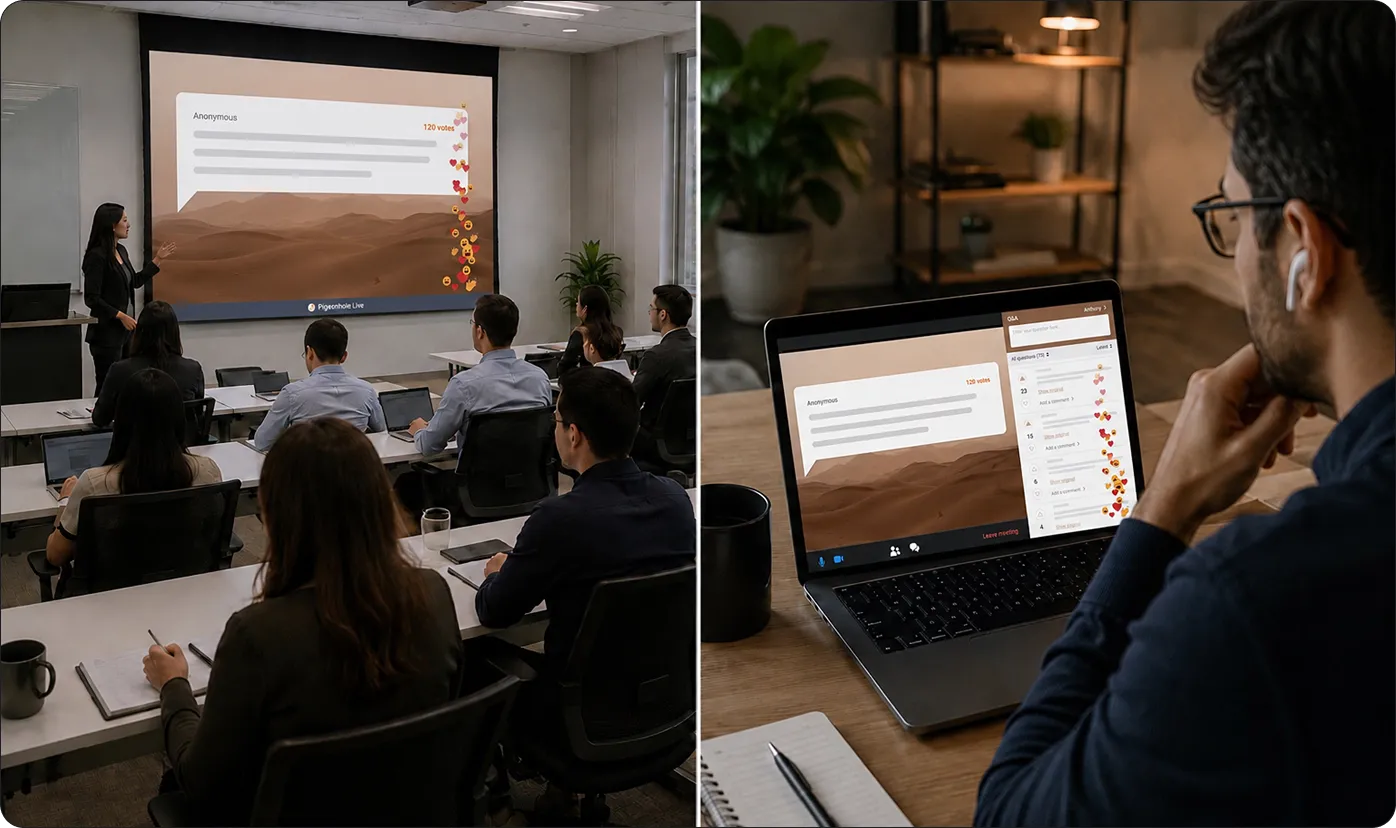
Give in-person and remote students the same opportunity to ask questions, participate, and learn together.
A better way to engage students and support learning
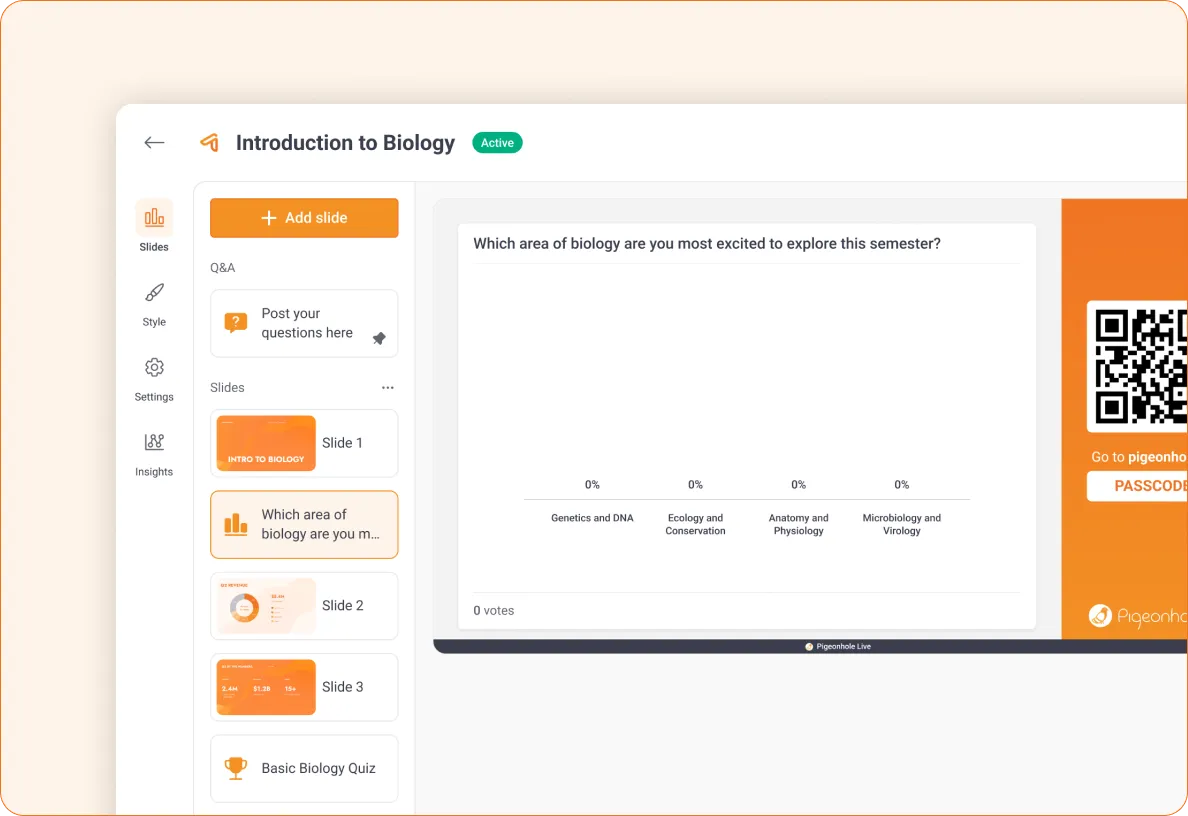
Teach in one seamless learning flow
Bring slides, Q&A, Polls, Quizzes, and Reactions together in one place — so participation happens naturally as learning unfolds.
 Present your slides while students ask questions in real time
- Use Polls and Quizzes to check understanding instantly
- Encourage Reactions to see when students are following or confused
- Keep discussions and participation connected to the lesson
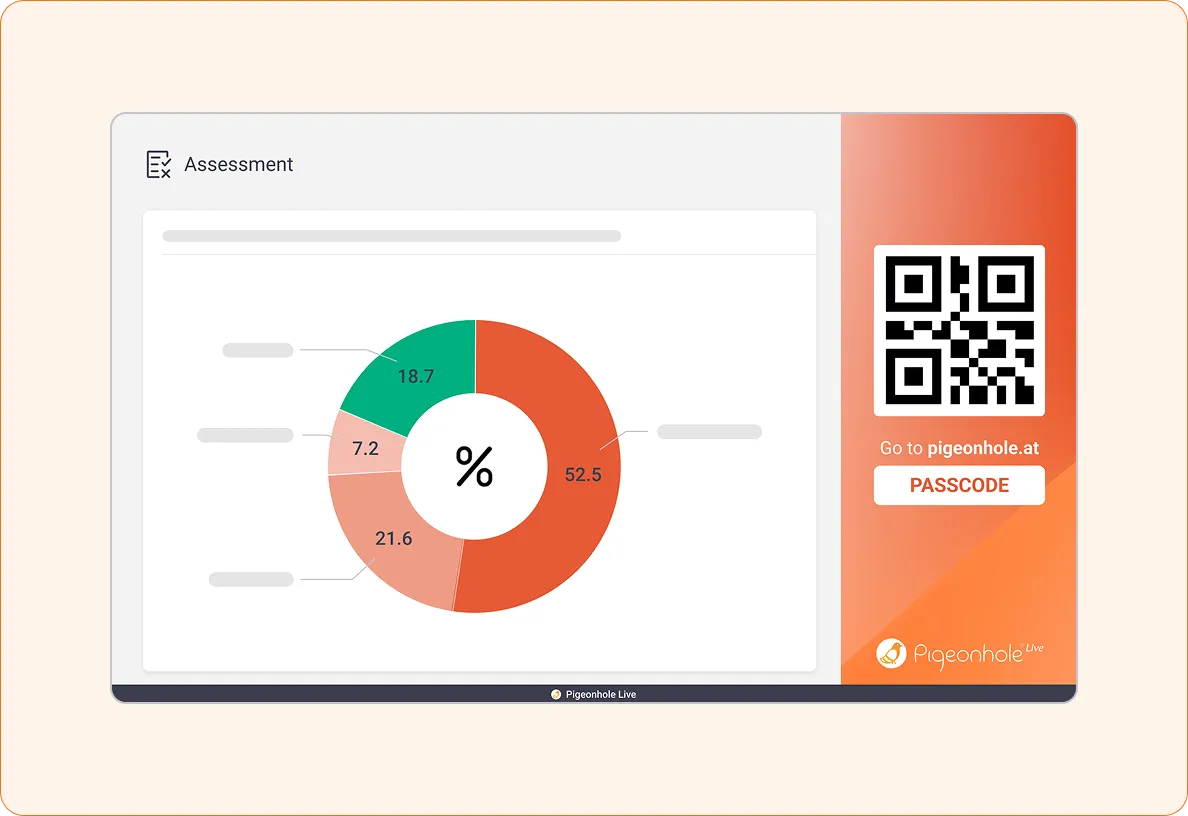
Support deeper learning by topic
Organise sessions by lesson, module, or topic so students always know where discussions, questions, and learning activities belong.
- Keep Q&A tied to each topic or lesson
- Make classroom discussions easier to revisit
- Help students reflect and learn progressively
- Capture insights across every teaching session
Keep learning going beyond the classroom
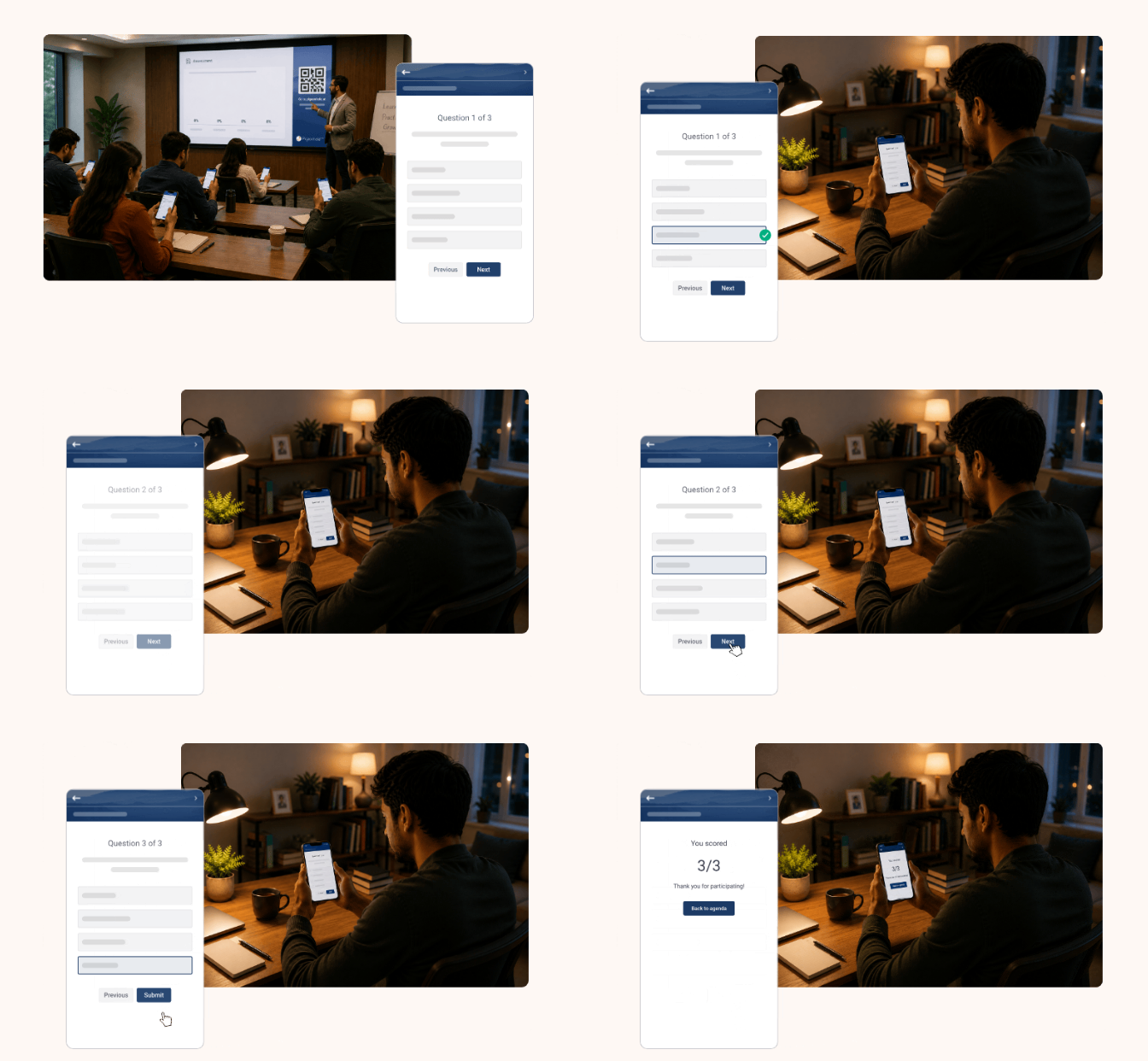
Learning doesn’t stop when class ends. Give students a space to revisit discussions, reflect, and continue learning at their own pace.
- Open Q&A for follow-up questions after class
- Let students revisit lesson discussions anytime
- Use self-paced assessments to check progress
- Track participation and understanding over time
Run engaging classes with confidence
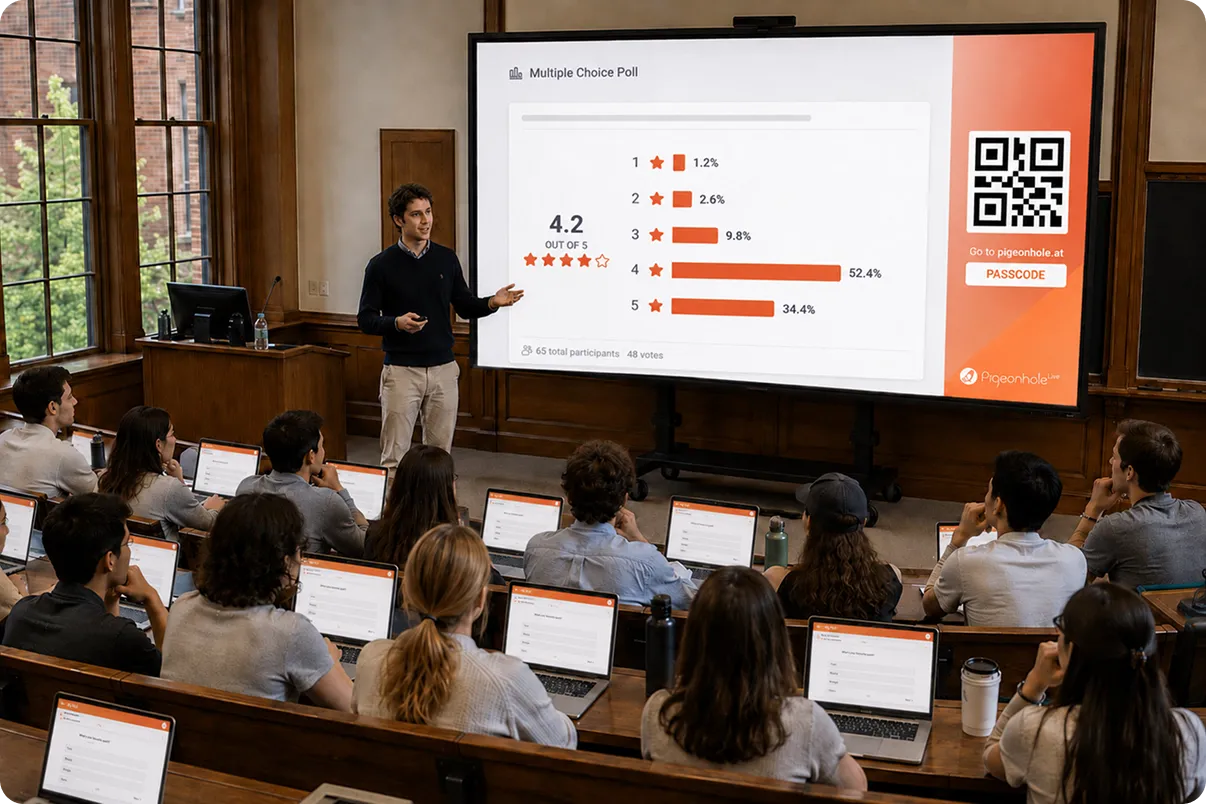
Keep learning on track
Guide lessons smoothly while adapting to how students are responding in real time.
- Control what appears on screen
- Launch Polls and Quizzes at the right moments
- Adjust activities based on participation and understanding
Keep lessons flowing while staying responsive to students.
Teach together, support learning together
Coordinate across lecturers, tutors, teaching assistants, or facilitators to create a consistent learning experience.
- Collaborate on Presentation Pigeonholes across courses and classes
- Manage participation together during live classes
- Keep teaching aligned across tutorials or large cohorts
Create a connected learning experience across every class.
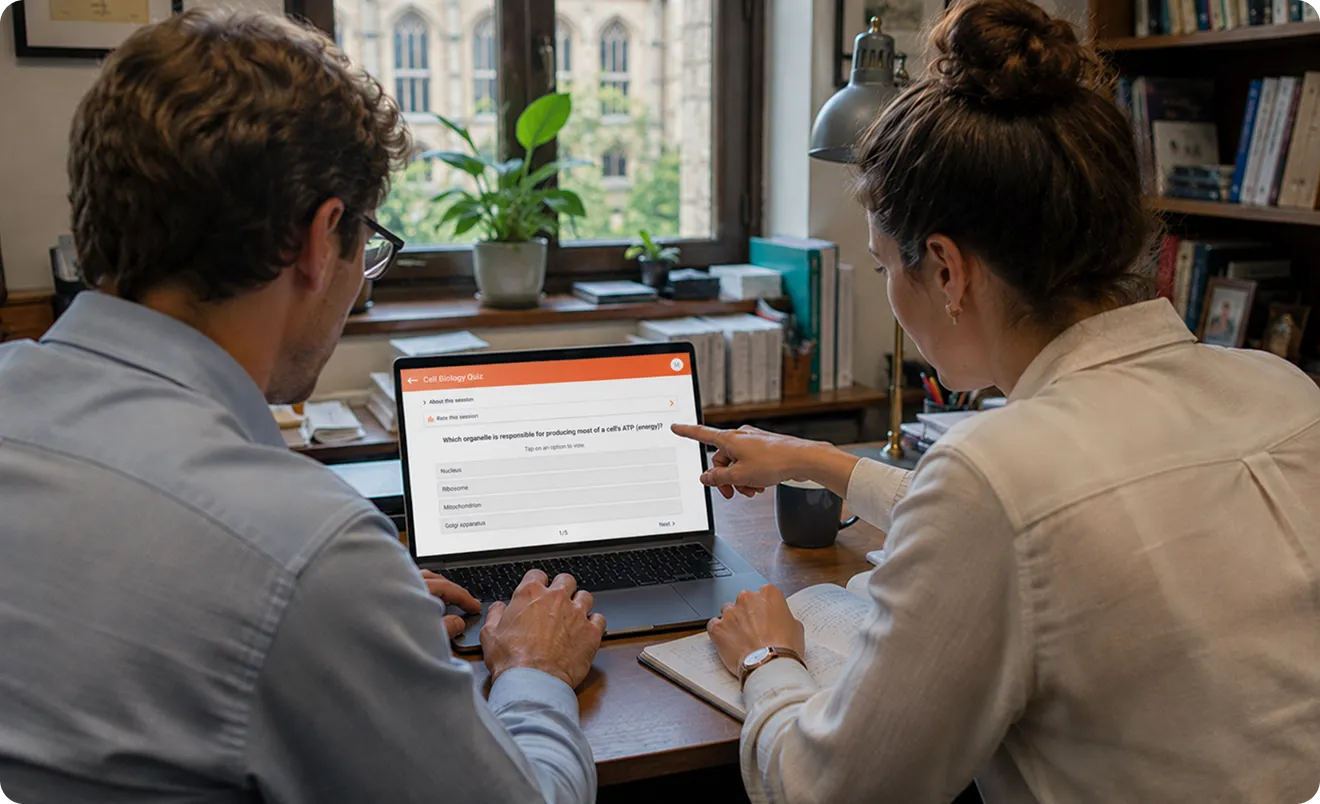
Teach clearly and engage every student
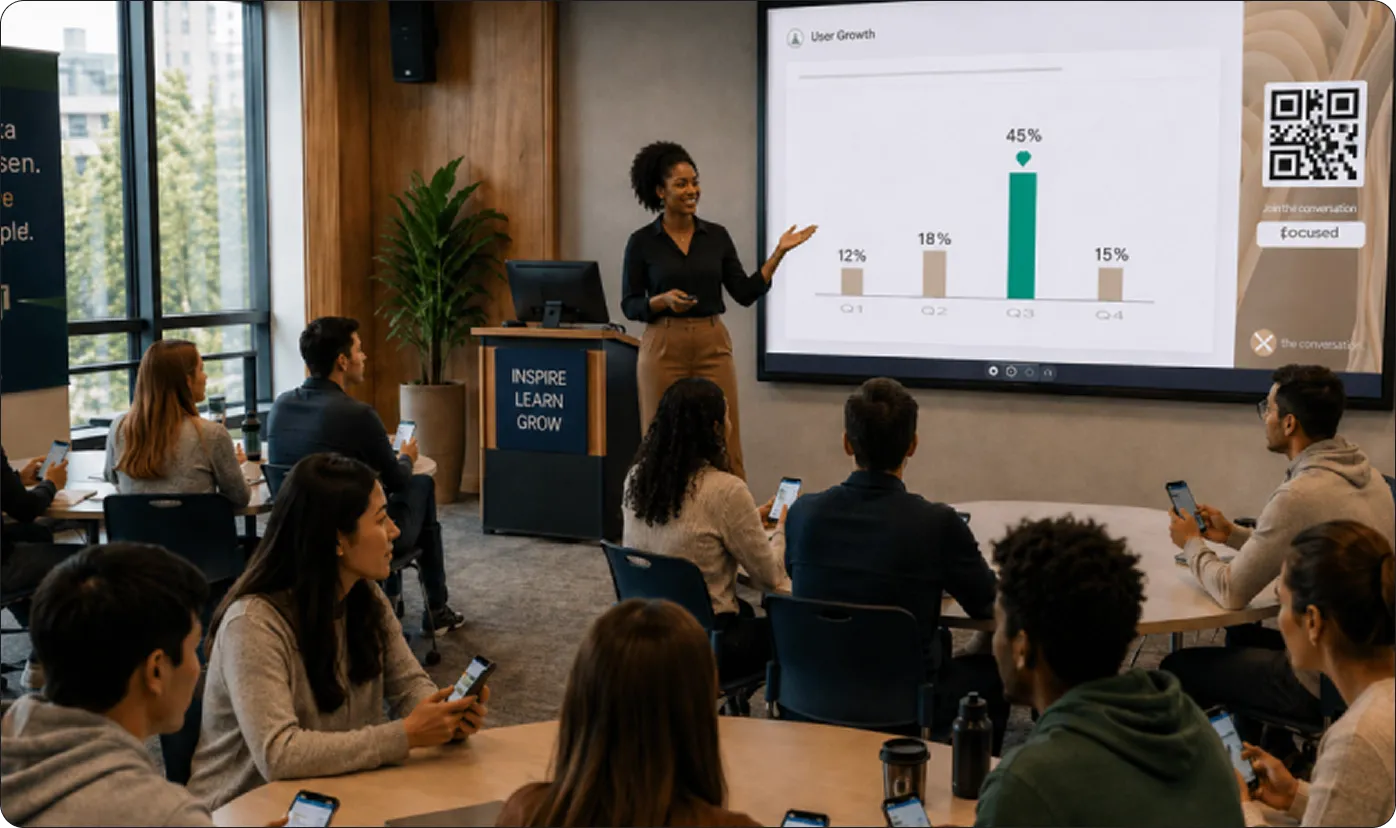
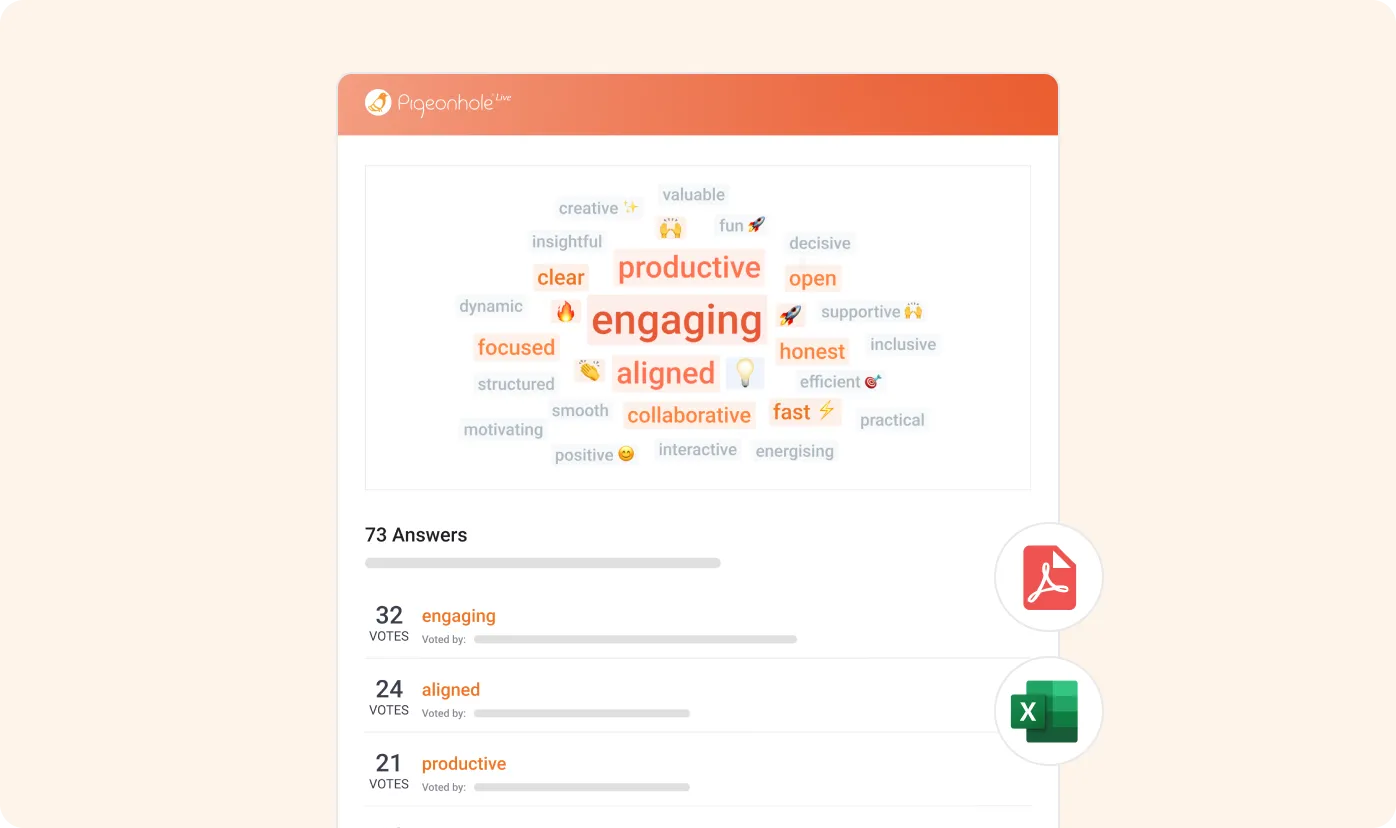
How it works
Set up your teaching in a way that fits how you already work.
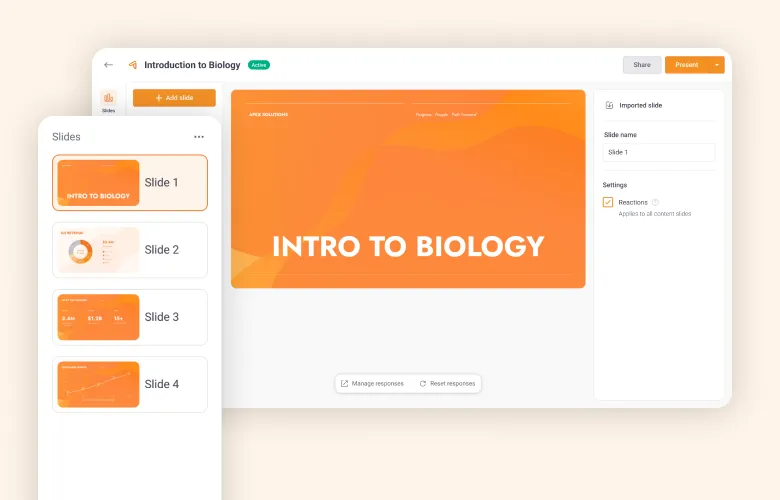
1. Import your slides
Bring your presentation into Pigeonhole Live in one click.
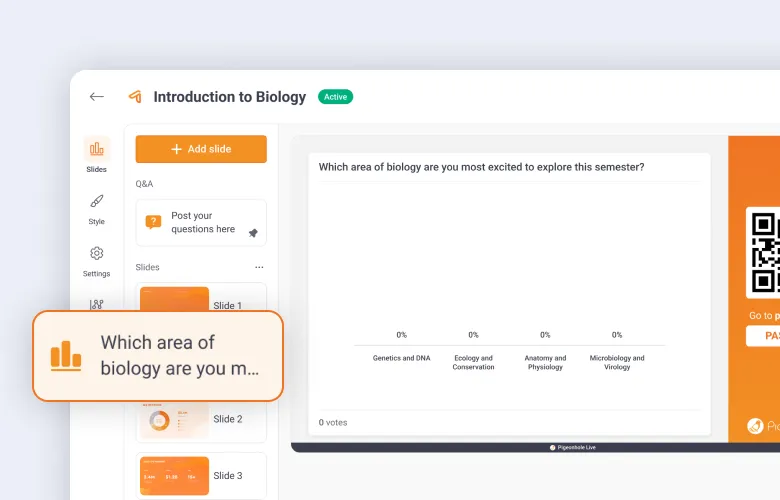
2. Add interactive learning moments
Insert Q&A, Polls, Word Clouds, and Quizzes between topics.
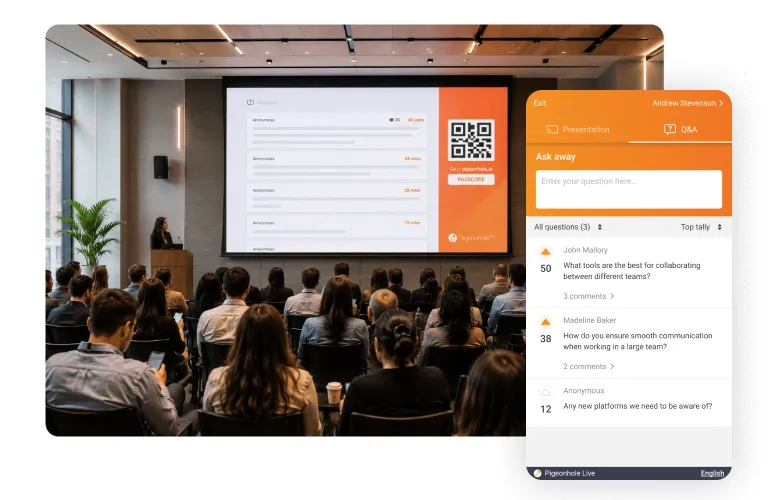
3. Teach and engage in one flow
Present and engage in one flow, without switching tools.
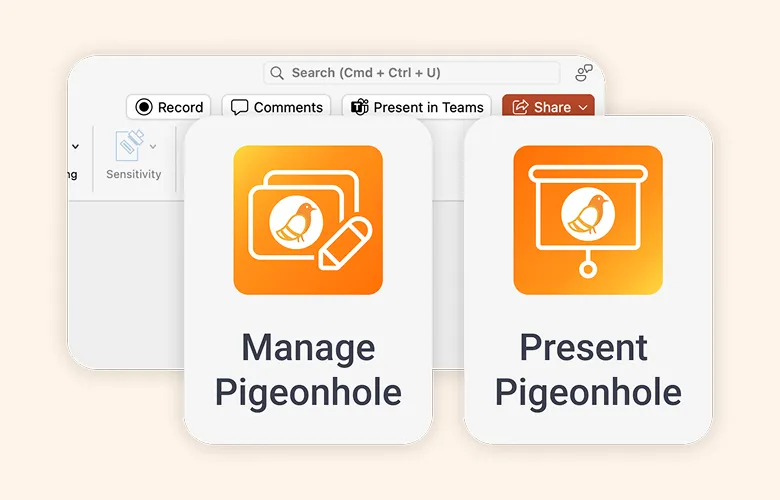
1. Set up in your slides
Install the Pigeonhole Live add-in for PowerPoint or Google Slides.
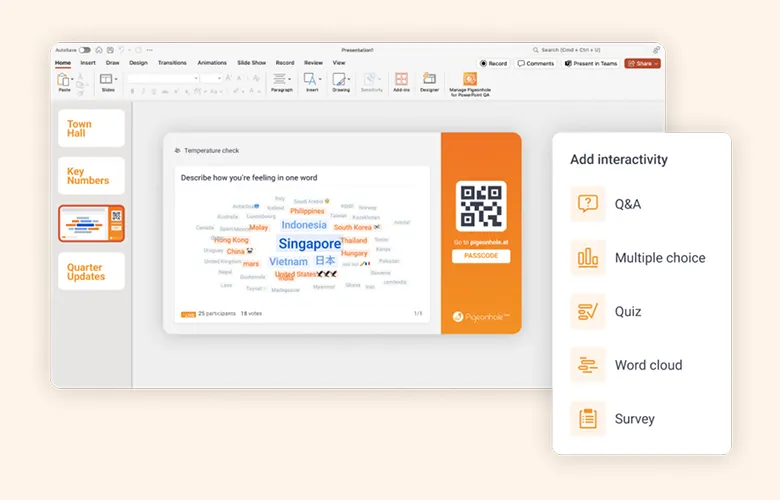
2. Add interactive learning moments
Insert Q&A, Polls, Word Clouds, and Quizzes directly into your slides.
3. Teach and engage in one flow
Run your session without changing how you teach.
Everything you need for more interactive classes
Run Q&A, Polls, Quizzes, Word Clouds, Surveys, and more — all in one seamless teaching flow designed to keep students engaged






Frequently asked questions
Pigeonhole Live helps you turn lectures into active learning experiences with live Q&A, Polls, Quizzes, Word Clouds, and Reactions. Students participate during lessons instead of passively listening, while you see what they understand in real time.
Yes. Pigeonhole Live works with Microsoft PowerPoint and Google Slides through built-in add-ins. You can add Q&A, Polls, Quizzes, and other engagement activities directly into your slides without changing how you teach.
Pigeonhole Live creates one shared experience for in-person and remote students. Everyone joins the same Q&A, Polls, Quizzes, and discussions from any device, so students stay involved wherever they are learning from.
Educators use live Quizzes, Polls, Q&A, and Reactions to check understanding as lessons happen. This helps lecturers and tutors identify learning gaps early, adjust teaching on the spot, and keep students on track throughout the session.
Yes. Students can submit anonymous questions during lectures, tutorials, and seminars. Anonymous Q&A encourages more honest participation and helps educators hear from students who may hesitate to speak up in class.
Teach. Engage. Learn better.
Get started for freeRun your next class with up to 100 students. No credit card required.
Planning to roll this out across your campus?
Whether you're equipping a faculty, department, or your entire institution, tell us what you're planning. We’ll help you explore educator licensing, onboarding, and ways to support active learning at scale.