Turn training into active, measurable learning
Deliver training where content and participation flow together seamlessly. Run your slides, Q&A, Polls, Word Clouds, and Quizzes in a single, connected experience.

Use it for training that truly engages

New employee onboarding
Engage new hires from the start with Polls and Q&A, and check understanding as you go.

Workshops & discussions
See what everyone is thinking with Word Clouds and keep discussions focused.

Training courses
Track progress across sessions with Assessments, so you can see learning grow.
How Pigeonhole Live helps you deliver better learning
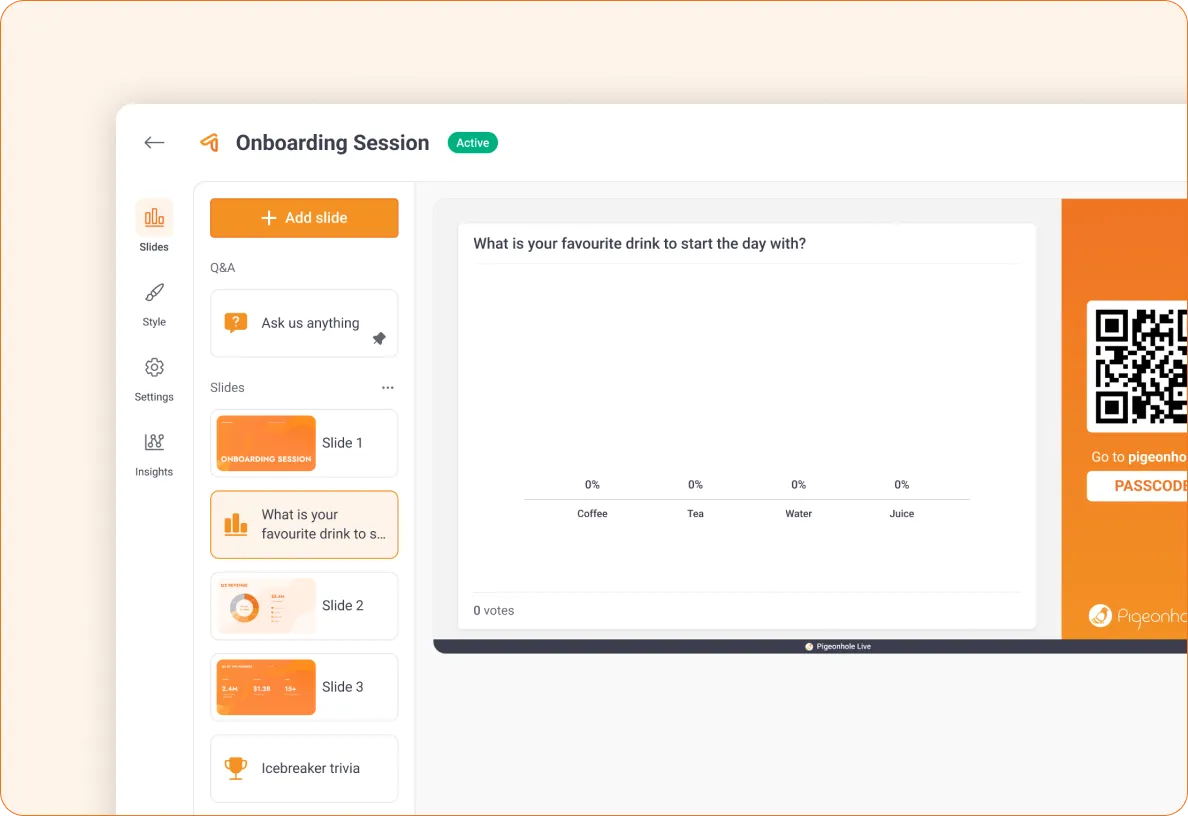
Engage everyone in one seamless flow
Bring everything together in Presentation Pigeonhole.
 Import your slides and run everything in one place
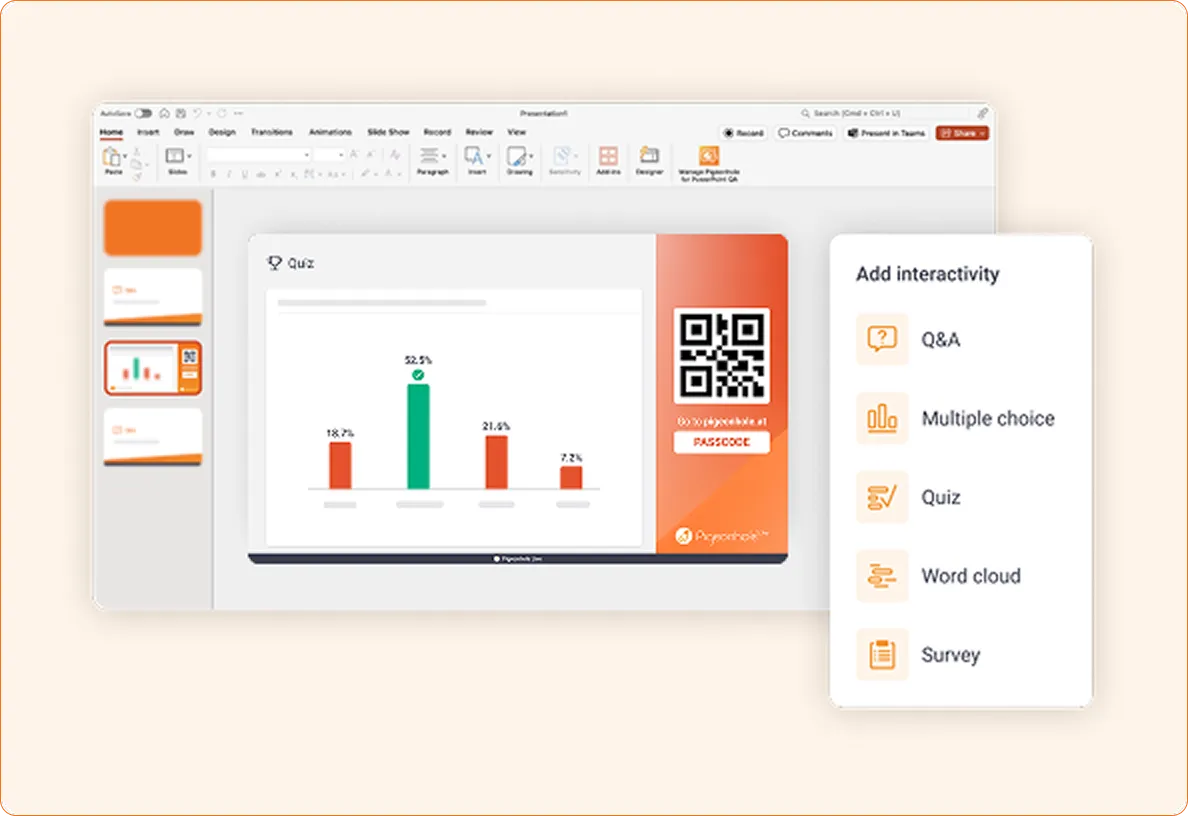
- Insert Q&A, Polls, Word Clouds, and Quizzes between content
- Deliver your full session without switching tools
One continuous learning experience where learners stay focused.
Stay in control of every session
Run sessions confidently, even with large groups.
- Seamless transitions between content slides and Q&A or Polls
- Q&A always available so learners can ask questions anytime
- Guide learners to the right poll so they stay on track
Stay in control of the session while keeping momentum.
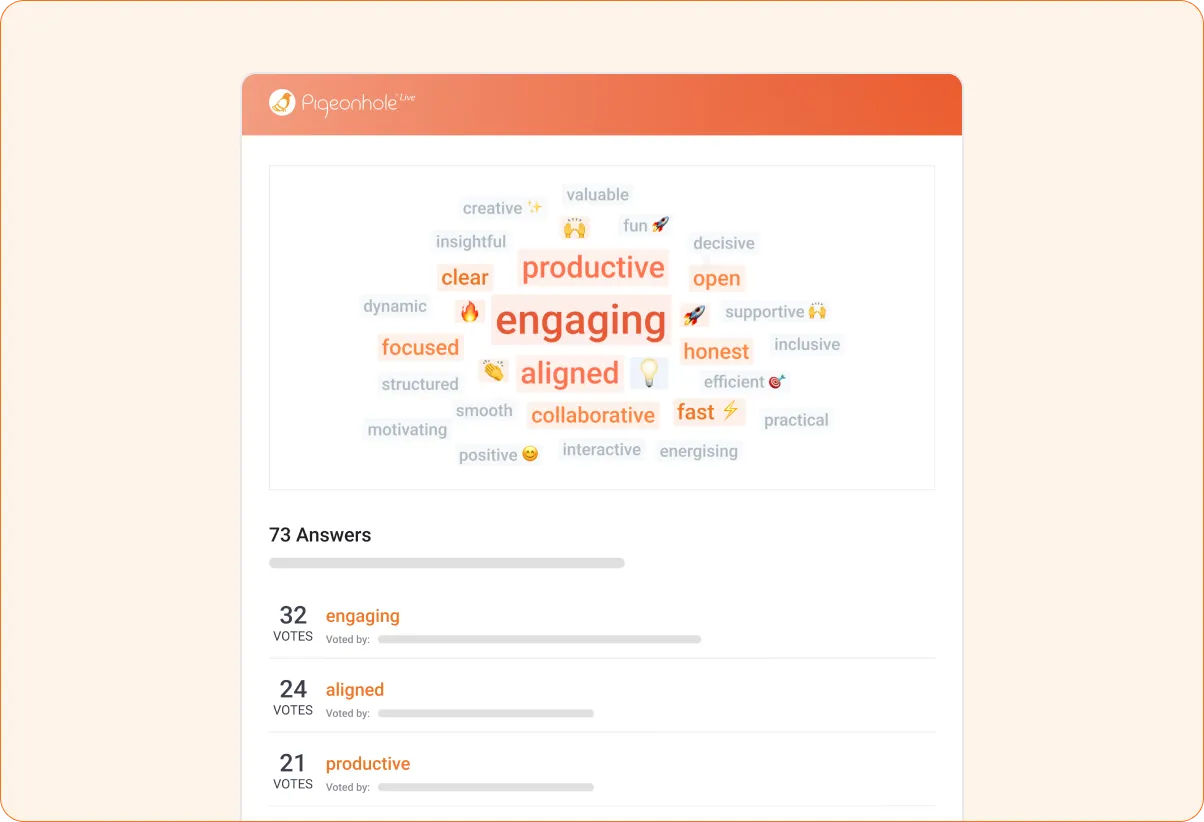
Capture insights that improve learning
Go beyond collecting responses to see what is landing and where learners need more support.
- Track engagement by topic or module
- See where learners stay engaged and where they start to drift
- Export insights to improve future training
Turn participation into insight you can use to improve learning outcomes and show what worked.
Extend learning beyond the training session

Keep the conversation going
- Leave Q&A open after training so learners can revisit topics and ask questions anytime
- Organise discussions by topic so questions stay relevant and easy to revisit
Learning continues beyond the session.
Support ongoing learning and progress
- Reinforce learning through revision and reflection before assessments
- Run self-paced Assessments so learners can check their understanding when it suits them
- Track progress over time across the course
See how learning develops and improves over time.
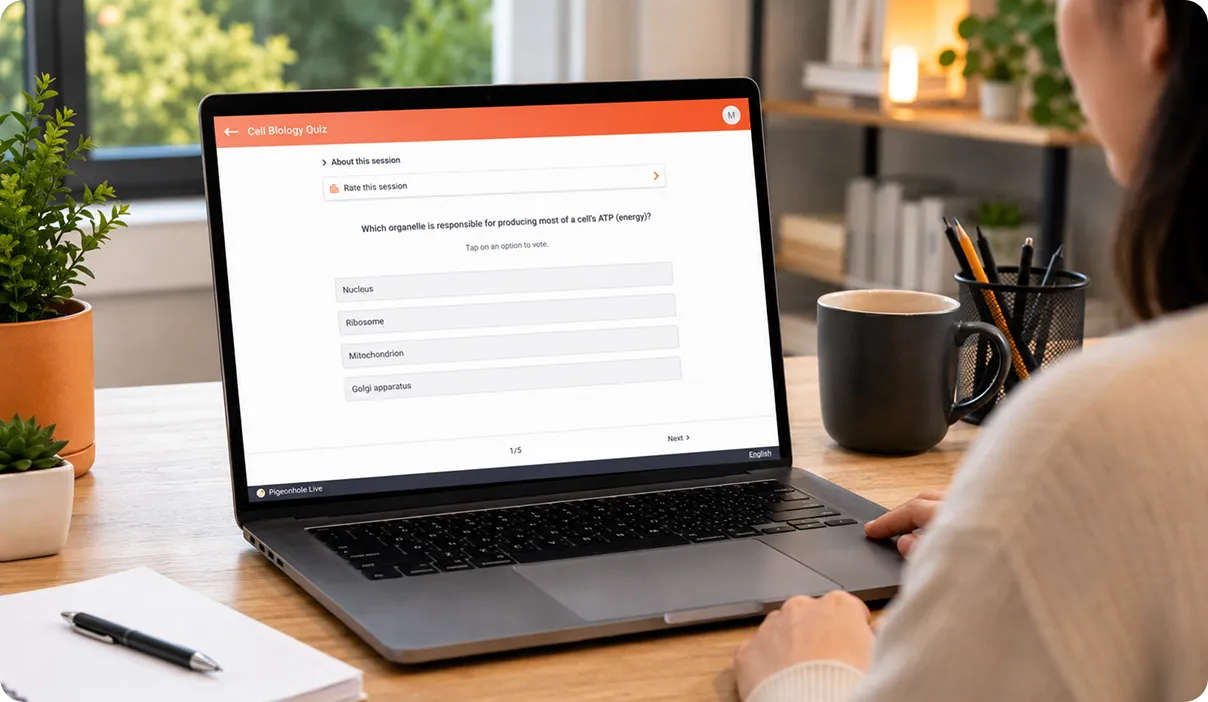
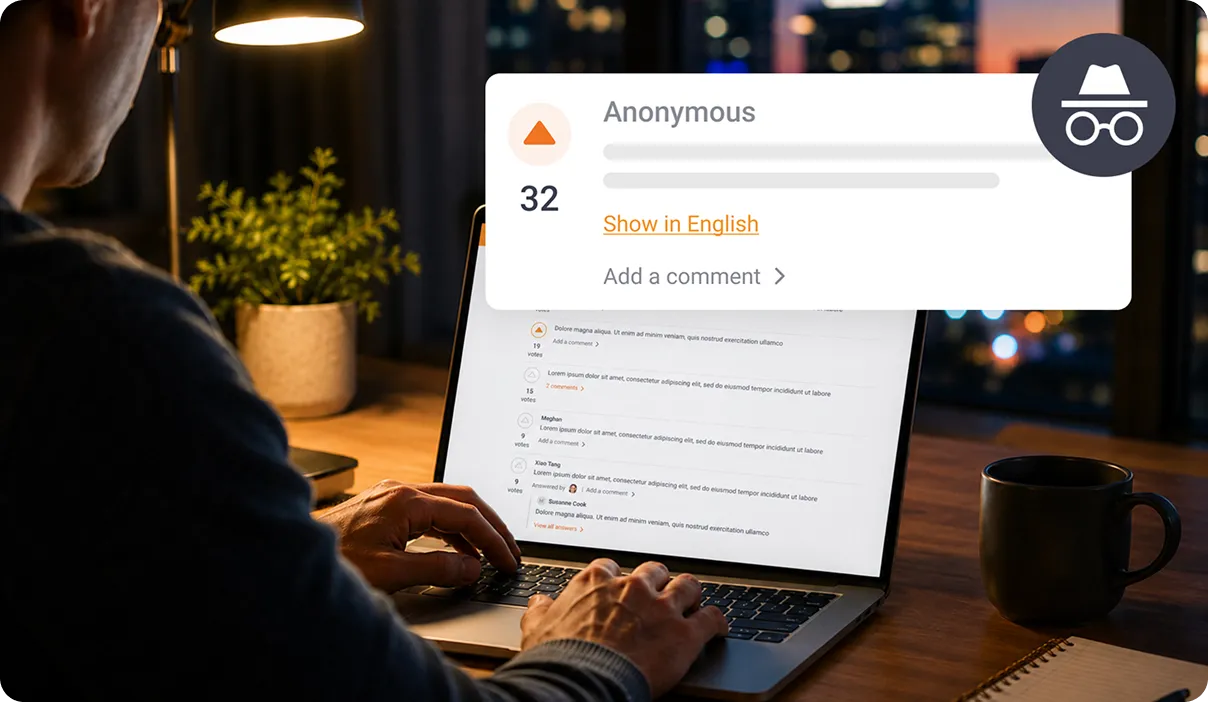
Inclusive learning for every learner
Make it easy to take part, wherever they are.
- Anonymous participation encourages honest input
- Real-time AI translation for global teams
- Accessible anywhere, any device
So participation stays strong, even as you scale.
How it works
Set up your training in a way that fits how you already work.
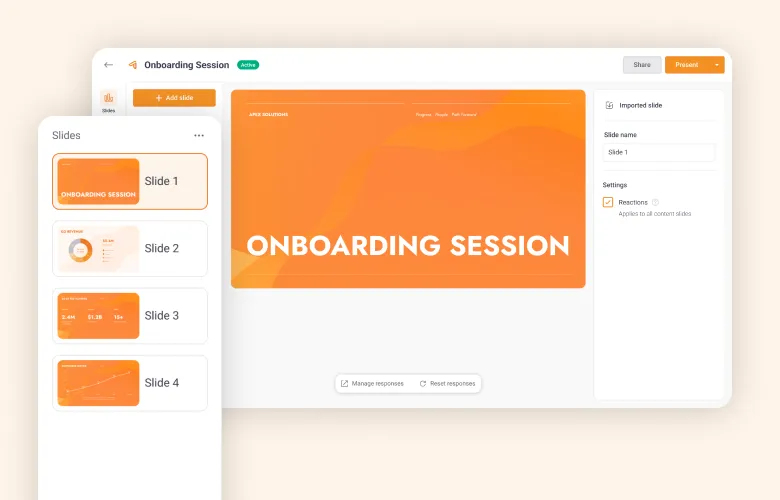
1. Bring in your slides
Import your slides and set up your session in one place.
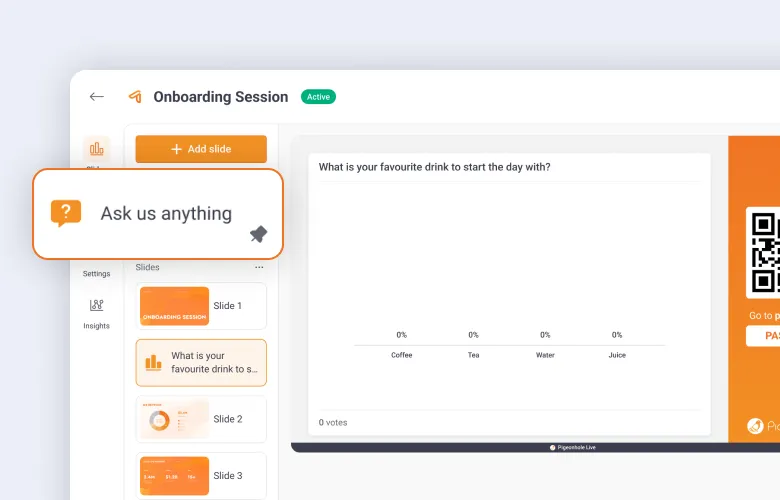
2. Add interaction
Insert Q&A, Polls, Word Clouds, and Quizzes between your content.
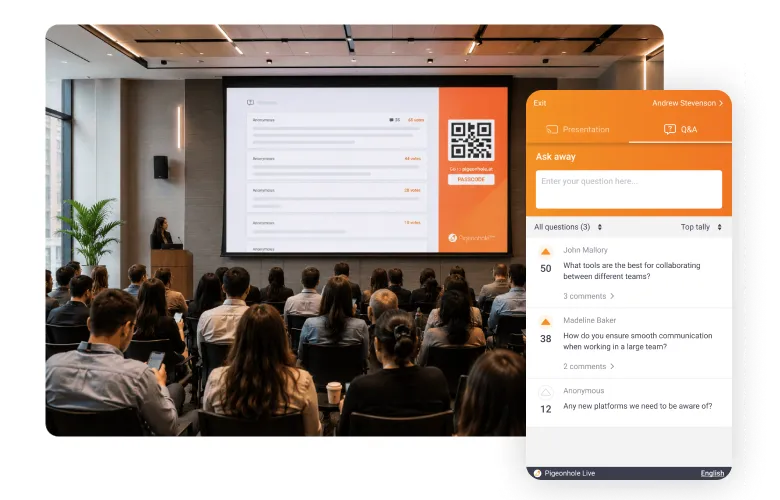
3. Run it in one flow
Deliver your full session from start to finish without switching tools.
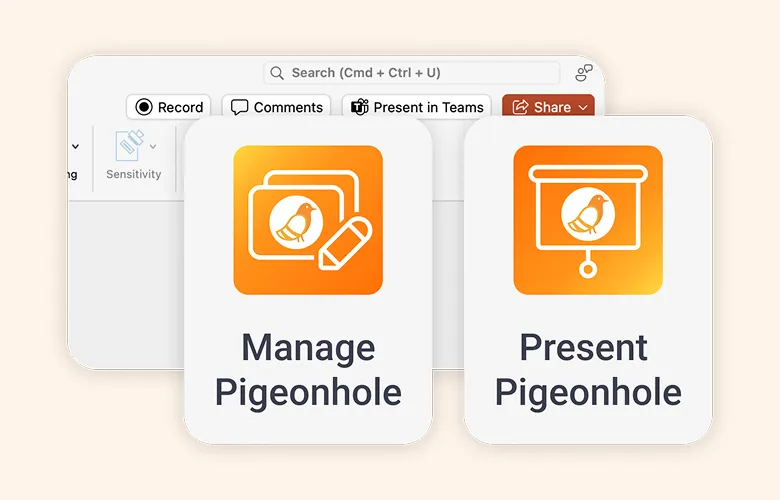
1. Set up in your slides
Install the add-in for PowerPoint or Google Slides.
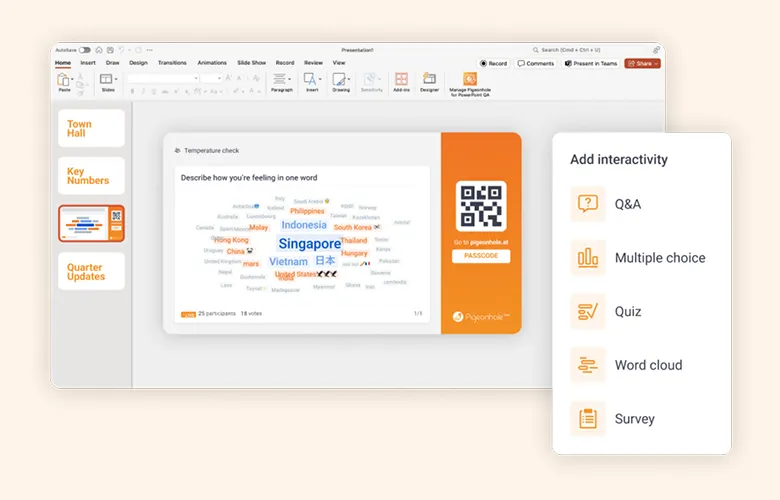
2. Add interaction
Insert Q&A, Polls, Word Clouds, and Quizzes directly into your slides.
3. Present as usual
Run your session without changing how you present.
Everything you need to keep learners engaged






Frequently asked questions
The best way to run interactive training is to bring your content and engagement into one flow. Pigeonhole Live lets you run slides, Q&A, Polls, Word Clouds, Quizzes, and Assessments together, so learners stay focused and involved throughout the session.
You can make corporate training more engaging by involving learners throughout the session instead of saving interaction for the end. Pigeonhole Live lets you add live Q&A, Polls, Quizzes, Reactions, and Word Clouds directly into your training flow, helping learners stay focused and take part from start to finish.
Yes. Pigeonhole Live works with both Microsoft PowerPoint and Google Slides through add ins. You can insert Q&A, Polls, Quizzes, and Word Clouds directly into your slides and run your session without changing how you already present.
Pigeonhole Live helps L&D teams track engagement across topics, modules, and sessions. You can see where learners stay engaged, where they need more support, and use assessments and engagement insights to improve future training programmes.
Yes. Pigeonhole Live is designed for in person, virtual, and hybrid training. Learners can participate from any device, use real time translation, and stay connected through Q&A, Polls, and Reactions without switching between multiple tools or screens.
Move beyond interactive slides. Deliver real learning.
Get started for freeRun your next training with up to 100 learners. No credit card required.
Running large-scale training?
Tell us what you are planning. We will help you set it up so it runs smoothly and gives you clear insight into your learning outcomes.