Turn Zoom Webinars & Events into two-way experiences
From customer webinars and product launches to virtual events and town halls, give every attendee an easy way to take part. Pigeonhole Live helps you keep participation structured, focused, and under control.
Hosting a meeting? Explore Zoom Meetings
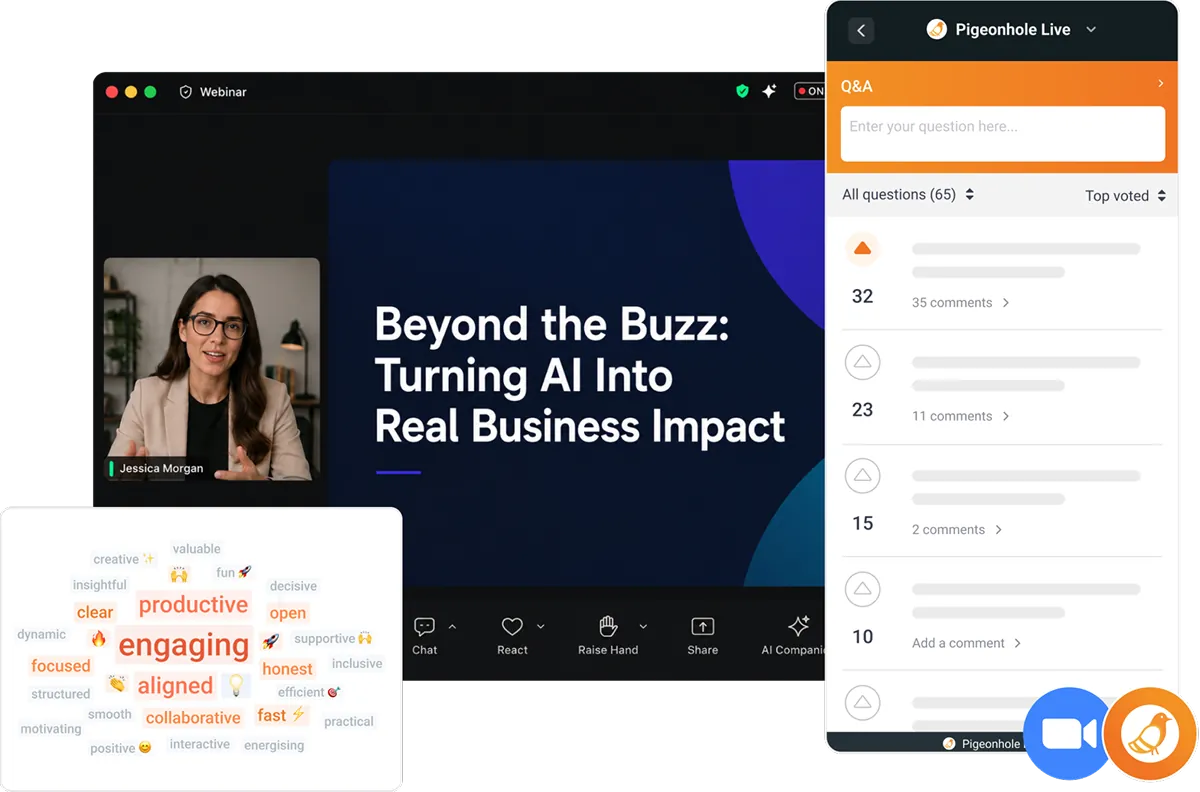
The easiest way to engage audiences in Zoom Webinars
Run Q&A, Polls, and audience participation without switching between tools. Attendees can watch the Zoom webinar while asking questions, voting, and responding in one organised space — all without leaving the experience.
Stop important questions from getting buried in webinar chat
Large webinars can quickly get noisy, with questions missed or repeated. Pigeonhole Live keeps questions, votes, and discussions organised in one place, helping speakers and moderators focus on what matters most.
Run organised Q&A
Collect audience questions in one dedicated space.
Prioritise important questions
Let attendees vote so the most relevant questions rise to the top.
Moderate with confidence
Review, filter and manage incoming questions before displaying them.

Support anonymous participation
Encourage more honest questions and higher audience engagement.
Enable follow-up discussions
Allow comments and threaded discussions under questions.
Run live Polls
Gather opinions, check understanding or collect feedback instantly.
Give every attendee an equal chance to participate

For virtual and hybrid webinars
Remote attendees can participate directly beside the Zoom webinar, while in-room attendees can scan a QR code to join instantly from their own devices.
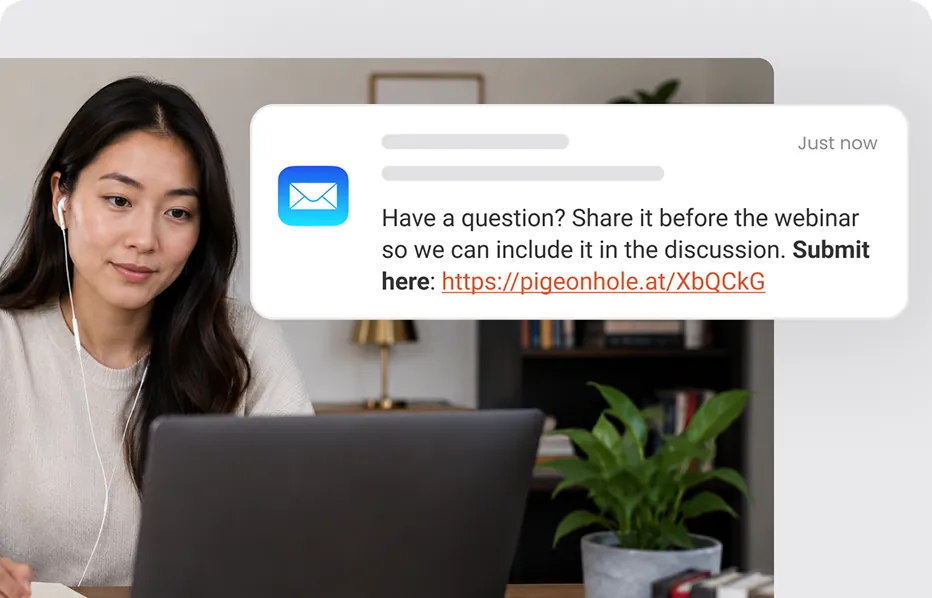
Collect questions early
Share your Pigeonhole link before the webinar starts so attendees can submit questions or respond to Polls ahead of time.
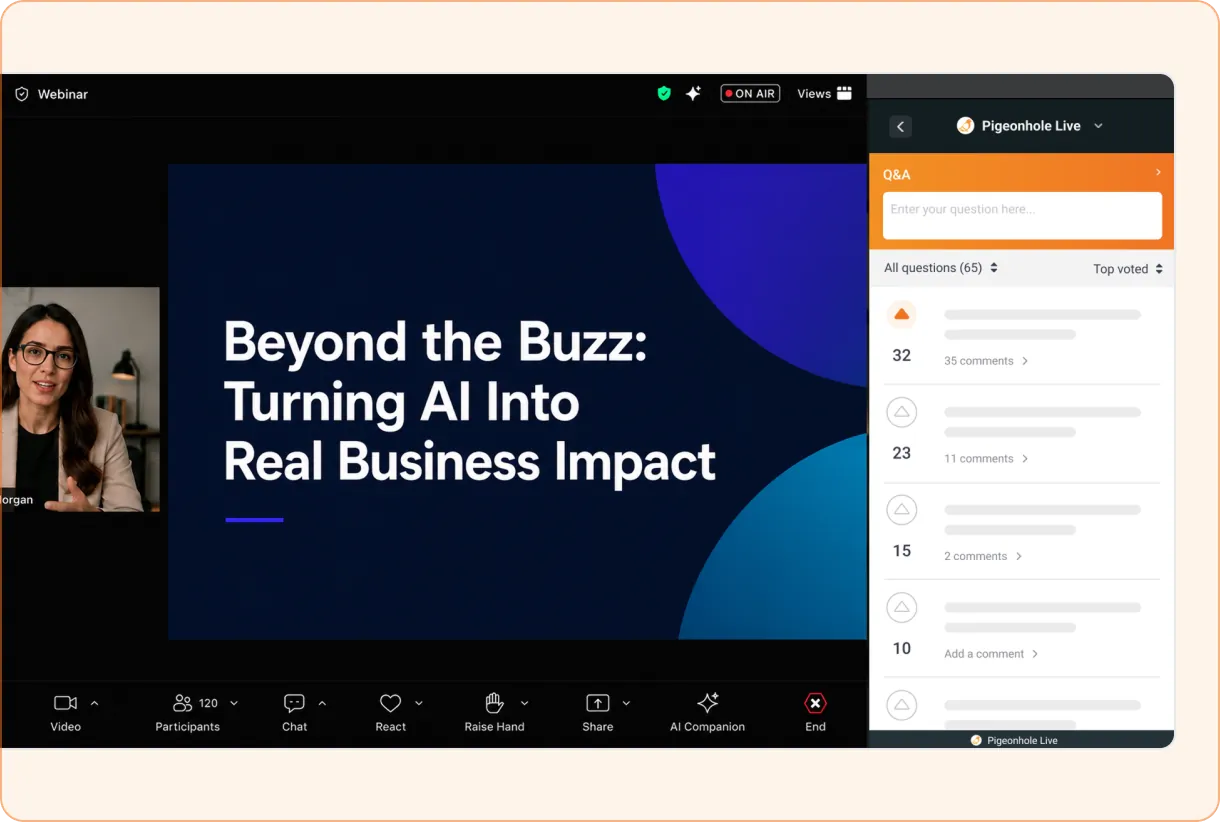
Keep the webinar and interaction side by side
Let attendees follow the speaker and shared content while asking questions, voting, commenting, and responding to Polls in the same view.
They can stay focused on the webinar while still taking an active part in the conversation.
How it works
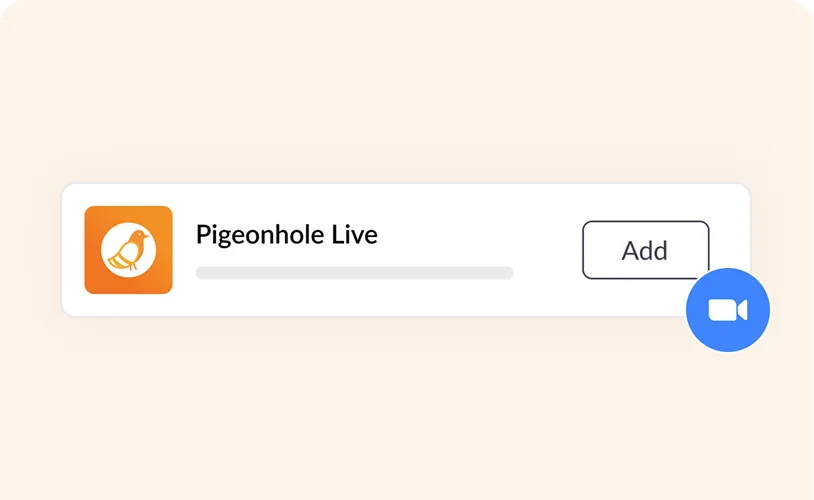
1. Add Pigeonhole Live to your webinar
Search for Pigeonhole Live in Zoom Apps and add it to your Zoom webinar. Then, connect with your Pigeonhole Live account.
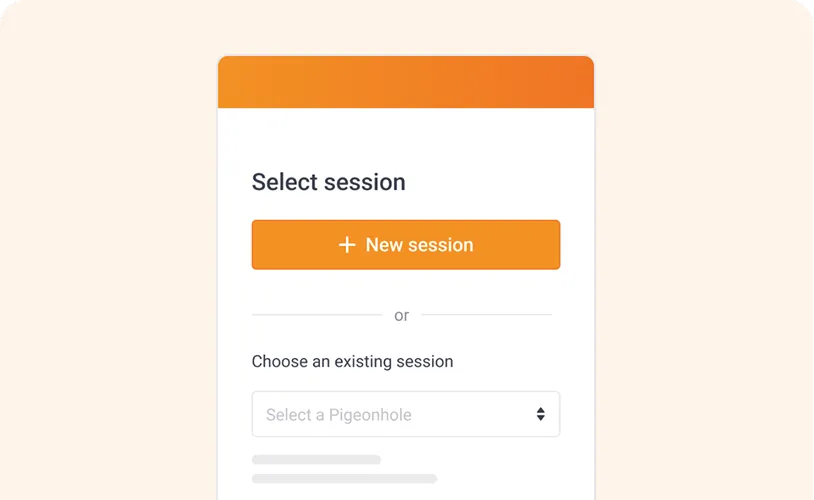
2. Create or choose a Pigeonhole
Create a new Pigeonhole instantly or choose one already set up with Q&A and Polls. An invitation to join the Pigeonhole will be sent to webinar attendees automatically.
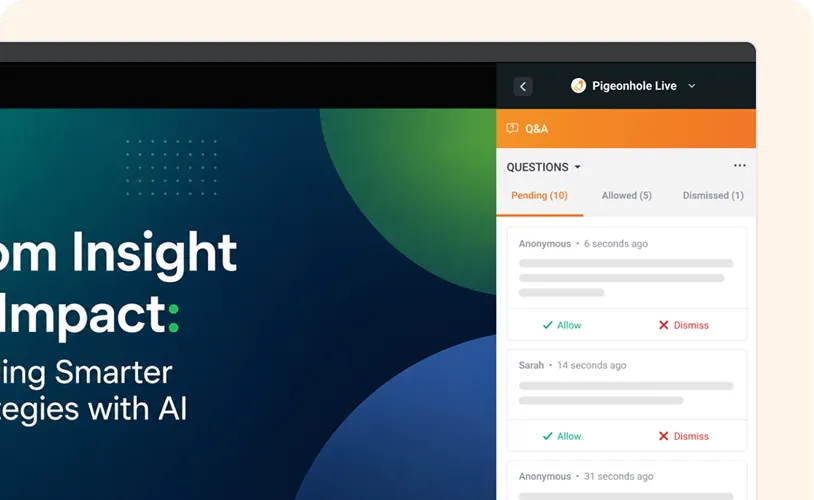
3. Manage Q&A and Polls during your webinar
Review and moderate questions throughout the webinar. Launch Polls at key moments and surface top-voted questions without disrupting the speaker flow.
Frequently asked questions
The webinar host first installs the Pigeonhole Live App from the Zoom App Marketplace and connects it to their Pigeonhole Live account.
From there, the host can create a new Pigeonhole instantly or load an existing one for the webinar.
Once the Zoom webinar starts, attendees automatically receive an invitation to access Pigeonhole Live within Zoom. After accepting, they can participate in Q&A and Polls alongside the webinar video — without leaving the webinar experience.
Pigeonhole Live for Zoom Webinars & Events works best on supported desktop browsers, where attendees can view the webinar beside the Audience Web App.
For hybrid events, in-room attendees can participate through the Audience Web App using QR codes or unique links.
Yes. The Pigeonhole Live App appears alongside the Zoom Webinar & Events video screen, so attendees can follow presentations while asking questions or responding to Polls.
Yes. Remote attendees participate directly within Zoom Webinar & Events, while in-room participants can join through a QR code or unique link using their own devices.
Yes. You can enable anonymous participation to encourage more honest questions and higher engagement.
Not entirely. Zoom chat works well for fast-moving conversation, while Pigeonhole Live provides a more structured experience through Q&A, Polls and Surveys — helping important questions stay visible instead of getting buried.
Yes. You can share your Pigeonhole link early so attendees submit questions or respond to Polls before the webinar begins.
This is especially useful for customer webinars, virtual events, product launches and leadership broadcasts.
Better Zoom Webinars & Events start here
Turn busy webinar conversations into organised Q&A, Polls and meaningful participation, without disrupting the flow of your webinar.
Add Pigeonhole Live to Zoom