Give every conference session the engagement it deserves
From single-stage seminars to global multi-track conferences, run structured Q&A, live polls and session-based interactions at any scale.
Built for
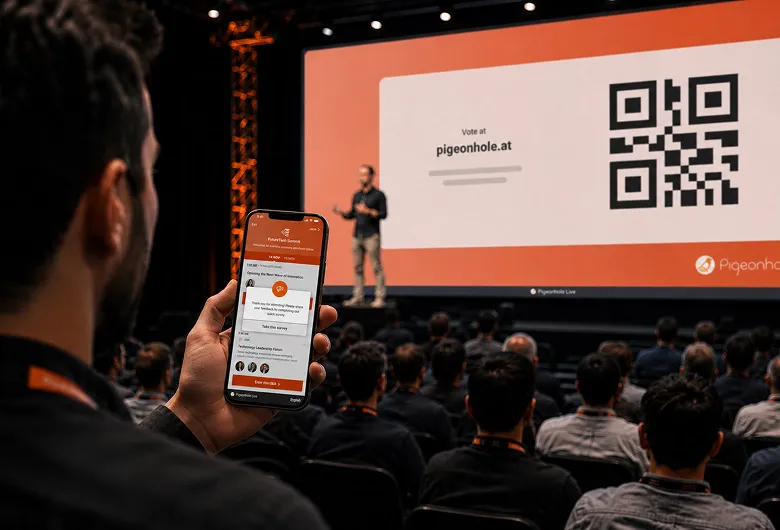
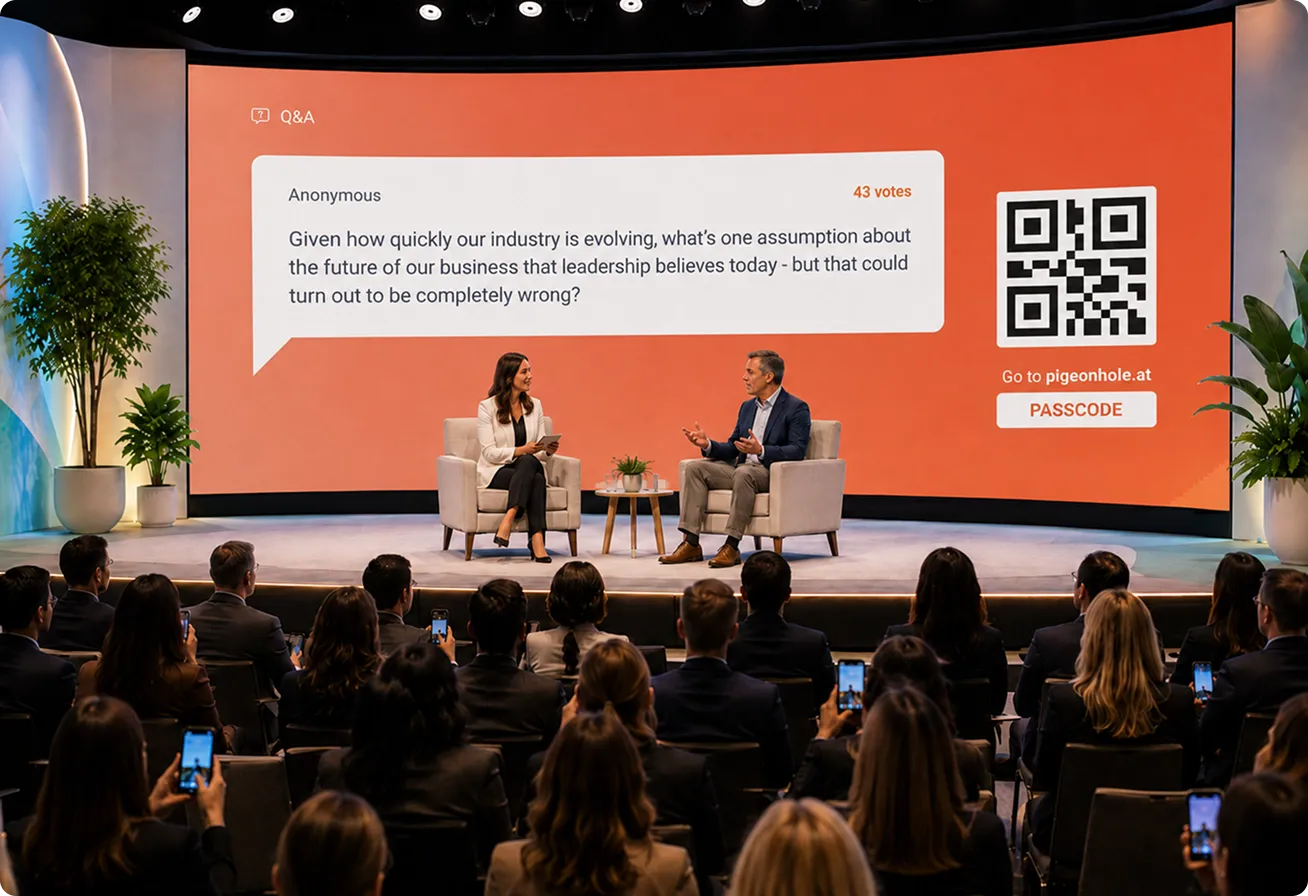
Multi-track conferences
Run dedicated Q&A and Polls for every session across every stage, with structured engagement, unique links and session-specific insights.
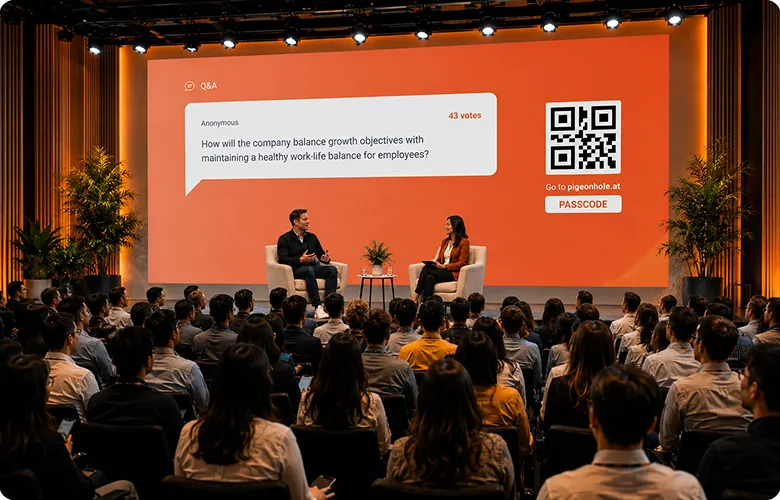
Panel discussions
Help panel moderators stay focused on the discussion while top questions are surfaced live or curated behind the scenes by event teams.
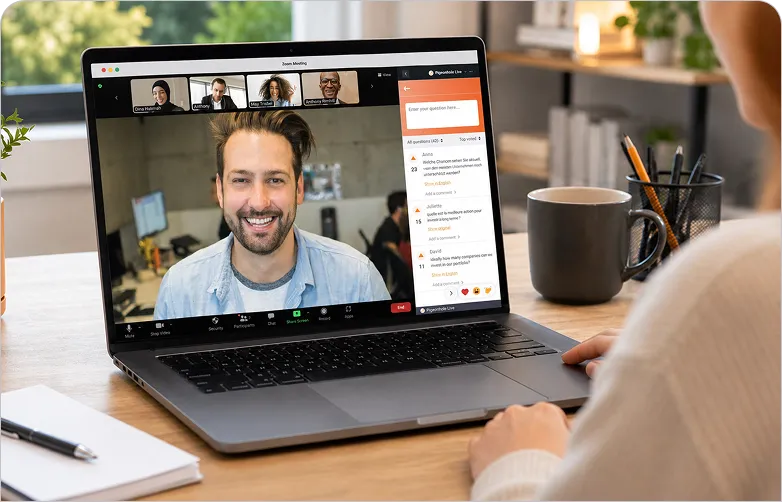
Hybrid events
Engage in-person and virtual audiences in one shared experience with Q&A, Polls and Reactions that work seamlessly across both.
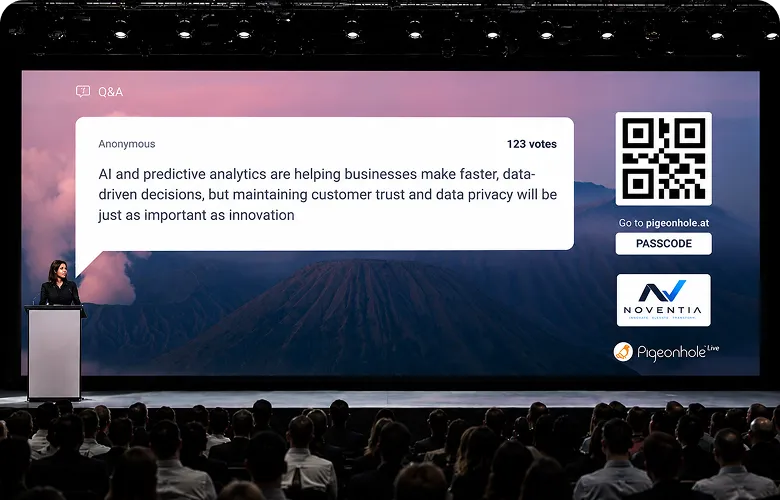
Sponsor-led sessions
Give your sponsors richer audience engagement with branded Q&A and Polls while capturing participation and brand interaction that extends beyond the stage.
Finally, engagement designed for how conferences run
Built to scale. Designed for inclusive participation.
From seminars to global conferences, engage thousands of attendees in one inclusive experience — across in-person, hybrid and virtual formats.
Built to grow with your conference
Support up to 5,000 participants out of the box, with custom scaling available up to 100,000 attendees.
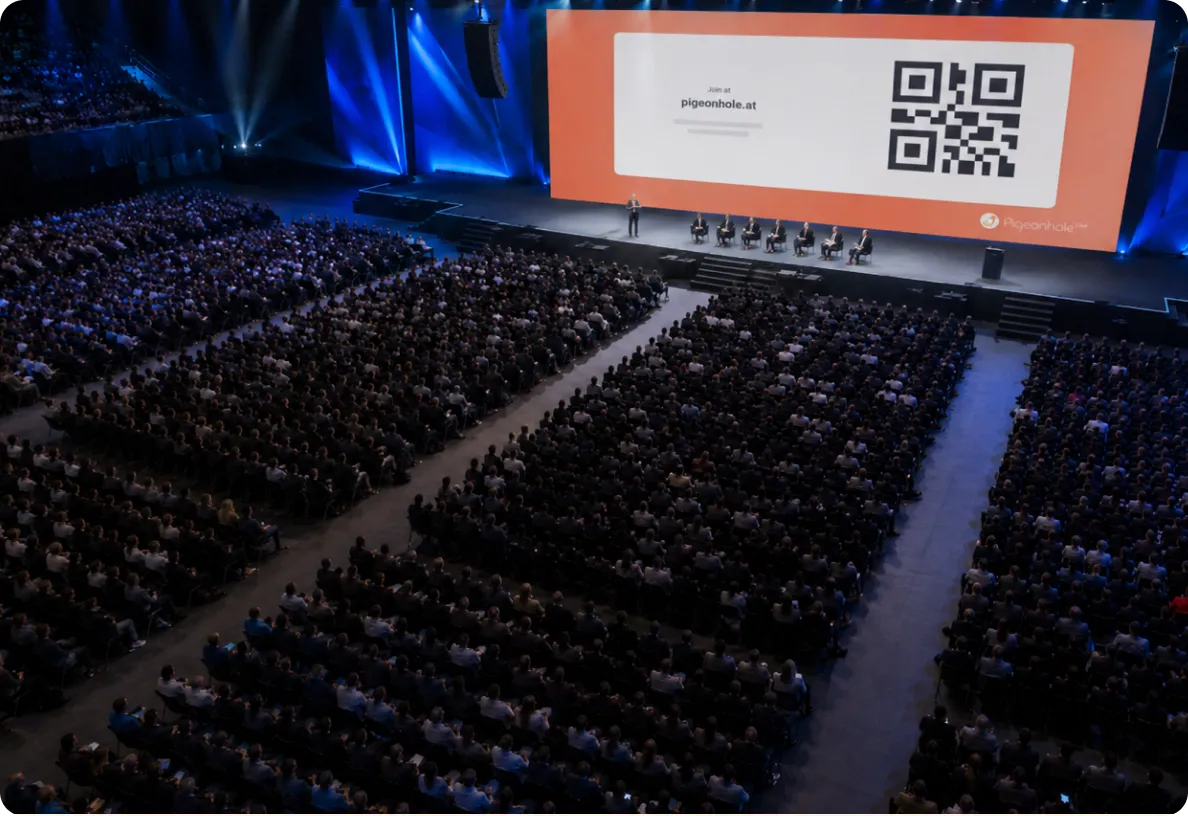
One audience. One shared conversation.
Whether scanning a QR code onsite or joining beside a livestream, everyone participates in the same conversation.
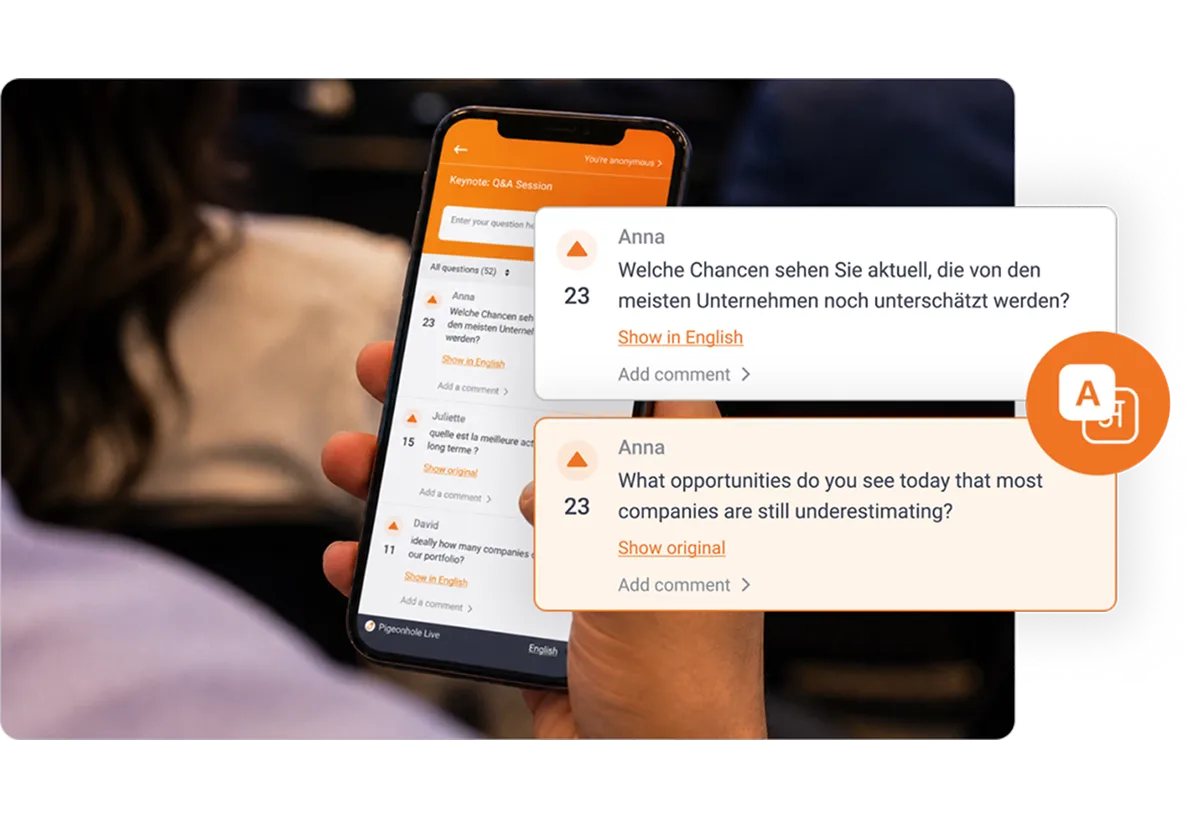
Break language barriers with multilingual Q&A
Empower global audiences participate confidently in Q&A through real-time AI translation across 54 languages.
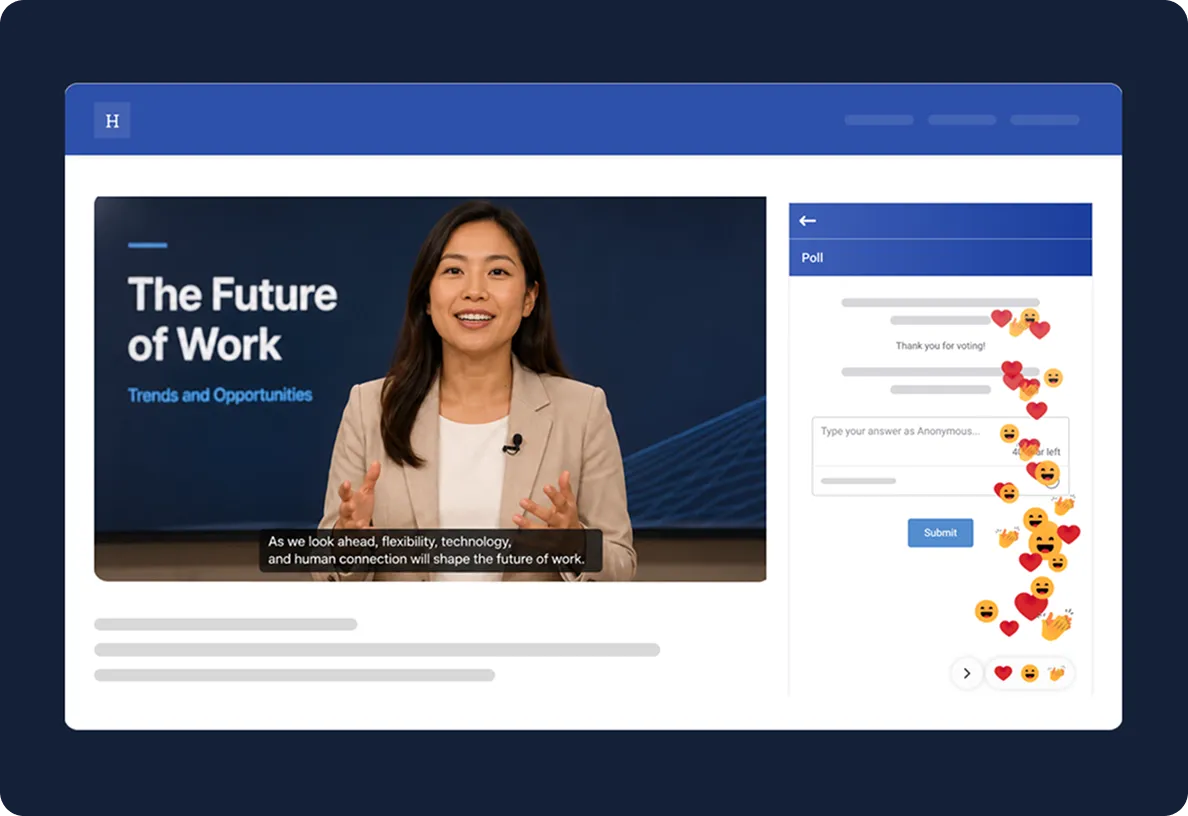
Built-in accessibility
Designed with accessibility in mind, attendees with visual or mobility impairments can participate more independently and confidently.
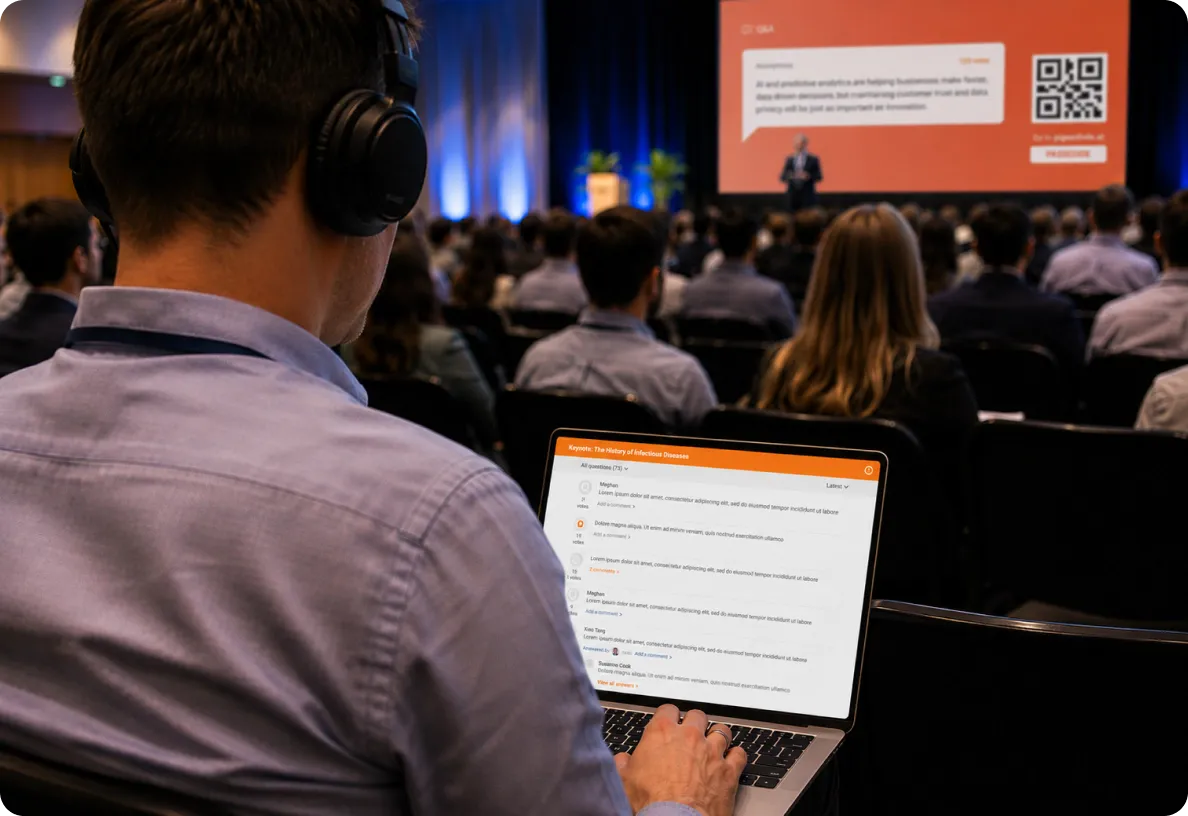
Built for high-stakes conference moments
Live events leave little room for mistakes. Review questions collaboratively, support moderators on stage and stay in control when every moment matters.
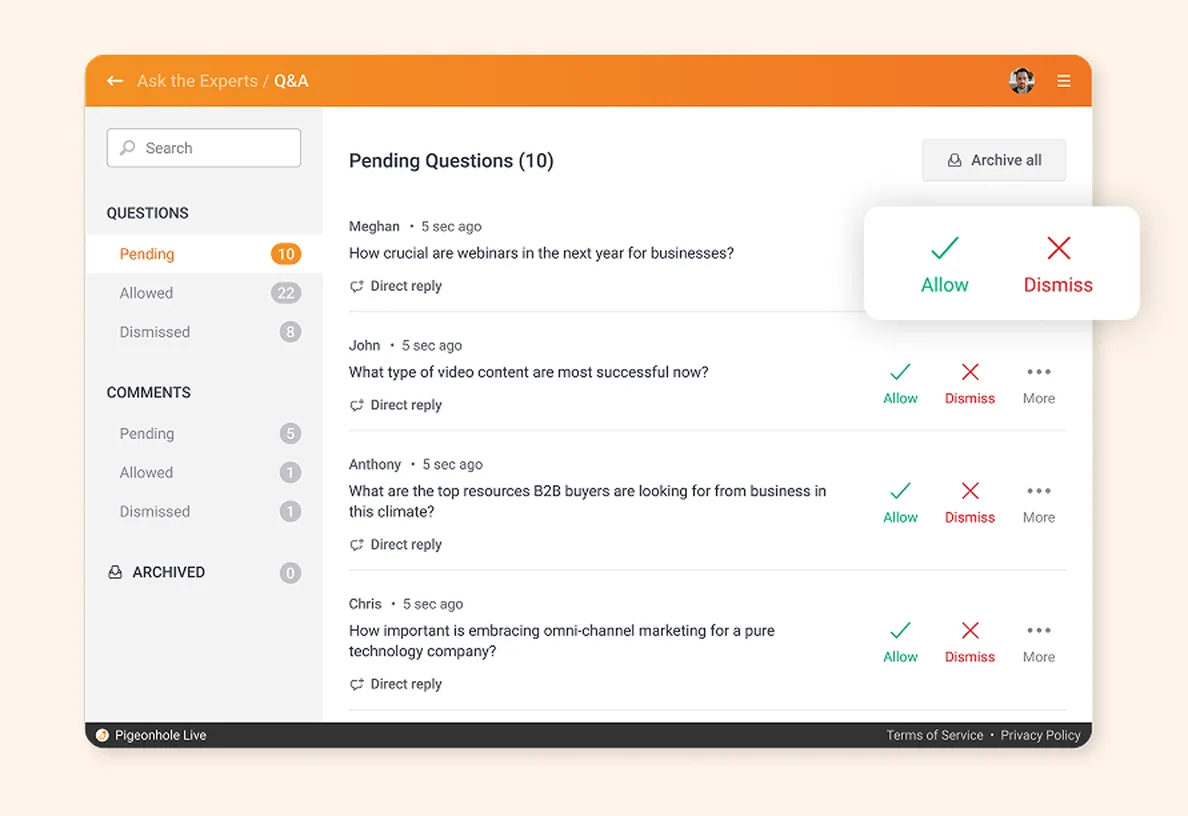
Review questions and cast Polls live
Use a secure, web-based Admin Panel to review and approve audience questions, as well as casting Polls for key interactive moments, in real time.
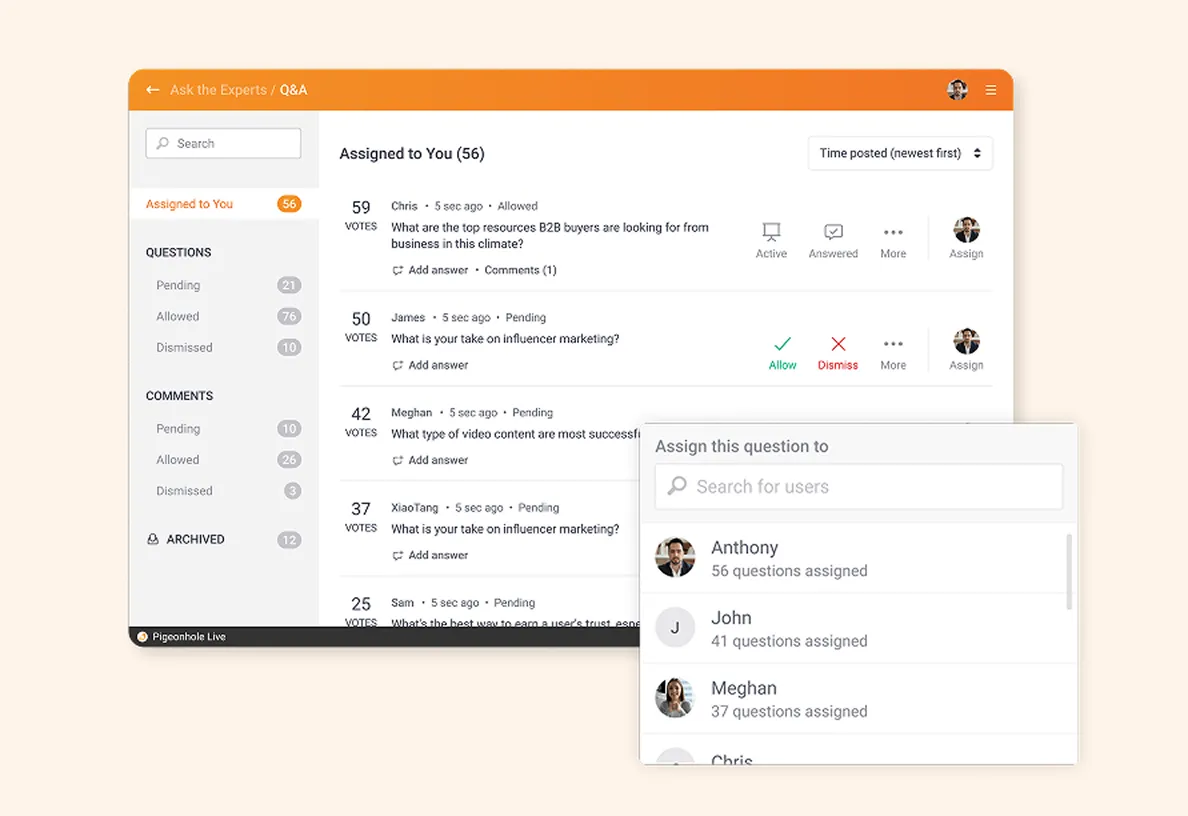
Review questions as a team
Let multiple verified admins review and approve questions collaboratively, especially useful for large sessions with high audience participation.
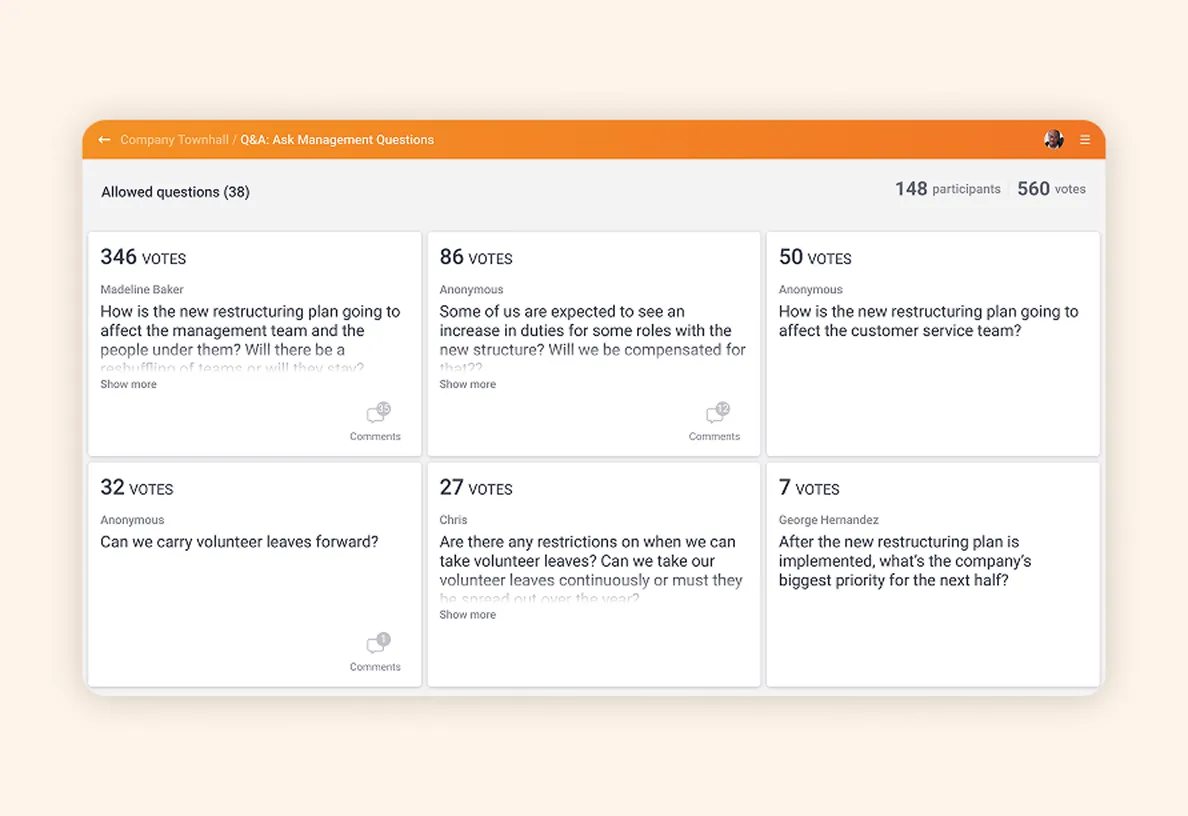
Built for moderators on stage
Give professional moderators a dedicated live view of audience questions, sorted by recency or upvotes, while controlling what appears on screen during discussions.
Keep moderators focused on what matters
Off-stage admins can pre-select questions so moderators only see the most relevant audience questions during fast-moving discussions.
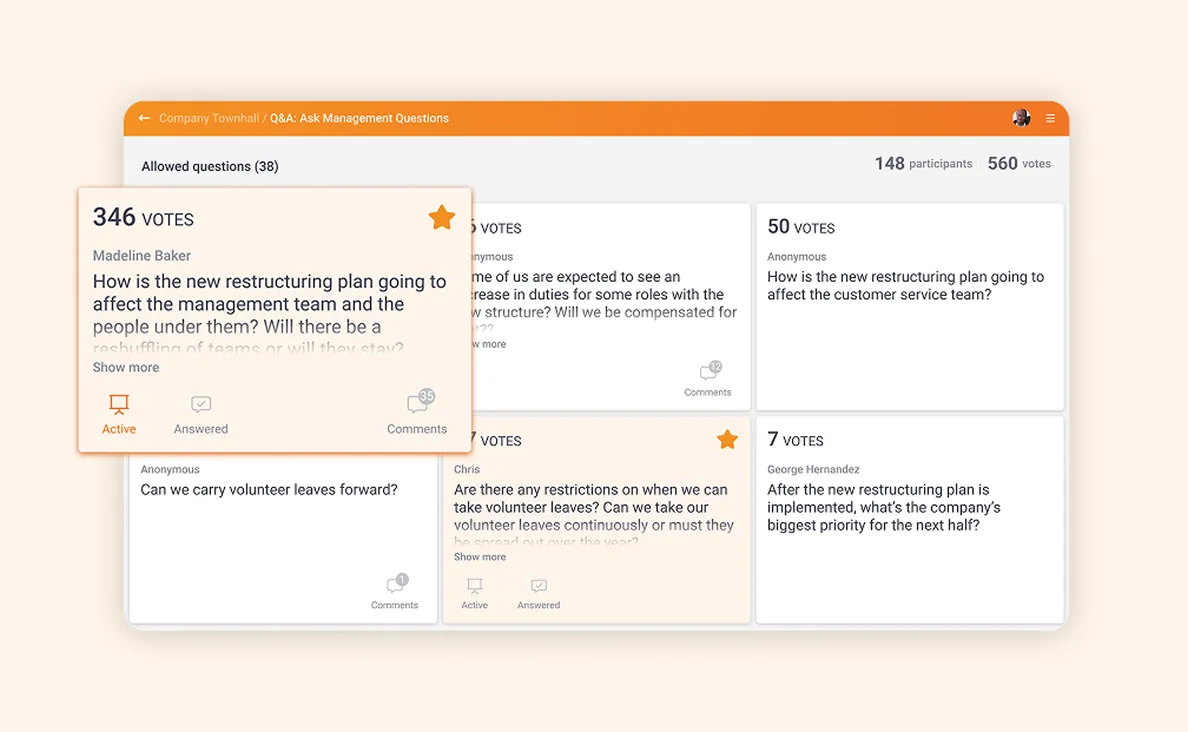
Control what appears on screen
Display top-voted questions, spotlight active questions being discussed, and show live Poll results — controlled remotely by admins or moderators.
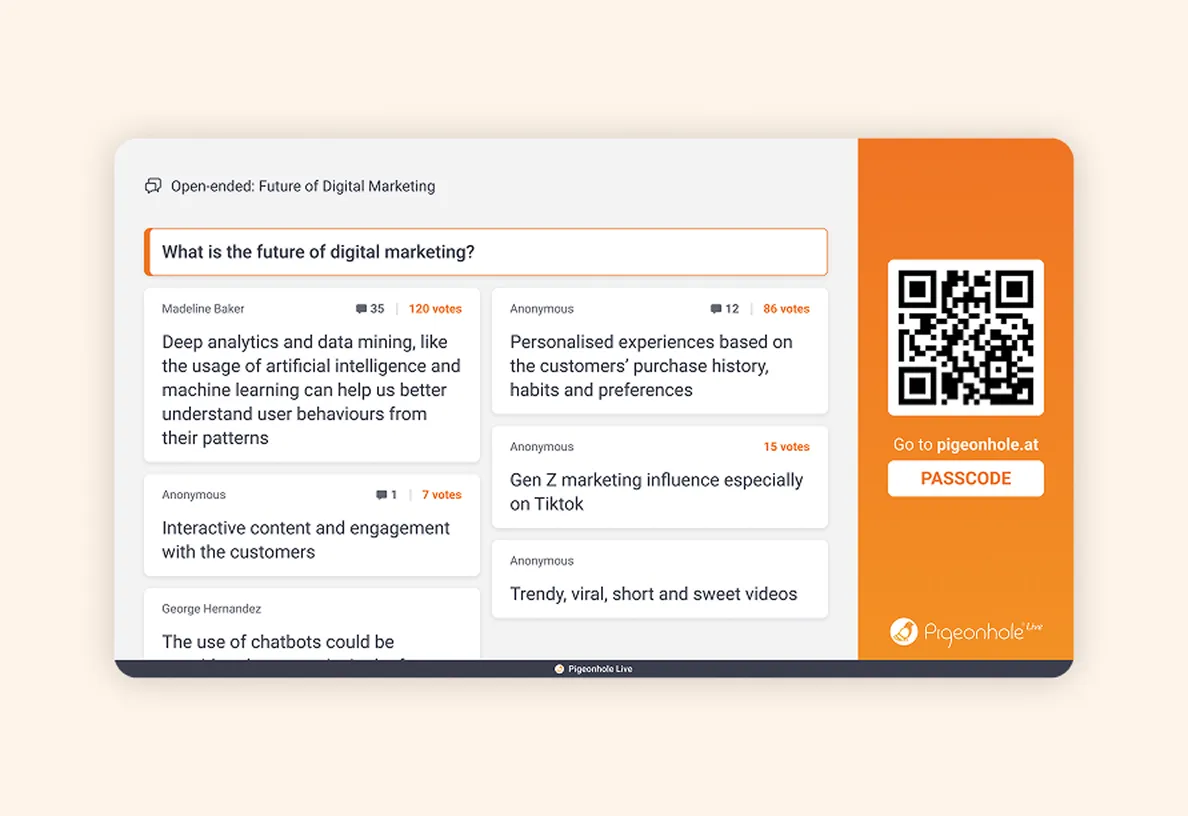
Flexible Q&A setup for every stage and session
The choice is yours: Run one Q&A per stage, or one dedicated Q&A for every speaker and panel discussion, with clean session-level insights and reporting.
Keep it simple with one Q&A per stage
Run a single Q&A for each stage and archive sessions as you go. Versioned exports keep reporting clean across recurring sessions.
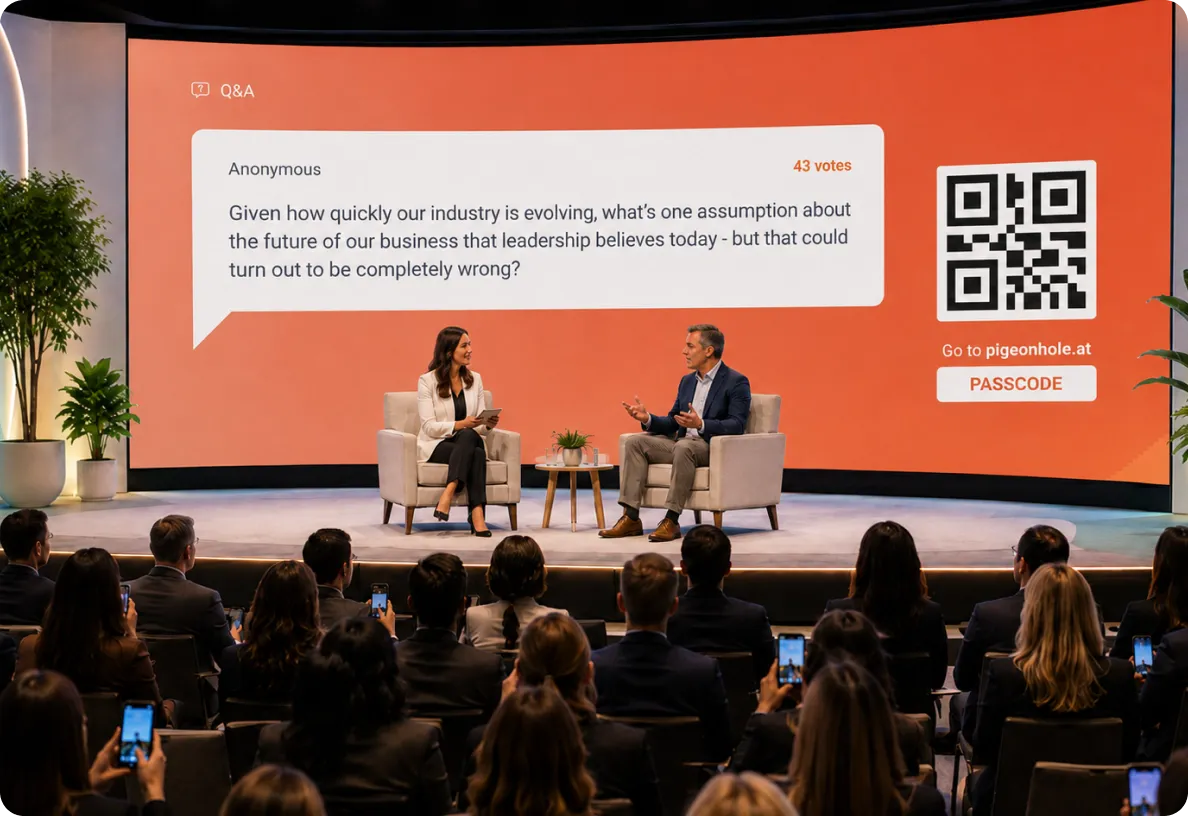
Every session deserves its own conversation
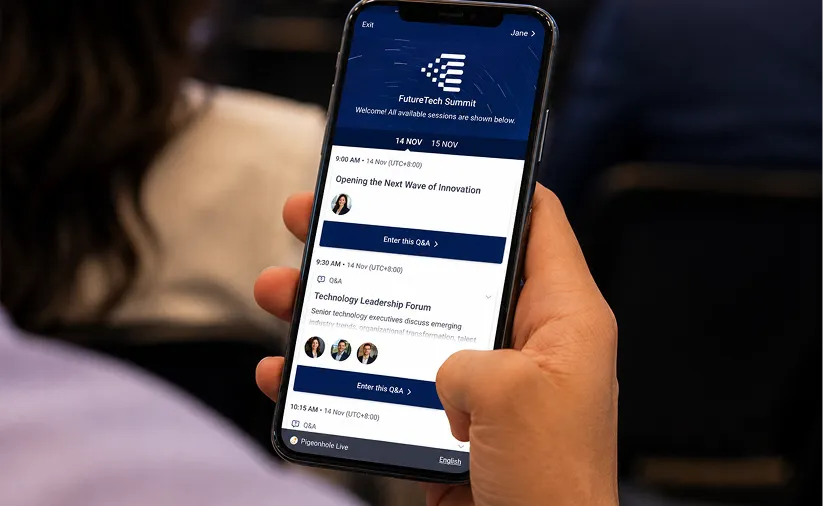
Create dedicated Q&A, Polls, Surveys, Reactions and more for every speaker or panel, powered by Agenda, Speaker Profiles and clean session-level reporting.
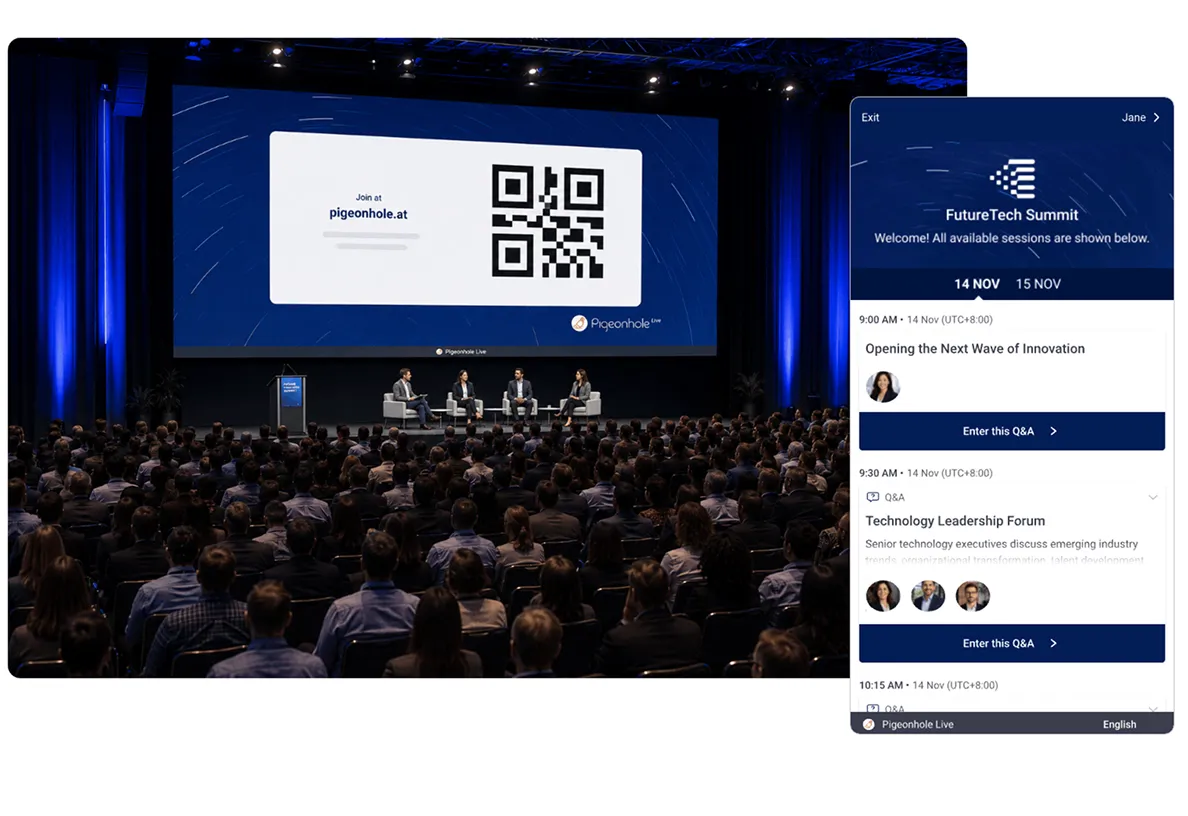
Support every part of your conference experience
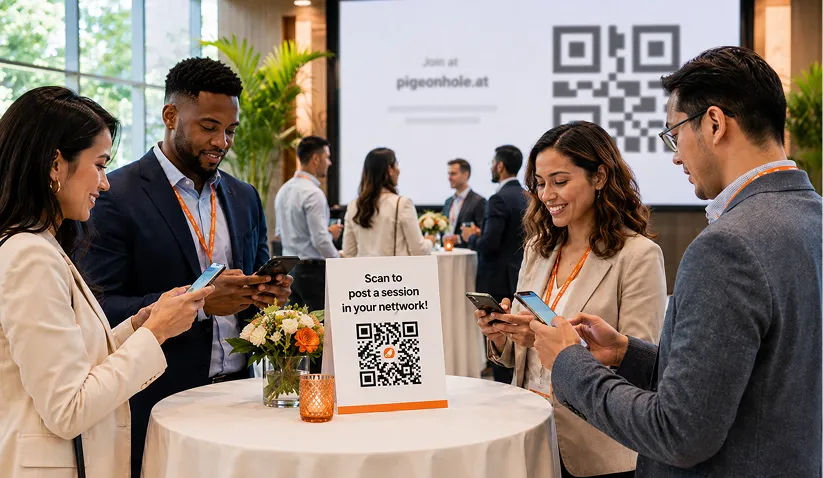
Bring everyone into the same conversation
- Supports in-person, virtual, and hybrid formats
- No app download, join via QR code or link
- Live Q&A translation, multiple language support
- Accessibility for all participants
One audience, one shared conference experience.

Control access to your sessions
- Email verification for secure access
- Attendee access codes for controlled entry
- Single Sign-On (SSO) for enterprise events
Keep sessions exclusive to verified participants.
Make every interaction reflect your brand
- Apply custom branding across your conference
- Show sponsor logos across sessions
- Keep the experience consistent
Extend your brand into every audience interaction.
How it works
Designed for both simplicity and scale.
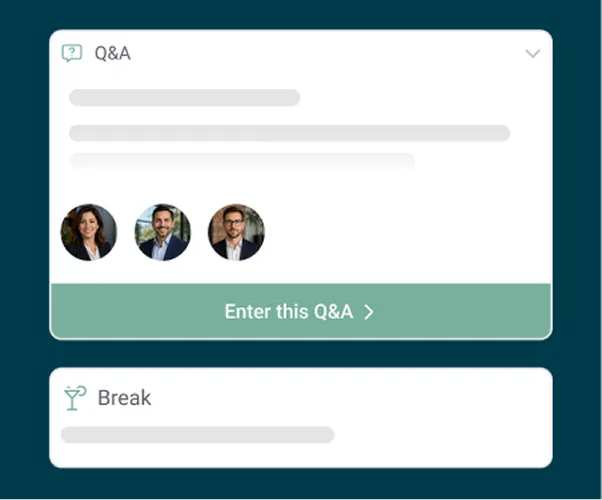
1. Set up your Pigeonhole
Create your agenda and add Q&A, Polls, Surveys or Reactions to each session. Customise the experience with event branding and sponsor logos.
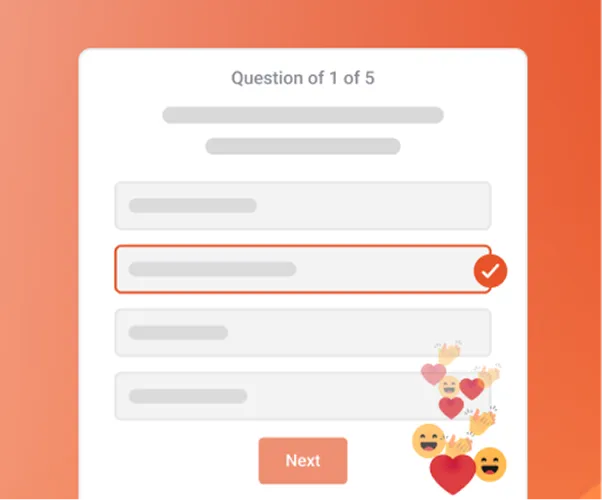
2. Test before showtime
Use Test Mode to rehearse your setup, review audience questions and preview your Projector View before the event begins.
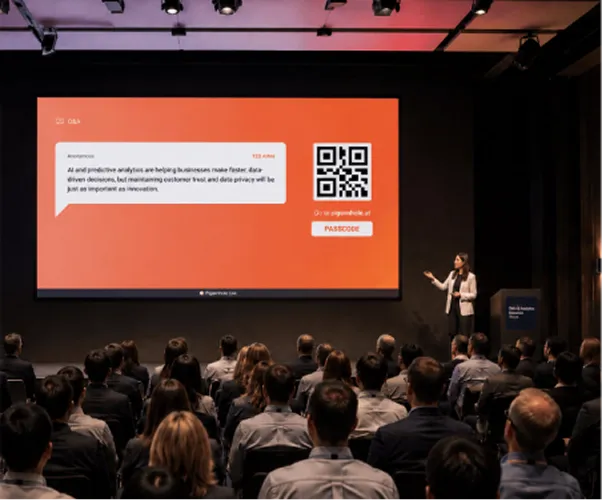
3. Go live!
Share your QR code or link and invite attendees to join. Display live Q&A, Polls and interactions on screen as participation updates in real time.
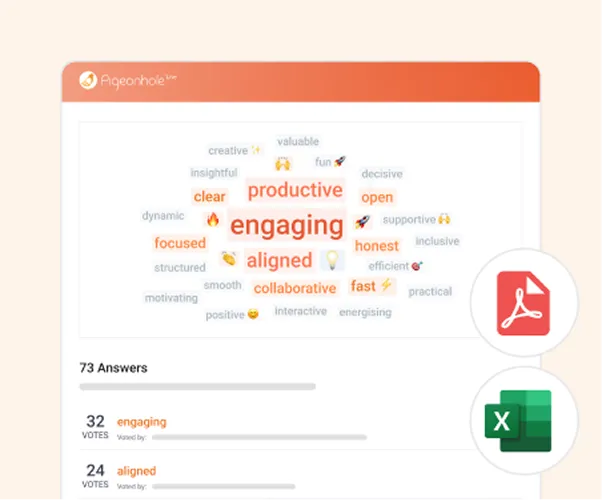
4. View insights and download reports
Understand what resonated in every session with clean reporting across Q&A, Polls and participation, then export insights for speakers, sponsors or stakeholders.
Keep your event stack. Add better audience engagement.
Integrates with leading event platforms — or runs beautifully as a standalone conference solution.














Trusted by teams running high-stakes conferences



















Frequently asked questions
Pigeonhole Live supports both simple and structured conference setups. You can run one Q&A per stage, or create dedicated Q&A for every speaker, panel discussion or session in your agenda. Each session can also have its own Polls, Surveys, Reactions and reporting — making it ideal for multi-track conferences.
Yes. Pigeonhole Live is fully web-based, so attendees can join instantly by scanning a QR code or clicking a link — no app download required. This works for in-person, hybrid and virtual conferences.
Yes. In-person and virtual attendees participate in the same Q&A, Polls and interactions through one shared experience. Attendees can join via QR code onsite or through embedded widgets alongside livestreams and event platforms.
Yes! Standard plans support conferences from hundreds to thousands of participants, with custom support available for events expecting up to 100,000 concurrent participants. Built-in moderation, role-based controls and collaborative workflows help conference teams stay in control at scale.
Pigeonhole Live includes a dedicated Moderator Panel built for panel discussions. Moderators can view audience questions by recency or popularity, while off-stage teams can pre-select questions to help moderators stay focused during live sessions.
Start giving every session the engagement it deserves
Get started for freePerfect for smaller events, up to 100 participants. No credit card required.
Running a large conference?
Talk to us! We’ll help you set it up so your conference runs as planned at scale.