 Q&A
Q&ARun Q&A that helps every question get heard
Let your audience ask, vote, and follow the questions that matter most. You stay in control with tools that keep Q&A focused and easy to manage.

See live Q&A in action
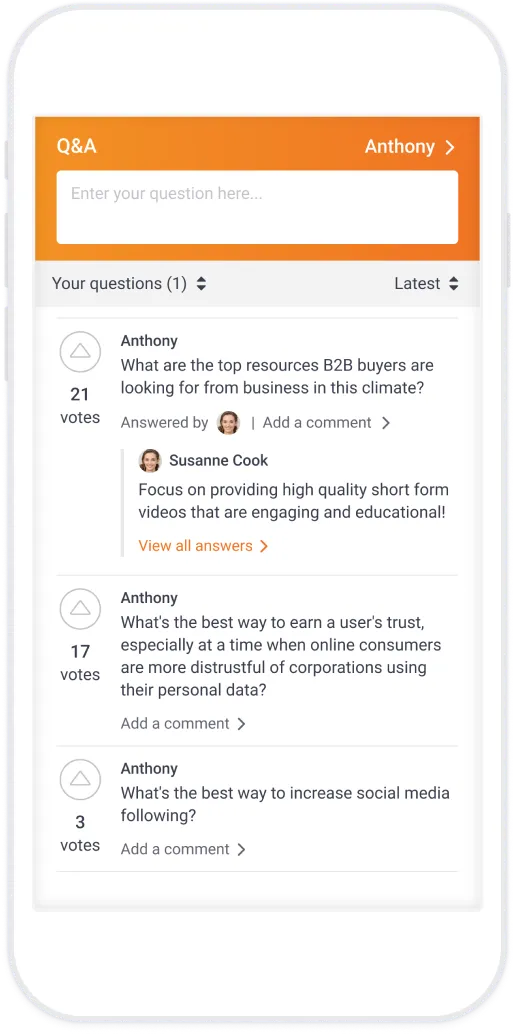
Ask questions, vote on others, and follow comments and answers in real time. Note: every question is reviewed first to keep the session safe and focused.
Projector view
Audience view
Set up Q&A in three easy steps
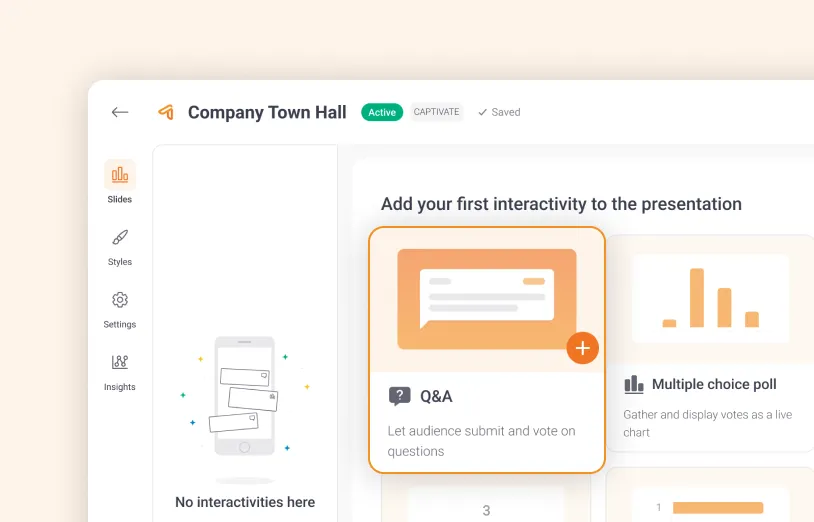
1. Create your Q&A
Add a Q&A in one click to your event or presentation.
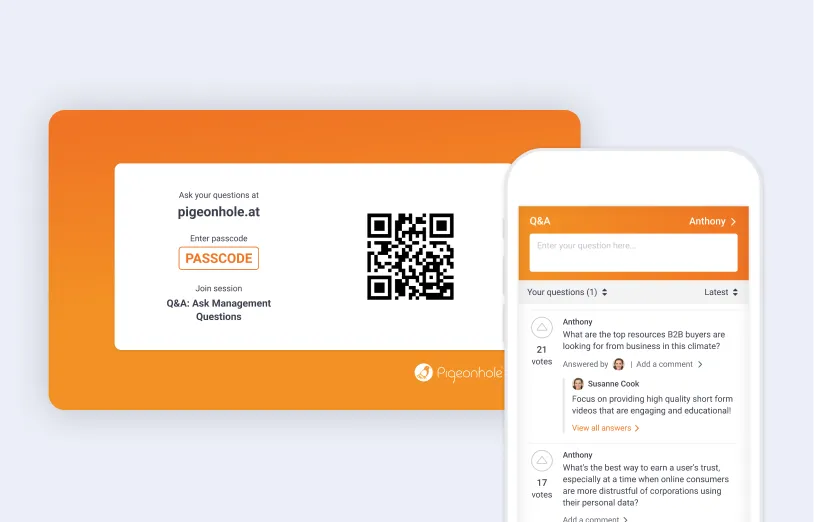
2. Share it with your audience
Invite attendees to join with a QR code or link, then submit questions from their phones or laptops.

3. Display questions live
Review, answer, and display questions on the big screen as they come in.
Make Q&A safer and easier to manage
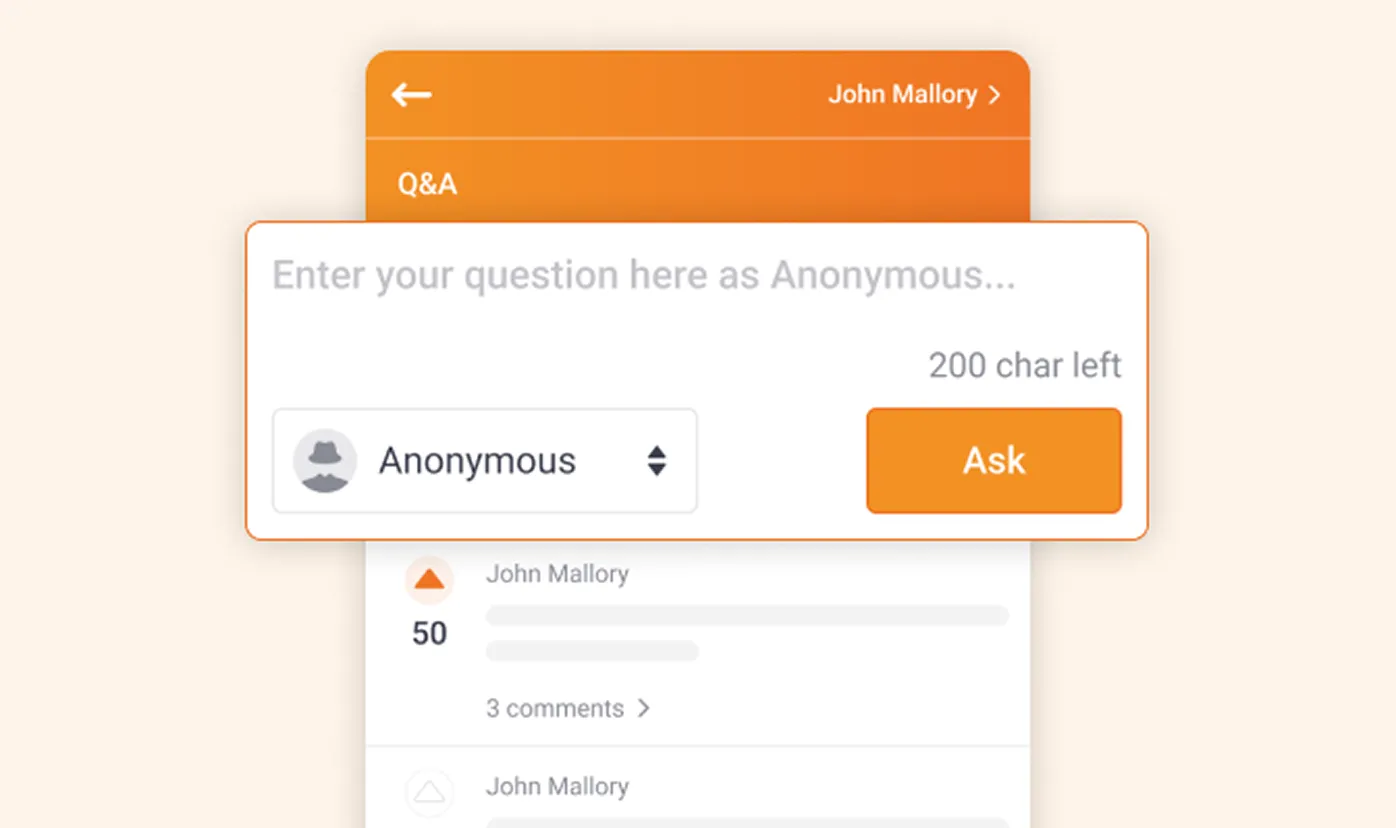
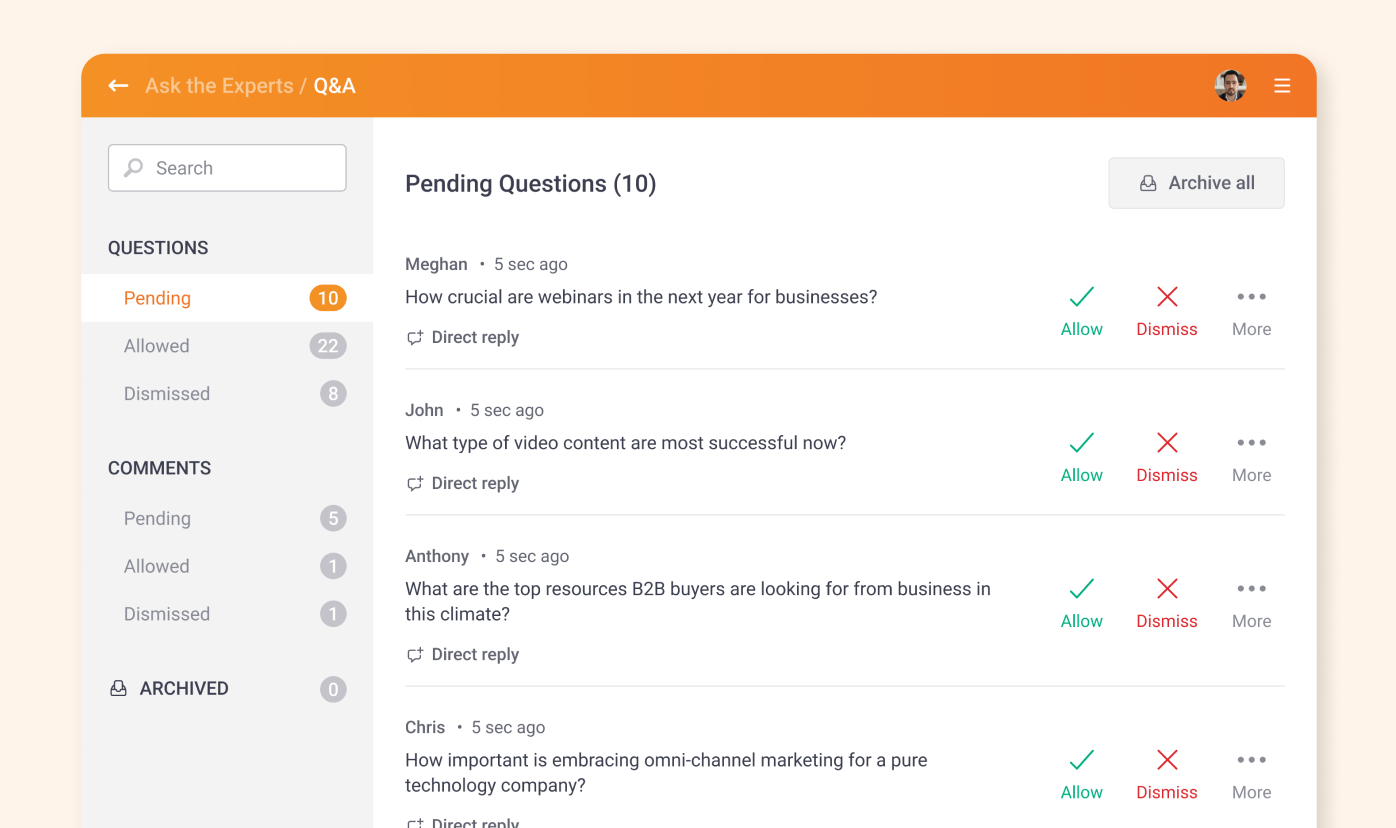
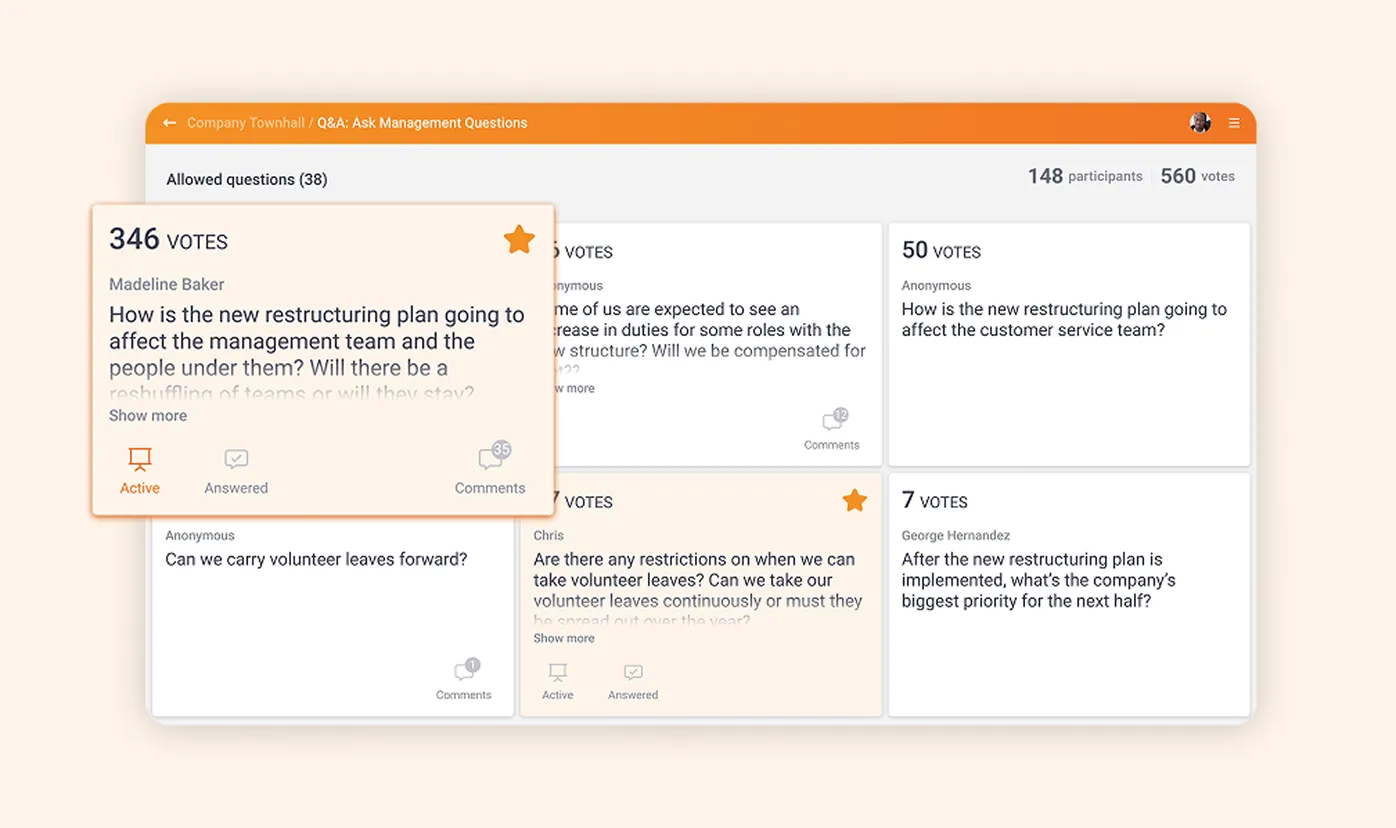
Stay in control of every Q&A
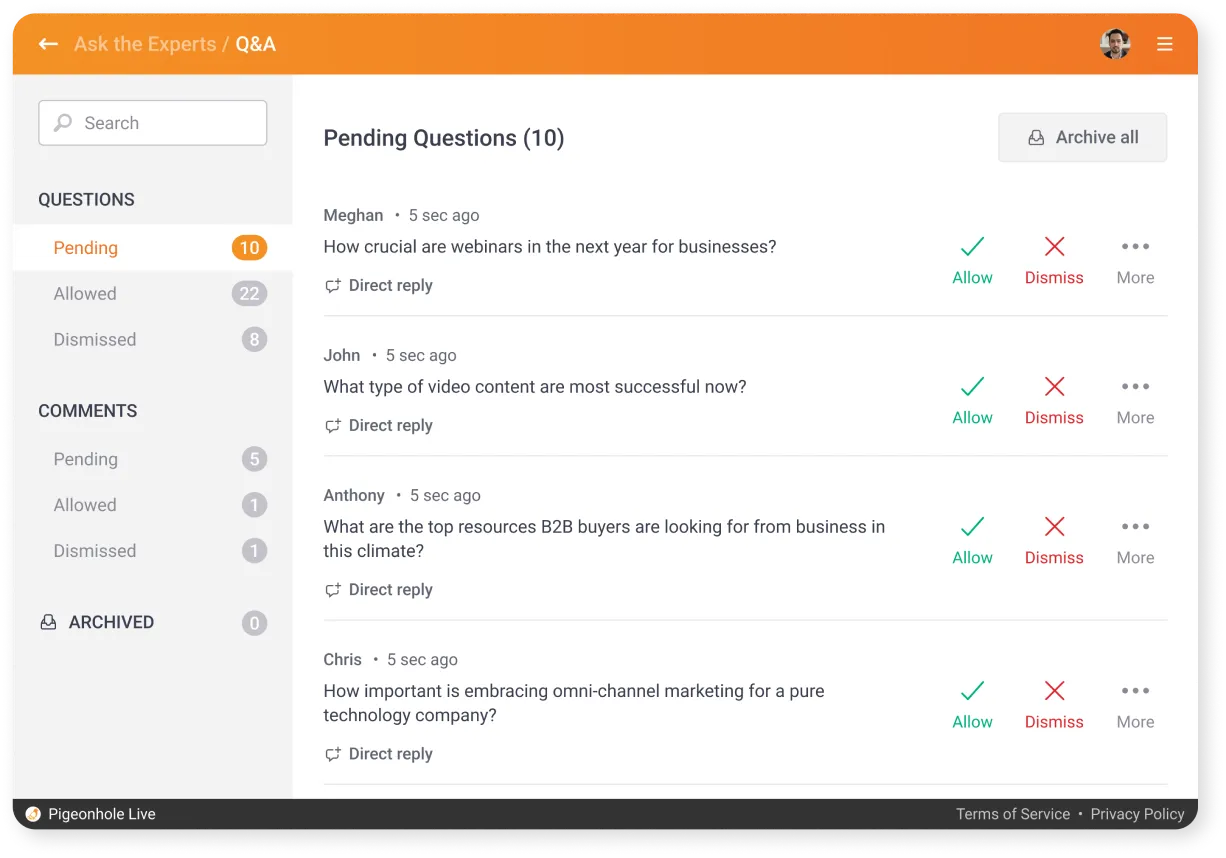
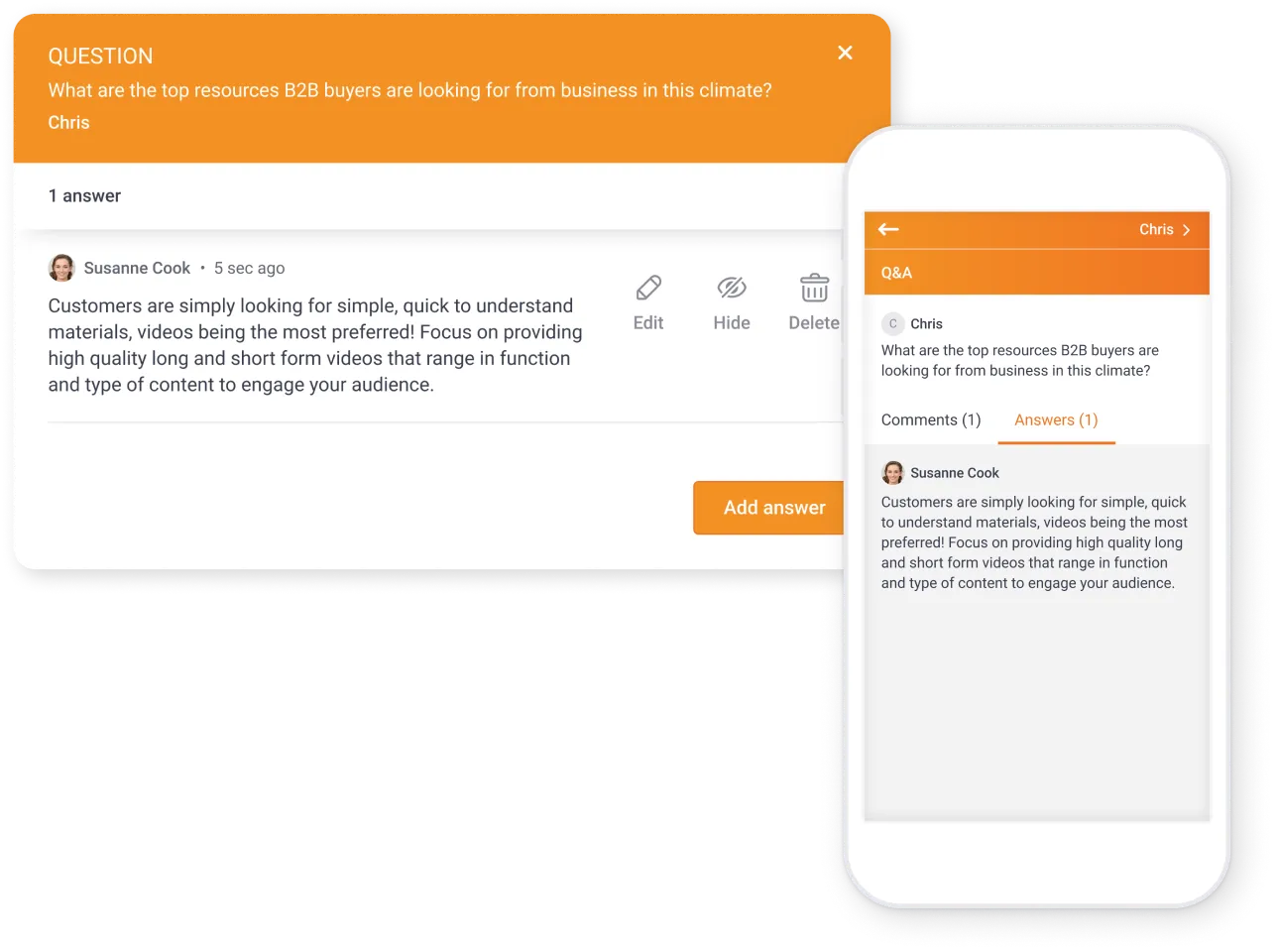
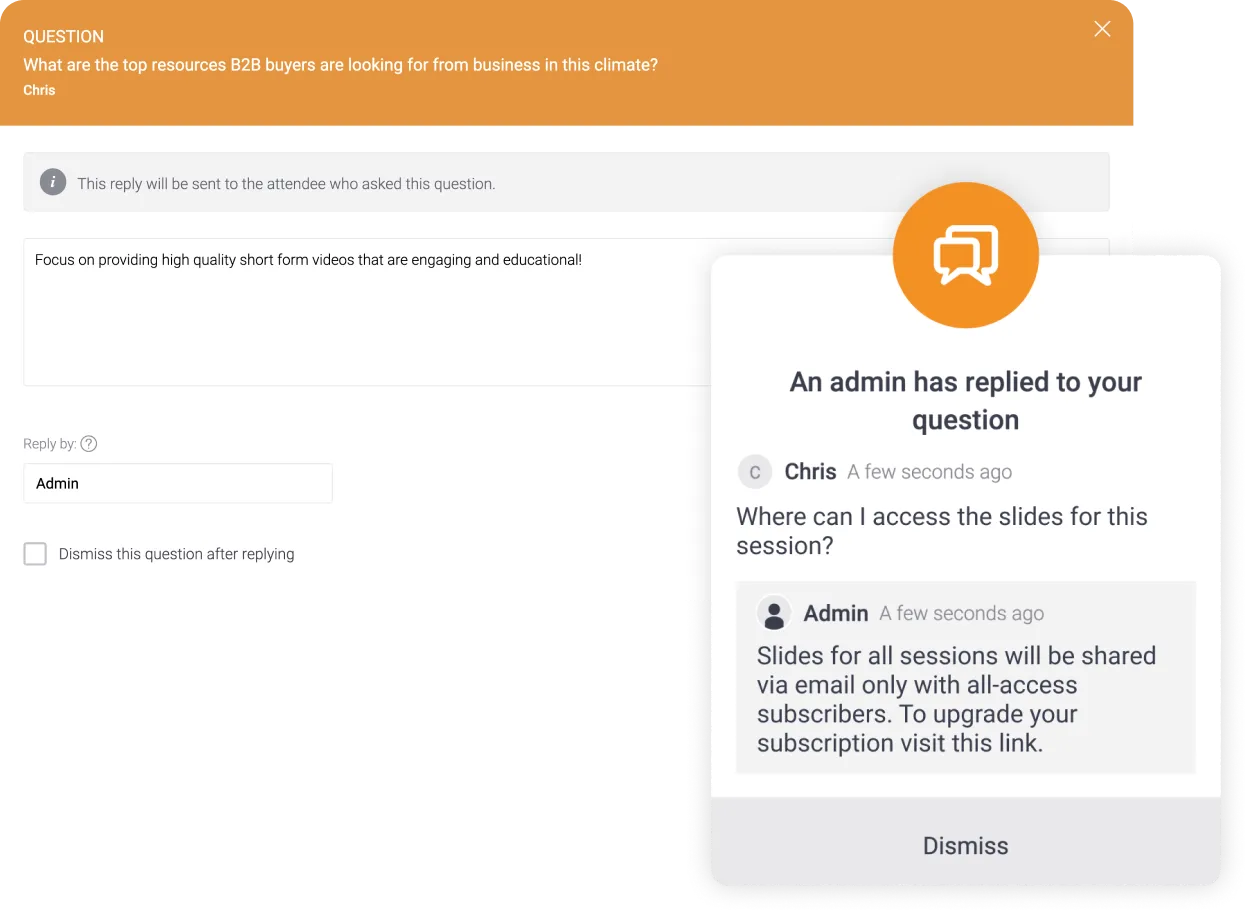
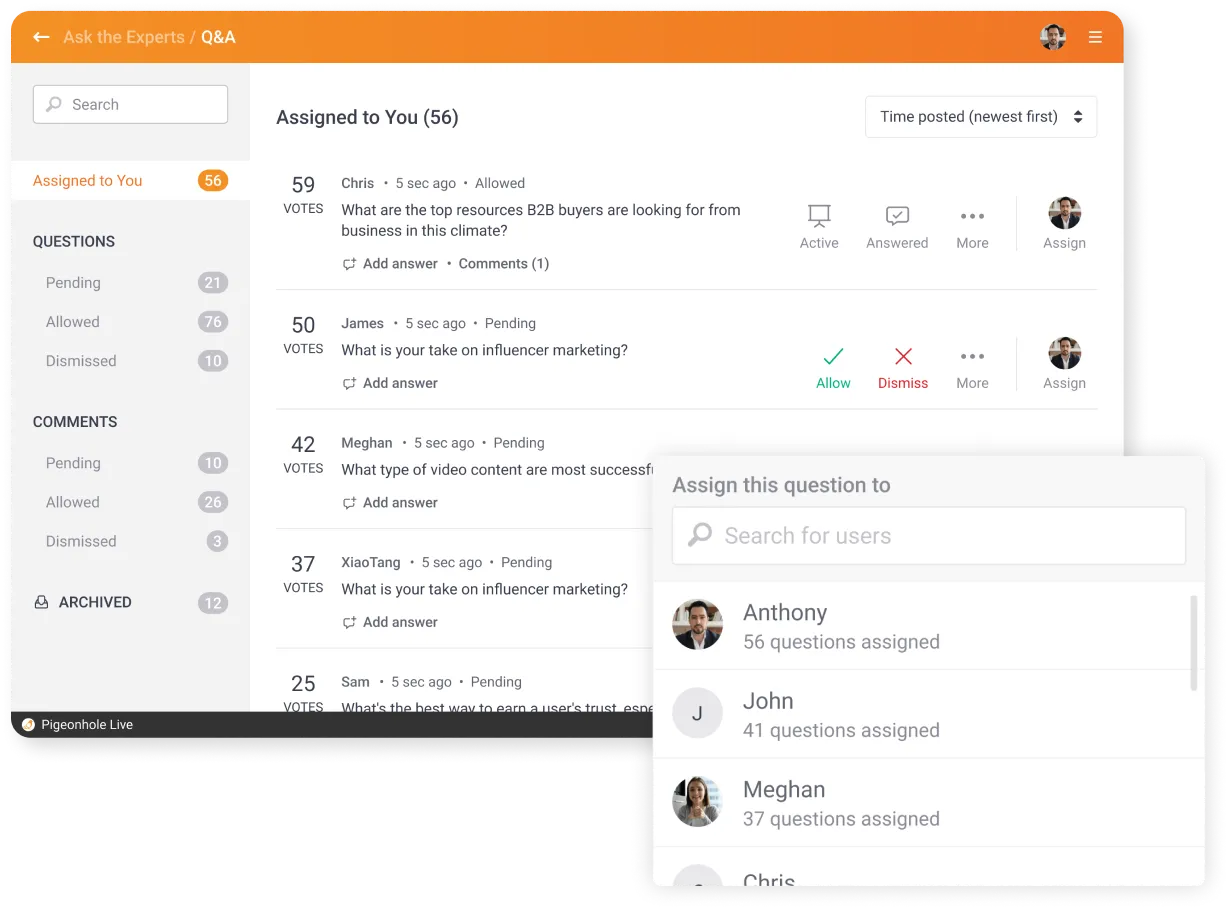
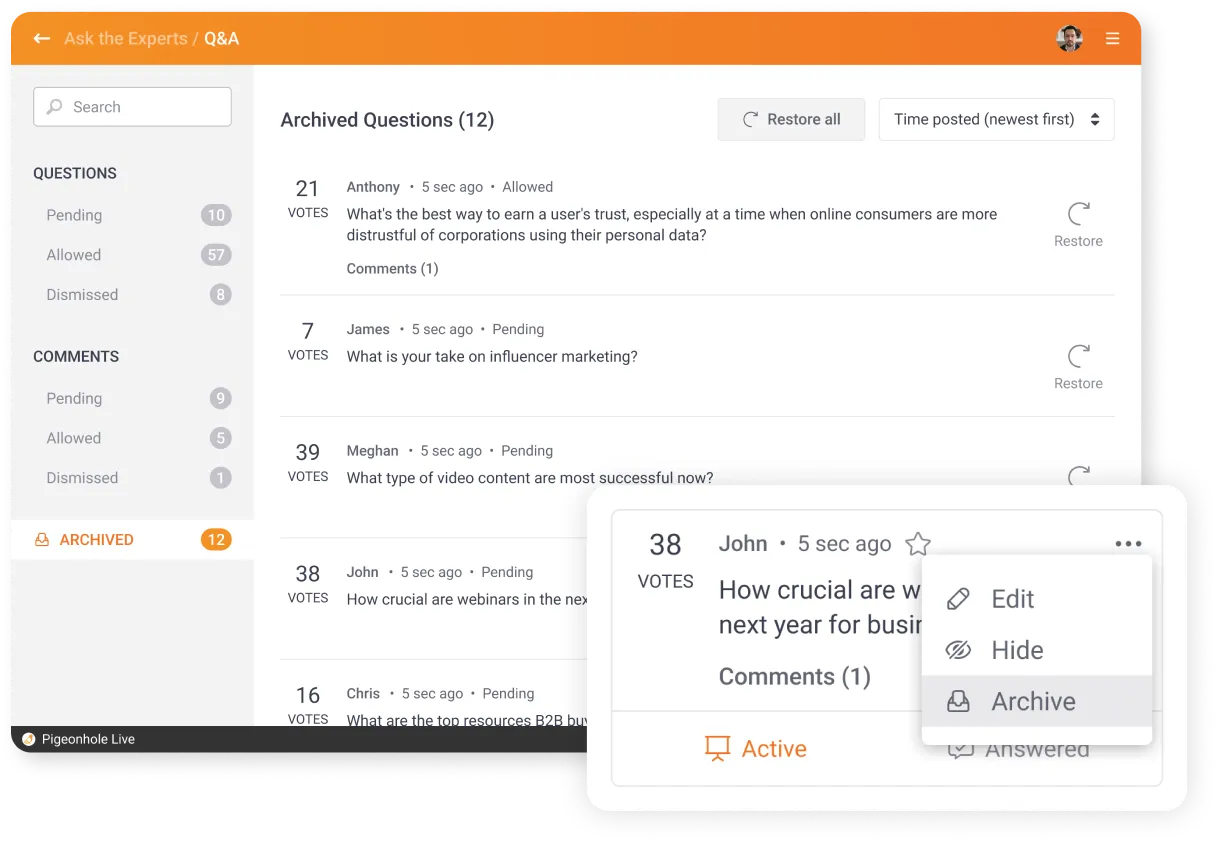
Decide which questions get published with moderation. With moderation turned on, all submitted questions have to be allowed by admins before it appears on the audience and projector view.
Run Q&A inside your slides and meetings





Make Q&A accessible in every language
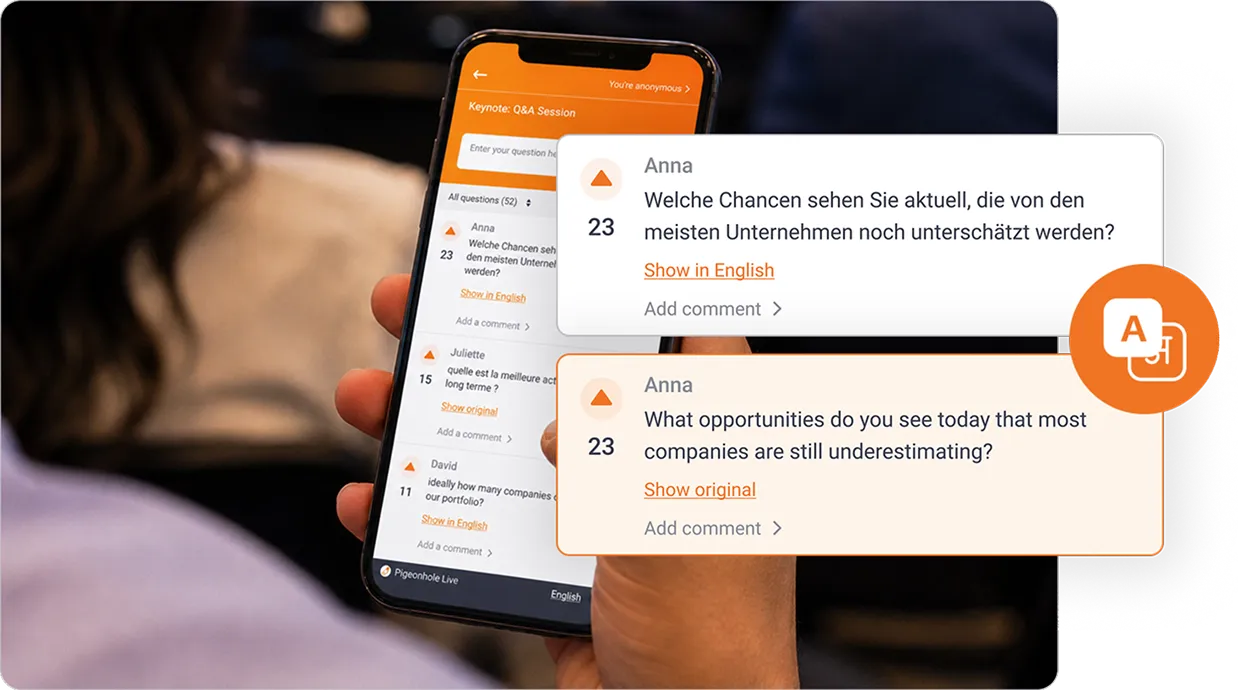
Let attendees read and ask questions in their preferred language, so more voices can take part in the conversation.
With AI Translation, multilingual Q&A feels clearer, more inclusive, and easier to follow across in-person, hybrid, and virtual events.
Trusted by teams who want real engagement













More than just Q&A
Combine Q&A with polls, reactions, chat, and surveys to keep your audience engaged before, during, and after the session.

Polls
Use polls before Q&A to spot what the audience cares about, then turn the results into focused questions.

Reactions
Let attendees respond instantly during Q&A, so speakers can see what resonates in the moment.

Chat
Open a wider conversation around answered questions and let attendees respond to each other.

Surveys
Use surveys after Q&A to collect deeper feedback, unanswered questions, and next steps.
Frequently asked questions
Pigeonhole Live Q&A is a live audience interaction tool that lets attendees ask questions, vote on questions from others, and follow answers in real time. It helps teams run more open, focused, and inclusive Q&A sessions during meetings, presentations, webinars, town halls, and events.
Create a Q&A session in your event or presentation, then share it with your audience using a QR code or link. Attendees can join from their phones or laptops to submit questions, vote on others, and follow the discussion as it happens. You can review, answer, and display selected questions live on the big screen.
Yes. With question moderation, you can review submitted questions before they appear on the audience view or projector view. This helps your team keep the session safe, relevant, and focused while still giving attendees an easy way to take part.
Yes. You can let attendees submit questions anonymously, giving them a safer way to ask honest questions without sharing their names. This is useful for town halls, leadership sessions, training, and events where attendees may feel more comfortable asking sensitive or direct questions anonymously.
Yes. With AI Translation, attendees can read and ask questions in their preferred language. This helps more voices take part in Q&A across in-person, hybrid, and virtual events, especially when your audience includes speakers of different languages.
Ready to run a better Q&A?
Give your audience an easier way to ask, vote, and take part, while you keep every question safe, focused, and easy to manage.
Create your free Q&ANo credit card required.