Put an end to monologues at your all-hands
Turn company-wide updates into meaningful conversations. Run town halls, AMAs and leadership sessions where employees feel safe to ask what matters, participate actively and be heard.

Built for
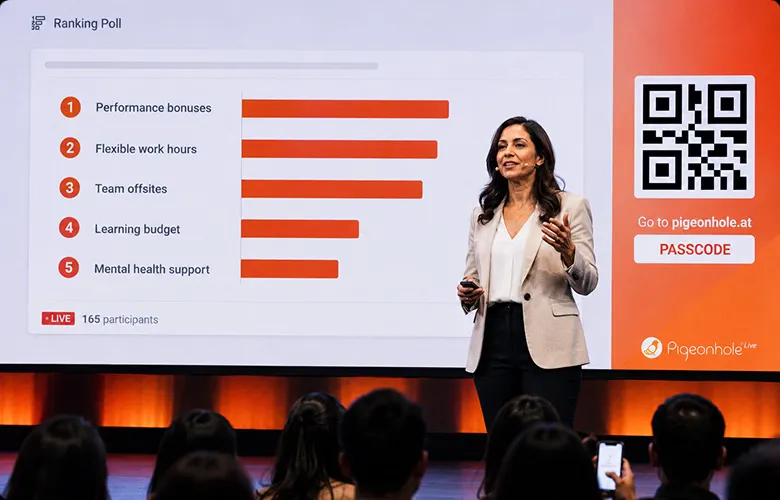
All-hands meetings
Turn company updates into meaningful conversations with live Q&A, Polls and Reactions that keep employees engaged — in-room or remote.
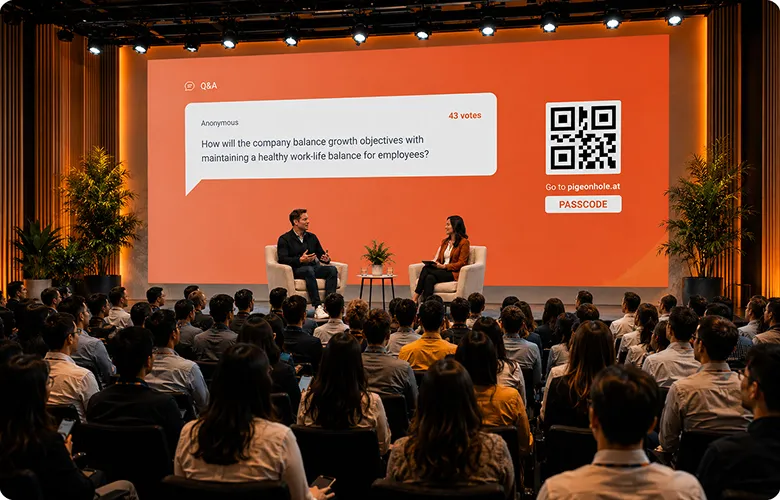
Leadership AMAs
Give employees a safe way to ask tough questions while leaders address concerns openly and prioritise what matters most.

Crisis communications
Surface concerns fast, share updates clearly and understand employee sentiment when speed, clarity and trust matter most.

Change management
Support organisational change with structured Q&A and feedback loops that help employees feel heard, informed and aligned.
Create a safe space for honest conversations with advanced moderation controls
Let employees speak freely. Stay fully in control.
Most employees hesitate to ask difficult questions when leaders, managers and peers are watching. Create psychological safety with truly anonymous Q&A so honest questions and real sentiments can surface, while staying fully in control with employee verification, moderation and live participation controls.
Enable true anonymity, when it matters
Choose whether employees can ask questions anonymously for selected or all Q&A sessions. Flexible controls let you decide when anonymity makes sense.
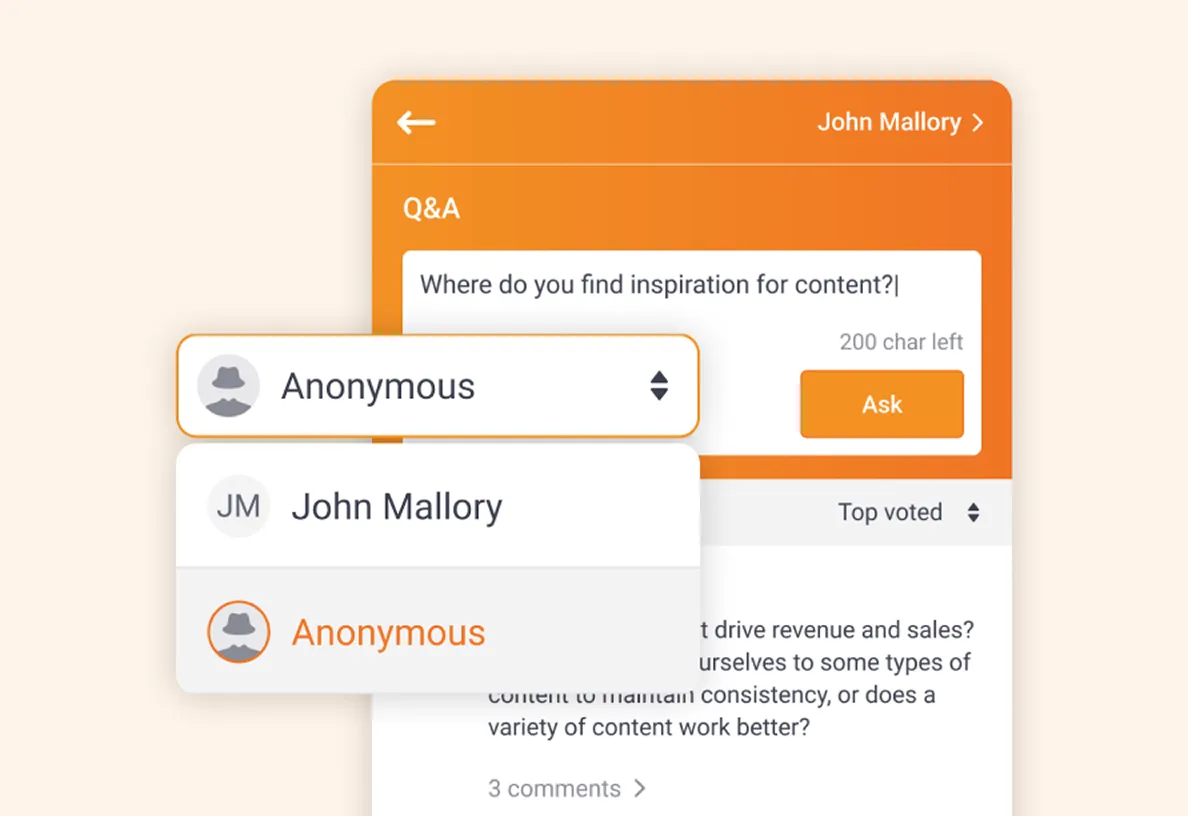
Verified employees. Anonymous questions.
Support purposeful anonymity without compromising trust. Verify employees via email or SSO, while still allowing true anonymous participation in Q&A.
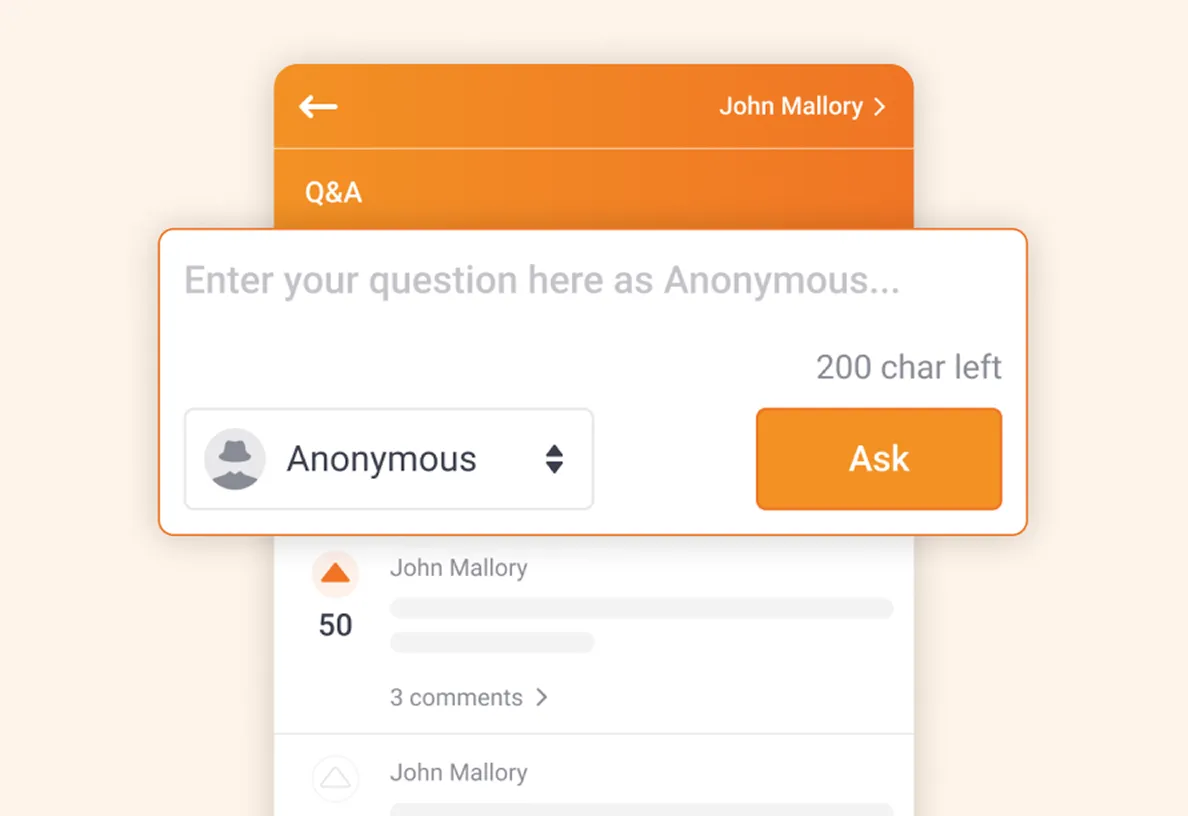
Moderate when needed
Turn moderation on anytime to review questions before they go live. Keep discussions aligned with the agenda while addressing important off-topic concerns thoughtfully with Private Replies.
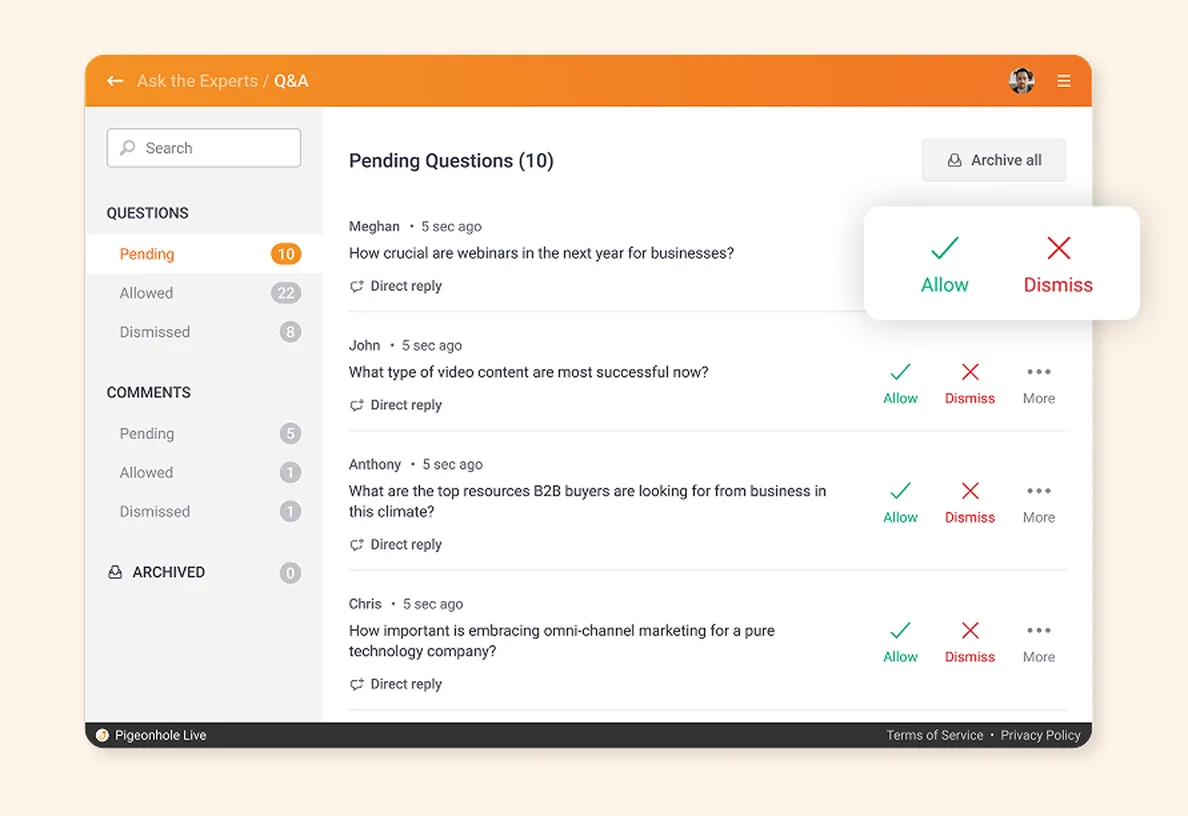
Stay in control as conversations unfold
Adjust the flow of your all-hands in real time. Instantly enable or disable anonymous participation, or pause new questions to focus employees on leadership sharing, live discussion or upvoting. Existing anonymous questions remain anonymous.
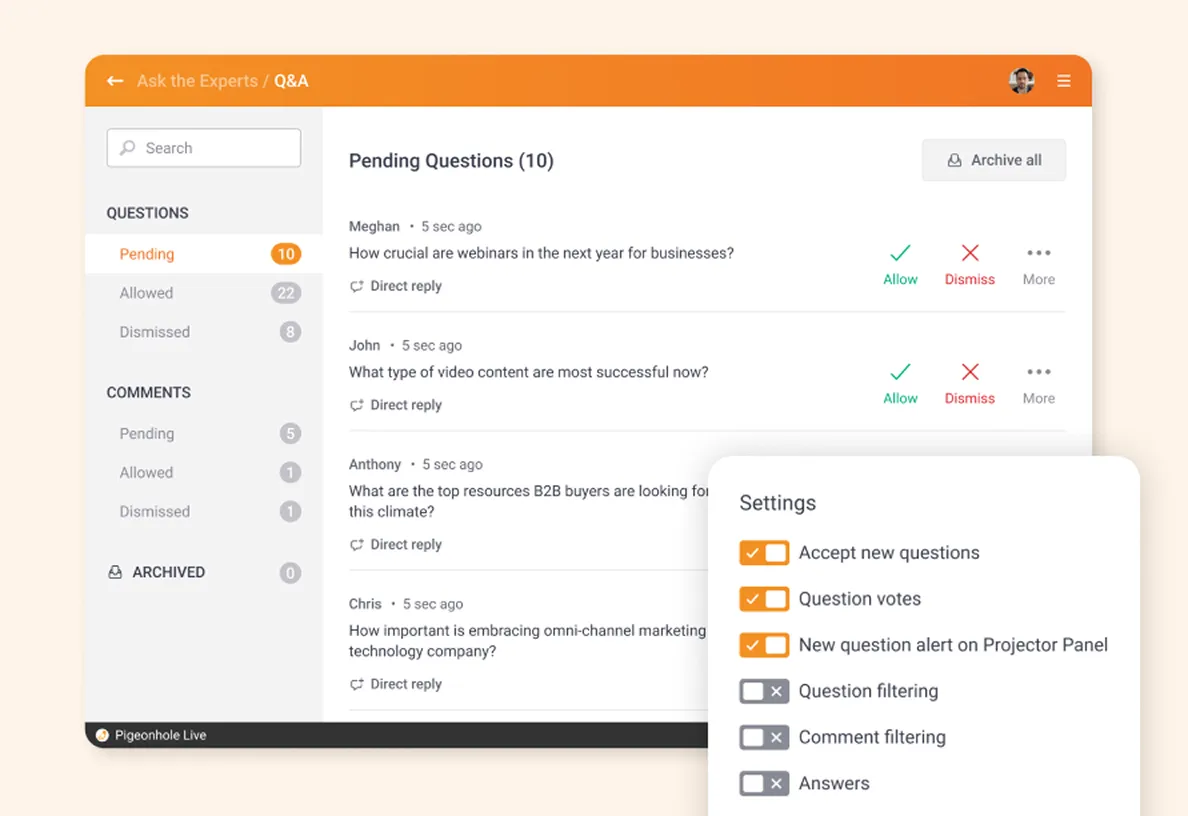
Keep the room engaged from the first slide
Go beyond Q&A.
Every employee engages differently. Some ask questions, others prefer quick reactions, sharing opinions or contributing ideas. Mix Q&A with Live Polls, Word Clouds and Reactions to lower the barrier to participation and uncover honest employee sentiments throughout your all-hands.
See what’s on employees’ minds — instantly
Invite instinctive, one-word responses to surface themes, concerns or emotions across the organisation.
Example: “What is the first word that describes our company culture?”
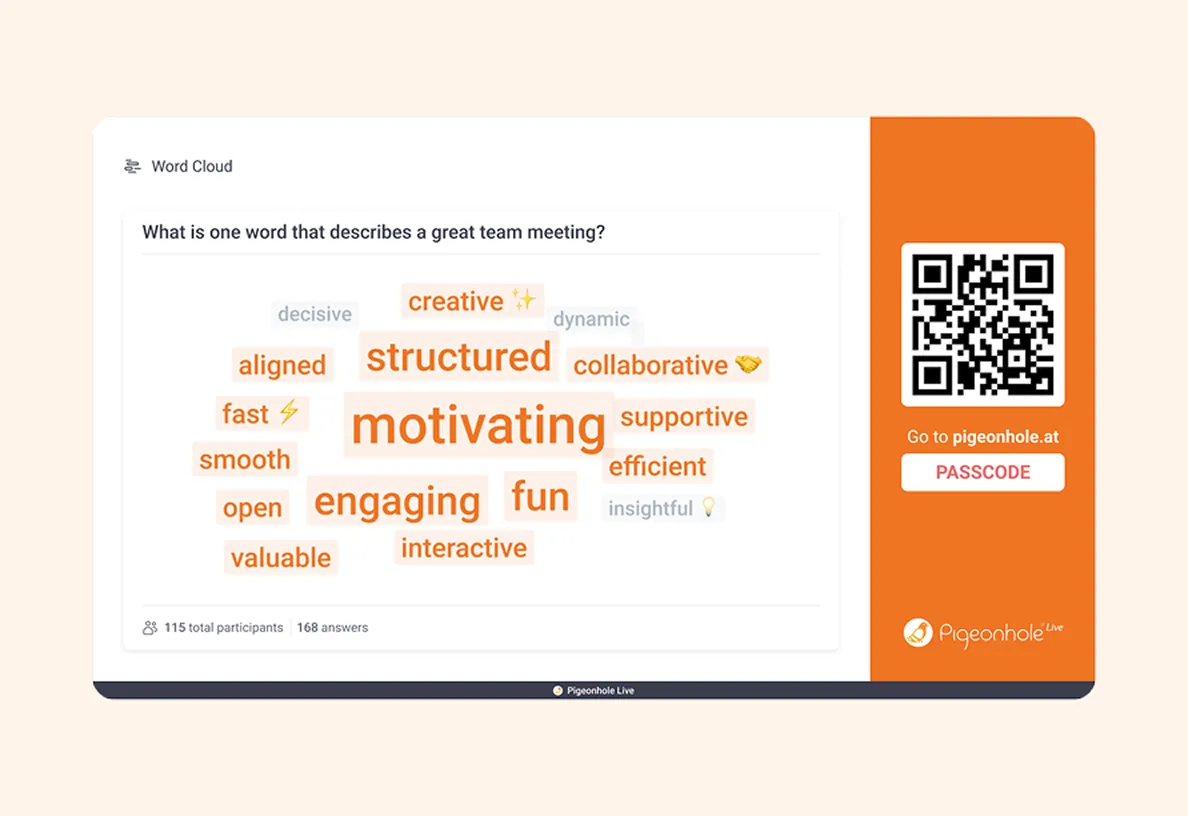
Quick pulse checks on what matters
Use Multiple-choice, Ranking or Rating Polls to understand employee opinions, priorities and sentiment in real time.
Example: “Which new product feature excites you most? Rank your top choices.”
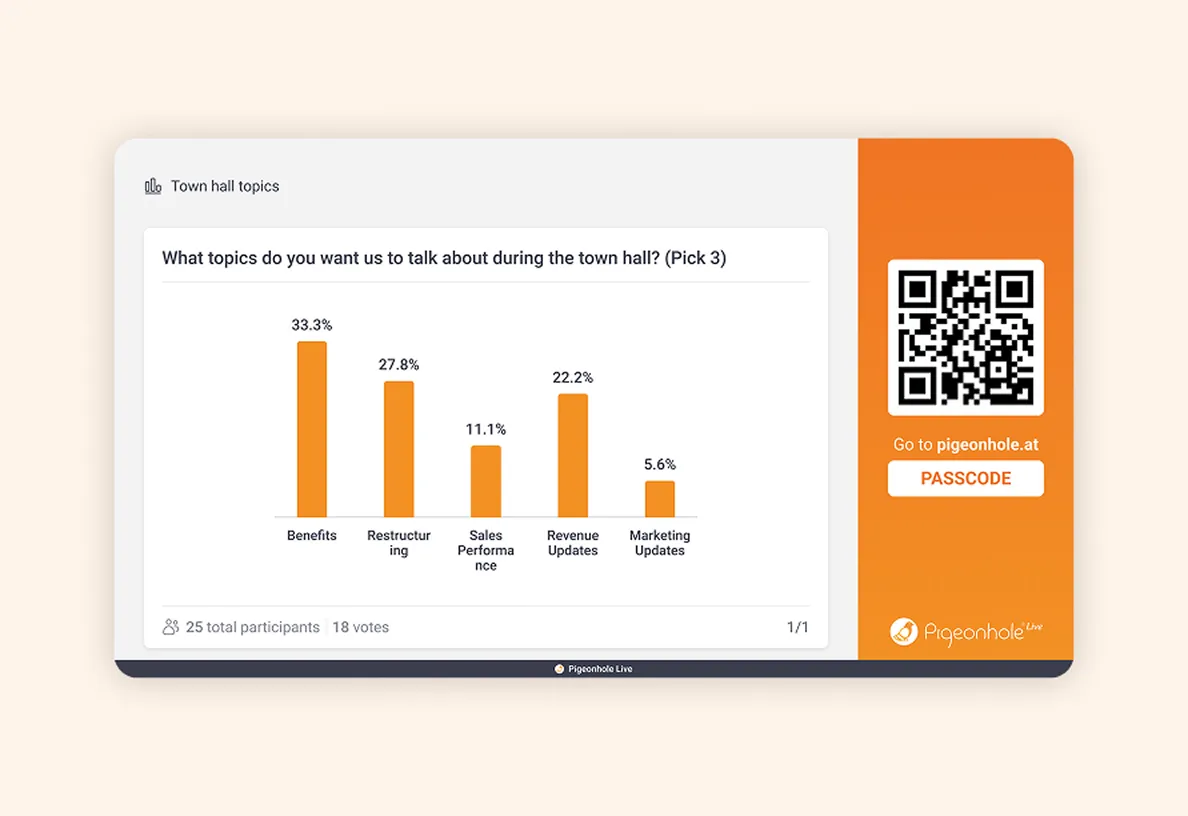
Turn employee ideas into action
Create space for employees to share suggestions, feedback and perspectives beyond predefined options.
Example: “What blocker should we remove to improve productivity?”
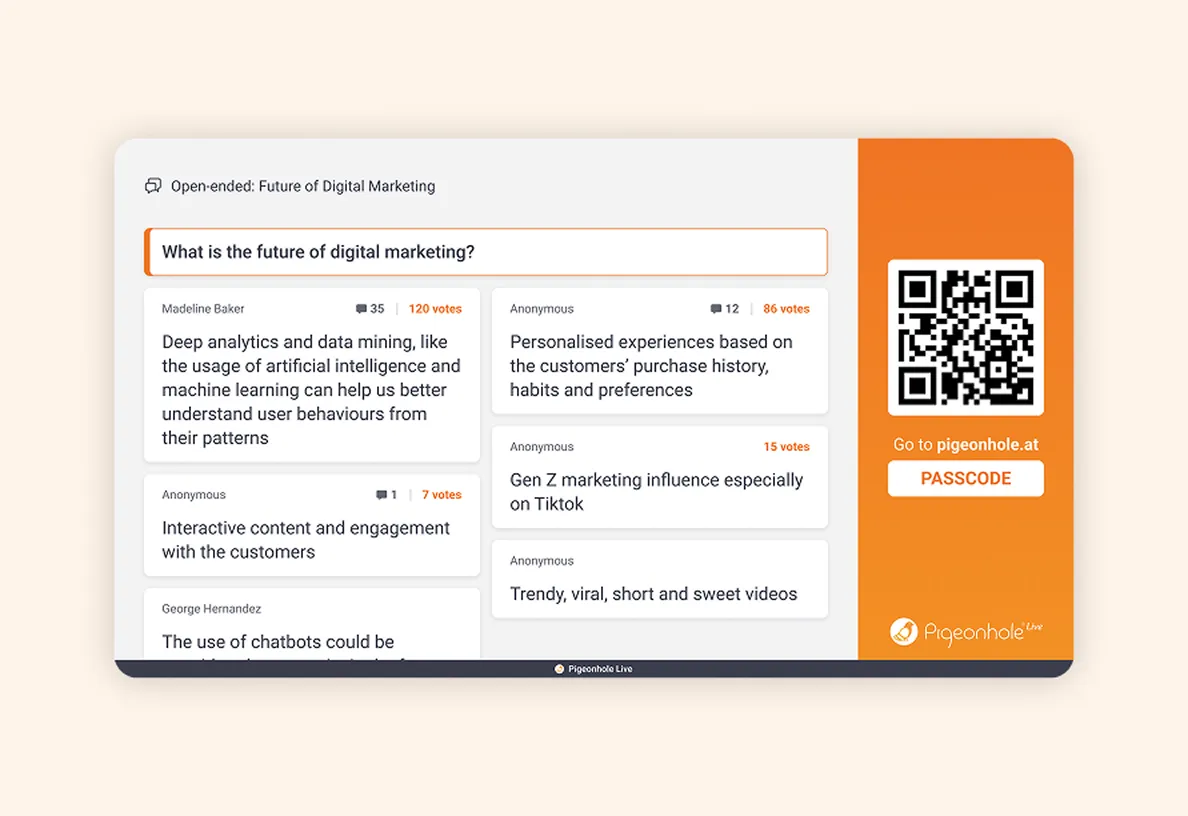
A simple way for everyone to respond
Give employees a lightweight, always-on way to express how they feel — especially for quieter voices in hybrid or virtual all-hands.
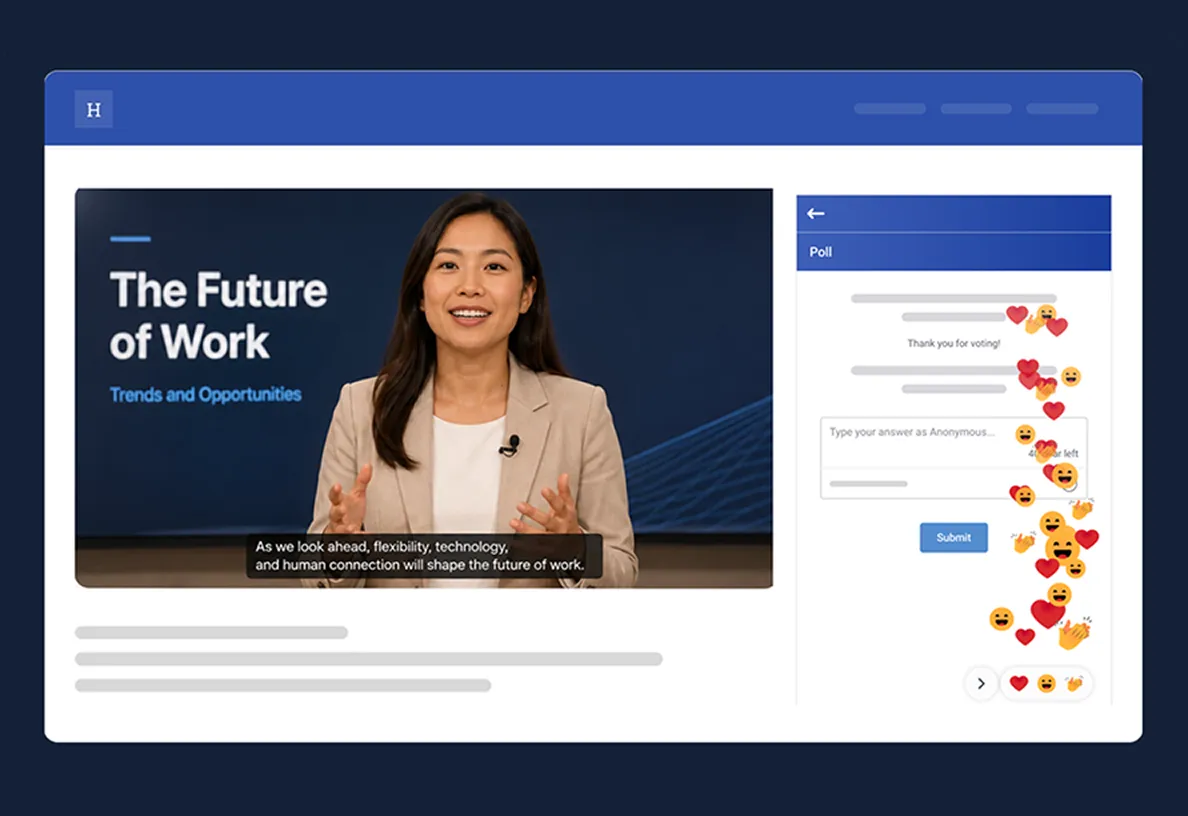
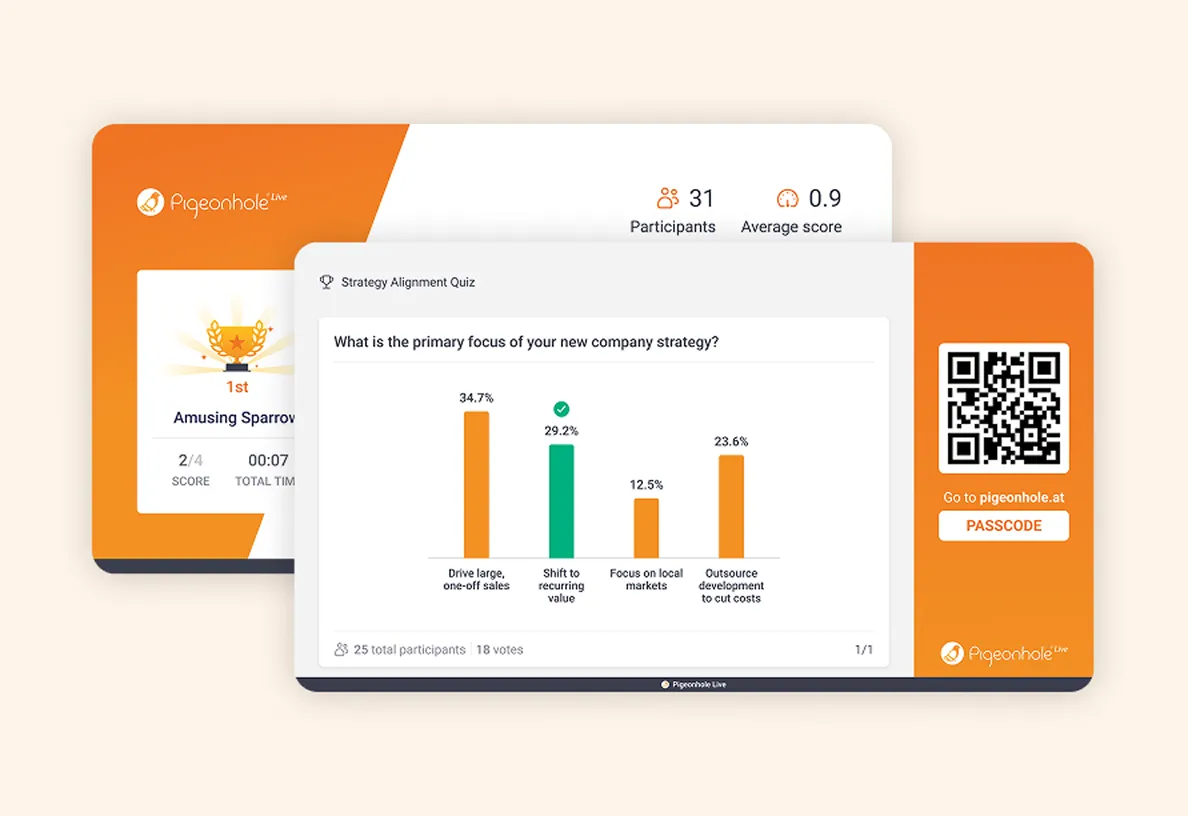
Make company updates memorable
Turn key announcements into fun knowledge checks that reinforce important messages and reward attention.
Example: “How well do you know our new company strategy?”
Start engagement before the all-hands begins
Show employees leadership is ready to listen, even before the all-hands begins. Share your Pigeonhole URL in the RSVP invite so employees can start submitting questions and responding to Polls early. Surface concerns, identify themes and prepare thoughtful responses ahead of time for a more meaningful, less reactive conversation.
Start conversations before the event
Share the Pigeonhole URL via email, intranet, MS Teams or Slack so employees can engage before the all-hands — anytime, anywhere, no app needed.
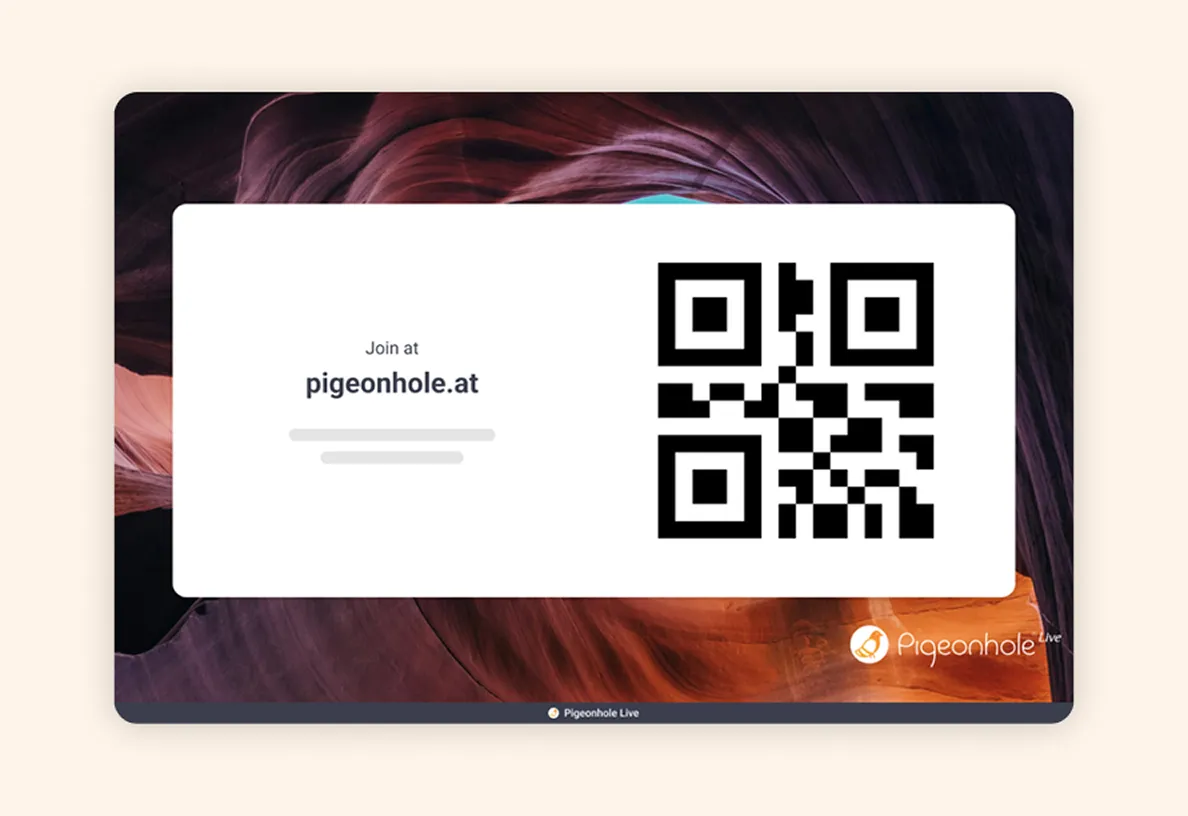
Turn RSVP into early engagement
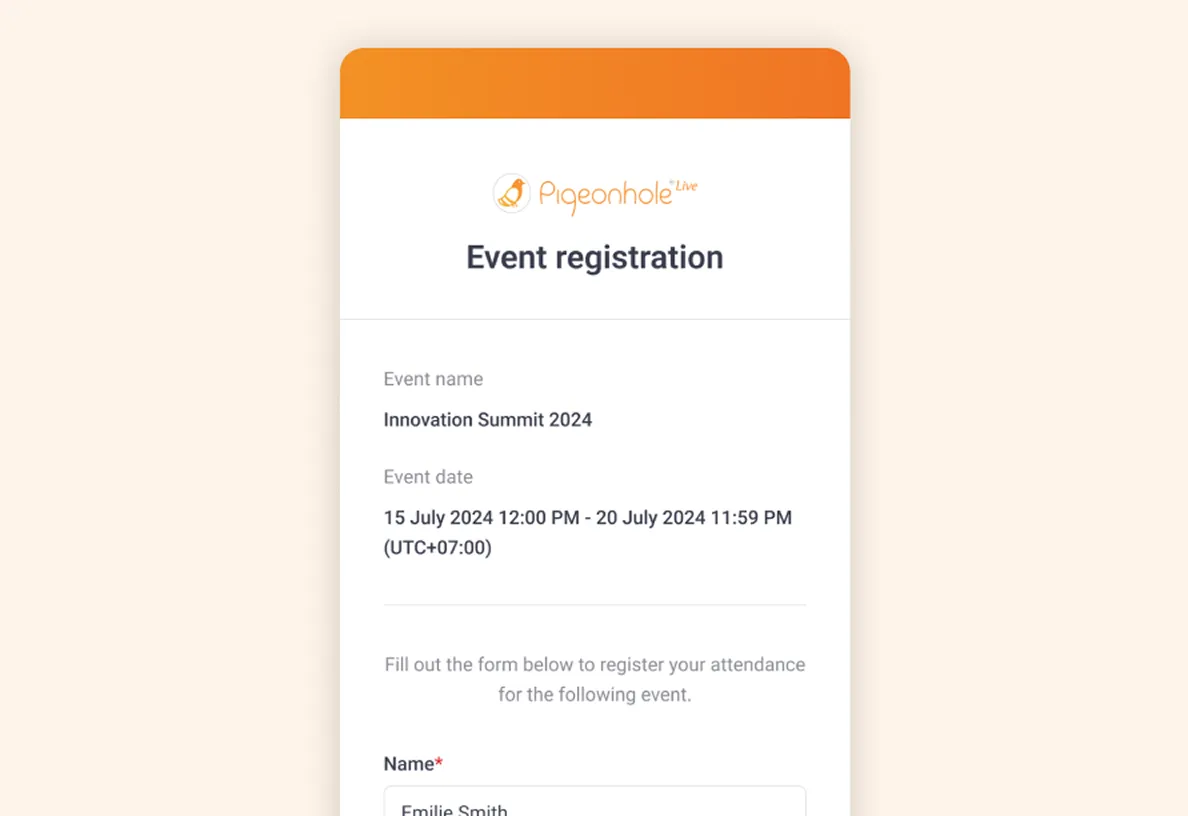
Let employees register for the all-hands with email or SSO. After registration, they are brought directly into the Pigeonhole to start asking questions and responding to Polls.
Stay updated on what employees are asking
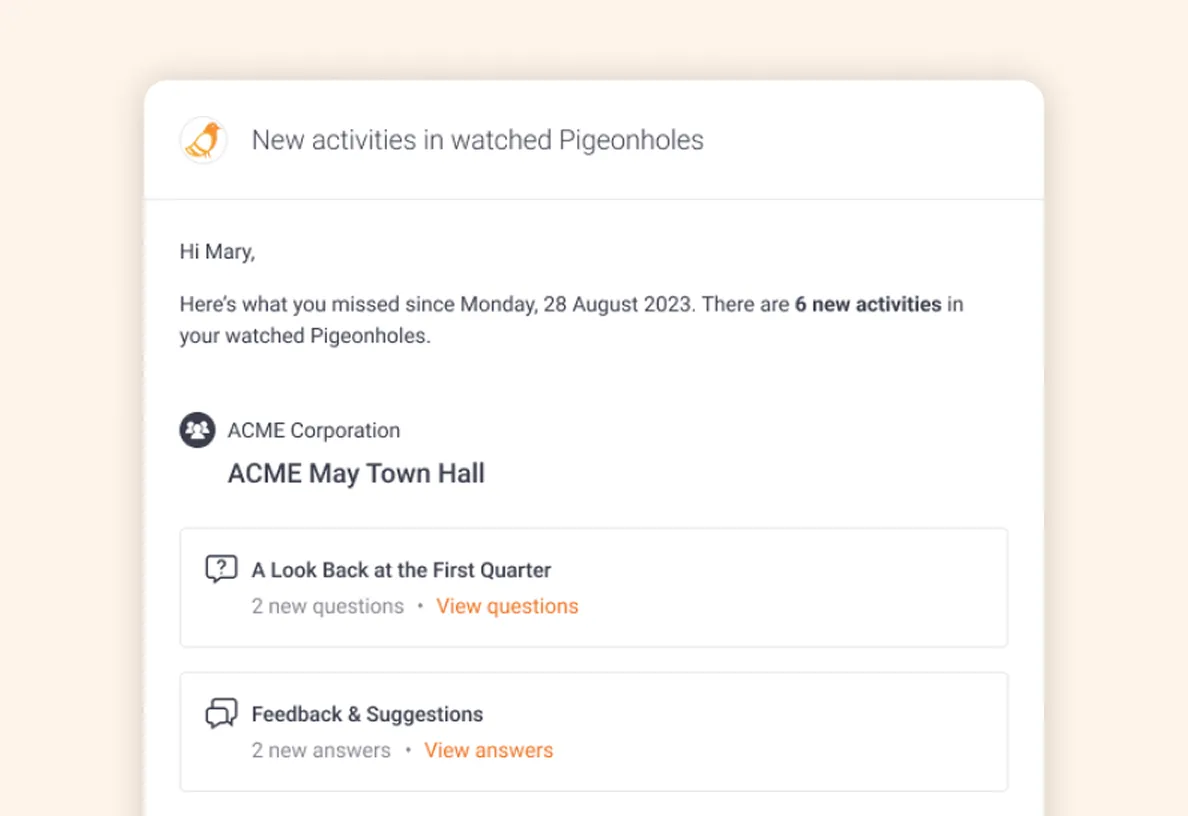
Receive notifications when new questions or Poll responses come in, so admins can review, moderate and keep engagement moving before the all-hands.
Start answering before leaders step on stage
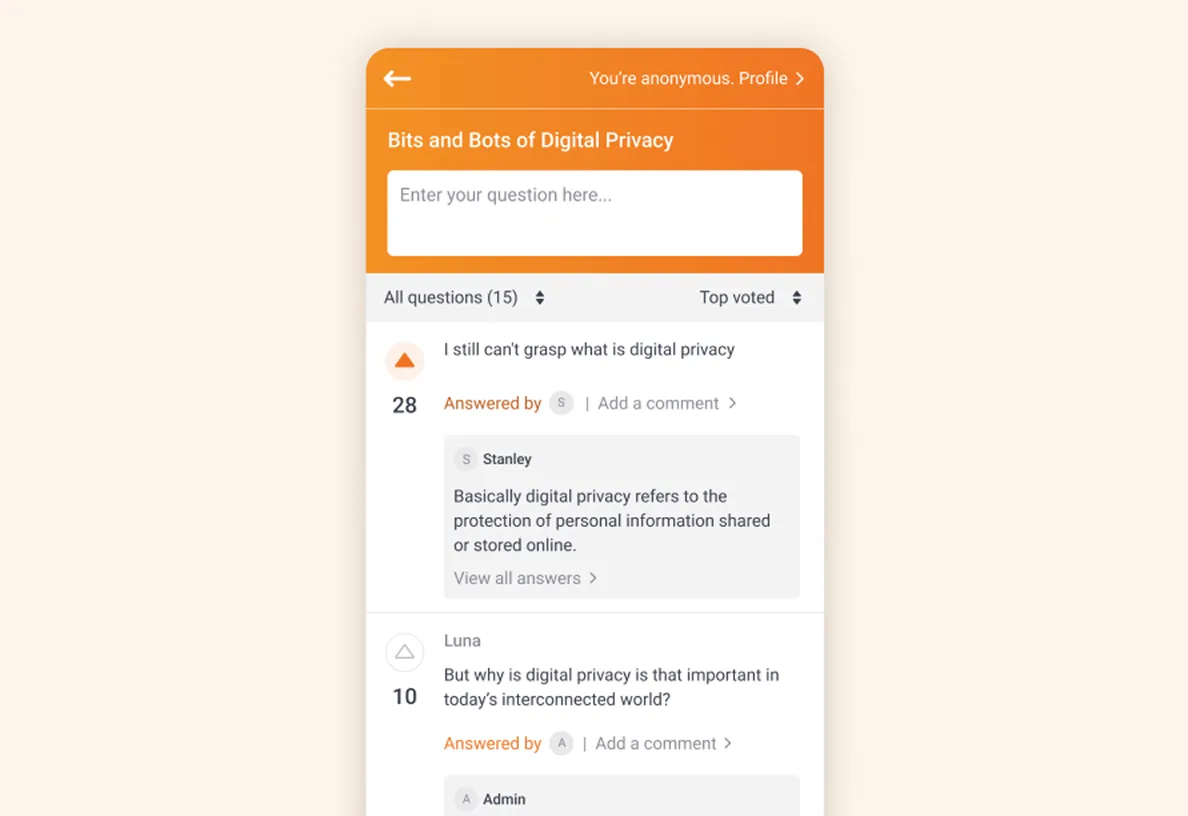
Leadership can respond to selected questions ahead of the all-hands, helping employees feel heard while reducing repetitive or reactive discussions during the session.
Know employee concerns before the room fills up
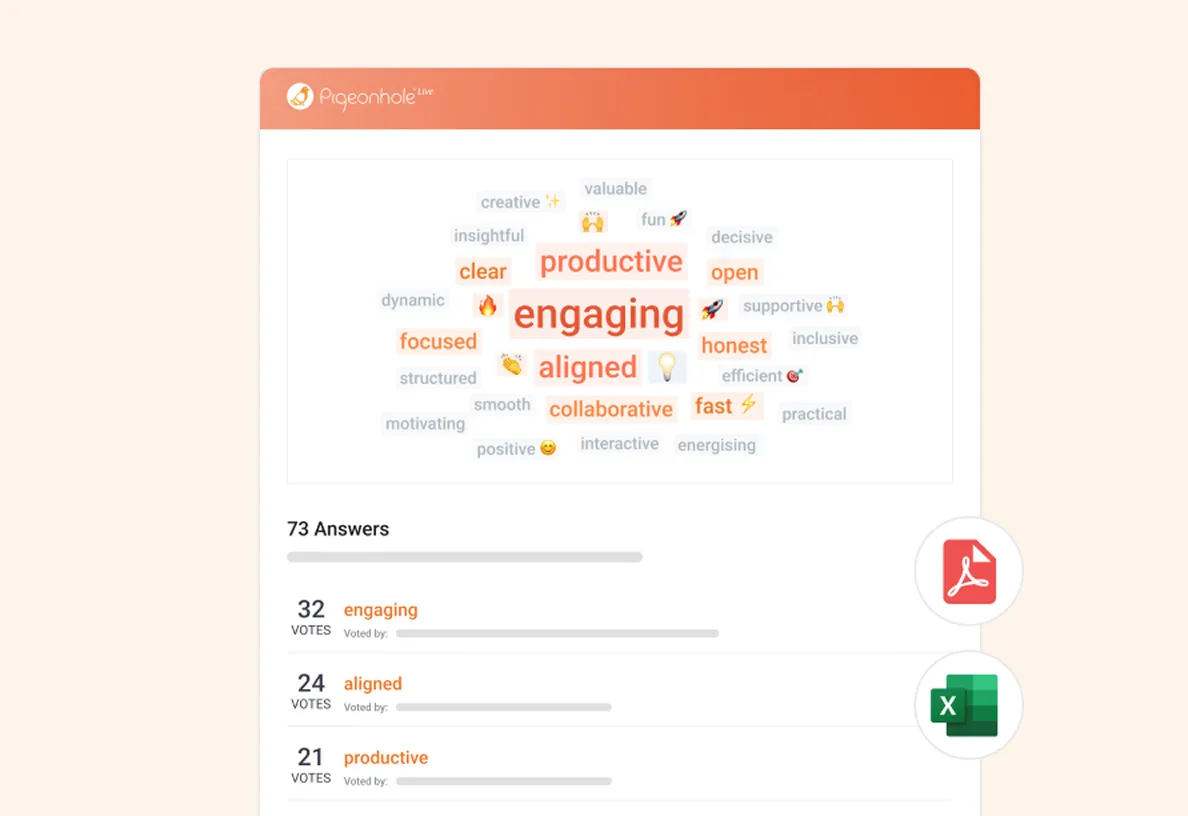
See top-voted questions, recurring themes and emerging sentiments from Q&A and Poll responses, so leadership arrives better prepared.
One all hands, one conversation
Hybrid all-hands often split engagement — questions asked verbally in the room, while remote employees type into meeting chat. Bring everyone into one shared space for Q&A and Polls, so every question, vote and response matters equally, wherever employees join from.
Singular experience for everyone
Give employees one simple URL for Q&A, Polls and engagement — whether they are in the room or joining remotely. Web-based and accessible on any browser, no downloads needed.
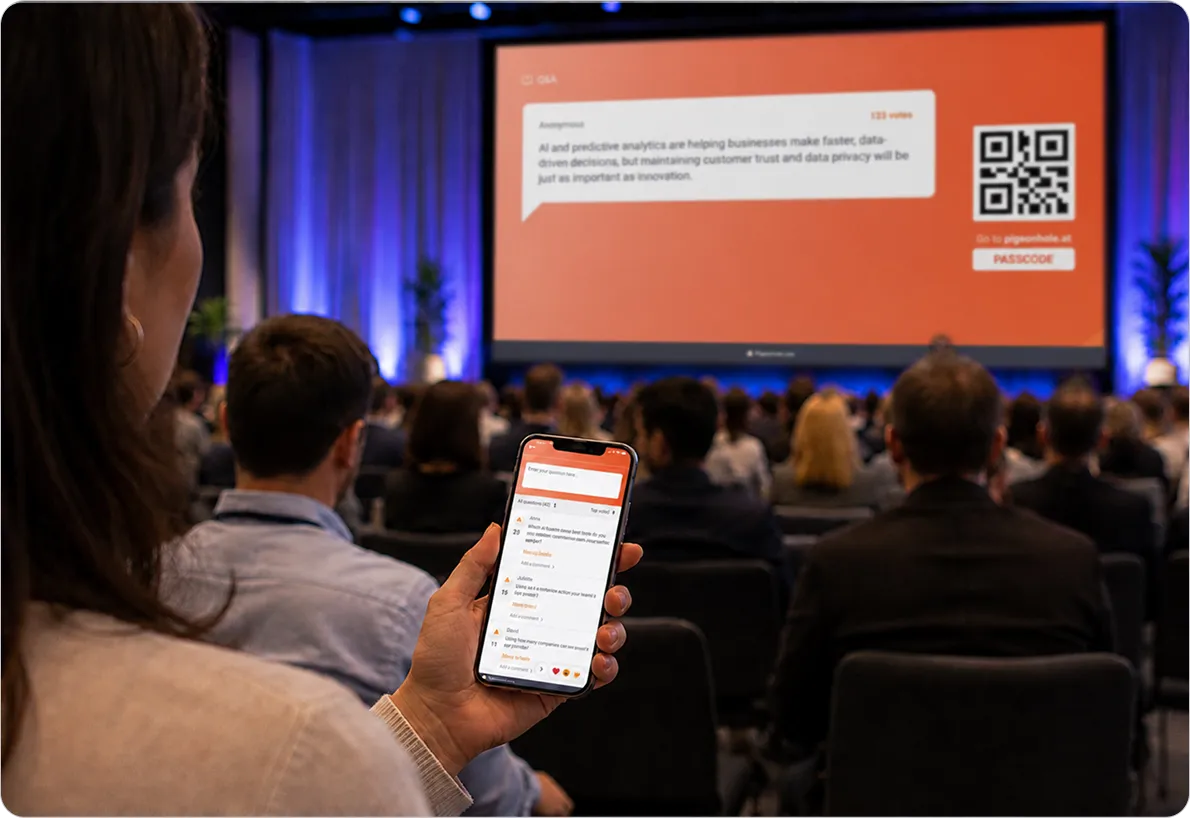
Works where your employees already are
Running your all-hands on Zoom, Webex or MS Teams? Keep engagement in one shared space while employees continue watching the meeting as usual. Also embeddable within SharePoint.
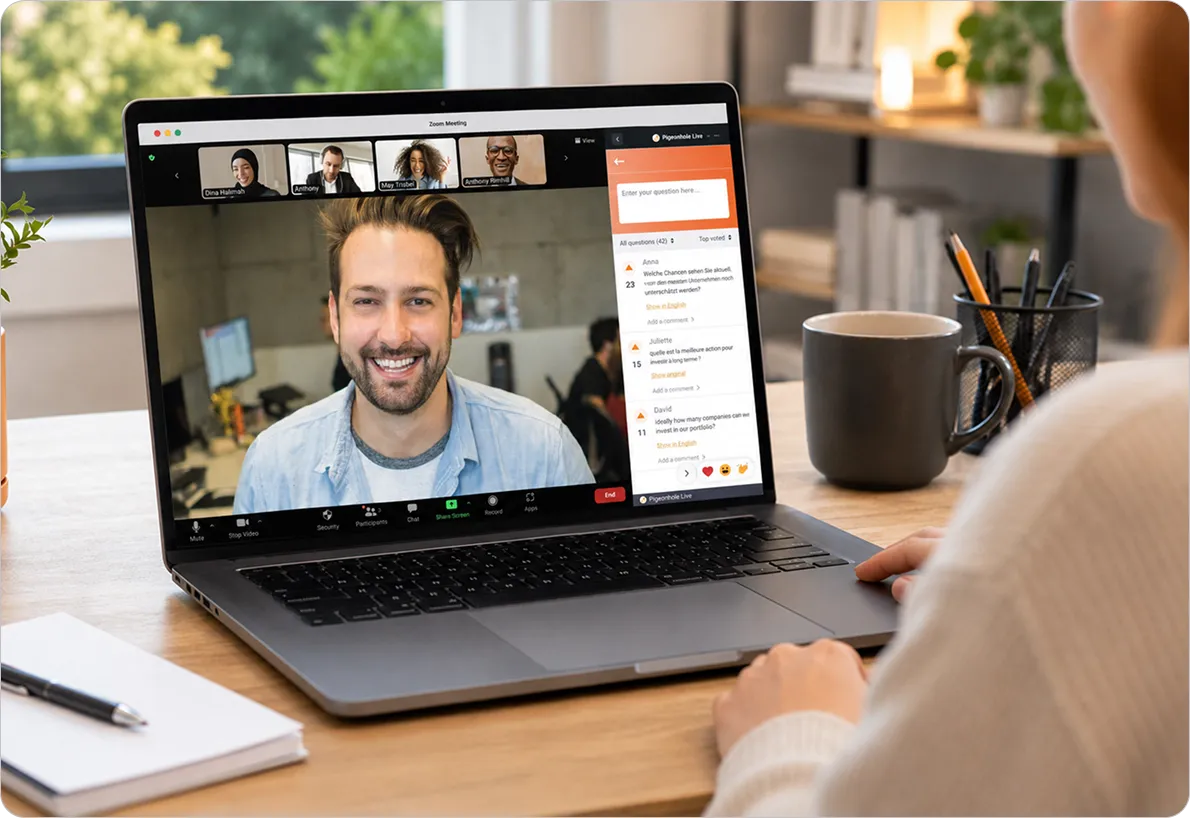
Leave no employee behind
Language barriers shouldn’t stop honest conversations. Help employees express concerns confidently in their preferred language while making all-hands more accessible for employees with different accessibility needs.
Let employees ask in the language they know best
Employees can ask questions in their preferred language and read translated Q&A, helping honest concerns surface more confidently across global teams.
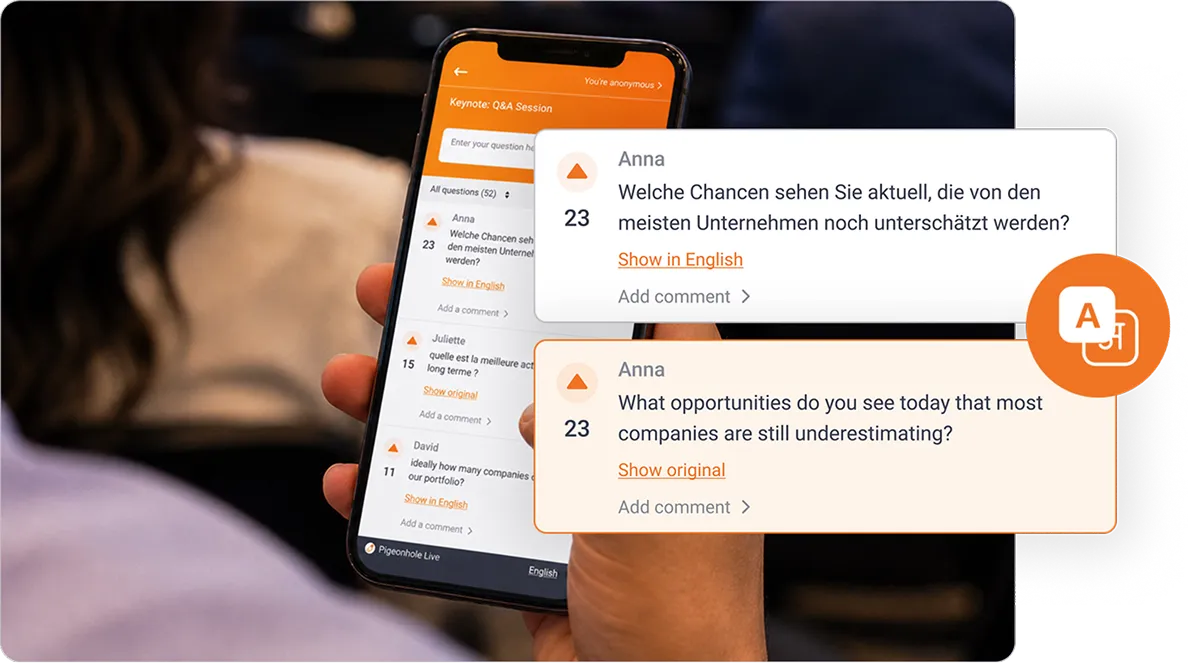
Built for inclusive participation
Pigeonhole Live supports keyboard navigation and screen readers across audience-facing and admin interfaces, helping employees with visual or mobility impairments participate more independently.
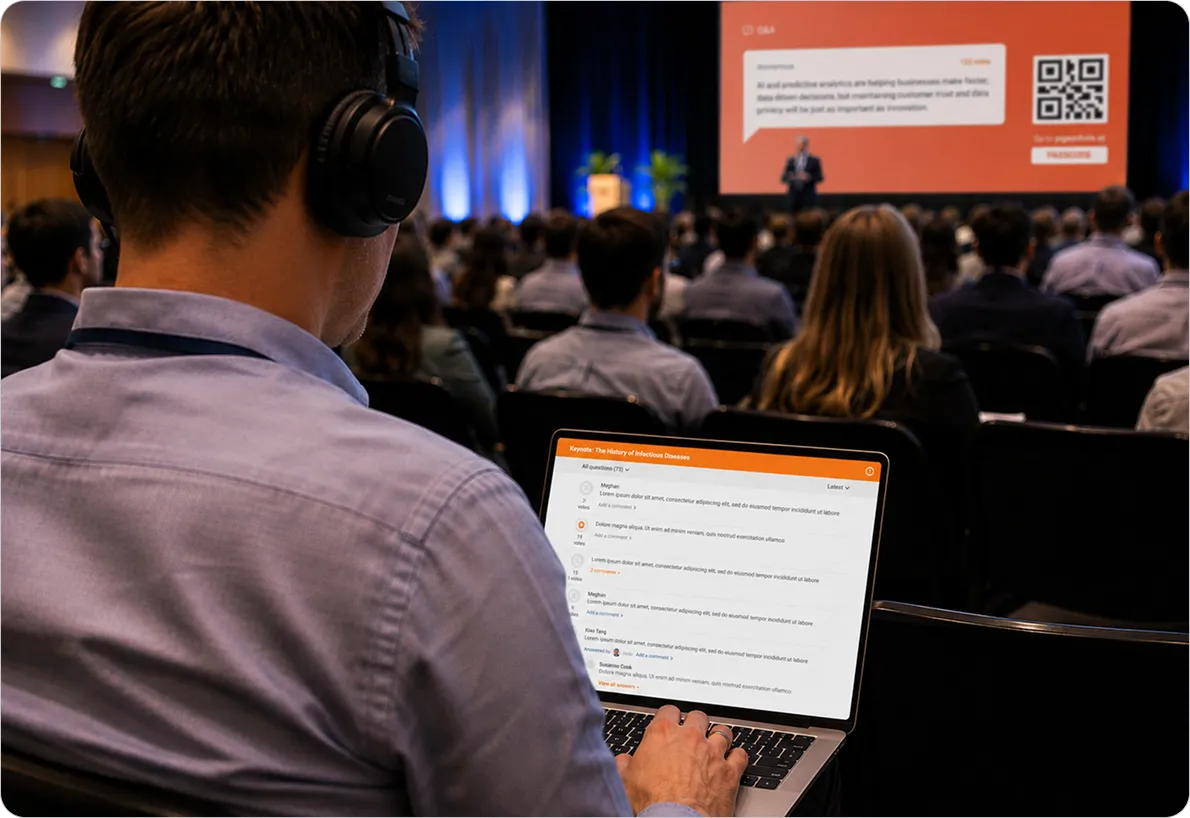
How it works
Simple to set up. Easy to run. Reliable every time.
1. Set up your session
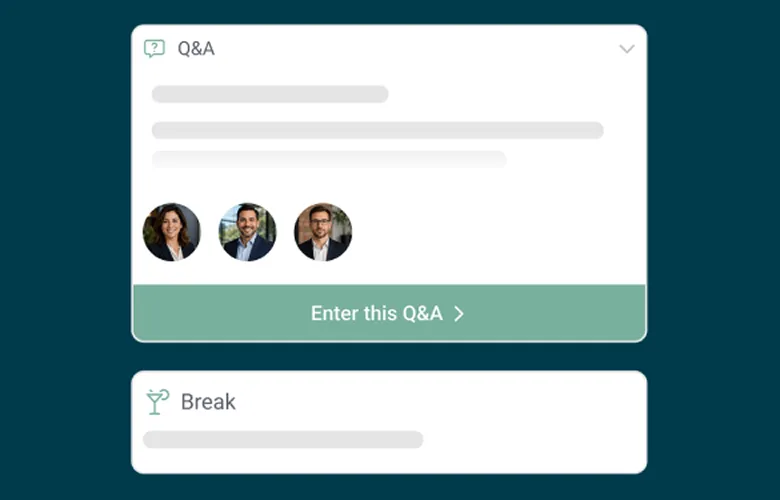
Create your Pigeonhole and enable Q&A, Polls, Surveys and/or Reactions. Remember to choose your preferred anonymity, moderation and language settings.

2. Share access with employees
Send your Pigeonhole link through RSVP emails, Teams or Slack. Employees can join instantly on any browser and even start engaging before the session begins.

3. Run your session
Lead your all-hands with confidence. Surface top questions, run live Polls, manage participation in real time and keep every employee part of the conversation.
Trusted by teams who run real conversations



















Frequently asked questions
Employees are more likely to ask meaningful questions when they feel psychologically safe. With Pigeonhole Live, you can enable anonymous Q&A for selected or all sessions, while still verifying employees via email or SSO. This helps surface honest concerns while maintaining trust and accountability.
Yes. Simply share your Pigeonhole URL in your RSVP invite, email, Teams or Slack message. Employees can start submitting questions and responding to Polls before the all-hands, helping leadership identify key themes and prepare thoughtful responses ahead of time.
Yes. Pigeonhole Live gives both in-person and remote employees one shared space for Q&A, Polls and engagement. Everyone joins through the same web-based URL, ensuring every question and response matters equally, regardless of location.
Absolutely. Internal Comms teams can turn moderation on or off anytime, pause new questions, and adjust anonymity settings live. These controls help keep conversations aligned with the session goals while remaining flexible in the moment.
Yes. Pigeonhole Live supports AI-powered translation in Q&A, helping employees ask and read questions in their preferred language. We also support accessibility features such as keyboard navigation and screen reader compatibility to make participation more inclusive.
Make your next all-hands worth showing up for
Get started for freeRunning a high-stakes all-hands?
Share your requirements with us. We’ll work with your team on onboarding, training and planning recommendations so you can run your all-hands with confidence.