 Quiz
QuizEnergise your audience with a live Quiz
Bring out your audience’s competitive streak! Run live Quizzes with a timer and leaderboard to spark energy, drive participation, and make learning fun.

Watch the competition unfold
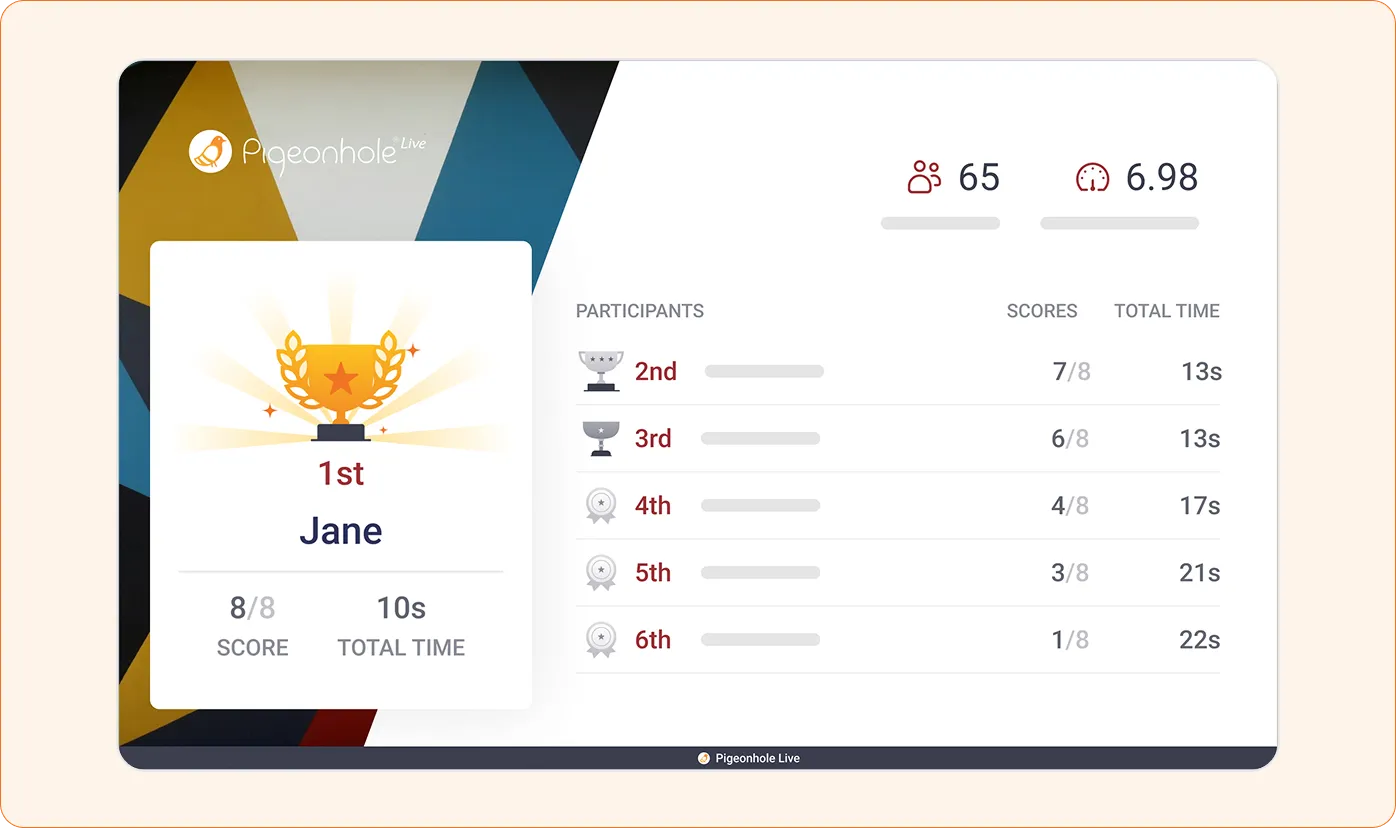
With a countdown timer, instant scoring, and a live leaderboard, every question raises the stakes and brings out a little friendly competition!
How Quizzes work
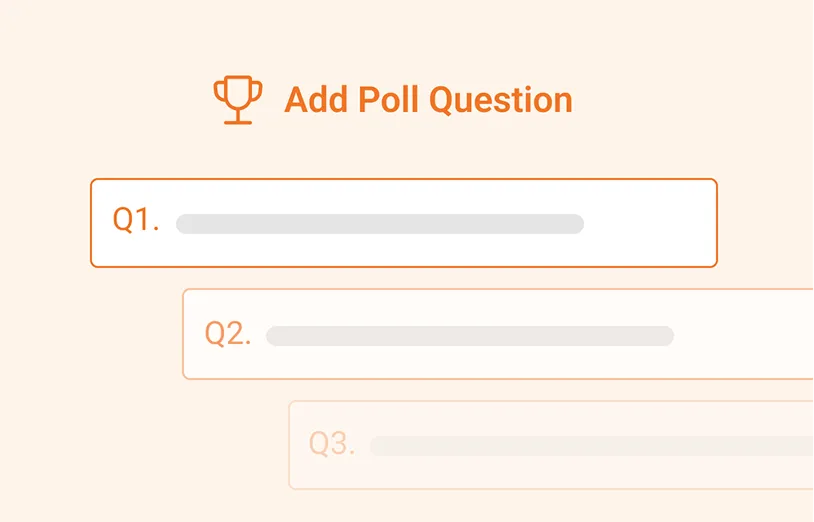
1. Prepare your Quiz
Set your questions, control the pace, and decide how much time participants get for each one.
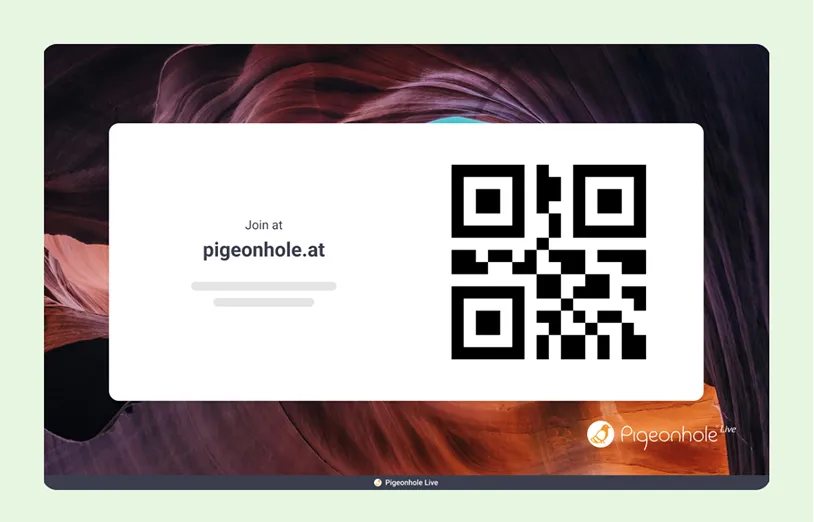
2. Start the Quiz
Invite participants to join with a QR code or link, then start the Quiz when you’re ready.
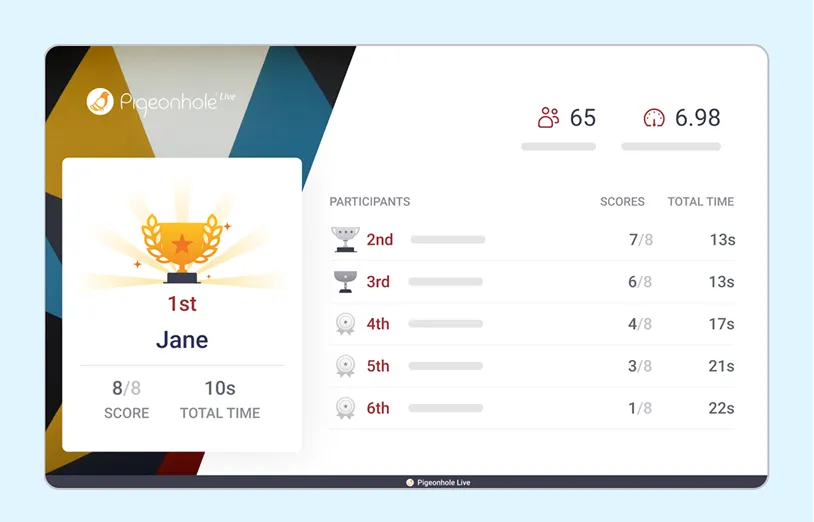
3. Keep it competitive
Show the leaderboard live, reveal the final rankings, and celebrate winners with virtual trophies!
Run Quizzes your way
Best moments to use Quizzes
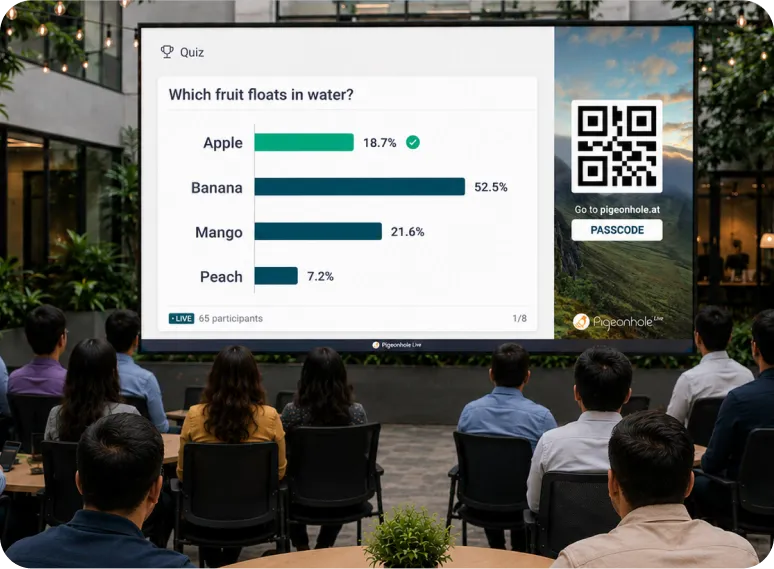
Kick things off with energy
Ask it and see what people really think. What comes out first is often the most honest, and sometimes the most surprising!
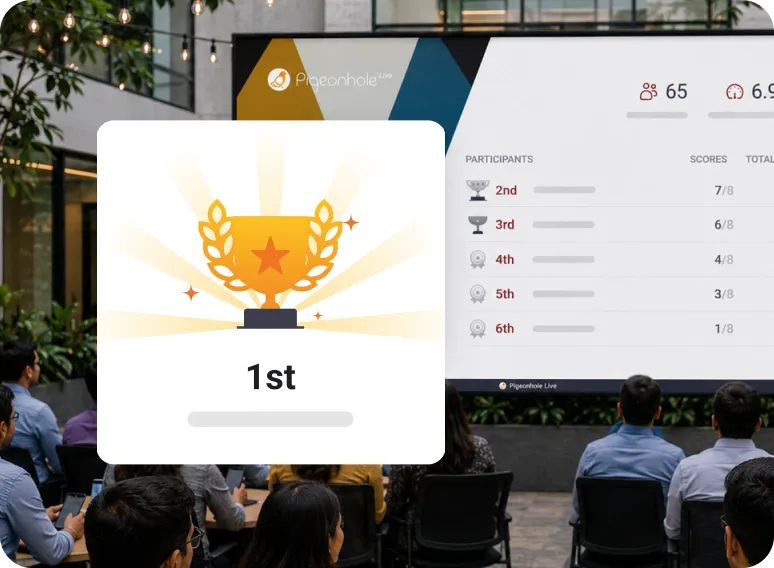
Give your audience a reason to pay attention
Bring key moments back as Quiz questions and give your audience something to play for, whether it’s a prize or just the top spot on the leaderboard.
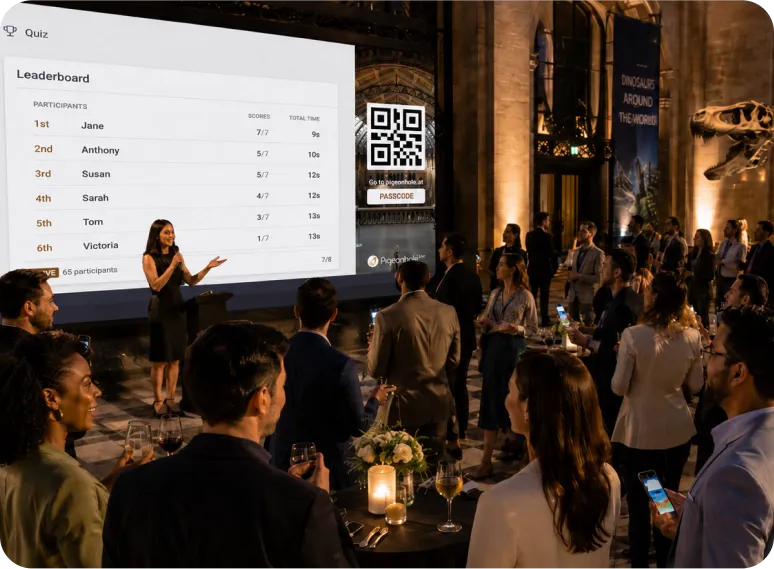
Make it memorable
From team trivia to live events, Quizzes bring laughter, competition, and shared moments that keep your audience engaged throughout.
Run quizzes right inside your slides and meetings





Trusted by teams who want real engagement













More than just Quizzes
Quizzes bring the energy. Our interactive features help you keep it going and understand your audience from every angle.

Q&A
Turn monologues into conversations. Let participants ask questions and upvote what matters most.

Polls
Get a quick read on the room. Capture opinions, sentiment, and priorities as responses come in.

Reactions
See how your audience feels instantly. Watch emoji reactions light up the room in real time!

Surveys
Collect honest feedback privately. Gather quick feedback while the session is still fresh.
Frequently asked questions
A live Quiz lets participants answer questions in real time from their phones or laptops while results, scores, and rankings update instantly on screen.
Create your Quiz, share a link or QR code, and run each question live as participants answer. Scores update automatically, and results, leaderboard, and rankings are revealed during or after the Quiz.
Teams use live Quizzes to check understanding, keep everyone engaged, spark friendly competition, and decide what to explain, revisit, or move on from during meetings, training, and events.
Yes. Participants can join from any device using a browser, QR code, or shared link without downloading an app.
Yes. You can export individual and overall Quiz results as PDF or Excel files to review performance, share insights, and follow up after the session.
Ready to spark some friendly competition?
Create structured Assessments and get a clear view of what learners understand, during sessions or in their own time.
Create your free QuizNo credit card required.