 Agenda
Run your multi-session event with a clear, structured
Agenda
Plan sessions, guide your audience in real time, and give each session its own Q&A and Polls, all in one place.
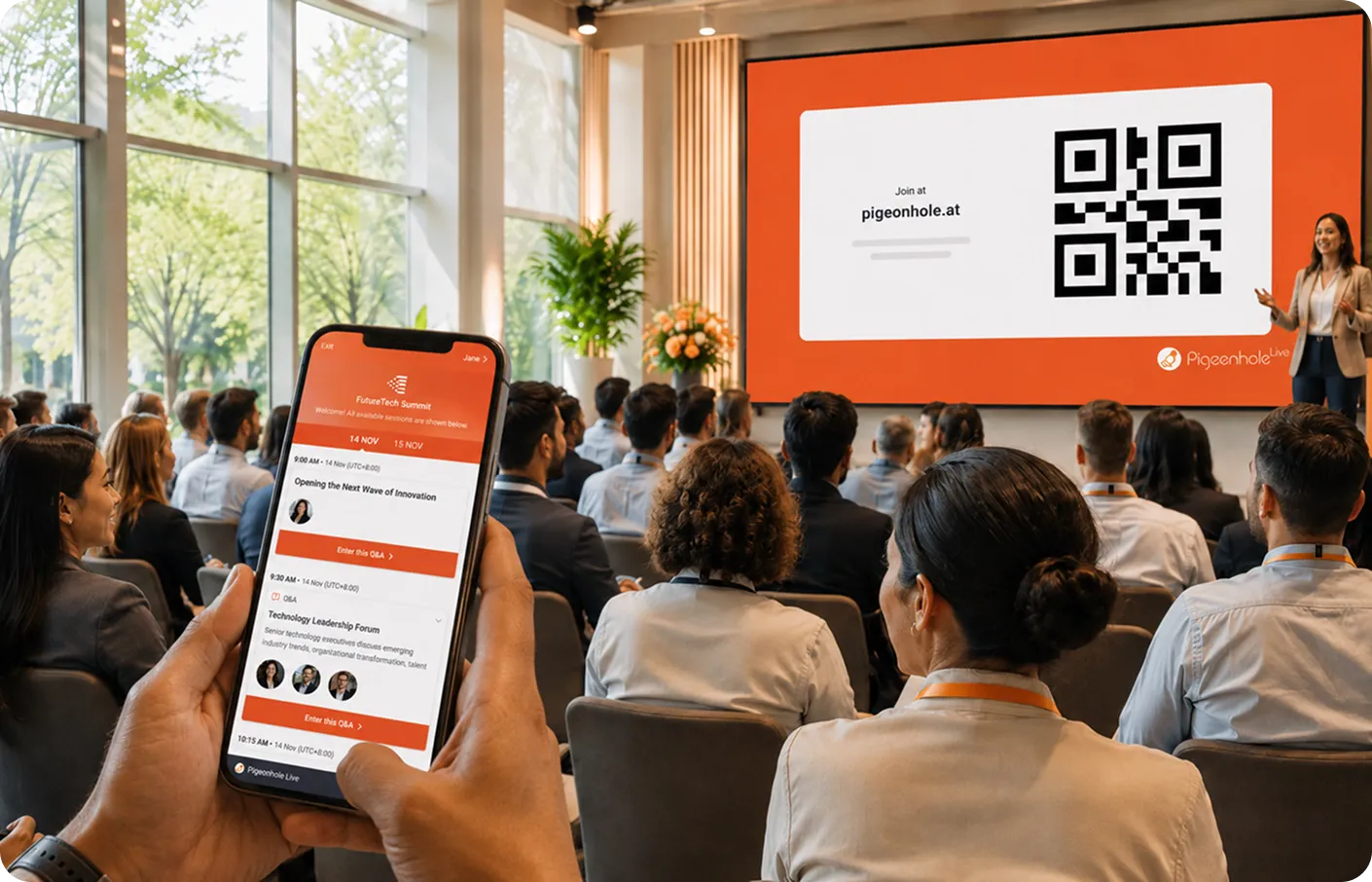
A fully featured Agenda, built for events
From sessions and speaker profiles to tracks and real-time updates, everything you need to run your event, together with powerful engagement tools.
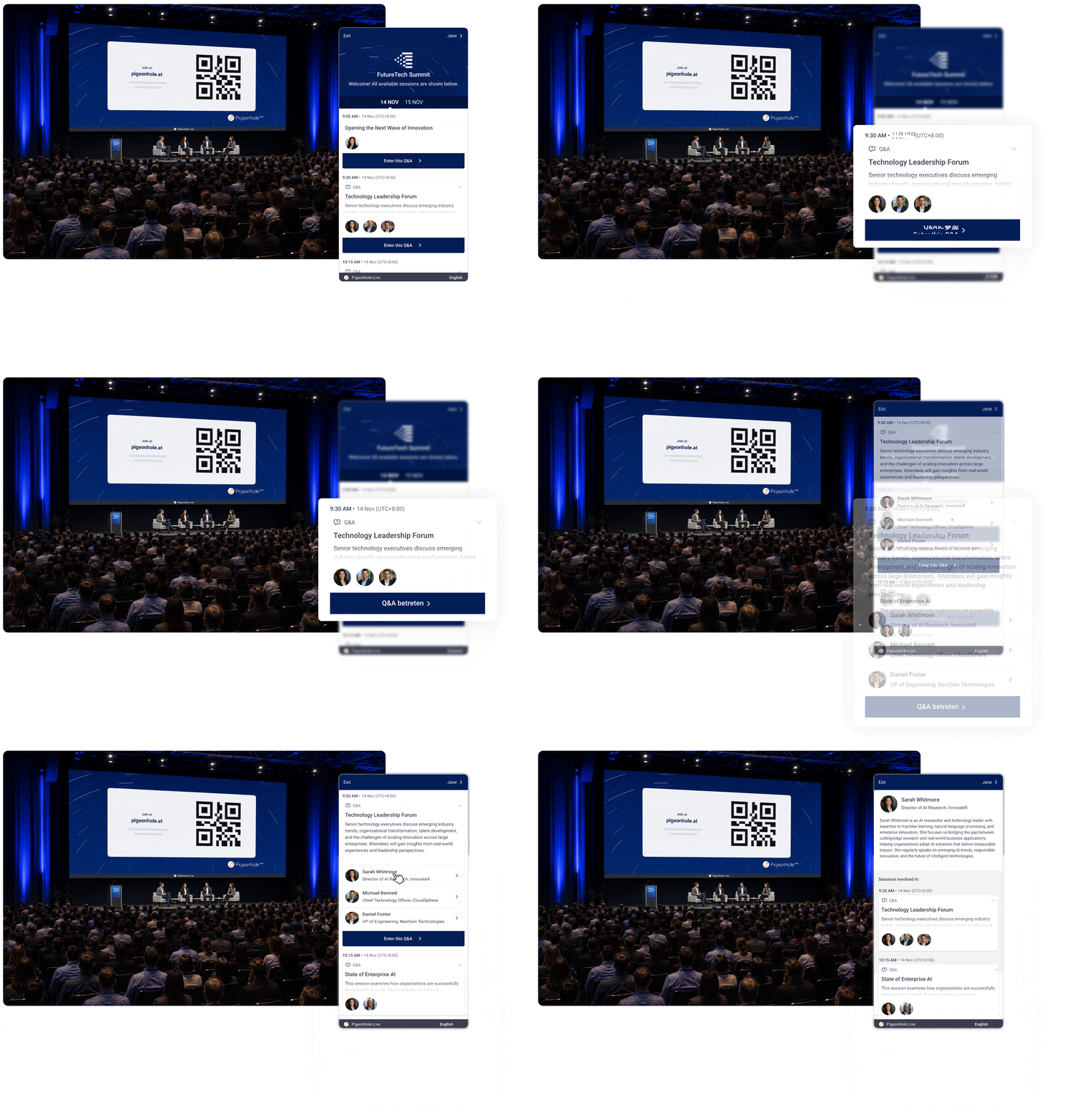
Setting up your Agenda
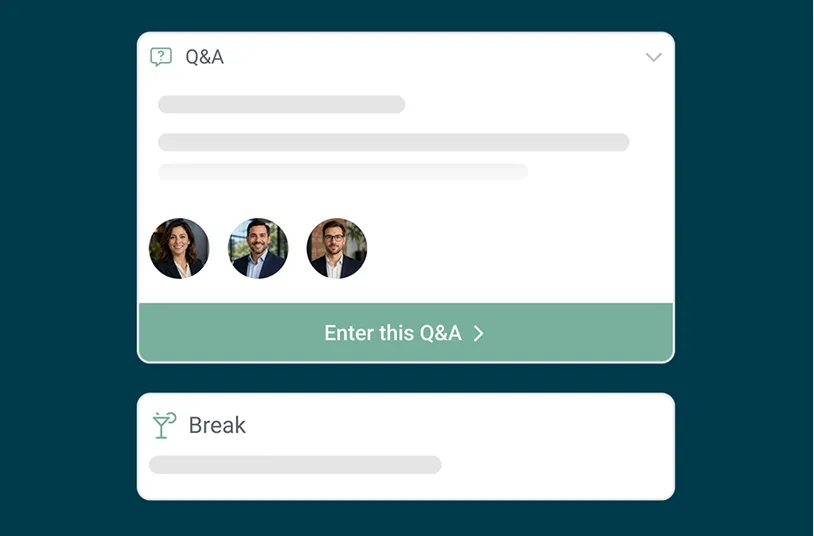
1. Build your key sessions
Add your sessions as the backbone of your event, from keynotes and panels to breaks.
Choose between placeholder Regular sessions or Q&A sessions, set timings, add descriptions, speaker profiles, and group them into Tracks if needed.
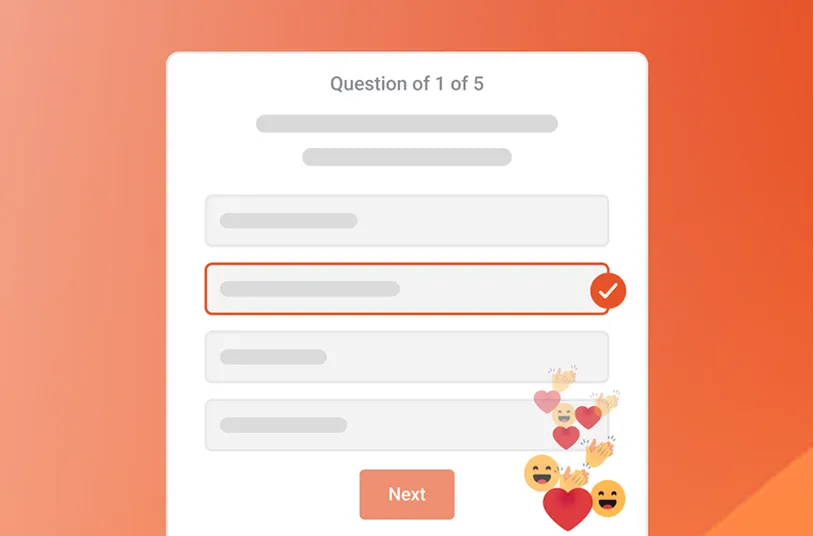
2. Turn them on where it matters
Add Polls and Surveys, or enable Reactions in specific sessions, so every session has its own space for its designed interaction and collects unique session insights.
3. Share QR Code or link with attendees
Share your Agenda via QR code or link for attendees to follow throughout the day.
Use Announcements to highlight updates and direct them to the right session at the right time.
Where Agenda works best
From internal events to large-scale conferences, Agenda adapts to how your event runs.
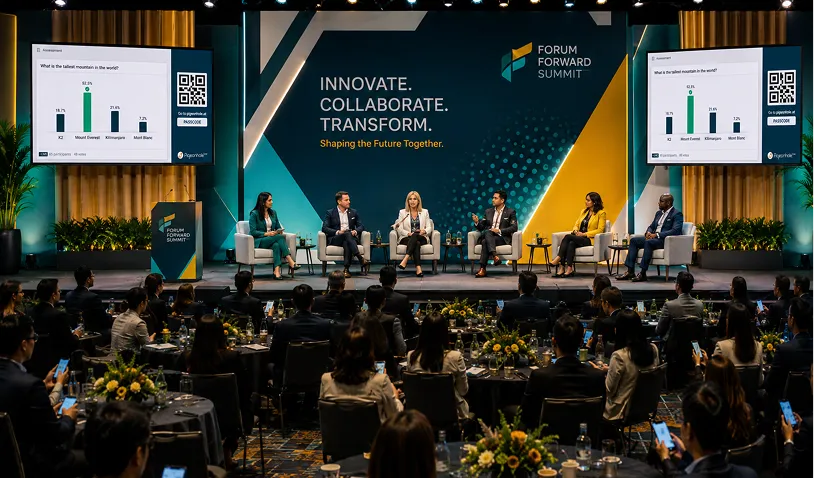
Multi-session conferences & internal events
Structure your entire programme with clearly defined sessions, each with its own Q&A, Polls and Surveys, plus detailed speaker profiles.
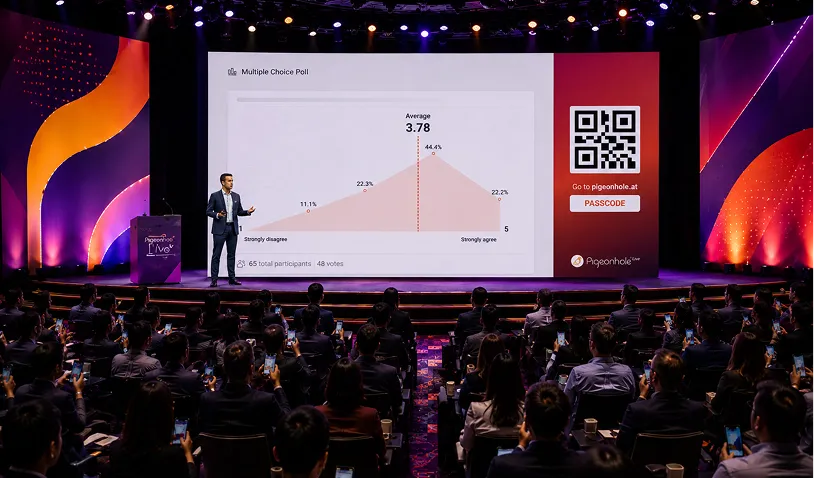
Field marketing events
Run branded, interactive event experiences without the cost of a full event app.
A web-based, all-in-one solution combining your agenda with Q&A, Polls, Surveys and more — fully aligned with your brand.
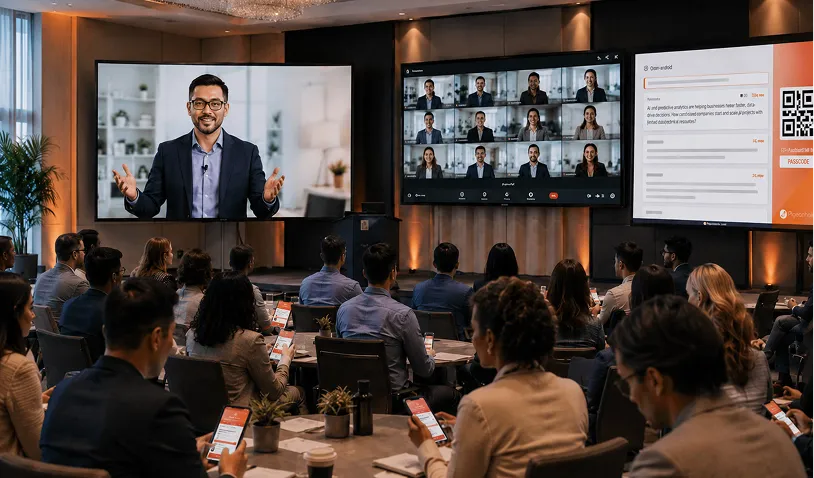
Virtual & hybrid conferences
Give every session its own dedicated Q&A and engagement space, perfect for embedding alongside live streams.
Avoid messy, shared Q&A links across sessions, and keep engagement structured and session specific.
More flexible ways to use Agenda
Set up your sessions the way you’re used to, whether it’s built around schedules, stages, or structured learning.
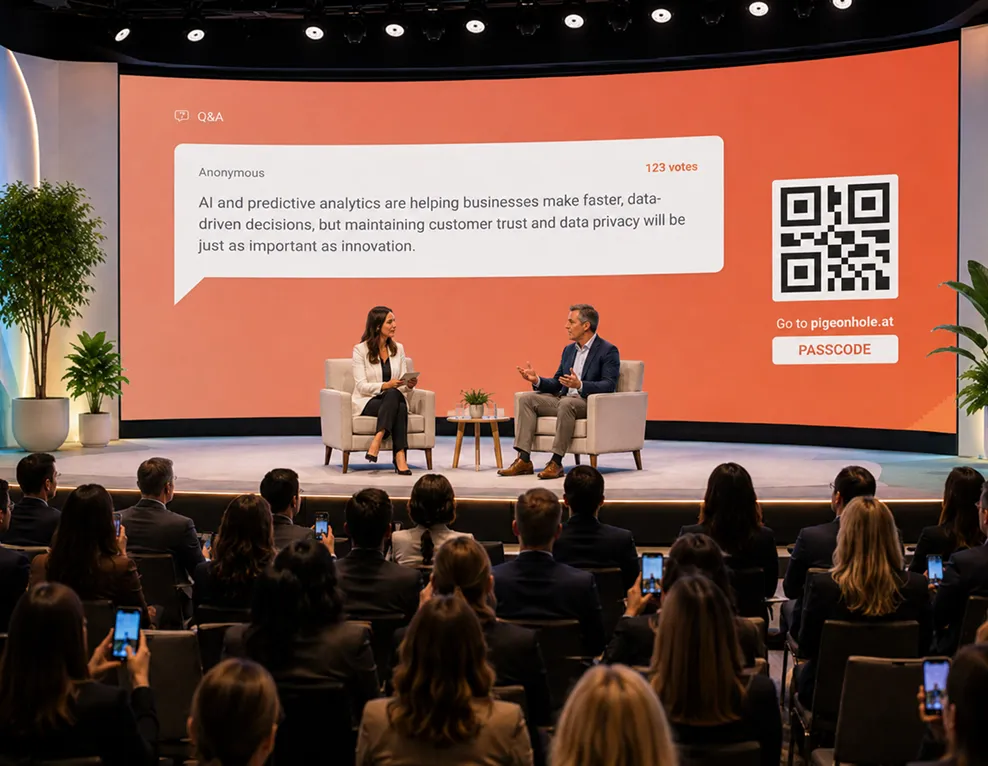
One Q&A session per stage
Prefer a simpler setup? You can run one Q&A session per stage, ideal for teams already familiar with this format.
Each stage has its own Q&A, and you can reset or archive questions between sessions as needed.
A straightforward way to get started, with the flexibility to move to session-based engagement anytime.
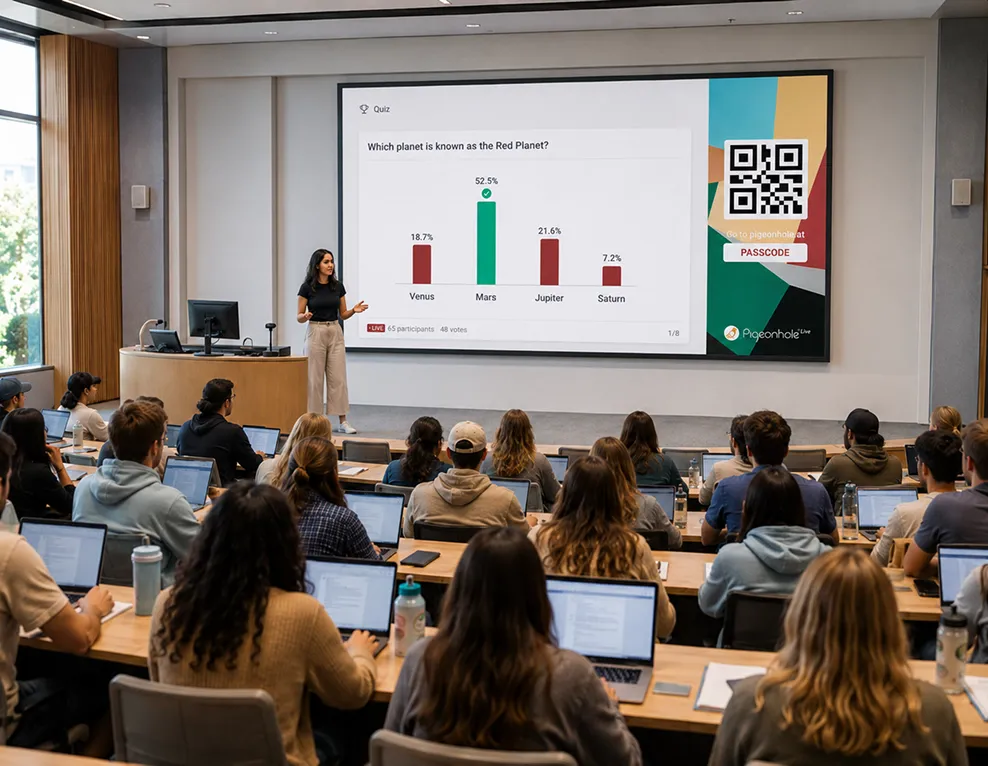
One Q&A session per lesson
Perfect for education and learning & development use cases.
Set up a Q&A session for each lesson or module, so learners can ask questions, revisit discussions, and complete Polls, Quizzes or Assessments tied to each topic.
Support structured learning and ongoing engagement throughout the course.
Already using an event app for your agenda?
No problem! You can still use Pigeonhole Live for structured, session-based Q&A across your event.
Some event apps can sync session details and create matching Q&A sessions in Pigeonhole Live. Each session gets its own Q&A link, which you can add to the matching session in your event app.
If your event app doesn't support this yet, we can help enable it via our public API, so every session in your agenda has its own dedicated Q&A.
Talk to us
Bring every session to life
Agenda gives your event structure. These features make every moment interactive.

Q&A
Give every session its own dedicated Q&A, so questions stay relevant, organised, and easy to manage.

Polls
Ask questions, run quizzes, or capture sentiment in real time, and see responses take shape as your session unfolds.

Surveys
Capture feedback while attention is still high, with simple surveys built for sessions, events and meetings.

Reactions
Feel the room, instantly! Capture live sentiment without disrupting the flow of your session.
Frequently asked questions
An event agenda platform helps you organise sessions, speakers, timings, tracks, and audience engagement in one place. Instead of using separate tools for schedules, Q&A, Polls, and Surveys, everything stays connected throughout your event.
Yes. Each session can have its own dedicated Q&A, Polls, Surveys, and Reactions, so engagement stays organised and relevant to that specific session. This helps attendees follow discussions without messy shared links or mixed conversations.
Yes. You can update session timings, speaker details, tracks, and agenda information anytime. Changes go live instantly for attendees without needing them to refresh the page.
Yes. Pigeonhole Live can work alongside your existing event platform or app. Some platforms can sync session details automatically, and custom integrations can also be supported through the public API.
Agenda works well for multi-session conferences, internal events, field marketing events, virtual conferences, hybrid events, training programmes, and learning sessions. It helps structure sessions clearly while giving each session its own engagement space.
Run structured, engaging events — all in one place
From agenda to interaction, Pigeonhole Live gives you everything you need to create meaningful audience experiences.
Build your AgendaNo credit card required.
Running a complex event agenda?
Share your requirements with us. We’ll help your team set up, plan and publish your Agenda so attendees can follow every session with ease.