 Pigeonhole Live for PowerPoint
Make your PowerPoint presentations interactive
Add live Polls and audience Q&A directly into your PowerPoint presentation. Present naturally while interactions appear at the right moments — no switching tabs, awkward pauses or extra tools needed.

Run live Polls and Q&A in PowerPoint.
Just click next!
Add Polls and Q&A exactly where you want audience interaction in your slides. As you present, they appear automatically at the right moments, so you can stay in PowerPoint and simply keep presenting with confidence.
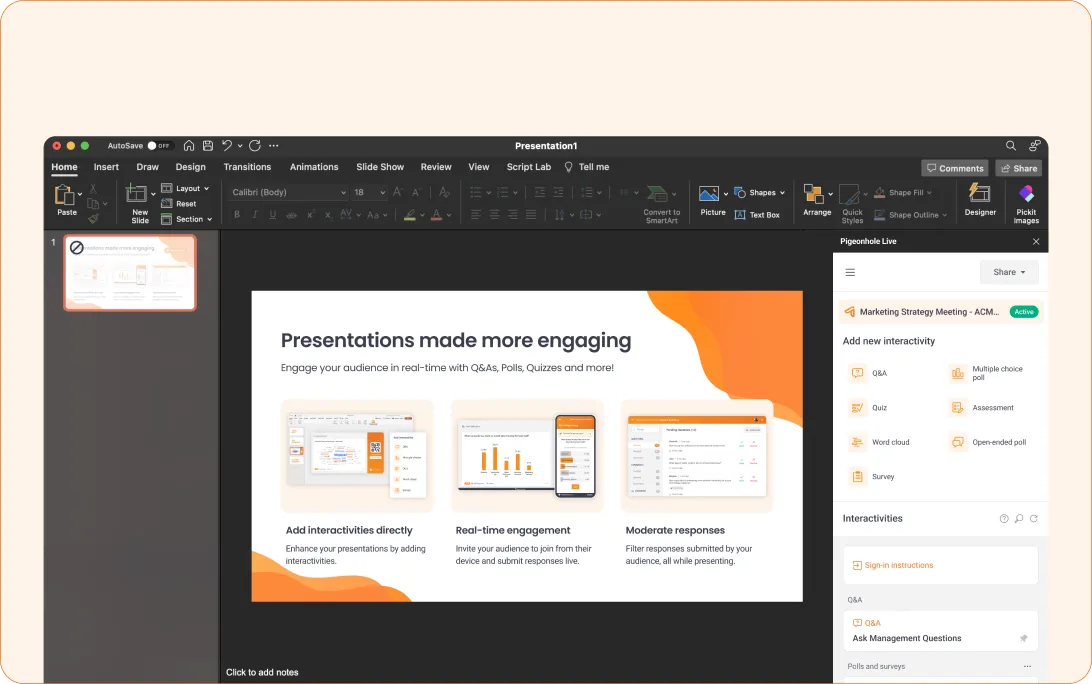
Choose the right interaction for every moment
Ask questions, gather opinions, check understanding or collect feedback — all directly inside PowerPoint. From live Polls and Q&A to Word Clouds, Quizzes and Surveys, your audience can participate without leaving the presentation.

Q&A
Ask and vote on questions during your presentation.

Multiple Choice Polls
Let your audience choose and see what most of them think.

Icon Rating Polls
Gauge sentiment instantly with emoji ratings.

Numeric Scale Polls
Measure confidence, agreement, or preference with a live rating scale.

Draggable Scale Polls
Capture detailed opinions with an interactive slider.

Ranking Polls
Ask your audience to rank options by preference or priority.

Open Ended Polls
Collect responses in your audience’s own words.

Word Clouds
Watch the most mentioned ideas grow larger as responses come in.

Quizzes
Add a little competition while you check understanding!

Assessments
Measure learning and spot areas to improve with self-paced questions.

Surveys
Gather structured feedback during or after your session.

Reactions
See how the room feels as emojis light up in real time.
How it works
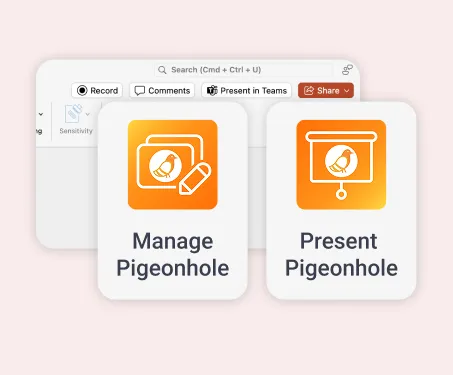
1. Install the PowerPoint add-ins
Find and install the Pigeonhole Live add-ins directly in Microsoft PowerPoint to start adding interactive moments to your presentation.
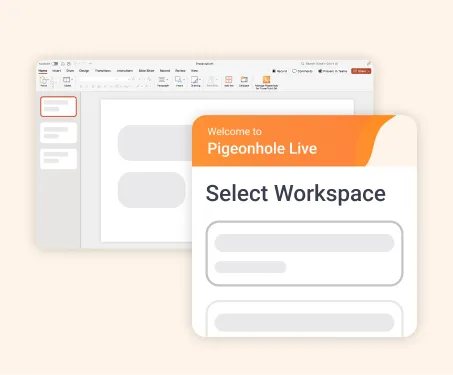
2. Connect your Pigeonhole Live account
Log into your Pigeonhole Live account, choose your Workspace and create a Presentation or Event Pigeonhole for your session.
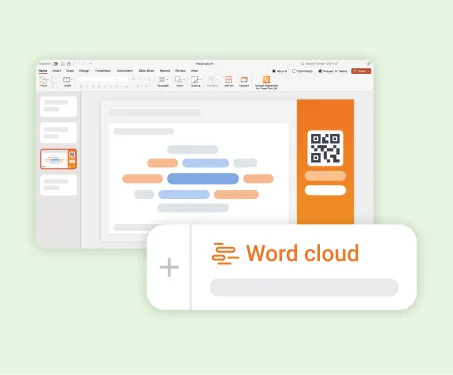
3. Add Polls and Q&A to your slides
Create Q&A, Polls, Quizzes or other interactions and place them exactly where you want audience participation in your PowerPoint deck.

4. Present! Just click next.
Present your PowerPoint slides as usual. When an interactive slide appears, your audience simply scans the QR code to join. No downloads or switching apps needed.
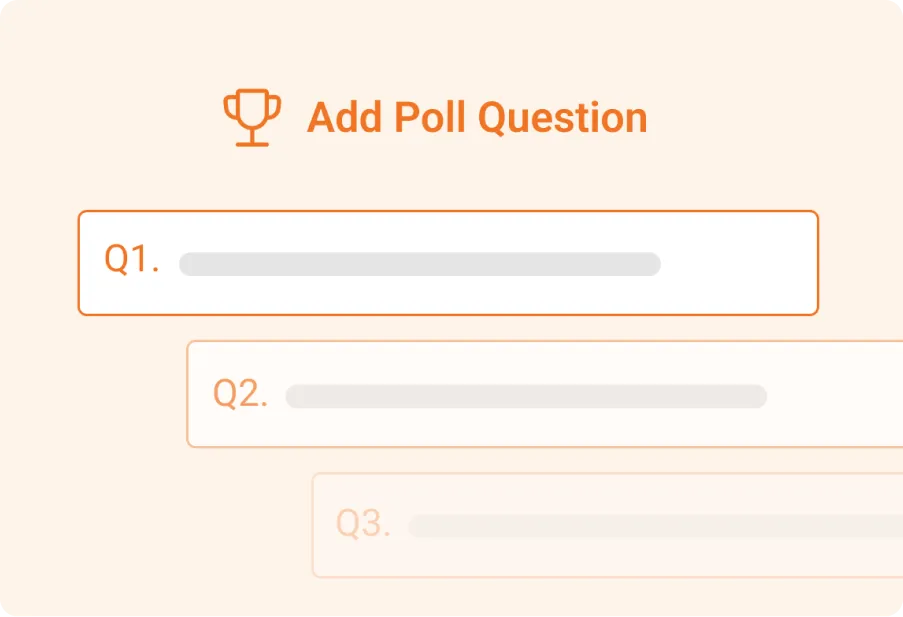
Create interactions ahead of time
Prepare your Q&A, Polls, Quizzes and Surveys in advance, then add them into your PowerPoint deck via add-in, whenever you're ready.
Make changes anytime in Pigeonhole Live and simply refresh the add-in to sync updates.
Let your audience join instantly
Participants can join in the way that works best for them. When an interactive slide appears, they’re guided to the right poll or Q&A automatically.

Scan a QR code
Show a QR code so attendees can join from their own devices.

Open a link
Share a link before, during, or after your presentation.

Join from meetings
Let attendees take part from Zoom, Webex, or Microsoft Teams.
Frequently asked questions
You can add live Polls and Q&A directly into PowerPoint using the Pigeonhole Live add-in. Simply install the add-in, log into your account, and insert Polls, Q&A, Quizzes or other interactions as slides in your presentation. As you present, they activate automatically at the right moments.
No. Participants can join instantly from their phones, tablets or laptops using a browser. Simply scan a QR code, click a link, or join through supported meeting apps such as Zoom, Webex and Microsoft Teams.
Yes. Pigeonhole Live is designed to work directly inside PowerPoint, so you can present naturally without jumping between browser tabs or separate polling tools. When an interactive slide appears, your audience can join instantly and participate while you continue presenting.
Beyond live Polls and Q&A, you can add Word Clouds, Quizzes, Assessments, Surveys, Reactions and multiple Poll types such as multiple choice, rankings, ratings and open-ended questions.
This allows you to gather feedback, check understanding and keep audiences engaged throughout your presentation.
Yes. You can create and organise your Polls, Q&A and other interactions in advance in Pigeonhole Live, then add them into your PowerPoint deck when ready. If you make changes later, simply refresh the add-in to sync updates instantly.
Yes. Pigeonhole Live for PowerPoint works with supported desktop versions of Microsoft PowerPoint on Windows and Mac.
For the smoothest experience, use the add-ins on the PowerPoint desktop app.
Pigeonhole Live for PowerPoint supports PowerPoint 2013 or later for Windows and PowerPoint 2016 or later for Mac.
For the best experience, use Pigeonhole Live on the PowerPoint desktop app.
Just click next. We’ll handle the interaction.
Run live Polls and audience Q&A directly in PowerPoint — without switching tabs or disrupting your presentation flow.
Get started for free