 Live Chat
Live Chat designed for events, without the noise
Run focused, moderated conversations alongside each session, so discussions stay clear, relevant, and easy to follow.
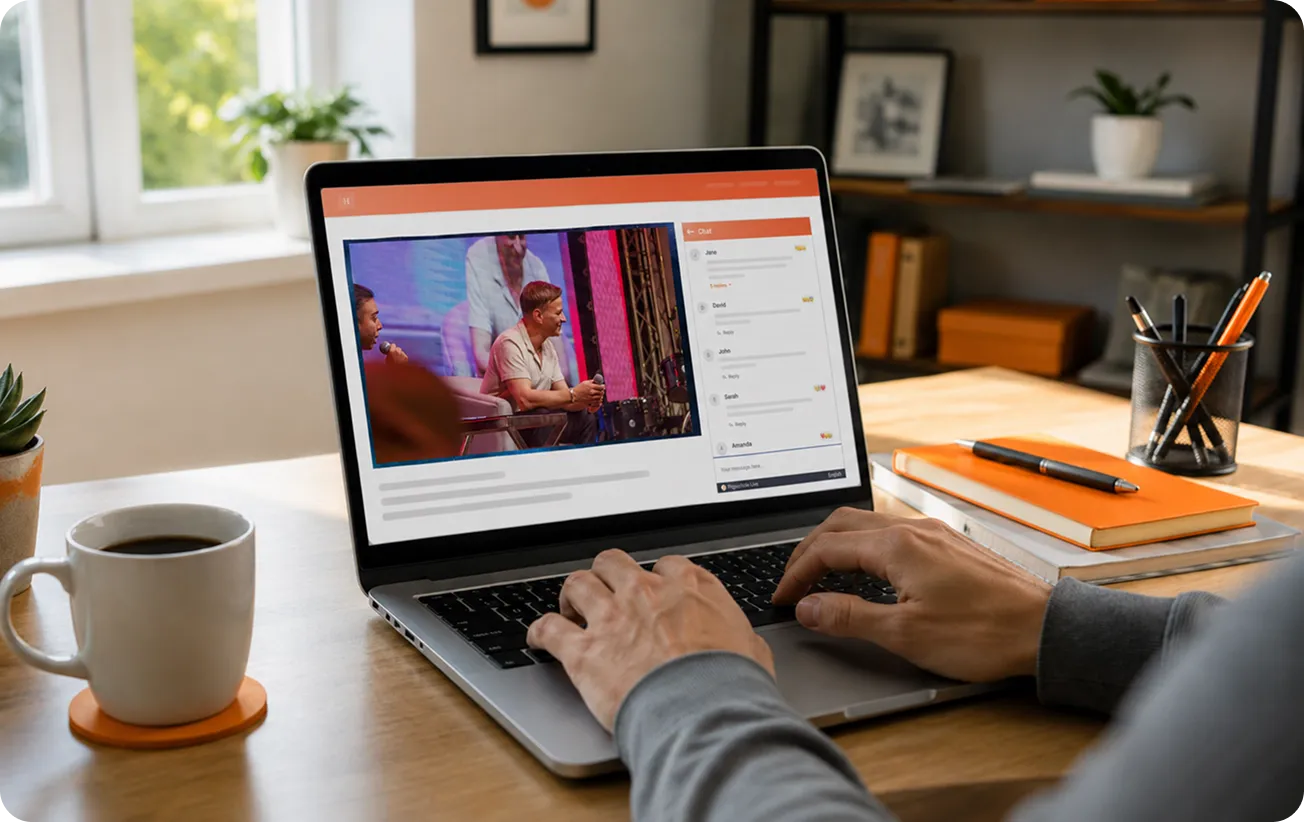
Give your live stream a voice
Messages, replies, and reactions unfold in real time.
How live Chat works
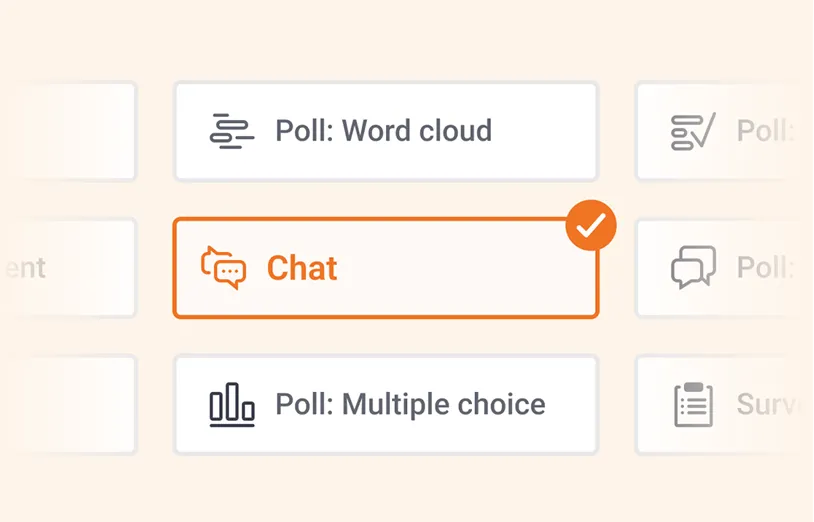
1. Set up your Chat
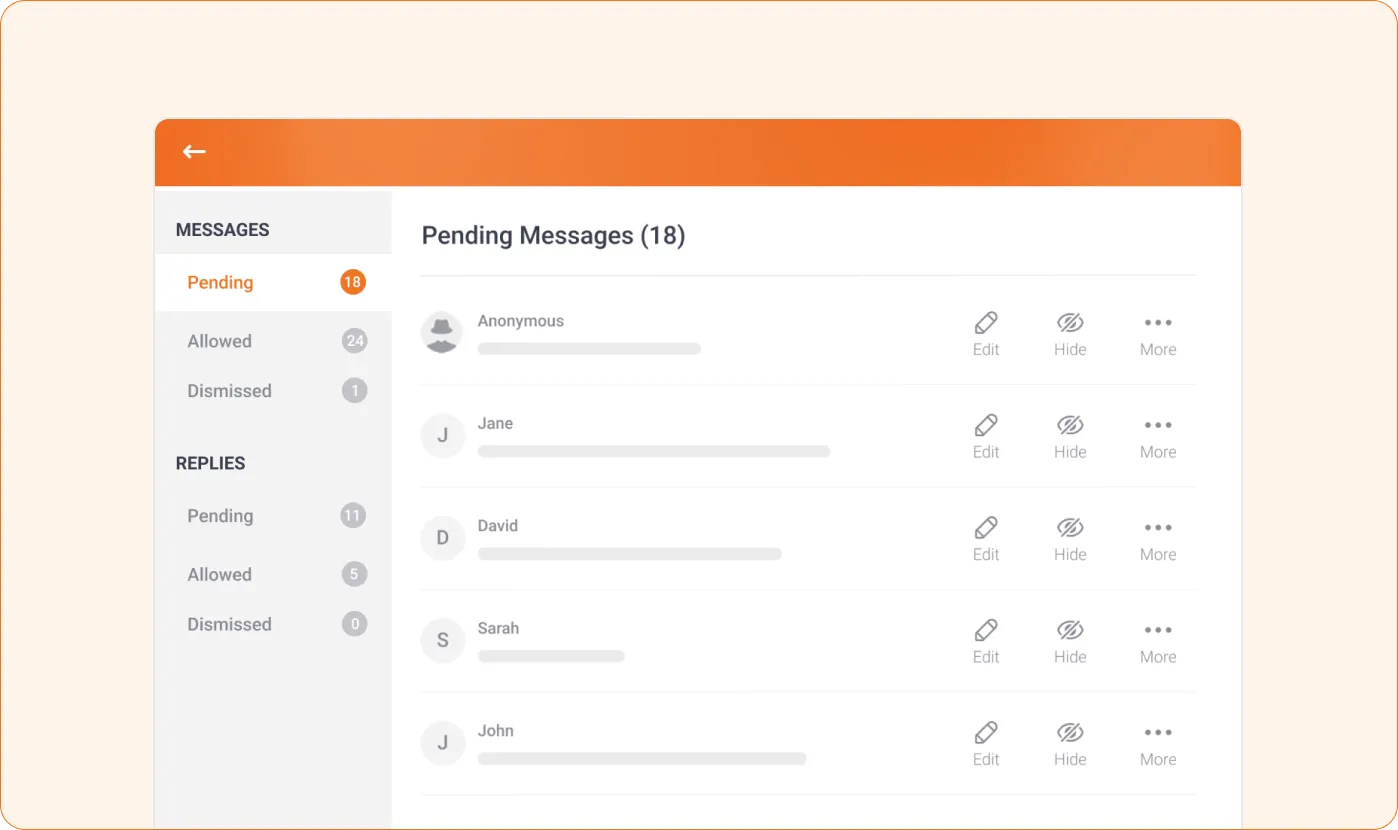
Create a Chat session and choose how you want to moderate it: review all messages, filter clickable links, or block restricted words automatically to keep conversations friendly and on-topic.
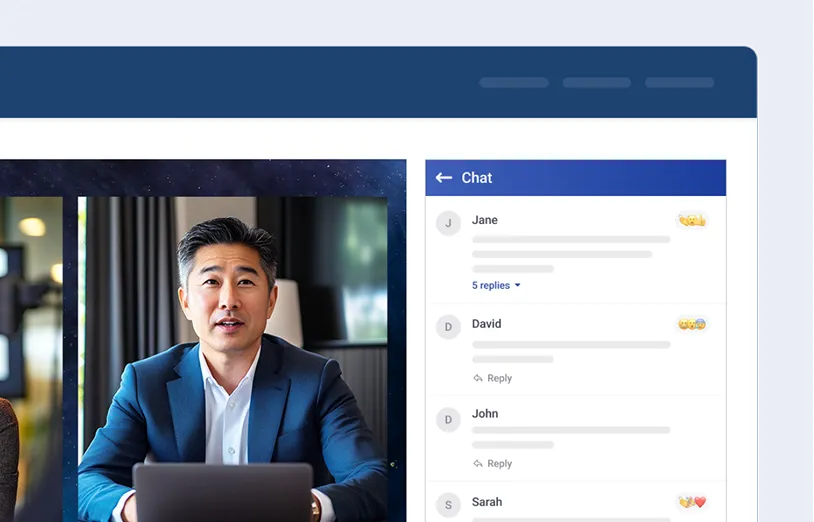
2. Embed Chat into your event
For virtual or hybrid events, add Chat directly to your event website or use our integrations so attendees can chat alongside live streams, webinars, and watch parties.
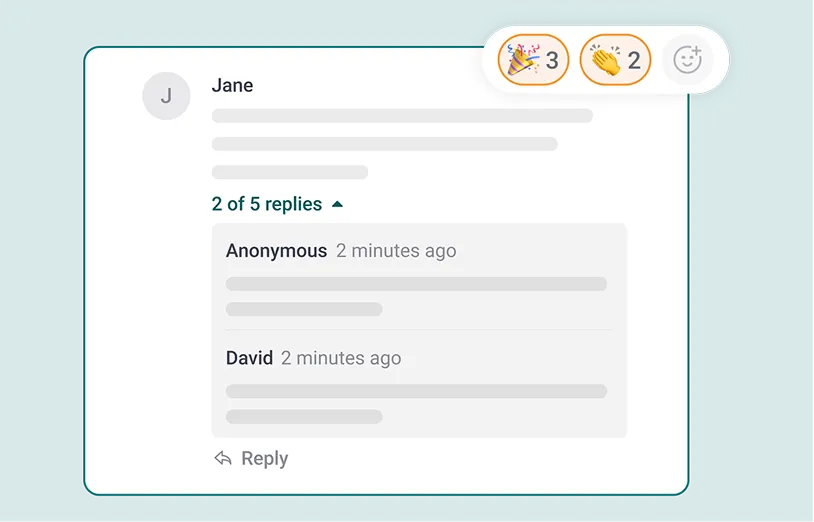
3. Let conversations take over
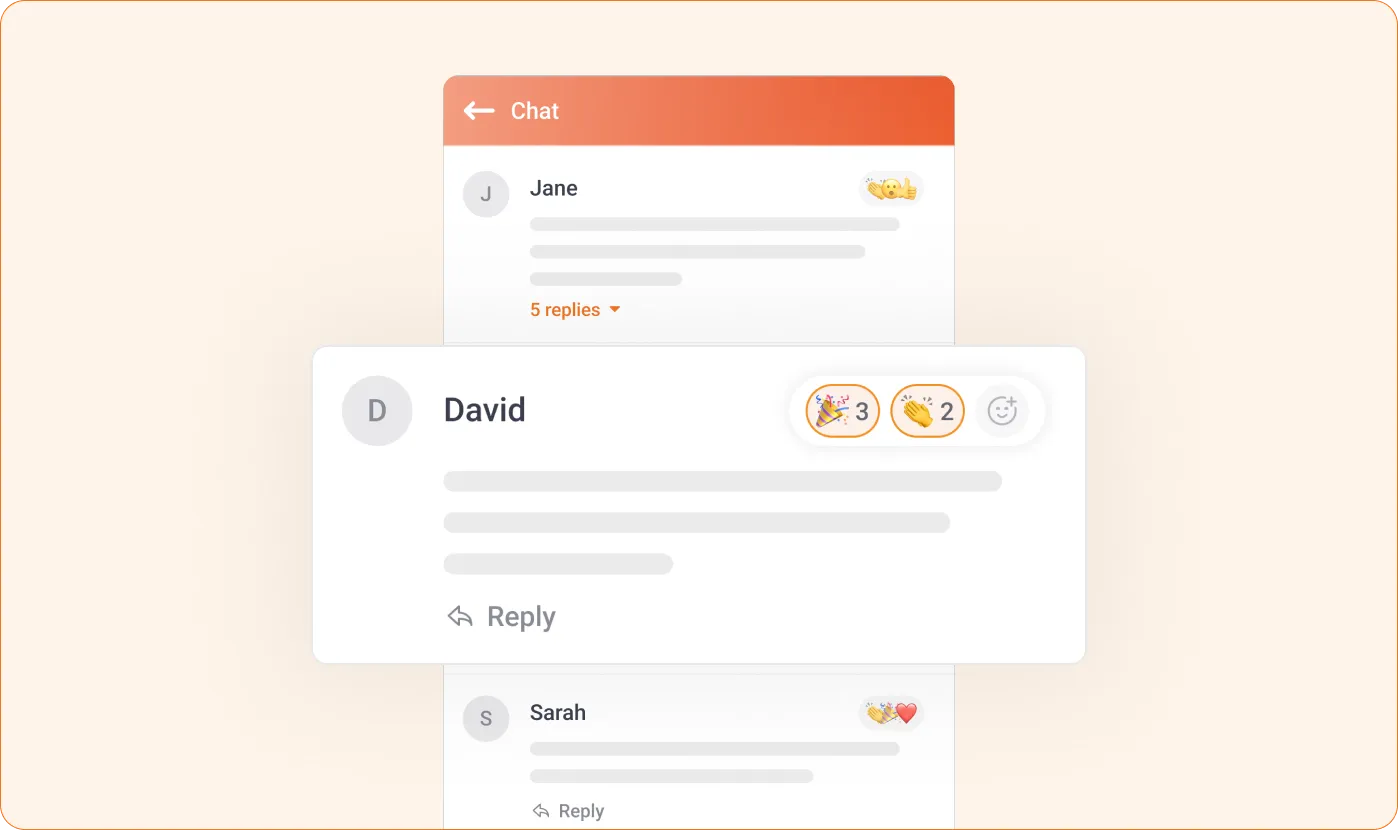
Attendees join the Chat and jump right in: posting messages, replying in threads, reacting, and connecting around the live event experience.
Built for real-time event chat
















One chat, wherever your audience is
Watch and chat in one place
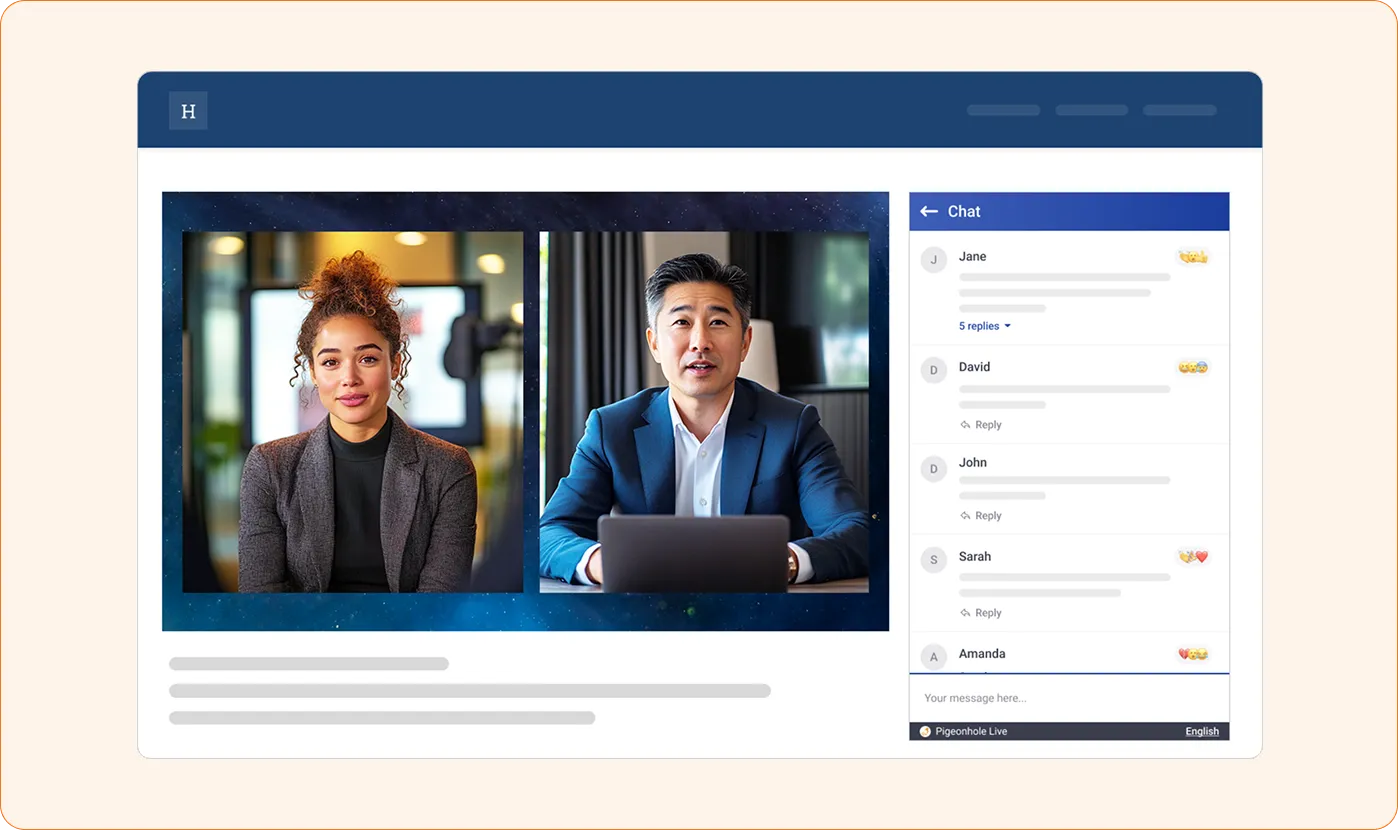
Embed live Chat next to your video stream on your event page or platform, so attendees can watch and join the conversation in one place.
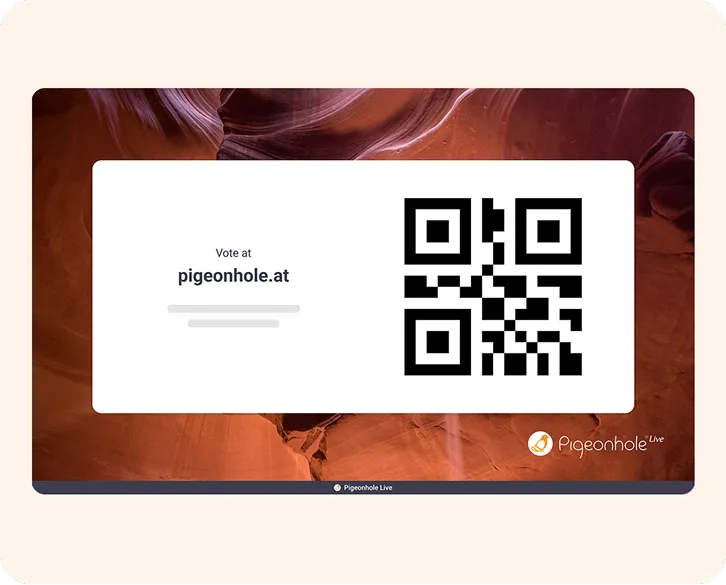
Bring everyone together
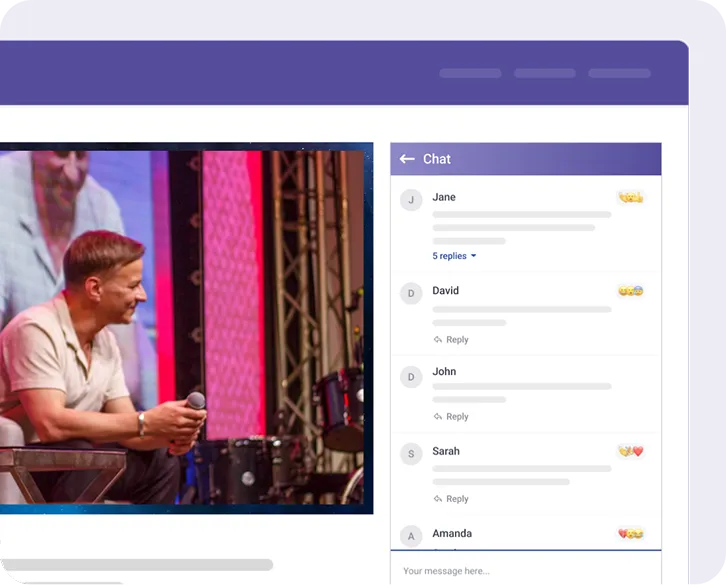
Onsite audiences can scan a QR code or join through your event app, bringing everyone into the same live conversation.
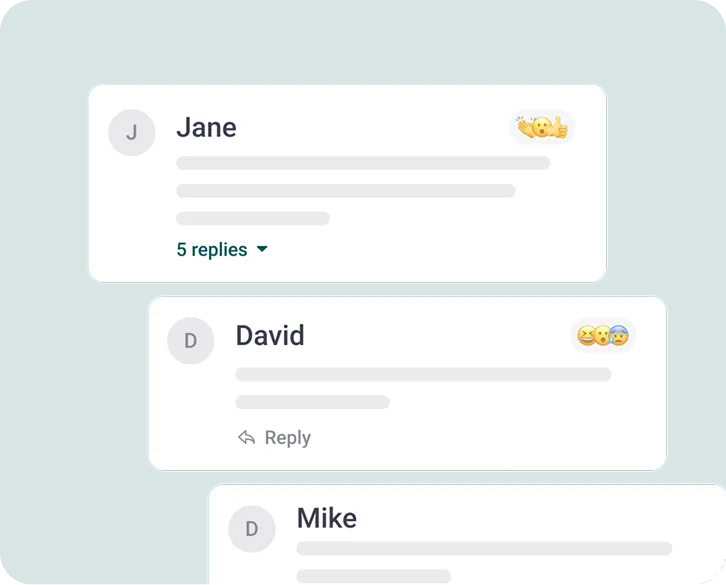
Profiles ready from the start
When connected to your event platform, attendees join with profiles ready, making participation smooth, identifiable, and easy to follow up later.
Chat isn't Q&A — and that's a good thing
Chat and Q&A play different roles. Chat keeps conversations flowing in real time, while Q&A helps important questions rise to the top and get answered.
The best part? You don't have to choose — Pigeonhole Live gives you both.
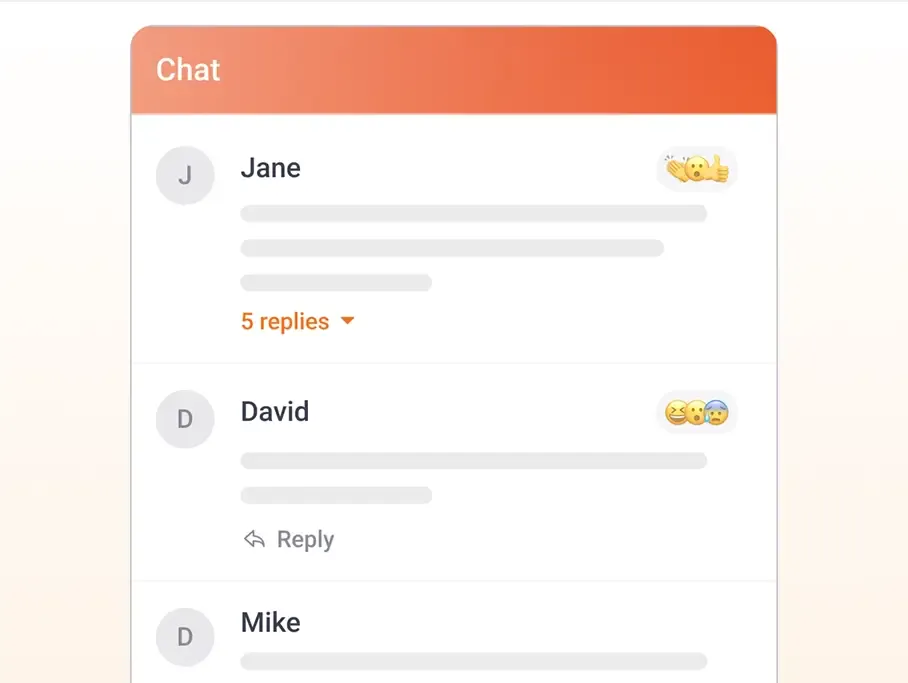
Fast, open conversations
Chat is built for spontaneous, fast-moving discussions. Attendees can react in the moment, share thoughts, reply in threads, and connect with others as the event unfolds.
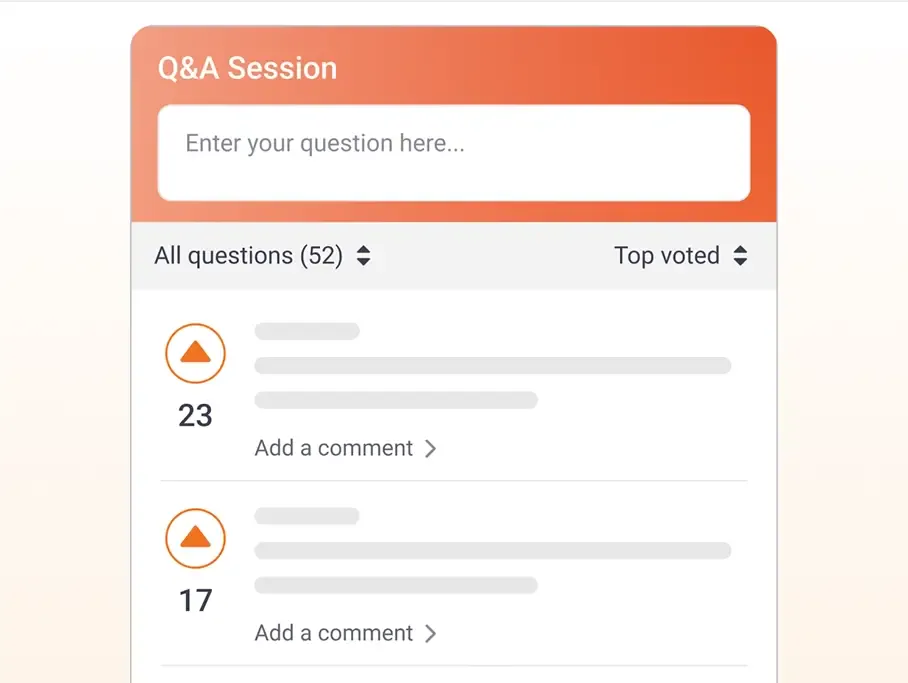
Questions that deserve attention
Q&A gives audience questions a dedicated space to be read, upvoted, discussed and moderated. Speakers and moderators can easily prioritise what matters and answer questions more effectively.
What you can do with live Chat
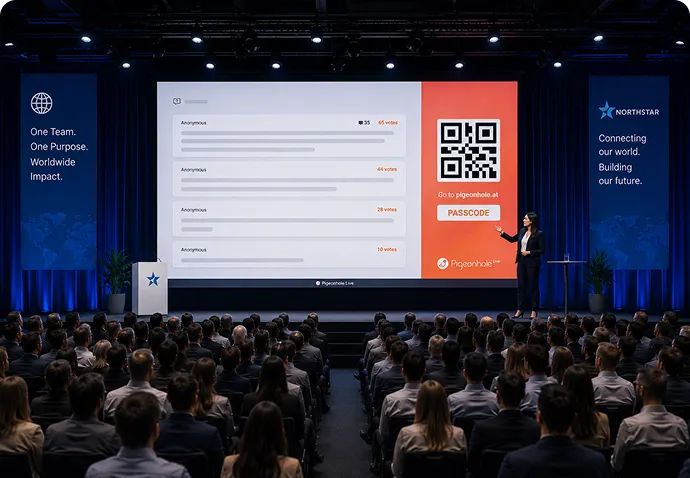
Global town halls
Employees can react and engage freely in Chat, while leadership focuses on the most important questions surfaced through Q&A — creating an open yet structured dialogue at scale.
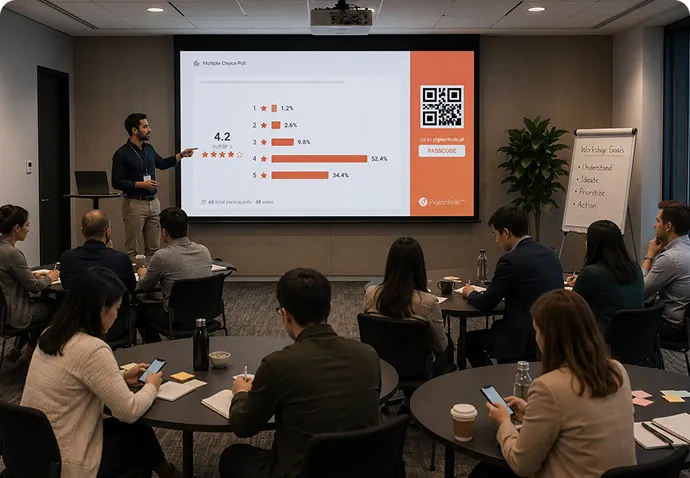
Workshop sessions
Across conferences with hundreds of sessions and workshops, run dedicated Chat, Q&A, and Polls for each one — so every conversation stays relevant, organised, and easy to follow.
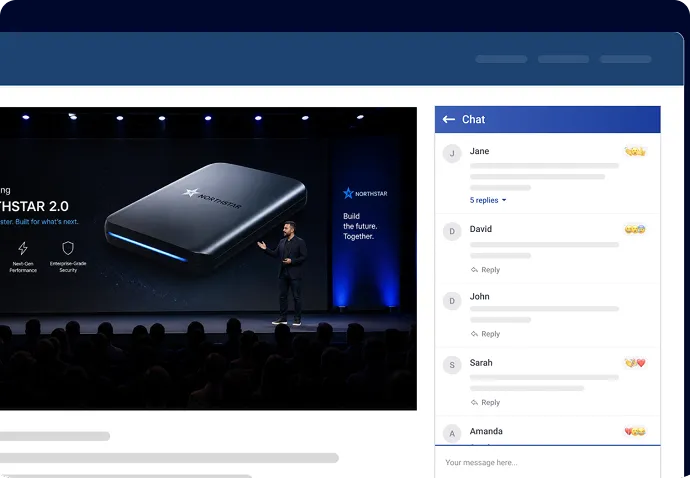
High-profile product launches
As you unveil the next latest product, audiences react, share thoughts, and discuss features in live Chat in real time — while key questions are captured in Q&A and answered by your team.
Trusted by teams who want real engagement













More ways to engage, all in one place
Chat is just the start. Combine it with Q&A, Polls, Reactions, and Surveys to capture every interaction in one structured experience.

Q&A
Capture and prioritise questions that matter with upvoting, moderation, and clear visibility for speakers.

Polls
Engage your audience with live polls, from quick check ins to quizzes and word clouds.

Reactions
See how your audience feels in the moment, with real-time reactions that bring energy to your sessions.

Surveys
Collect structured feedback before, during, and after your session, with responses you can review and act on.
Frequently asked questions
Live Chat connects directly to your event platform, so attendee names and profiles pass into chat automatically. People join the conversation as soon as they enter a session, without signing in again.
Yes. You can embed live Chat on any event website or event page, including pages that contain livestreams from YouTube, Brightcove, Castr, Vimeo, or your own video player. It blends into your event design and keeps the conversation in one place.
You can review messages before they appear, filter flagged words automatically, and keep conversations organised with threads and mentions. This helps large webinars, town halls, and product launches stay focused, safe, and easy to follow.
Yes. Live Chat brings people in the room and people watching remotely into the same conversation. Attendees can reply in threads, react to messages, and follow the discussion together in real time.
You can export Chat history and attendee details to review what people asked, reacted to, and discussed during the event. This makes it easier to follow up on questions, spot trends, and understand what mattered most to your audience.
Make live Chat work seamlessly with your event platform
Tell us about your setup and we’ll help you create a smooth, structured engagement experience.